


1. Editing existing images
From face replacements to lighting, Qwen is exceptional at modifying a range image properties.

Qwen Edit 2511 - inpainting
inpainting
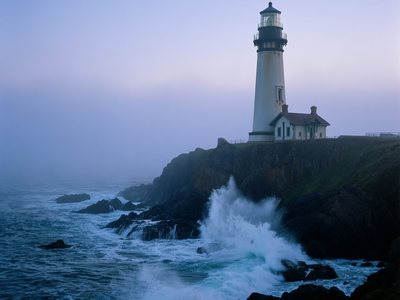

Qwen Image 2512 · Text to Image
Text to image
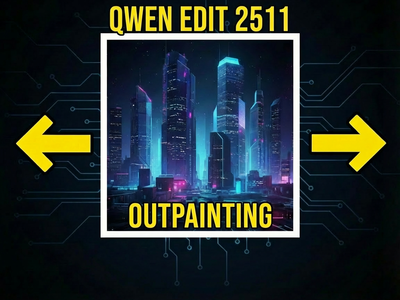
Qwen Edit 2511 OUTPAINTING
OUTPAINTING
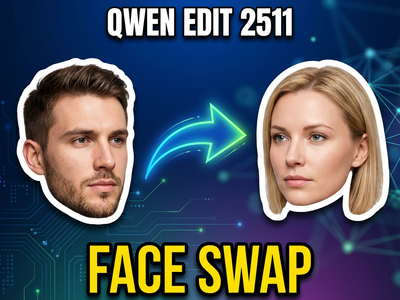
Qwen Edit 2511 Face Swap
Face Swap
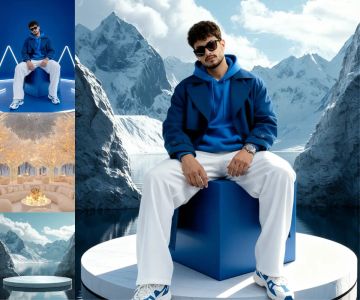
Qwen Image Edit 2511 · Composite
Place a subject into a new scene using Qwen Image Edit 2511 and the Kontext multi-reference method. Upload a subject and a background, describe the edit, run.
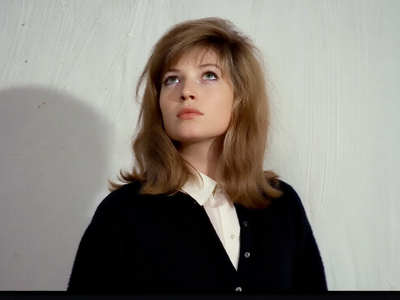
Qwen Image Edit 2509 · Relight
Remove harsh light and shadow from any photo and relight it with soft, even illumination using Qwen Image Edit 2509 and a Relight LoRA. Upload and run.
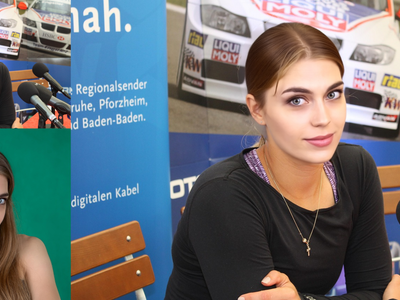
Qwen Image Edit 2509 · Face Swap
Swap a face between two photos with Qwen Image Edit 2509. Upload a main image and a reference, paint a mask on each face, hit run. Apache 2.0 open weights.

FlatLogColor LoRA and Qwen Image Edit 2509
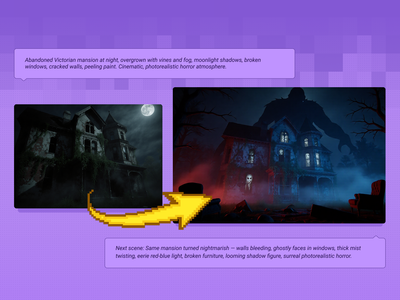
Qwen Image Edit 2509 + Flux Krea for Creating Next Scene
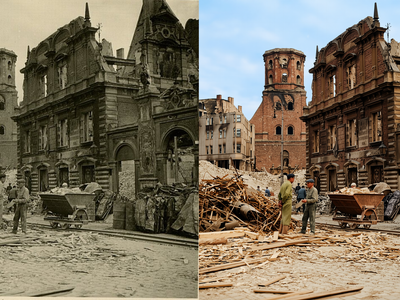
Qwen Image Edit 2511 Restore Damage Old Photograph
Restore Damage Old Photograph
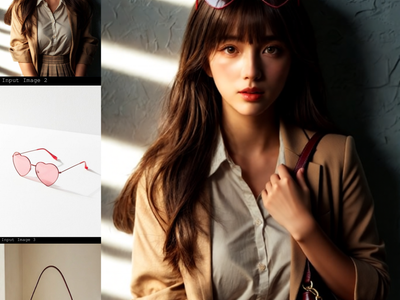
Qwen Image Edit 2509 · Combine Images
Merge up to three images into one scene with Qwen Image Edit 2509. Upload a subject, add items to place on it, describe the layout, hit run. Apache 2.0.
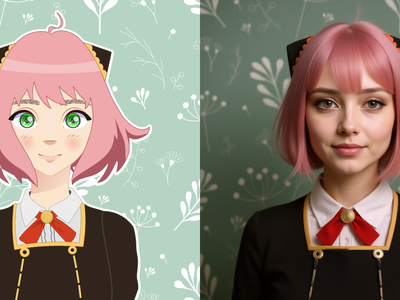
Qwen Image Edit 2509 · A2R
Merge up to three images into one scene with Qwen Image Edit 2509. Upload a subject, add items to place on it, describe the layout, hit run. Apache 2.0.
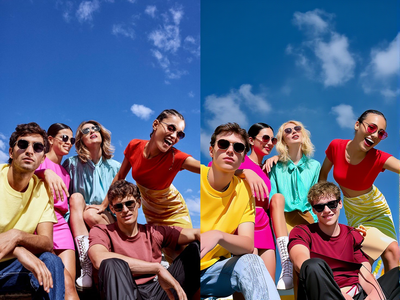
Z-Image Turbo with Controlnet 2.1 and Qwen VLM
Creating Accurate Variety of Images
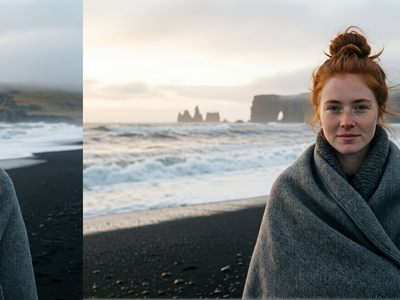
Upscaling Images to 4k using Qwen Image Edit 2511
Upscale to 2k to 4k
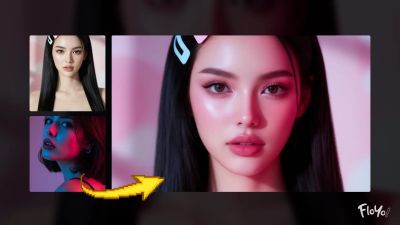
Qwen Image Edit – Portrait Light Migration
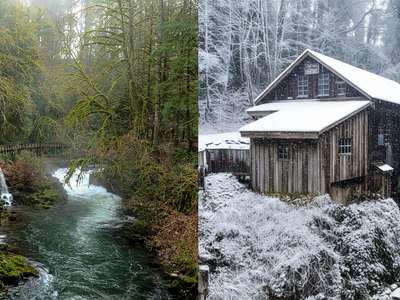
Qwen Image Max Edit for Editing Images
Editing images using the flagship model of Qwen Image Max Edit
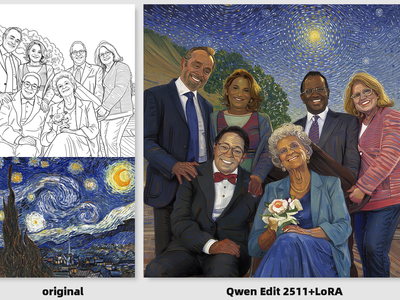
Qwen Image Edit 2511 + Style Transfer LoRA
Create new images from your lineart drawing or sketch using the style transfer LoRA and Qwen Image Edit 2511
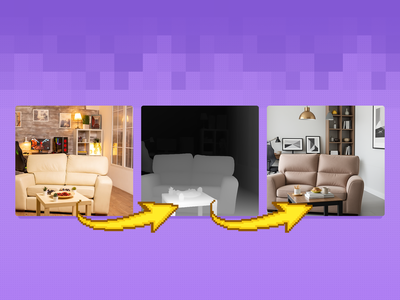
Qwen Image 2512 + Fun Controlnet Union 2602
Transform your mages using the Qwen Image 2512 and with Fun Controlnet Union 2602
2 Creating new versions
From next scenes to multiple angles, Qwen excels at creating entirely new images inspired by the properties of an original image.
_1786518453053.png?width=400&height=300&quality=80&resize=cover)
Qwen Image Edit 2509: Build a LoRA Dataset
Create Character LoRA Dataset
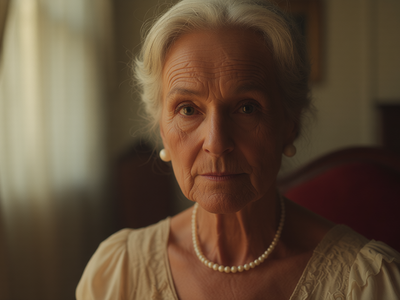
Qwen Image Edit 2509 · Change Camera Angle
Re-render any subject from a new camera angle with Qwen Image Edit 2509 and a Multi-Angle LoRA. Upload one image, name the view, and hit run. Apache 2.0.
Qwen Image Edit 2509 + Flux Krea for Creating Next Scene
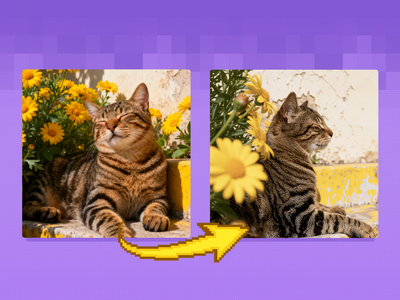
Qwen Image Edit 2509 + Multi-Angle LoRA for Camera
Re-render your subject from any camera angle with Qwen Image Edit 2509 and a Multi-Angle LoRA. Pan, tilt, rotate, wide-angle, or close-up. No trigger word.
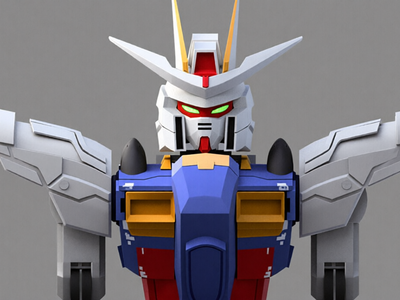
Qwen Image Edit 2509 and Grayscale to Color LoRA
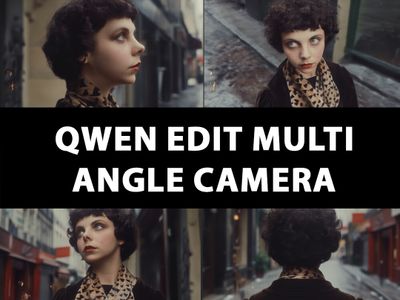
Qwen Edit 2511 Multi Angle Camera
Multi Angle Camera
Qwen Edit 2511 Face Swap
Face Swap

Qwen Image Edit – Multi-Angle Camera View
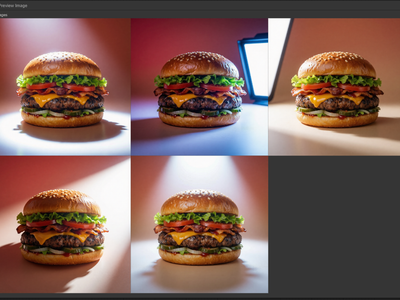
Qwen Multiangle Light with Qwen Image Edit 2511
Relighting images using Qwen multiangle light node
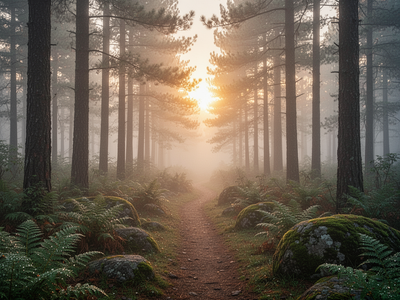
Qwen Image Max for Text to Image
Create a high quality using the flagship model of Qwen Image
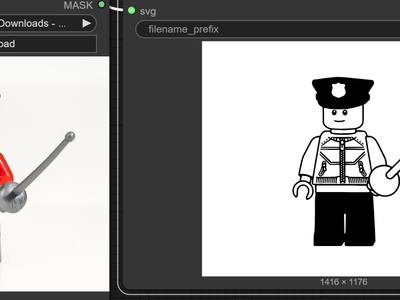
SVG Potracer + Qwen Image 2511 for Image to SVG
Create SVG image using Qwen Image Edit and SVG Potracer node
3. Video and more
Leveraging Qwen for video and other unique use cases

Qwen3 Thinking Prompt Enhancer

Qwen 3.5 Plus for Multimodal LLM and VLM
Analyze your images or videos using you Qwen 3.5 Plus
SVG Potracer + Qwen Image 2511 for Image to SVG
Create SVG image using Qwen Image Edit and SVG Potracer node

Character Reshoot using Qwen Edit 2511 + Kling O1
Creating a reshoot for a character
_1772389694491.gif?width=400&height=300&quality=80&resize=contain&format=origin)

AI Influencer Video Maker (Qwen 2511 + LTX-2)
Build your AI influencer, stage the product moment, and animate the full promo in one workflow.
%20(1)_1772692256095.webp?width=400&height=300&quality=80&resize=contain&format=origin)
Wan 2.2 and Qwen for V2V Restyle
Create a new video by restyling an existing video with a reference image.

Vertical Video FX Inserter - Qwen + Wan 2.1 FunControl
4. LoRA Training
Create your own Qwen fine-tune


Qwen LoRA Trainer with Auto-Caption
Train a custom Qwen Image Edit 2511 LoRA from a folder of images. Florence 2 auto-captions, Musubi trains, and a built-in test section previews results.