Qwen Image Edit – Multi-Angle Camera View
Image
Image to Image
LoRAs
Qwen
1.1k

Nodes & Models
VAELoader
qwen_image_vae.safetensors
UNETLoader
qwen_image_edit_2511_bf16.safetensors
CLIPLoader
qwen_2.5_vl_7b_fp8_scaled.safetensors
WorkflowGraphics
MarkdownNote
Note
LoadImage
LoraLoaderModelOnly
Qwen-Image-Edit-2511-Lightning-4steps-V1.0-bf16.safetensors
qwen-image-edit-2511-multiple-angles-lora.safetensors
FluxKontextImageScale
TextEncodeQwenImageEditPlus
VAEEncode
ModelSamplingAuraFlow
FluxKontextMultiReferenceLatentMethod
CFGNorm
KSampler
VAEDecode
SaveImage
Qwen Image Edit – Multi-Angle Camera View (Stable Workflow)
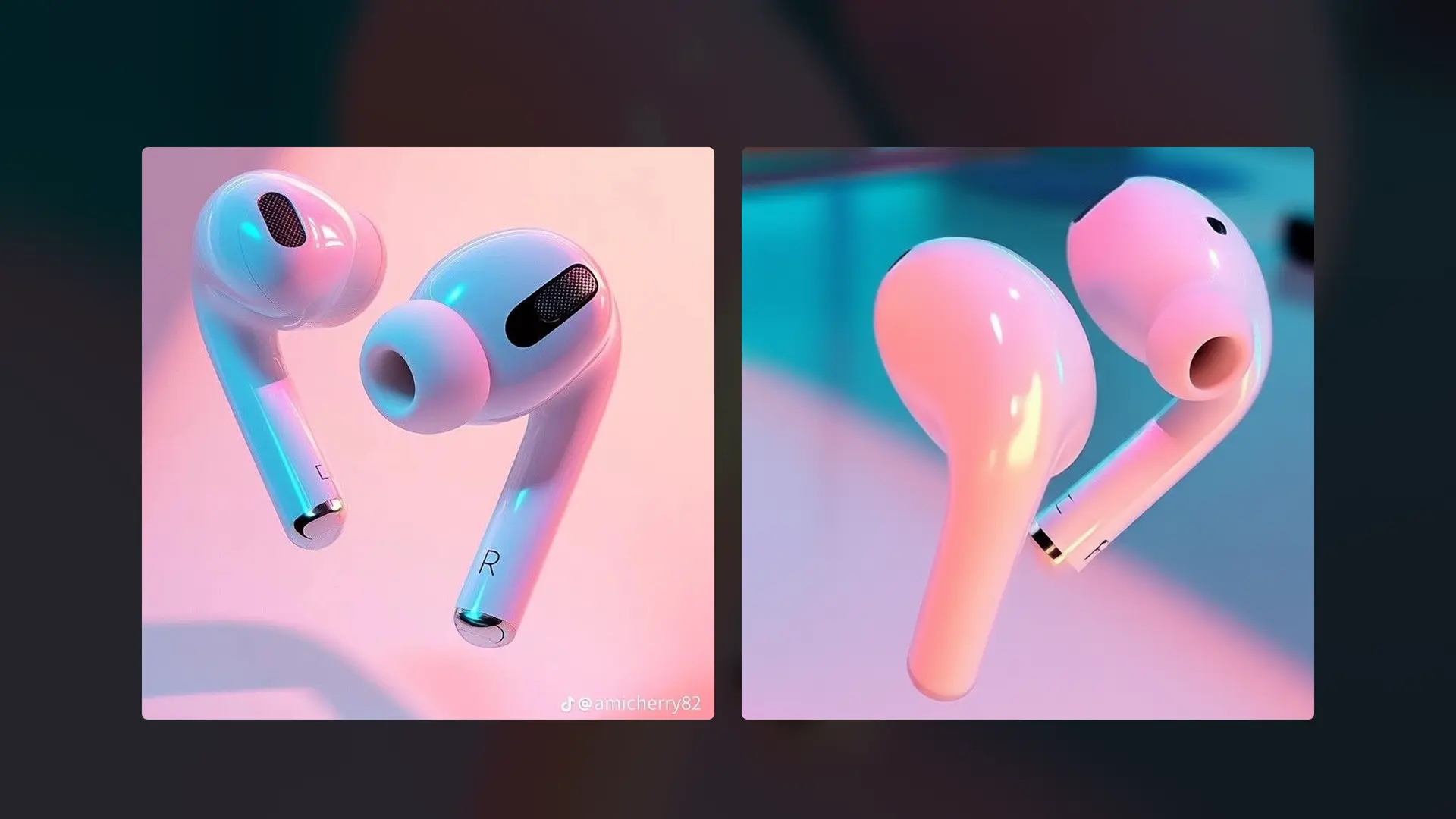
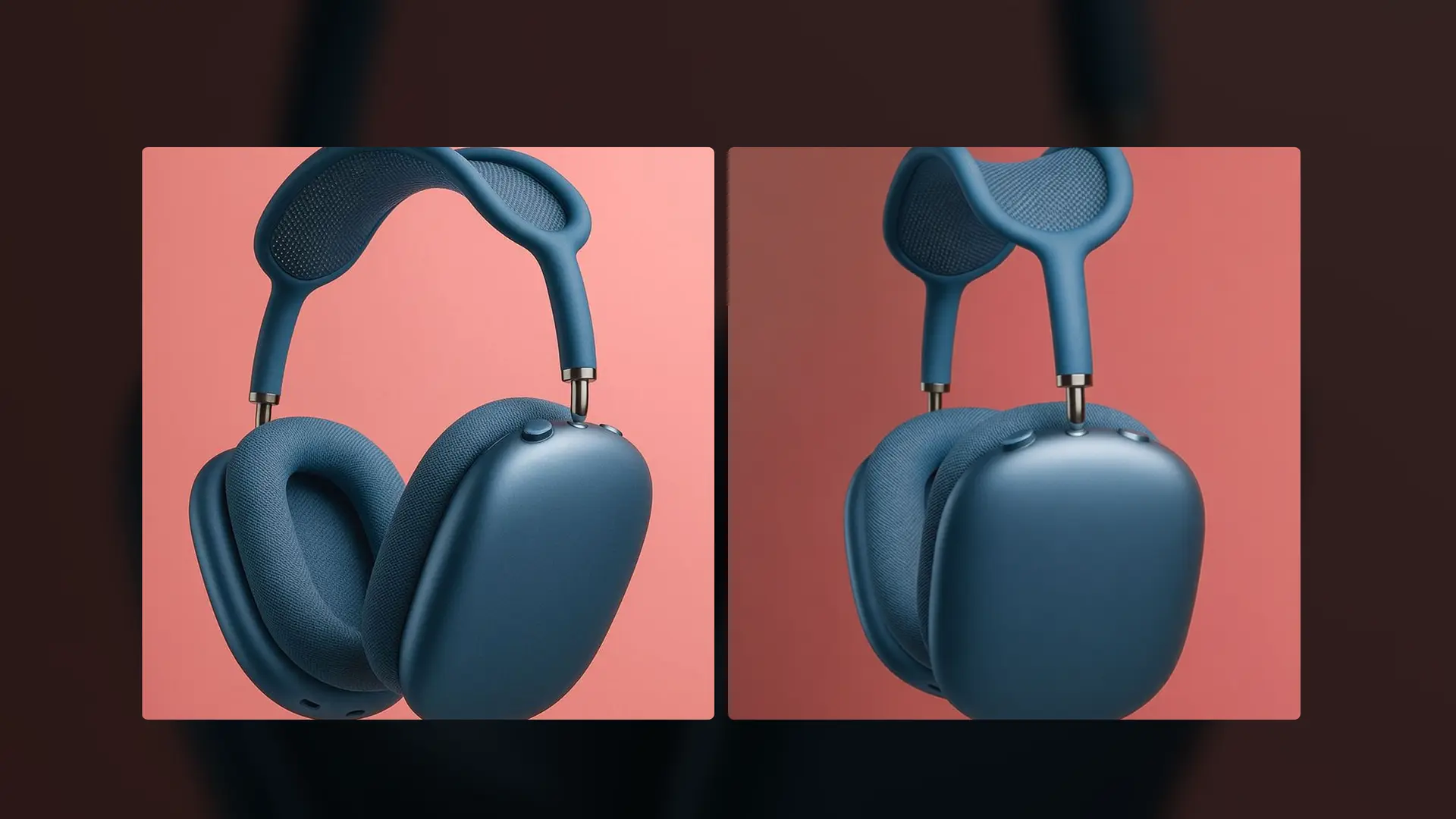
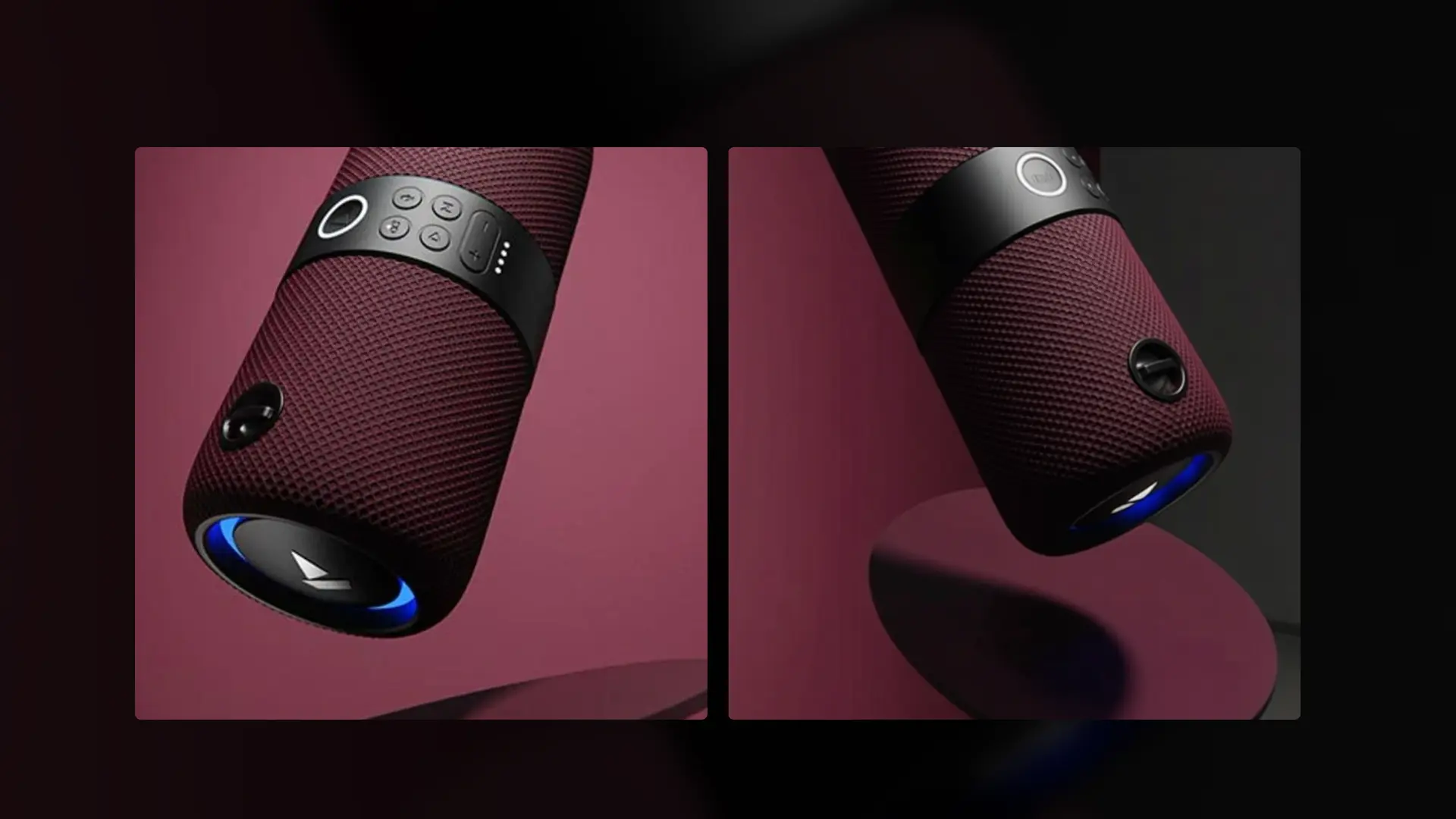
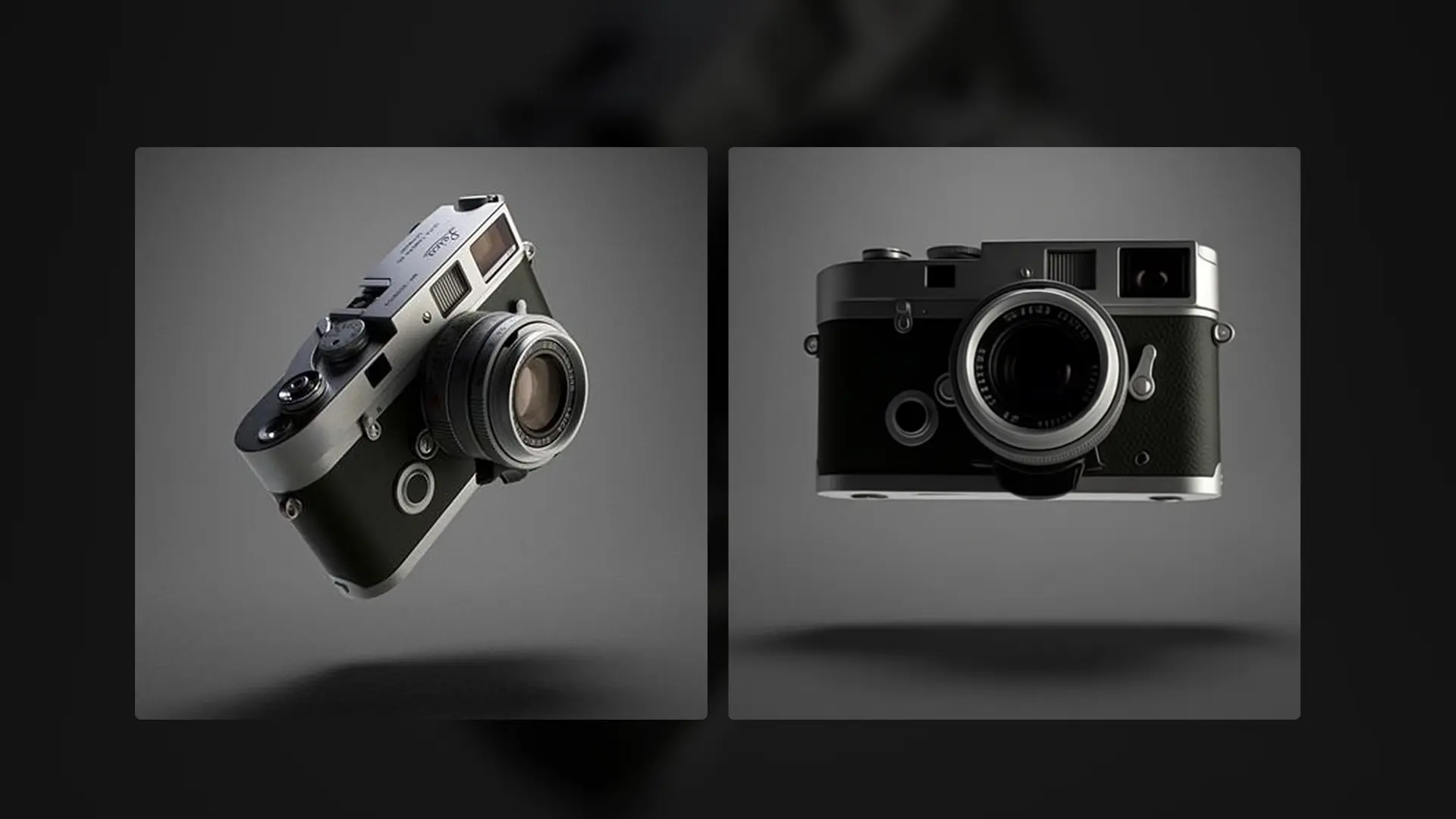
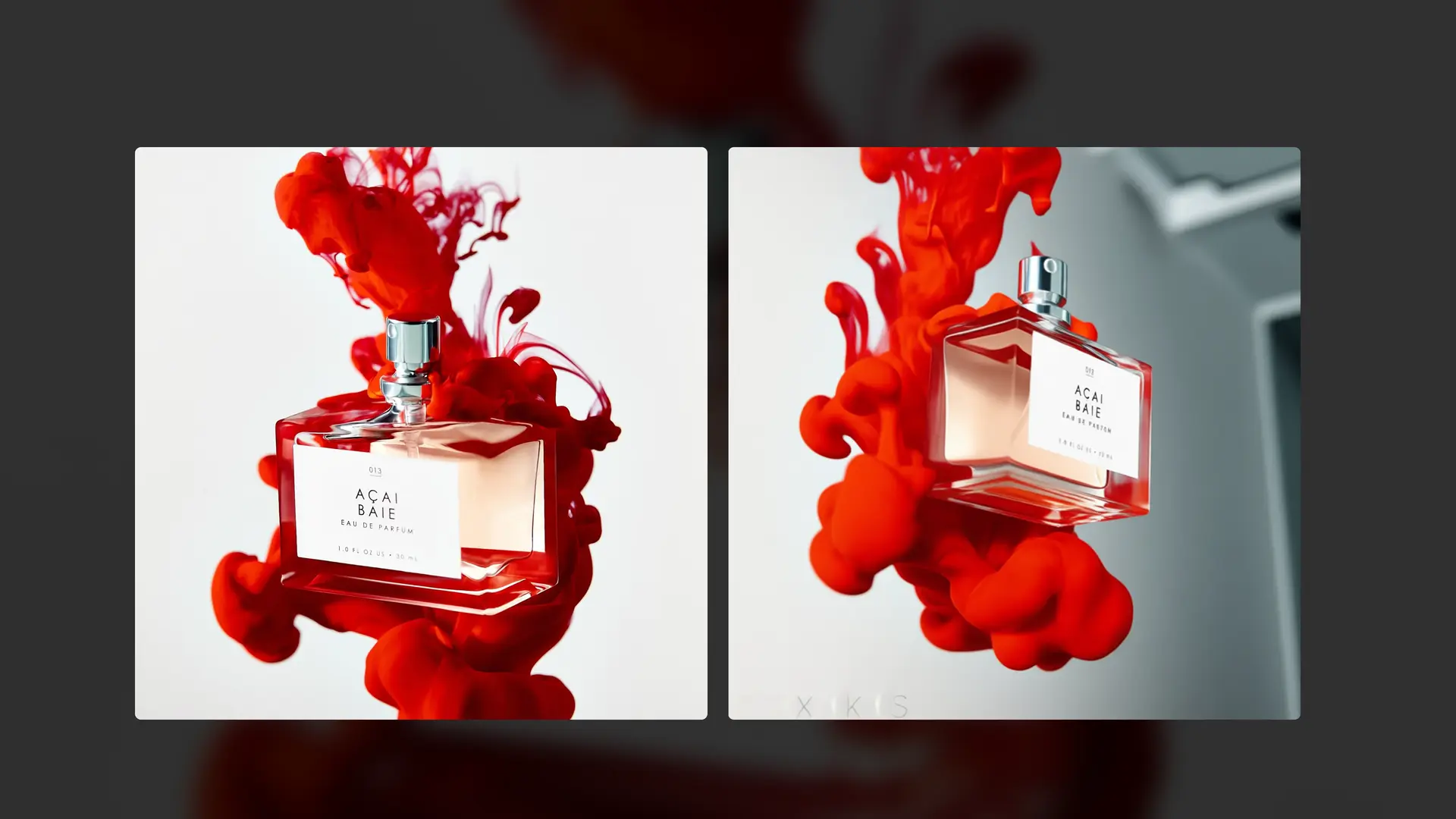
This workflow generates new camera angles of a subject image while preserving identity, structure, and visual consistency. It simulates realistic camera movement—rotation, tilt, and zoom—without rebuilding or distorting the subject.
No manual prompting.
No masking or rigging.
No 3D reconstruction.
The system keeps the subject exactly the same and re-renders it from a new camera perspective using intelligent multi-angle understanding.
Everything stays consistent:
✔ Same subject identity and facial features
✔ Same geometry, proportions, and edges
✔ Same materials, textures, and details
✔ Same scene composition and realism
Only the camera angle, viewpoint, and perspective change—naturally and coherently.
How It Works
1. Upload the Subject Image
Upload the main image you want to rotate or view from a different angle.
This image defines:
✔ subject identity
✔ shape and structure
✔ textures and materials
✔ original composition
The subject itself is preserved throughout the process.
2. Camera Angle Configuration
Set camera parameters such as horizontal angle, vertical tilt, and zoom.
These values define:
✔ camera rotation direction
✔ viewpoint elevation
✔ perceived distance from subject
No text prompts are required—the system generates them automatically.
3. Intelligent Camera Re-Projection
Using Qwen Image Edit’s multi-angle reasoning, the workflow:
✔ understands the subject’s spatial structure
✔ simulates camera movement realistically
✔ generates a new view without deformation
No geometry collapse, no hallucinated parts.
4. Identity & Structure Preservation
AI ensures:
✔ stable facial features
✔ consistent proportions
✔ intact edges and contours
✔ preserved surface details
The subject never “changes”—only the camera does.
5. Stable Image Generation
An optimized, Lightning-safe pipeline provides:
✔ controlled sampling
✔ reliable outputs
✔ no silent failures
Works consistently on local and cloud setups.
6. Save the Final Output
Once generation completes, the new camera-angle image is saved automatically and ready to use.
🎯 Final Result
You get a clean, production-ready image that:
✨ Shows the same subject from a new angle
✨ Preserves identity and realism perfectly
✨ Requires only one input image
✨ Ideal for turntables, product views, character shots, and visual exploration
The result looks like it was captured by a real camera—without 3D modeling, rigs, or manual setup.
Read more
0
Reply
_1786518453053.png?width=400&height=300&quality=80&resize=cover)