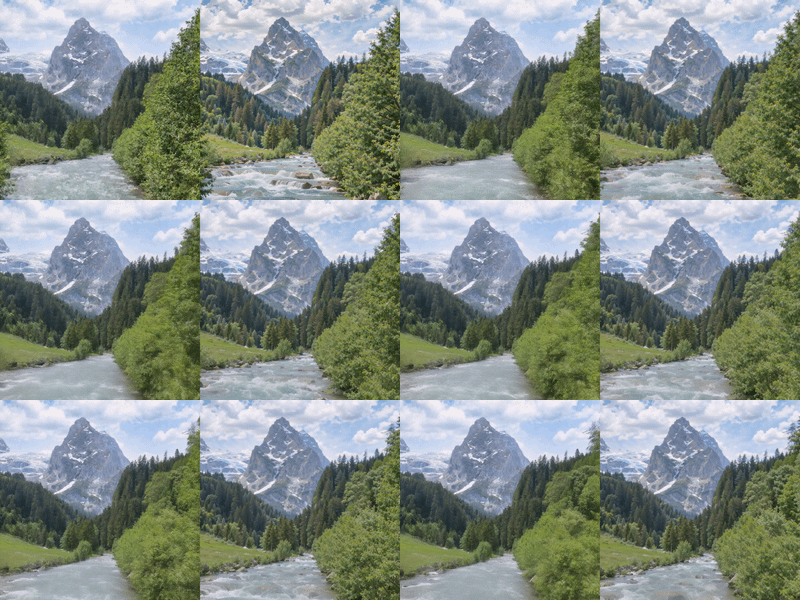
Wan 2.2 and Qwen for V2V Restyle
Create a new video by restyling an existing video with a reference image.
Animate
Image
LoRAs
Qwen
Video
Video2Video
Wan
1.5k
%20(1)_1772692256095.webp)
Nodes & Models
GetNode
CLIPLoader
umt5_xxl_fp8_e4m3fn_scaled.safetensors
Ver Private
Comm Use
qwen_2.5_vl_7b_fp8_scaled.safetensors
Ver Private
Comm Use
WanVideoVAELoader
Wan2_1_VAE_bf16.safetensors
Ver Private
Comm Use
WanVideoTorchCompileSettings
WanVideoBlockSwap
CLIPVisionLoader
clip_vision_h.safetensors
Ver Private
Comm Use
Label (rgthree)
INTConstant
UNETLoader
qwen_image_edit_2511_bf16.safetensors
Ver Private
Comm Use
VAELoader
qwen_image_vae.safetensors
Ver Private
Comm Use
WanVideoLoraSelectMulti
WanAnimate_relight_lora_fp16.safetensors
Ver Private
Comm Use
lightx2v_I2V_14B_480p_cfg_step_distill_rank128_bf16.safetensors
Ver Private
Comm Use
LoadImage
Text Multiline
Fast Groups Bypasser (rgthree)
Reroute
CLIPTextEncode
WanVideoModelLoader
Wan2_2-Animate-14B_fp8_e4m3fn_scaled_KJ.safetensors
Ver Private
Comm Use
SetNode
LoraLoaderModelOnly
Qwen-Image-Edit-2511-Lightning-4steps-V1.0-bf16.safetensors
Ver Private
Comm Use
ImageResizeKJv2
WanVideoSetLoRAs
ModelSamplingAuraFlow
PreviewImage
ImageScaleToTotalPixels
WanVideoClipVisionEncode
WanVideoTextEmbedBridge
FaceMaskFromPoseKeypoints
WanVideoSetBlockSwap
CFGNorm
VAEEncode
TextEncodeQwenImageEditPlus
ImageCropByMaskAndResize
FluxKontextMultiReferenceLatentMethod
WanVideoAnimateEmbeds
KSampler
WanVideoSampler
VAEDecode
WanVideoDecode
SaveImage
VHS_SelectImages
VHS_LoadVideo
VHS_VideoCombine
VHS_SelectImages
VHS_LoadVideo
VHS_VideoCombine
PixelPerfectResolution
DWPreprocessor
PixelPerfectResolution
PixelPerfectResolution
DWPreprocessor
DWPreprocessor
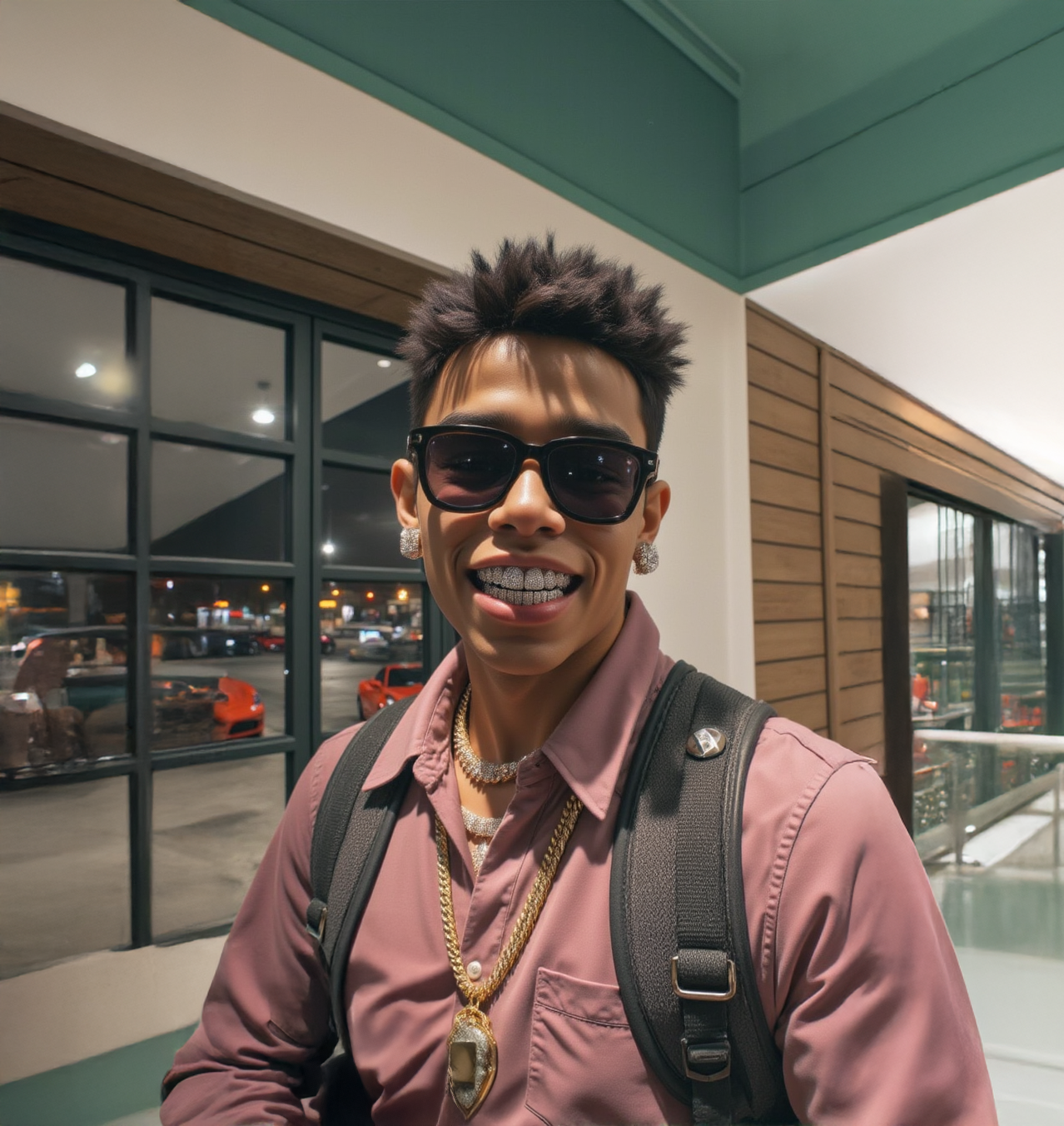
Restyle Video with a Reference Image
Create a new video by transforming an existing video using the visual style of a reference image.
Key Inputs
Reference Video
Upload any MP4 video you want to transform.
Reference Image
Upload a JPG or PNG that clearly shows the visual style you want applied.
Video Prompt
Describe the desired look or scene as clearly as possible for better results.
Width & Height
Set the output resolution. Default and recommended: 1280 × 720.
Read more
N