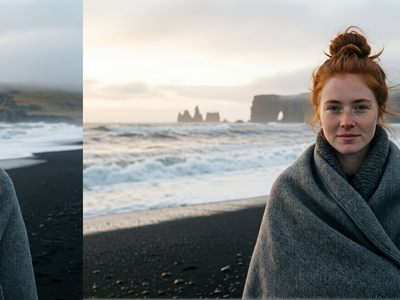
Qwen Multiangle Light with Qwen Image Edit 2511
Relighting images using Qwen multiangle light node
Image
Image Edit
Qwen
Qwen Image Edit 2511
Relighting
888

Nodes & Models
UNETLoader
qwen_image_edit_2511_bf16.safetensors
CLIPLoader
qwen_2.5_vl_7b_fp8_scaled.safetensors
VAELoader
qwen_image_vae.safetensors
Note
WorkflowGraphics
LoadImage
LoraLoaderModelOnly
Qwen-Image-Edit-2511-Lightning-4steps-V1.0-fp32.safetensors
ImageScaleToTotalPixels
QwenMultiangleLightningNode
TextEncodeQwenImageEditPlus
ModelSamplingAuraFlow
VAEEncode
FluxKontextMultiReferenceLatentMethod
CFGNorm
KSampler
VAEDecode
PreviewImage
easy promptList
easy showAnything
Qwen Multiangle Lightning is a ComfyUI node that generates lighting prompts from an interactive 3D-style light controller, so you can relight images (e.g., with Qwen Image Edit 2511) without guessing lighting text by hand.
What it is
A lighting-control node for ComfyUI that simulates movable light sources around your subject using a Three.js viewport.
It outputs a
lighting_promptstring you plug into your text encoder / Qwen-Edit prompt to drive relighting.
Key features
Interactive 3D control: Drag handles in a viewport to set light azimuth (0–360°), elevation (-90–90°), and see changes in real time.
Intensity & color control:
light_intensity(0–10) pluslight_color_hexfor colored lights with a live color preview on the node.Cinematic mode: Toggle
cinematic_modefor more dramatic, filmic relighting and ray‑style shading.Scene lock: Keeps pose, framing, and identity stable while only lighting changes.
Multi-light setups:
light_configs_jsonlets you define multiple light sources (key/fill/rim, etc.) in one configuration.Image preview: Optional
imageinput shows how the current light setup affects a specific image in the viewport.
Best-fit use cases
Portrait relighting with Qwen Image Edit 2511 where you want to test different key/fill/rim directions (e.g., “move key from left to right” without changing face/pose).
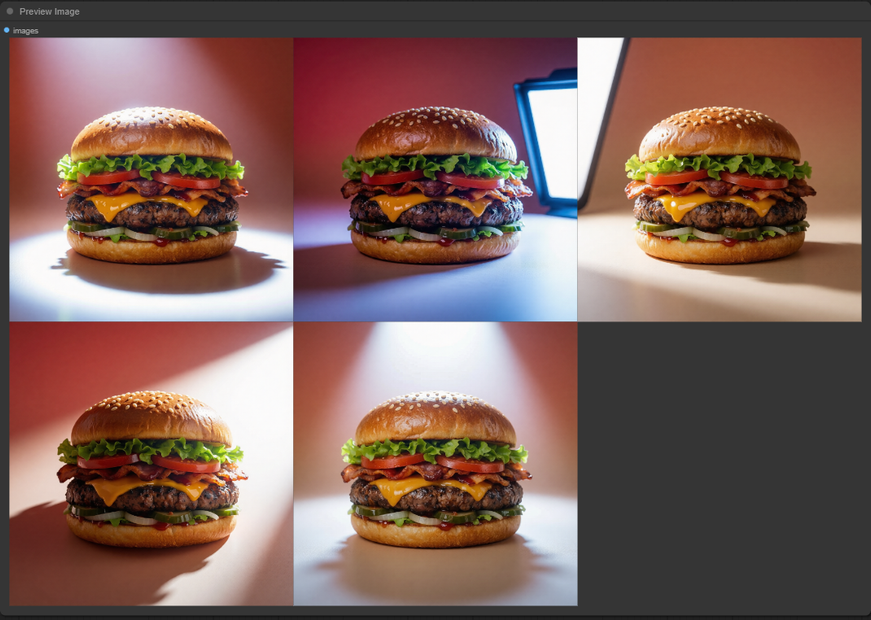
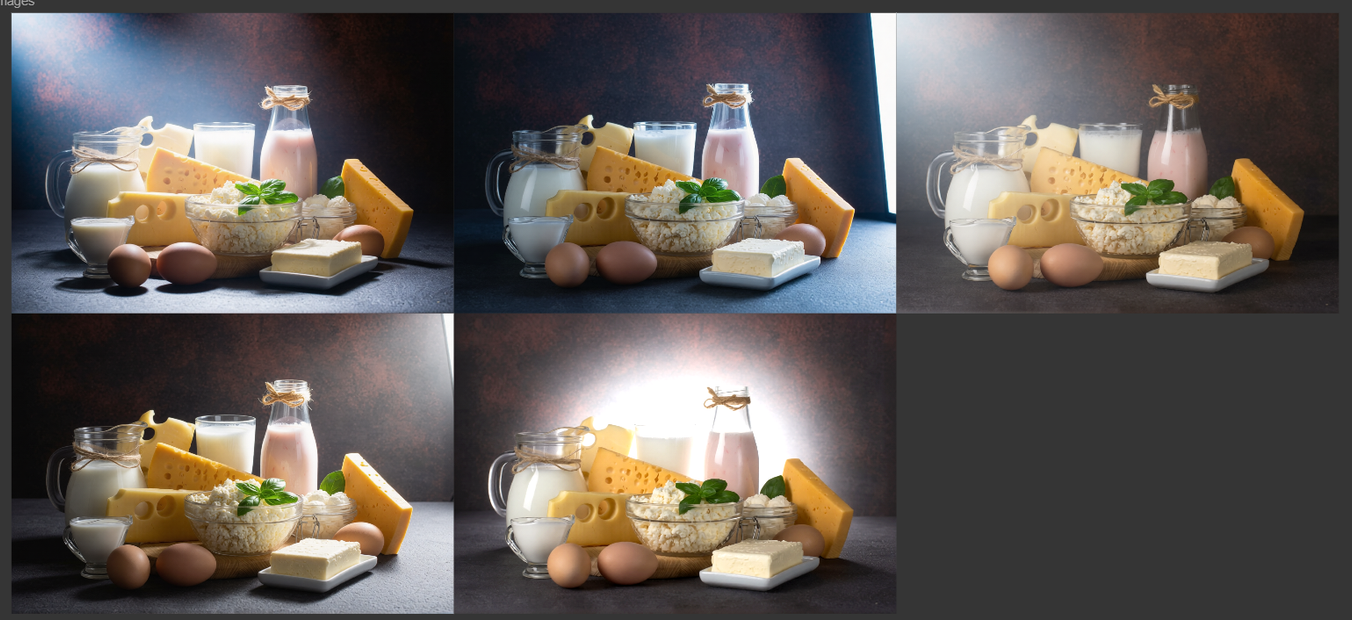
Product or e‑commerce shots that need multiple consistent lighting variants (daylight, studio softbox, dramatic spotlight) from the same base image.
Cinematic stills or thumbnails where you iterate on mood via light direction, height, intensity, and color while locking composition.
Complex studio-style setups (3-point, colored backlights, etc.) defined in JSON so you can reuse the same lighting rig across workflows.
If you tell me your target use (e.g., “portrait headshots for LinkedIn,” “glossy product renders,” or “cinematic character stills”), I can suggest concrete parameter ranges (azimuth/elevation/intensity) and how to wire its lighting_prompt into your Qwen-Edit-2511 graph.
Read more