

_1768232702147.png?width=1400&height=450&quality=80&resize=cover)
Design & Concepting
Workflows that turn text, sketches into crisp creative directions and ideas ready to explore
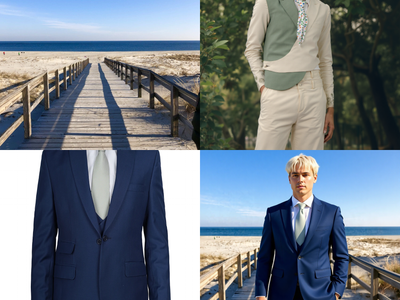

Flux Kontext Multi-Image Reference
Combine up to 3 reference images into one with Flux Kontext Key Inputs Load Image (3x): Load 3 different reference images. Prompt: Describe how to combine these images, see default value for example.
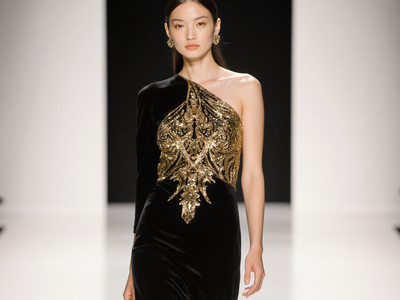

Text to Image
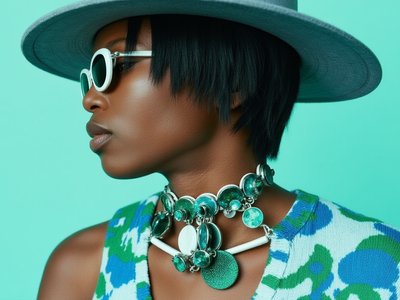
Text to Image + LoRA model
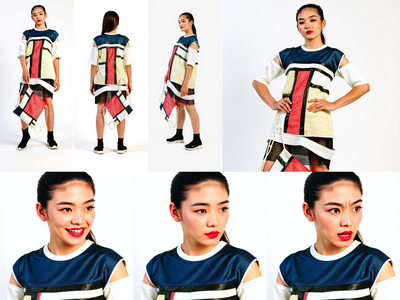
Image to Character Sheet with Kontext
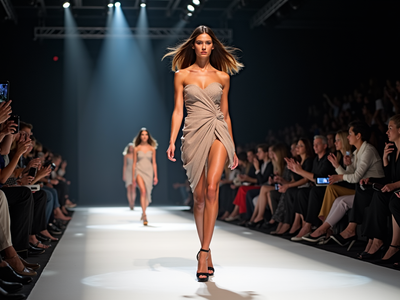
Text2Image + Prompt Enhancer LLM for Flux
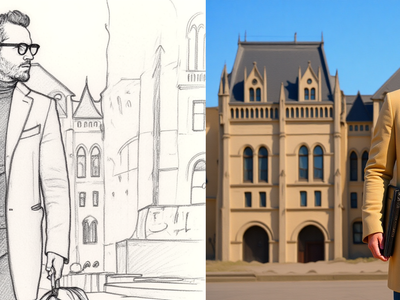
Flux Kontext - Sketch to Image
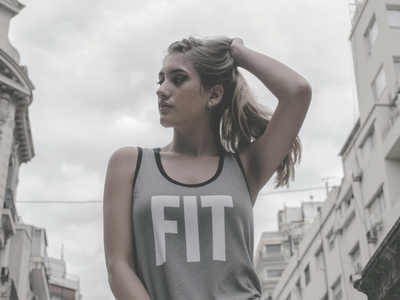
Image Inpainting
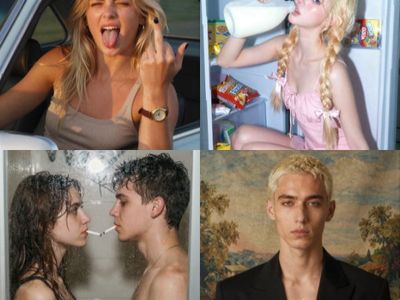

Z Image Turbo Text to Image ( Latent + Model Upscale
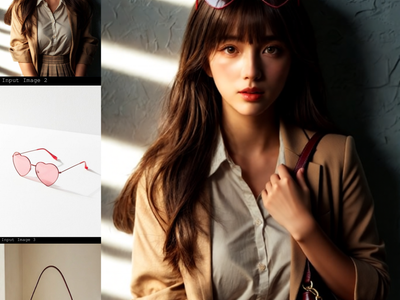

Qwen Image Edit 2509 · Combine Images
Merge up to three images into one scene with Qwen Image Edit 2509. Upload a subject, add items to place on it, describe the layout, hit run. Apache 2.0.
Visualization & Refinement
Workflows that enhance images and prepare outfits for polished visuals for presentations and reviews
_1767601871879.png?width=400&height=300&quality=80&resize=cover)
Character + Outfit → High-End Editorial Shoot
_1768210693794.png?width=400&height=300&quality=80&resize=cover)
Generate Fashion Billboard Using Outfit Image
Upload the outfit image to generate fashion billboard
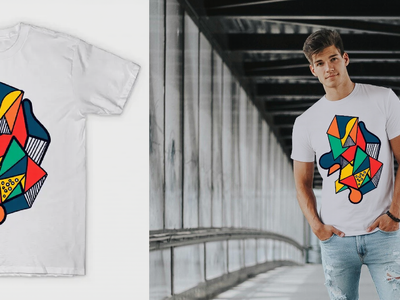
Inpainting with reference image
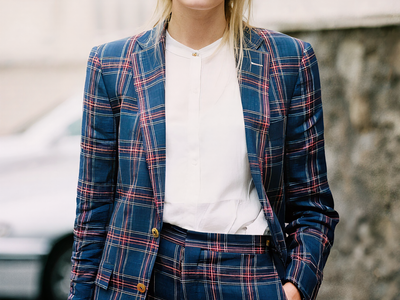
Image Upscaler
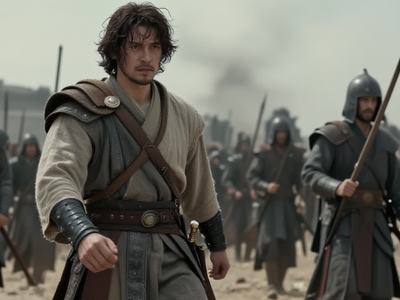
Z-Image Turbo: ControlNet Image to Image
Image to Image
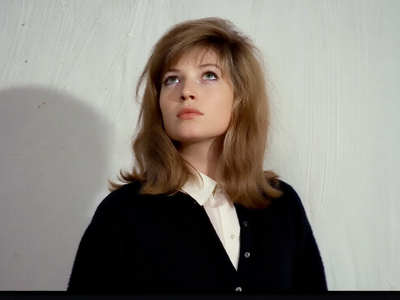
Qwen Image Edit 2509 · Relight
Remove harsh light and shadow from any photo and relight it with soft, even illumination using Qwen Image Edit 2509 and a Relight LoRA. Upload and run.
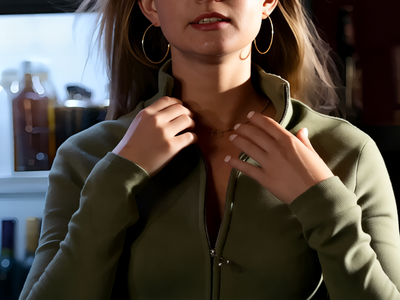
Multiple Angle Lighting LoRA + 2511
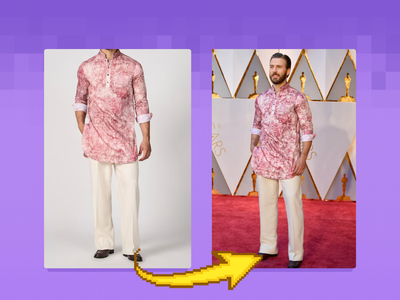
Flux Outfit Transfer
Virtual Outfit Try-On with Auto Segmentation Try virtual clothing on any subject using Flux Dev, Ace Plus, and Redux, with automatic segmentation. Great for concept previews, fashion mockups, or character styling. Key Inputs Outfit: Load the outfit image you want to apply. Make sure it's high quality — visible artifacts or distortions may carry over into the final result. Actor: Add the subject or character you want to dress. Ideally, use a clear, front-facing image. Human Parts Ultra: Choose which parts of the body the clothing should apply to. For example, for a long-sleeve shirt, select: torso, left arm, and right arm. This helps the model align the clothing properly during generation. Prompt: Default value works for most outfits, however you may try to adjust it to describe the desired outfit.
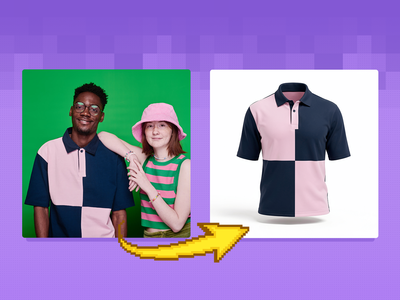
FLUX.2 Klein 9B + SAM3 + GhostMannequin LoRA
Create a ghost mannequin clothes using flux.2 klein, SAM3 and Ghost mannequin LoRA
Bringing Designs to Life
Workflows that focus on animating reference images and movements

Wan 2.6 Reference to Video
Wan 2.5: Image to Video with Audio

Wan2.2 Animate Character
Wan 2.2
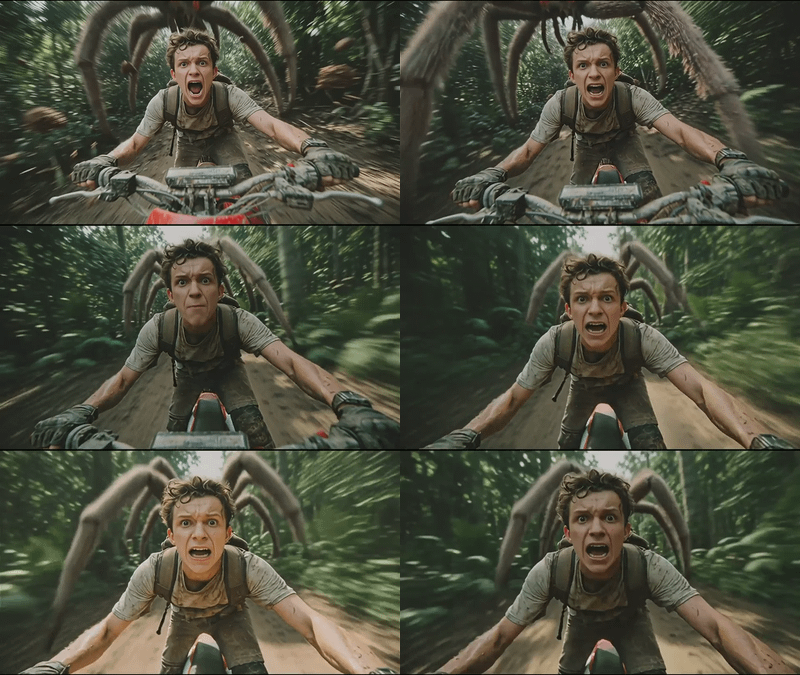
Wan 2.6 · Multi-Shot Image to Video
Turn a still image into a multi-shot video with sound using Wan 2.6 by Alibaba. The model plans camera cuts and syncs audio in one pass. Upload and run.
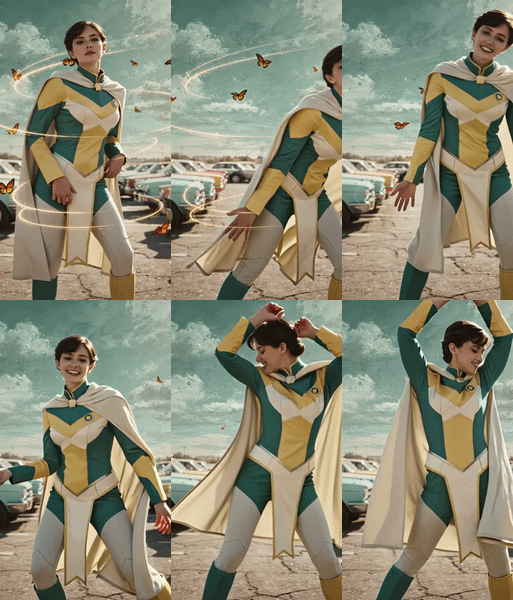
Wan2.1 + SCAIL for Animating Images for Movement
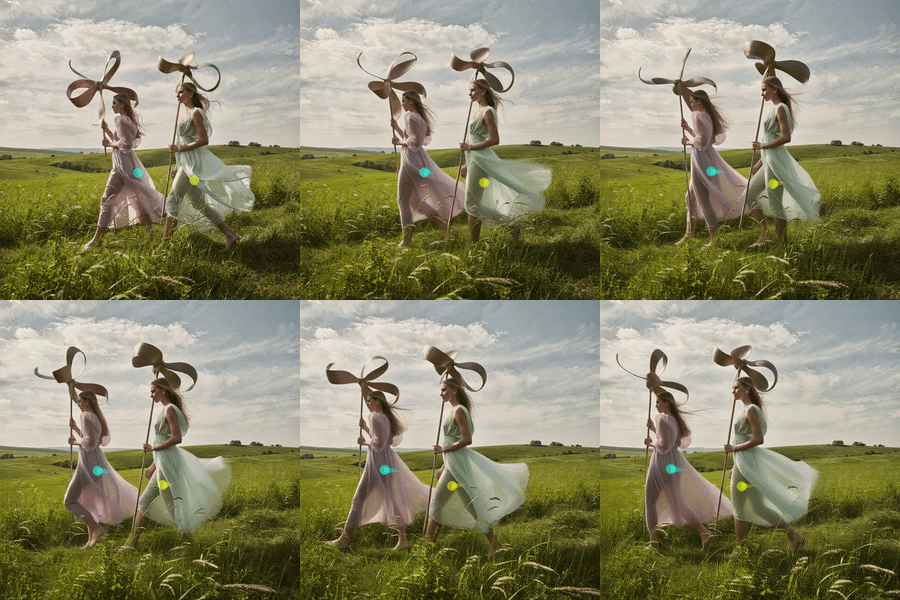
Wan2.1 + WanMOVE for Animating Movement using Trajectory Path

Wan2.2 14b - Image to Video w/ Optional Last Frame

Vertical Video Clothing Replacement with Image Reference