floyo logo
Powered by
ThinkDiffusion
floyo logo
Powered by
ThinkDiffusion
LTX Models hero

LTX MODELS

Generate cinematic AI video with LTX using text, image, video, or audio inputs, with synchronized sound and strong camera-control prompting, all in your browser.


LTX is a video generation model built by Lightricks. You describe a scene or upload an image, and LTX turns it into a video clip with motion, camera movement, lighting, and synchronized audio.

The latest version, LTX 2.3, generates native 4K video at up to 50 frames per second. It handles text-to-video, image-to-video, video-to-video, and audio-to-video in one model. Audio and video generate together in a single pass, so sound matches what's on screen without post-production syncing.

Every LTX workflows on Floyo runs in your browser. Upload your inputs, write your prompt, hit run.

Latest Released LTX Models (v2.3)

LTX 2.3 Pro Image to Video

API

Image to Video

LTX2.3

LTX 2.3 Pro Image to Video

LTX 2.3 Audio to Video

API

Audio to Video

LTX

LTX 2.3 Audio to Video

LTX 2.3 Pro Text to Video
API

Text to Video

LTX 2.3 Pro Text to Video

LTX 2.3 t2v

ltx

ltx 2.3

t2v

text to video

video

LTX 2.3 t2v

Open-Source LTX Workflows
LTX 2 19B Fast for Text to Video

Filmmaking

LTX 2

LTX 2 Fast

Open Source

Text2Video

Videography

A text video model using LTX 2

LTX 2 19B Fast for Text to Video

A text video model using LTX 2

LTX2 Image + Sound to VIDEO

aiandpixels

image to video

LTX2

sound image to video

Image + Sound to VIDEO

LTX2 Image + Sound to VIDEO

Image + Sound to VIDEO
LTX 2 19B Fast for Image to Video

Animation

Filmography

Image2Video

LTX 2

Open Source

A workflow for ltx 2 image to video using distilled model
LTX 2 19B Fast for Image to Video

A workflow for ltx 2 image to video using distilled model

LTX 2 19B Pro for Text to Video

Flimography

LTX 2 Pro

Open Source

Text2Video

Videography

An open source LTX 2 Pro for Text to Video

LTX 2 19B Pro for Text to Video

An open source LTX 2 Pro for Text to Video

LTX 2.0 – Prompting & Dynamic Camera Movement

Opensource

Text to Video

LTX 2.0 – Prompting & Dynamic Camera Movement

Why use LTX for video generation?

LTX is one of the most capable video generation models available. It generates synchronized audio and video in a single pass, follows detailed prompts for camera movement, lighting, and action, and outputs up to 4K at 50 FPS. Two variants ship with every release: a full Pro model for maximum quality and a Fast model for rapid iteration.

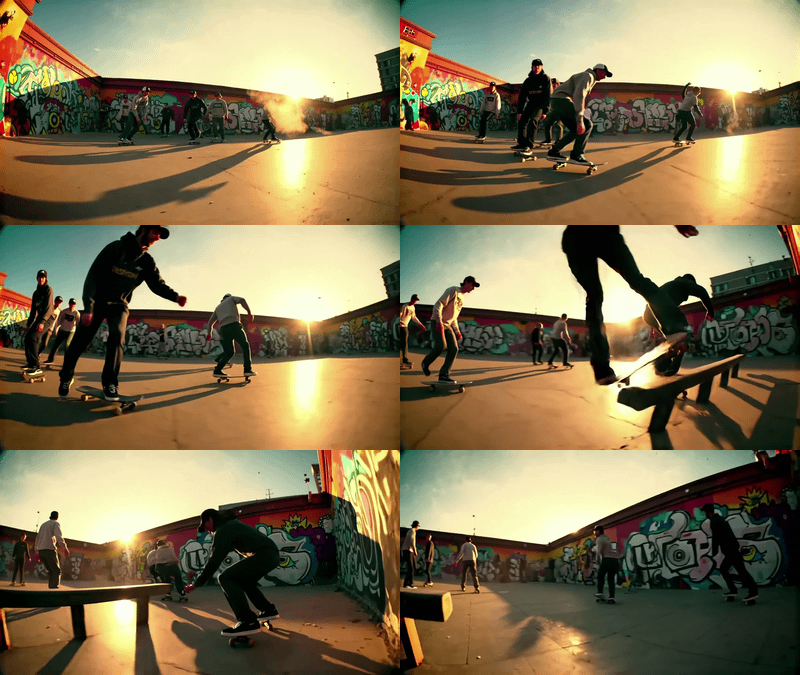
Cinematic prompt control. LTX responds to cinematography language. Describe a tracking shot, a shallow depth of field, golden hour lighting, or a specific lens, and the model follows. This makes it useful for anyone who thinks in shots, not keywords.

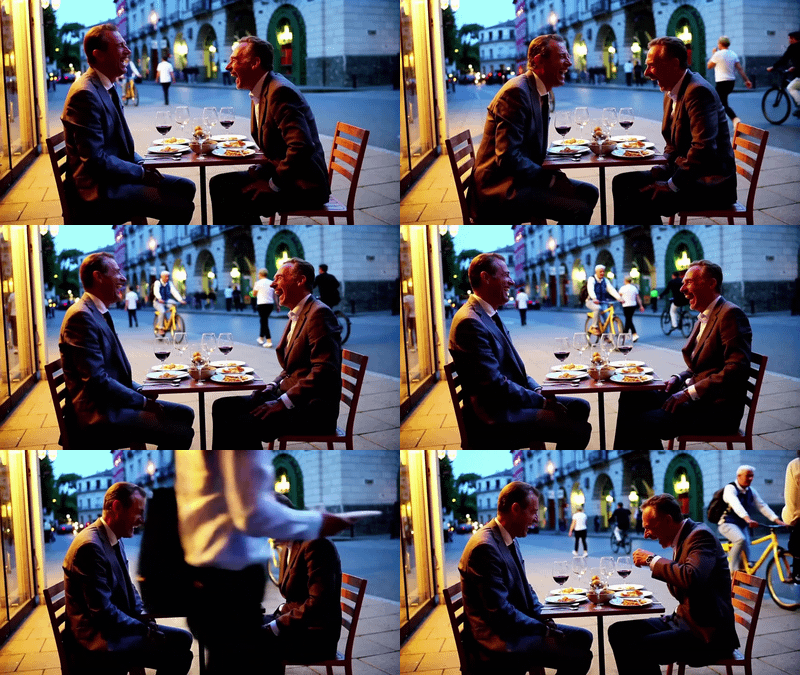
Synchronized audio. Most video models generate silent clips. LTX generates ambient sound, dialogue, music cues, and effects alongside the video. The audio matches on-screen motion. A waterfall scene sounds like a waterfall. Footsteps land when feet hit the ground.

Multiple input modes. Text-to-video when you're starting from scratch. Image-to-video when you have a reference frame or storyboard. Video-to-video for restyling existing footage. Audio-to-video when sound drives the visuals.

Native portrait video. LTX 2.3 generates vertical 1080x1920 video natively. No cropping from landscape. The model composes for the vertical frame, which matters if you're making content for TikTok, Reels, or Shorts.

Pro and Fast variants. Every LTX release ships with a Pro model and a Fast model. Use Fast for quick iterations and concept testing. Switch to Pro for final renders. Both run the same workflows on Floyo.

1. LTX TEXT TO VIDEO

Generate cinematic video scenes from simple text prompts using LTX.

LTX 2 19B Fast for Text to Video

Filmmaking

LTX 2

LTX 2 Fast

Open Source

Text2Video

Videography

A text video model using LTX 2

LTX 2 19B Fast for Text to Video

A text video model using LTX 2

LTX 2 Pro API for Text to Video

API

Filmmaking

Floyo API

LTX 2 Pro

Text to Video

Videography

Text to video using LTX 2 Pro API

LTX 2 Pro API for Text to Video

Text to video using LTX 2 Pro API

LTX 2 Fast API for Text to Video

API

Filmmaking

Filmography

Floyo API

LTX 2 Fast

Text to video using LTX 2 Fast API

LTX 2 Fast API for Text to Video

Text to video using LTX 2 Fast API

LTX 2.0 – Prompting & Dynamic Camera Movement

Opensource

Text to Video

LTX 2.0 – Prompting & Dynamic Camera Movement

LTX 2 19B Pro for Text to Video

Flimography

LTX 2 Pro

Open Source

Text2Video

Videography

An open source LTX 2 Pro for Text to Video

LTX 2 19B Pro for Text to Video

An open source LTX 2 Pro for Text to Video

LTX 2.3 Pro Text to Video

API

Text to Video

LTX 2.3 Pro Text to Video

Generate video scenes from a text prompt. Describe the subject, action, environment, camera movement, and lighting. LTX builds the clip from your description.

How do you prompt LTX for text-to-video?

Write your prompt like a shot description for a cinematographer. Include the subject and their action, the environment, lighting, camera behavior, and audio cues. Use present tense. Be specific about motion direction and speed. Longer, more detailed prompts produce better results with LTX 2.3.

Your prompt Think of it as a mini screenplay. "A young woman in a red coat walks briskly through a rain-soaked Tokyo street at night, neon reflections on wet pavement, handheld camera following from behind" works better than "woman walking in city."

Want cinematic results? Use camera language: "slow dolly-in," "tracking shot at eye level," "shallow depth of field at 85mm." LTX interprets these like a cinematographer reads director's notes.

Need synchronized audio? Add sound descriptions: "the patter of rain on pavement," "distant traffic hum," "soft jazz from a doorway." LTX generates the audio alongside the video.

Resolution and duration LTX 2.3 supports landscape (1920x1080) and portrait (1080x1920) natively. Duration ranges from 2 to 20 seconds depending on the workflow. Start with shorter clips and extend once you like the look.

Pro vs Fast Want speed for concept testing? Use a Fast workflow. Need final-render quality? Use Pro. Both take the same prompts and settings.

2. LTX AUDIO TO VIDEO

Turn audio into cinematic video experiences with LTX.
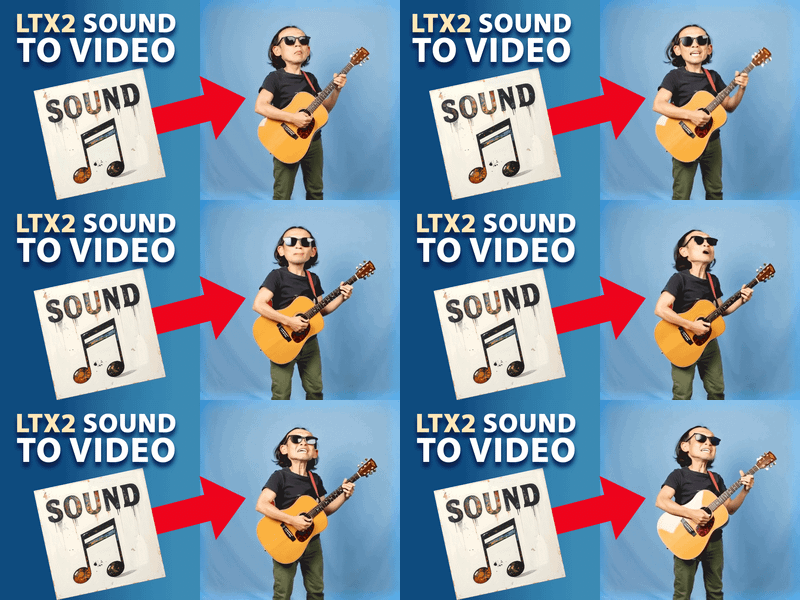
LTX2 Sound to Video

aiandpixels

Ltx2

ltx2video

sound to video

video

Sound to Video

LTX2 Sound to Video

Sound to Video

LTX 2.0 – Prompting & Dynamic Camera Movement

Opensource

Text to Video

LTX 2.0 – Prompting & Dynamic Camera Movement

LTX 2.3 Audio to Video

API

Audio to Video

LTX

LTX 2.3 Audio to Video

Feed in an audio track and let LTX generate video that matches the sound. The model interprets rhythm, speech patterns, music beats, and emotional tone, then builds visuals synchronized to your audio.

How does audio-to-video work with LTX?

Upload an audio file and write a prompt describing the visual scene you want. LTX maps audio features like beats, speech cadence, and energy levels to character movement, camera motion, and scene animation. The result is video that moves with your soundtrack instead of playing beside it.

Your audio Works with music tracks, voiceovers, ambient recordings, or dialogue clips. The model responds to rhythm and energy, so a driving beat produces more dynamic motion than a quiet ambient track.

Your prompt The audio anchors the timing. Your prompt describes the visual interpretation. Want a drummer? Describe the kit, the room, the lighting. Want a landscape that breathes with the music? Describe the terrain and let the audio drive the pacing.

3. LTX IMAGE TO VIDEO

Bring static images to life with cinematic motion using LTX.
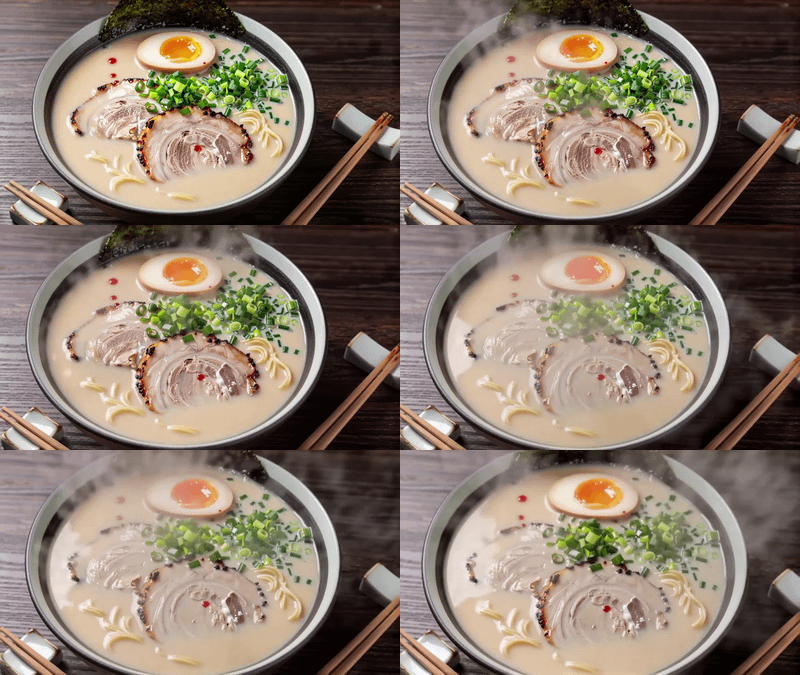
LTX 2 Fast API for Image to Video

API

Filmography

Fimmaking

Floyo API

Image2Video

LTX 2 Fast

Image to Video using LTX 2 Fast API

LTX 2 Fast API for Image to Video

Image to Video using LTX 2 Fast API

LTX 2 Pro API for Image to Video

Animation

Filmmaking

Image2Video

LTX 2 Pro

Video Editing

Image to Video using LTX 2 Pro API

LTX 2 Pro API for Image to Video

Image to Video using LTX 2 Pro API

LTX 2 19B Fast for Image to Video

Animation

Filmography

Image2Video

LTX 2

Open Source

A workflow for ltx 2 image to video using distilled model

LTX 2 19B Fast for Image to Video

A workflow for ltx 2 image to video using distilled model

LTX 2.3 Pro Image to Video

API

Image to Video

LTX2.3

LTX 2.3 Pro Image to Video

LTX-2 I2V WORKFLOW

ltx2

LTX-2 I2V WORKFLOW

LTX-2 I2V WORKFLOW
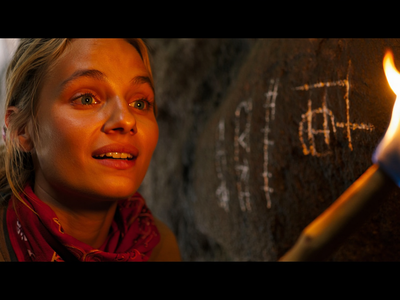
LTX-2 I2V WORKFLOW

LTX-2-Image-to-Video-Official-full
micmac

308

i2v

LTX-2-Image-to-Video-Official-full

ltxv-13b-i2v

image2video

ltxv-13b-i2v

AI Influencer Video Maker (Qwen 2511 + LTX-2)

Influencer

LTX

Product

Qwen

UGC

Build your AI influencer, stage the product moment, and animate the full promo in one workflow.

AI Influencer Video Maker (Qwen 2511 + LTX-2)

Build your AI influencer, stage the product moment, and animate the full promo in one workflow.

Upload a still image and turn it into a video. LTX reads the subjects, environment, and lighting from your image, then animates them based on your prompt.

How do you animate an image with LTX?

Upload your reference image and write a prompt that describes what happens next. Don't describe what's already in the image. Focus on motion, camera movement, and sound. LTX 2.3 improved image-to-video consistency, producing fewer frozen frames and less fake zoom compared to earlier versions.

Your image Works with concept art, product shots, storyboard frames, portraits, or any reference you want to bring to life. The model reads the composition and style from your image, so the output stays visually consistent with your starting frame.

Your prompt Describe the change, not the scene. If your image shows a woman on a balcony, don't write "a woman standing on a balcony." Write "the camera slowly pushes in as wind catches her hair, city lights flickering below, ambient evening noise."

The catch: Earlier LTX versions sometimes froze the image or added a slow pan instead of real motion. LTX 2.3 fixed this. If you're still seeing static outputs, add more specific motion cues to your prompt.

4. LTX VIDEO TO VIDEO

Transform and restyle videos while preserving natural motion with LTX.
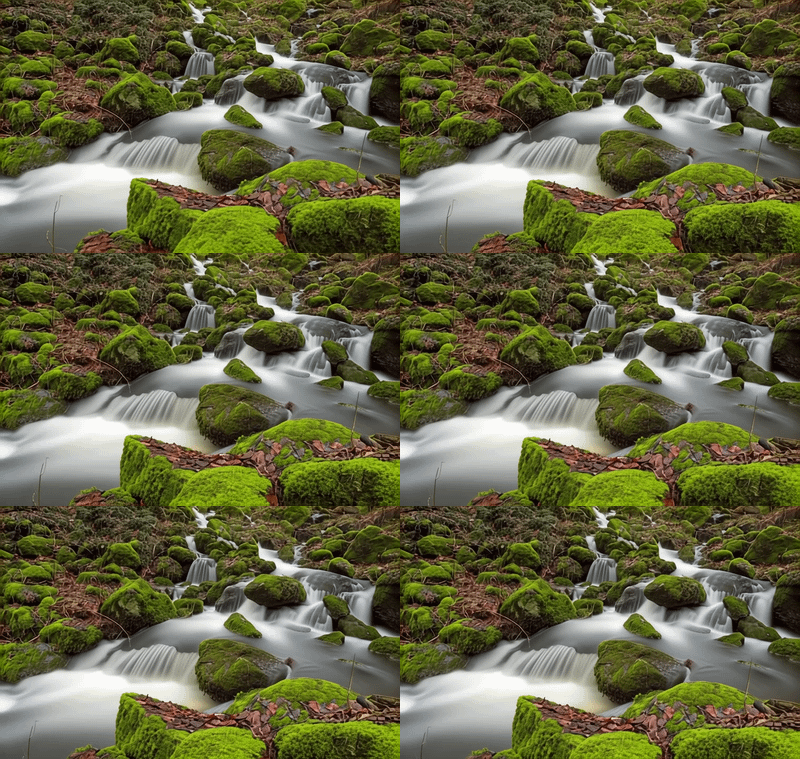
Video Detailer using LTX 2 Vid2Vid

LTX 2

Vid2Vid

Video Detailer

Video Editing

It can enhance the detail of the video
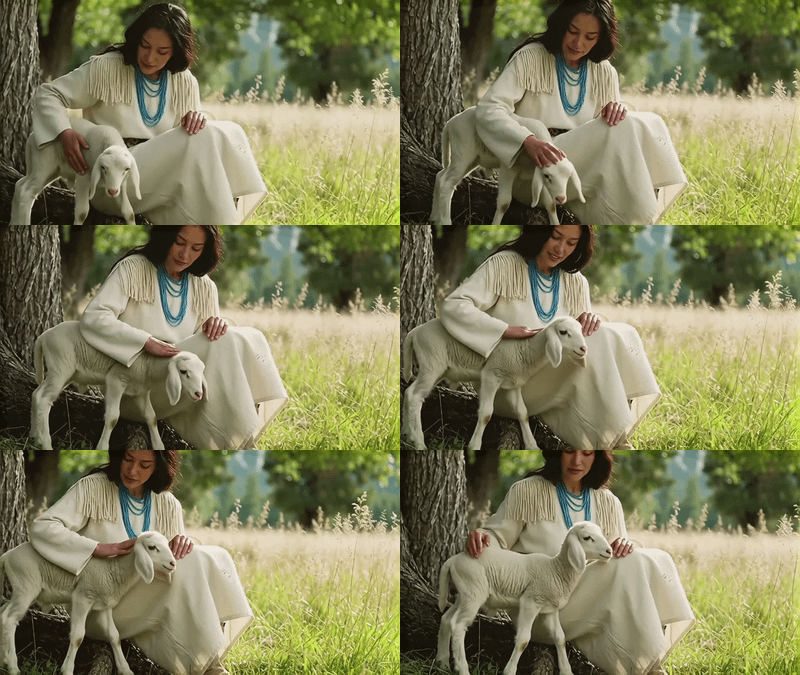
Video Detailer using LTX 2 Vid2Vid

It can enhance the detail of the video

LTX 2 Retake Video for Video Editing

API

Floyo API

LTX 2 Retake

Video2Video

Video Editing

LTX 2 Retake Video for Video Editing

Transform existing footage into a new style while keeping the original motion and structure. Change the look, the lighting, the atmosphere, or enhance detail without reshooting.

How do you restyle video with LTX?

Upload your source video, write a prompt describing the target style or enhancement, and set the denoise strength. Lower denoise keeps more of your original footage. Higher denoise gives the model more freedom to restyle. The original motion and structure carry through either way.

Denoise / strength Want subtle enhancement and sharpening? Keep denoise low (0.2 to 0.4). Want a full style transfer that changes the look of every frame? Push it higher (0.6 to 0.8). The tradeoff: more style freedom means less fidelity to your original footage.

Your prompt Describe the target look. "Film noir, high contrast, deep shadows, desaturated with silver highlights" takes your footage in a specific direction. Be as visual and specific as you would with text-to-video prompts.

5. LTX IMAGE + SOUND TO VIDEO

Turn images and audio into cinematic video scenes with LTX.

LTX2 Image + Sound to VIDEO

aiandpixels

image to video

LTX2

sound image to video

Image + Sound to VIDEO

LTX2 Image + Sound to VIDEO

Image + Sound to VIDEO
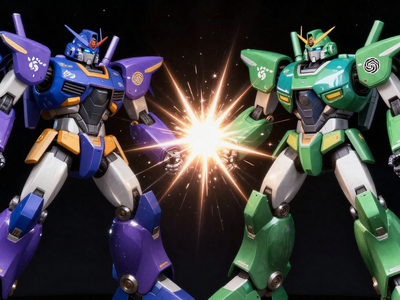
LTX-2 Image Audio 2 Video GGUF 12GB UPSCALE TWO SA

ltx2

LTX-2 Image Audio 2 Video GGUF 12GB UPSCALE TWO SAMPLER

LTX-2 Image Audio 2 Video GGUF 12GB UPSCALE TWO SA

LTX-2 Image Audio 2 Video GGUF 12GB UPSCALE TWO SAMPLER

011326-LTX2-AudioSync-i2v-WIP

ltx2

011326-LTX2-AudioSync-i2v-WIP

011326-LTX2-AudioSync-i2v-WIP

011326-LTX2-AudioSync-i2v-WIP

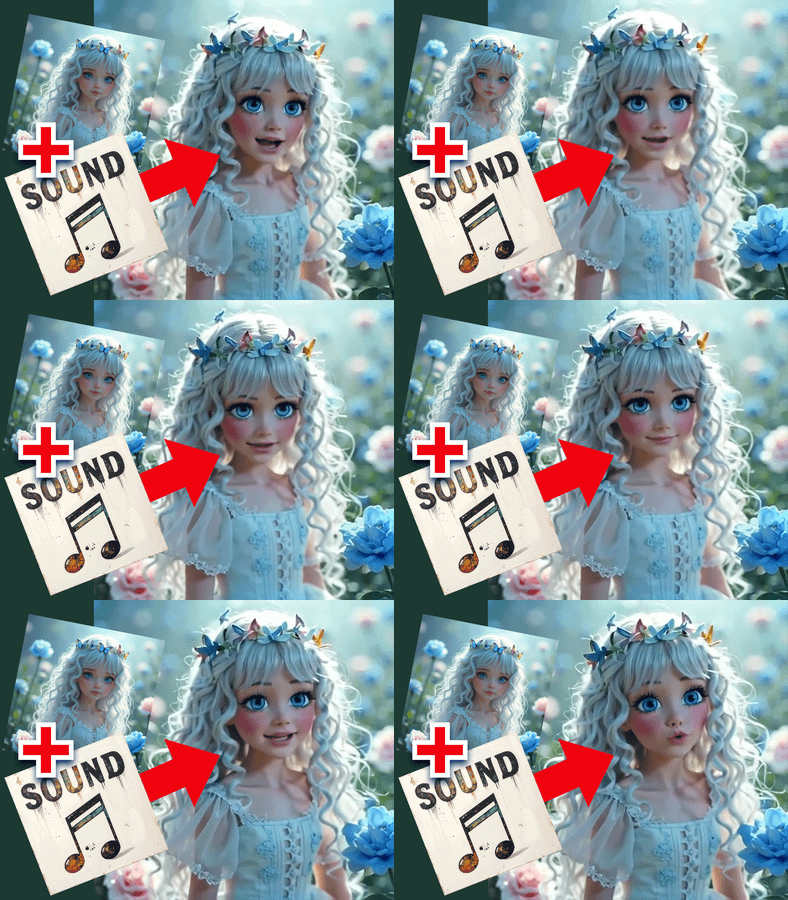
Combine a still image with an audio track and generate a video that matches both. LTX reads the image for visual context and the audio for timing and energy, then produces a clip where the visuals and sound work together.

When should you use image + sound to video?

Use this when you have both a reference frame and a soundtrack. The image sets the scene. The audio sets the pace. LTX generates motion, camera movement, and environmental effects that connect the two. This is the workflow for music visuals, podcast clips, voiced character animations, and any project where sound and image need to start together.

Your image Sets the visual starting point. The model builds motion from this frame, keeping the composition and style consistent.

Your audio Sets the temporal structure. Beats drive motion intensity. Speech drives lip movement and gesture timing. Ambient audio drives environmental effects.

Your prompt Describe what happens visually, and let the audio handle timing. "Camera orbits slowly around the subject as they speak, warm lamplight, shallow focus" gives the model a visual plan while the audio provides the pacing.

What are LTX models good for?

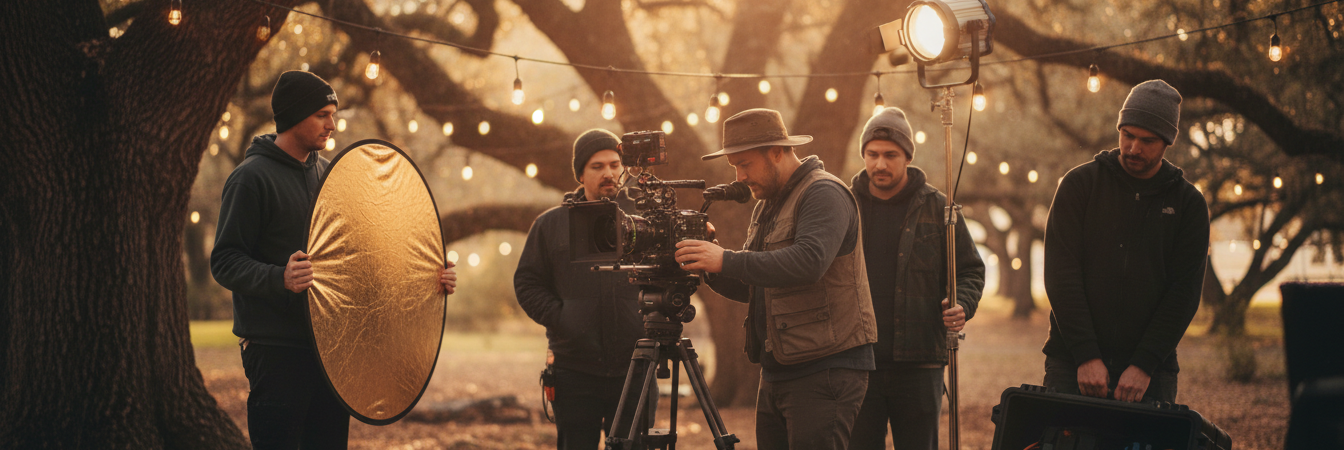
LTX works best for cinematic video generation where you need control over camera movement, lighting, and synchronized audio. It handles film pre-visualization, advertising clips, social media content, game cinematics, concept art animation, and storytelling sequences.

Film pre-visualization. You're blocking out shots for a production. LTX generates quick scene mockups with camera angles, lighting setups, and motion that match your shot list. Faster than storyboards, more informative than static frames.

Short-form content. Reels, Shorts, TikToks. LTX 2.3 generates native portrait video, so vertical content isn't a cropped afterthought. Combined with audio generation, you get clips with sound straight out of the model.

Product and advertising. Animate product shots, generate lifestyle scenes, or create concept videos from a single reference image. Image-to-video keeps your product looking consistent while adding cinematic motion.

Concept art and storytelling. Turn illustrations into animated sequences. Build connected shots that feel like a narrative. LTX follows camera movement instructions well enough to create visual continuity between clips.

Honest limitations. Character consistency across clips longer than 10 seconds can drift. Readable text in generated video doesn't work. Complex multi-person scenes with overlapping actions produce artifacts. If you need precise lip sync for long dialogue, you'll want to combine LTX with a dedicated lip sync tool.

LTX prompting tips

A few things that make a noticeable difference:

Write in present tense. "The camera tracks forward" not "the camera will track forward." Present tense keeps the model grounded in the current moment of generation.

Describe motion, not mood. "Her shoulders slumped forward, eyes downcast, fingers tracing the rim of an empty coffee cup" works. "A sad woman at a table" doesn't give the model enough to work with.

Use cinematography terms. "Slow dolly-in at 35mm, shallow depth of field, golden hour backlight" gives LTX specific visual instructions. The model recognizes professional camera language and translates it directly.

Match prompt length to video length. Short prompts for long videos leave the model without enough direction. If you're generating 8-10 seconds, write 4-8 detailed sentences covering subject, action, environment, camera, and audio.

For image-to-video, describe the change. Don't repeat what's visible in your image. Describe what moves, what the camera does, and what sounds emerge.

FAQ

What is the difference between LTX Pro and LTX Fast? Pro is the full model. Better detail, richer motion, stronger prompt adherence. Fast is the distilled version. Fewer inference steps, quicker generation. Use Fast for testing ideas and Pro for final output. Both accept the same prompts and inputs, and both run the same way on Floyo.

What resolution and frame rate does LTX support? LTX 2.3 generates up to 4K (3840x2160) at 50 FPS. It supports native portrait (1080x1920) and landscape (1920x1080) without cropping. Duration goes up to 20 seconds per clip. Lower resolutions generate faster if you need quick iterations.

Does LTX generate audio with video? Yes. LTX generates synchronized audio and video in a single pass. The audio matches on-screen events: footsteps, ambient sound, dialogue, music cues. It's better for environmental audio and effects than for standalone music production. For best results, include audio descriptions in your prompt.

How do you write a good LTX prompt? Write it like a shot description. Include the subject and action, environment, lighting, camera movement and lens, and audio cues. Use present tense. Be specific about direction and speed of motion. Longer prompts with more detail produce better results, especially for clips over 5 seconds.

What is LTX 2.3 and how is it different from LTX 2? LTX 2.3 shipped in March 2026 with a rebuilt VAE for sharper details, a 4x larger text connector for better prompt adherence, native portrait video, improved image-to-video motion (fewer frozen frames), and cleaner audio. It has 22 billion parameters compared to LTX 2's roughly 8 billion. Same workflow structure, noticeably better output.

How do I run LTX models online? You can run LTX models online through Floyo. No installation, no setup. Open the workflow in your browser, upload your inputs, and hit run. Free to try.

Table of Contents