


1. Modify an Existing Shot
AI editing if something in the shot needs to be to fixed or replaced.

Vertical Video Clothing Replacement with Image Reference
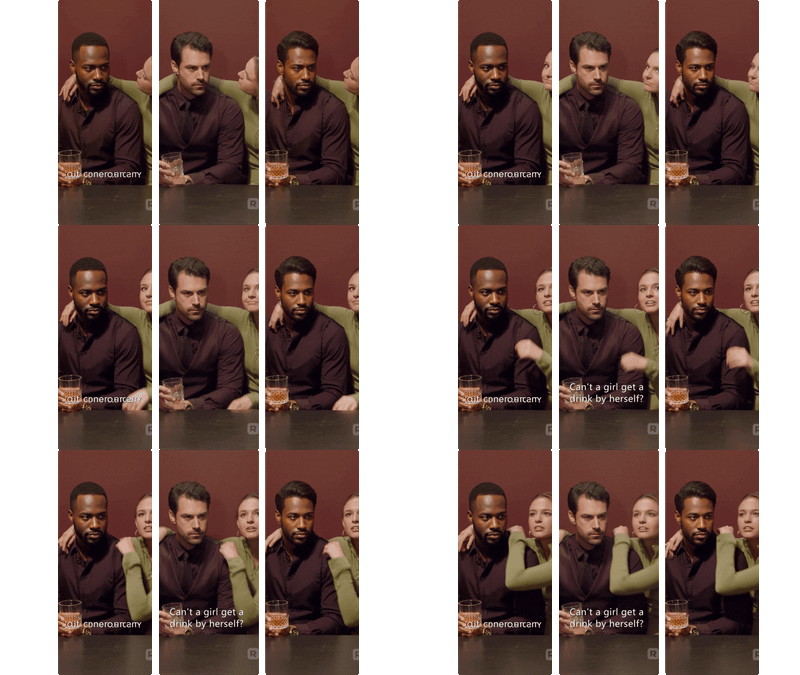

Vertical Video Character Face & Actor Swap (Wan 2.2 Animate)
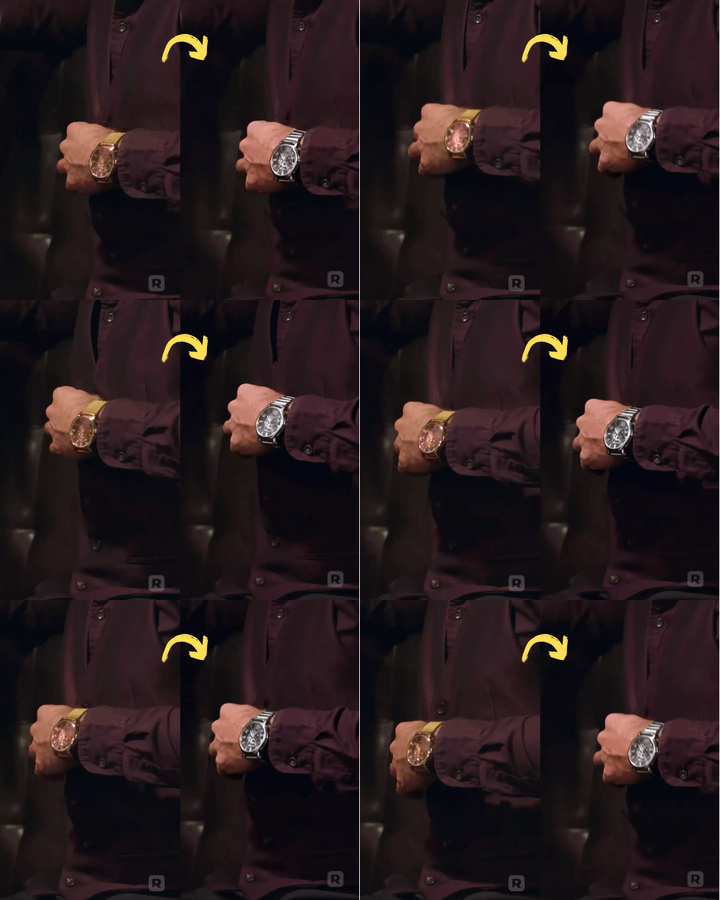
Vertical Video Prop & Object Replacement Using Seedream + Wan 2.2
_1766051317506.webp?width=400&height=300&quality=80&resize=contain&format=origin)
Vertical Video Background & Scene Rebuild
2. Enhance & add to an Existing Shot
Augment an existing shot to make it look better or add AI Coverage & B-Roll Generation in case something was missed during production.
_1764570564795.webp?width=400&height=300&quality=80&resize=contain&format=origin)
Vertical Video Scene Extension & Coverage Generator

Vertical Video FX Inserter - Qwen + Wan 2.1 FunControl
_1764582642632.webp?width=400&height=300&quality=80&resize=contain&format=origin)
Vertical Video Light & Mood Shift
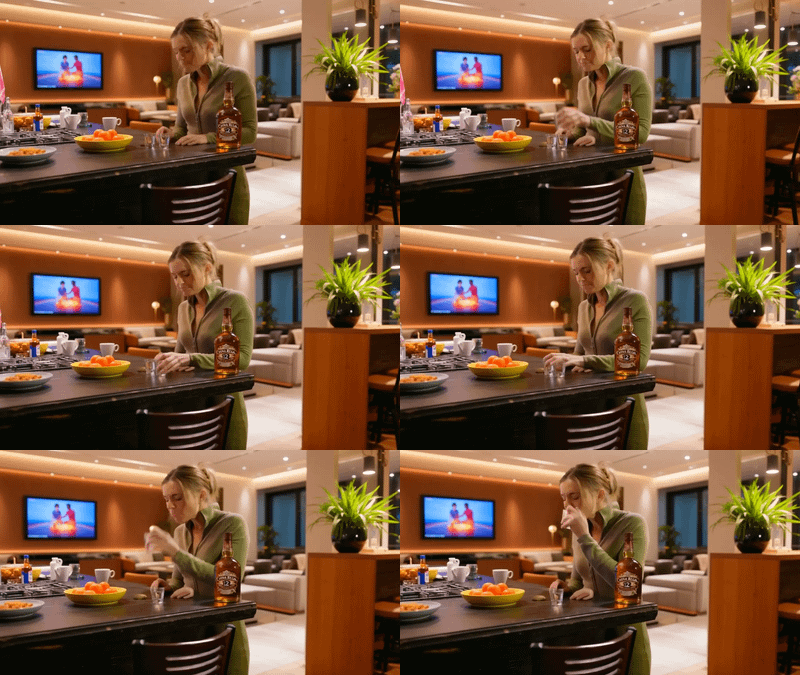

Vertical to Horizontal Video Reframe
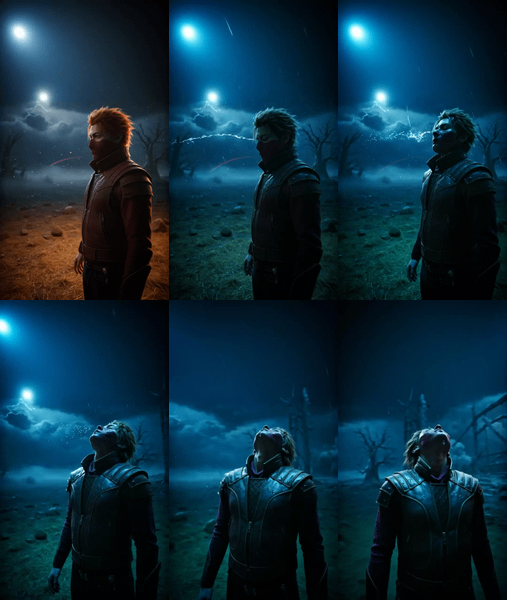
Horizontal to Vertical Video Reframe