

Showing109 Workflows


Flux 2 Klein 9b - Perfect Face swap
Instead of using outdated or unstable techniques, this workflow was designed to take full advantage of FLUX 2 KLEIN's editing capabilities—using a face image and a reference character image to produce clean, highly consistent results.


FLUX.2 Klein 9B · Image to Image
Edit images with consistency of the subject or things using Flux.2 Klein 9B and a LoRA
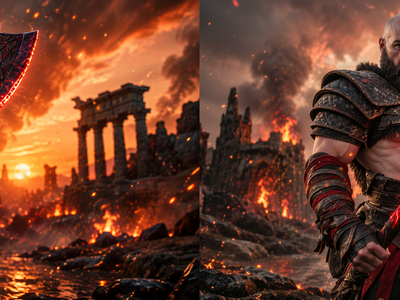
FLUX.2 Klein 9B: Realistic Photo Enhancer
Create realistic image but in an enhanced details using FLUX.2 Klein 9B and with LoRA

FLUX.2 Klein 9B: Image Inpainting
Inpainting image using Flux.2 Klein and LanPaint
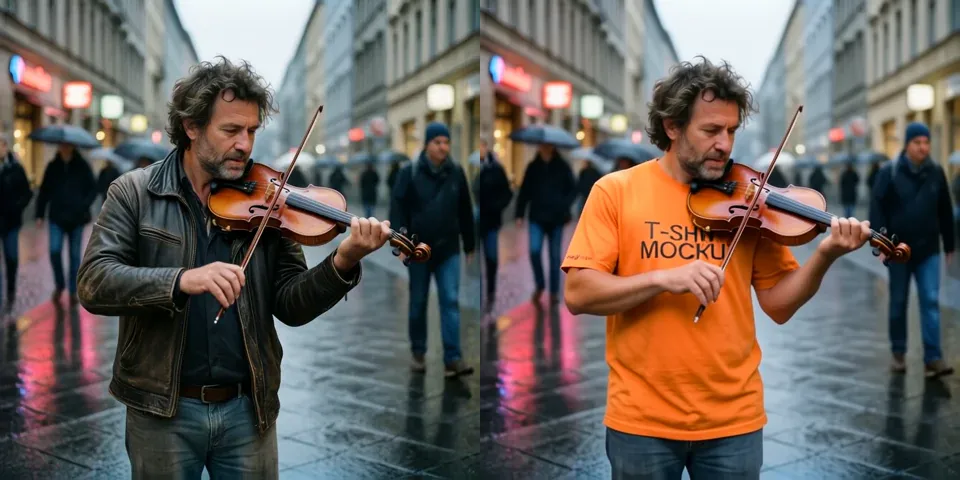
FLUX.2 Klein 4B · Swap Clothes
Swap clothes on any person using FLUX.2 Klein 4B and LanPaint. Upload a person and a garment photo, describe the swap, and hit run. Apache 2.0 open weights.
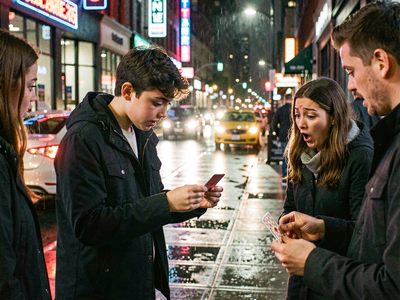
FLUX.2 Klein 9B: Text to Image
Create a high quality image using 9B model of Flux 2 Klein
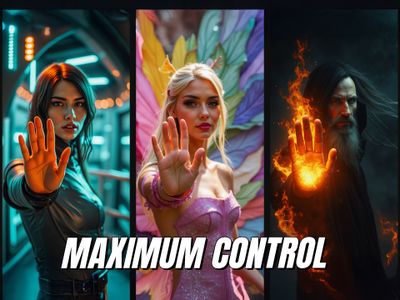
Flux ControlNet 2.0 - All-in-one
Latest and greatest Flux ControlNet workflow.
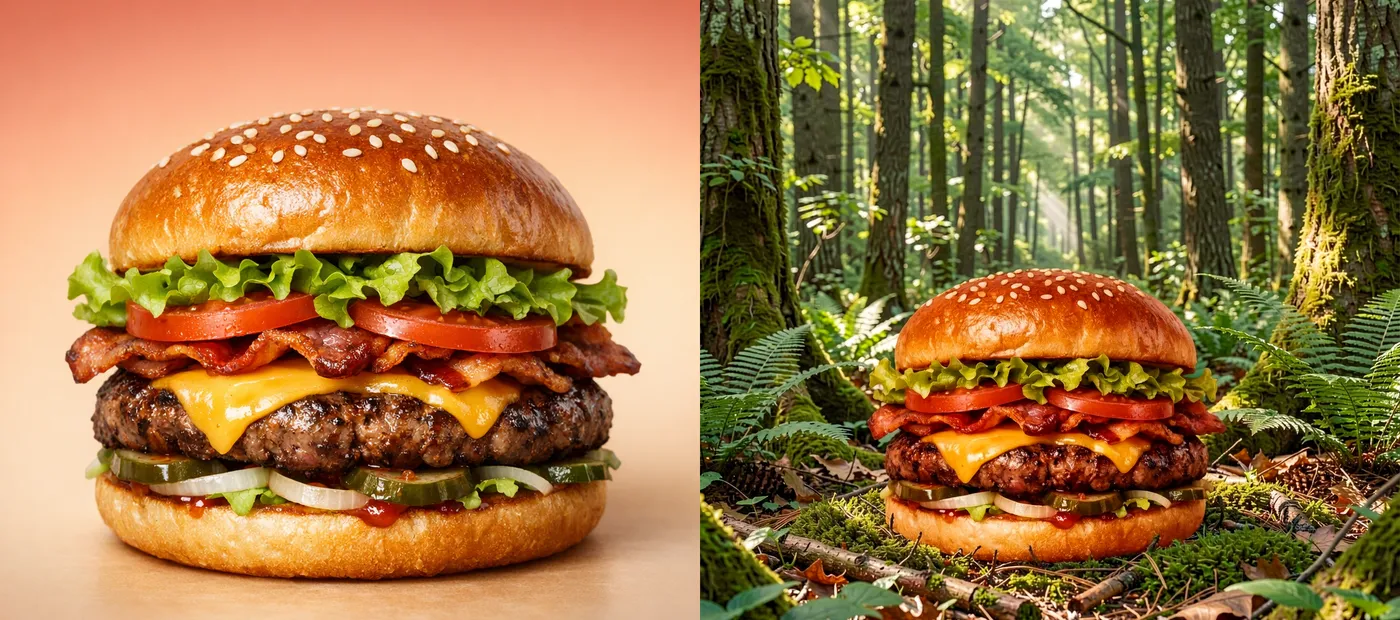
FLUX.2 Klein 9B: Edit Images by Prompt
Unified workflow: one model for text‑to‑image, image‑to‑image, and image editing
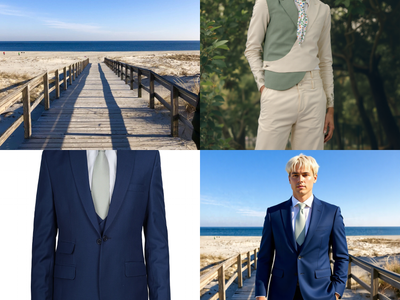

Flux Kontext Multi-Image Reference
Combine up to 3 reference images into one with Flux Kontext Key Inputs Load Image (3x): Load 3 different reference images. Prompt: Describe how to combine these images, see default value for example.
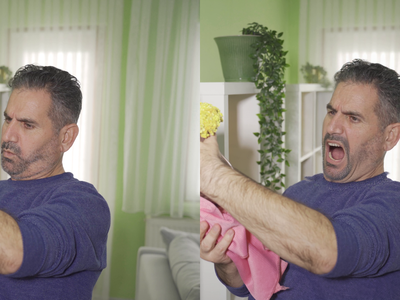
Flux Kontext Inpainting
Inpaint with the power of Flux Kontext, providing additional content-awareness.
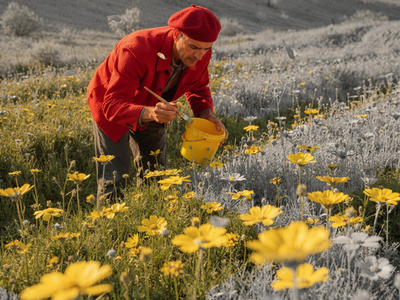
FLUX.2 Dev · Text to Image
Generate photorealistic images with FLUX.2 Dev, the 32B open-weight model from Black Forest Labs. Write a prompt, add optional references, and hit run.
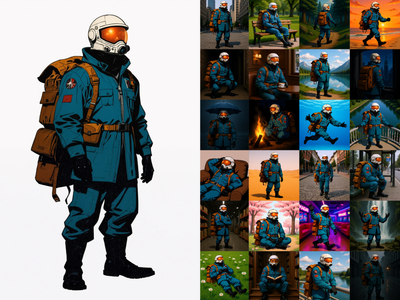
Flux Kontext - Single Image to Character LoRA
Generate a 60-Image LoRA Dataset from a Single Character Image
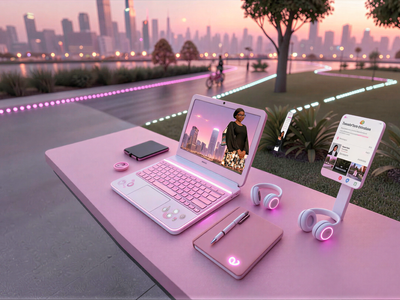
Flux.2 Klein Image Expansion / Outpaint
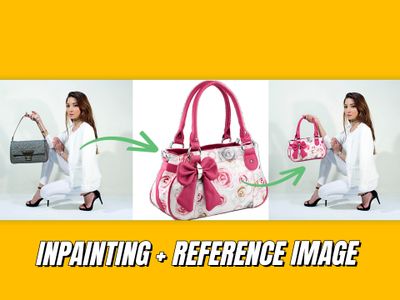
Inpainting with reference image

Wan2.1 Fun Control and Flux for V2V Restyle
Create a new video by restyling an existing video with a reference image.
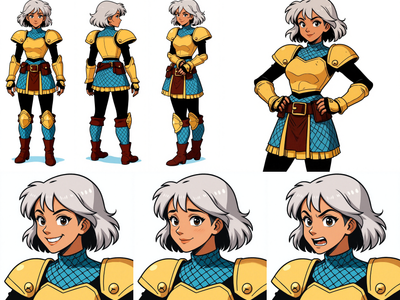
Image to Character Sheet with Kontext
Create a character sheet with multiple poses and expressions from a single image!
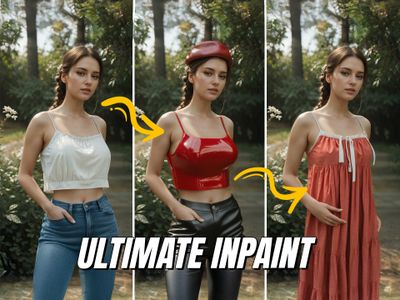
Flux Inpaint - ULTIMATE workflow.
Flux inpainting with Flux fill model and regular Flux dev model. All in one Flux inpainting workflow that easily AI retouches any image.
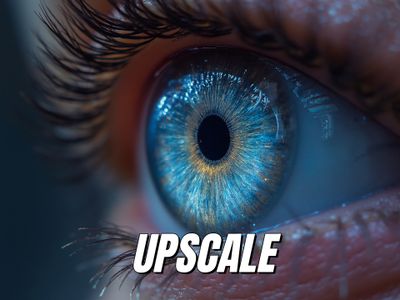
Ultimate Upscaler
Flux ultimate SD upscaler with detailer daemon and tile controlnet. Easy but extremely powerful.
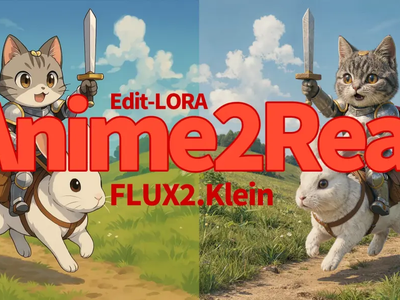

A2R for Klein
A2R Klein
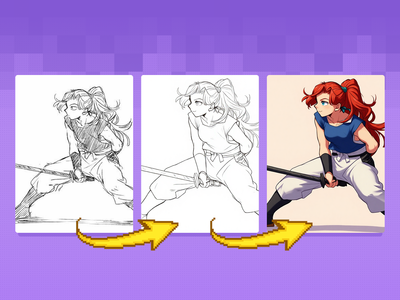
Flux Kontext Sketch to LineArt + Color Previz
Quickly convert rough sketches into polished lineart and colorized concepts. Ideal for early storyboards, character designs, scene planning, and other visual explorations.
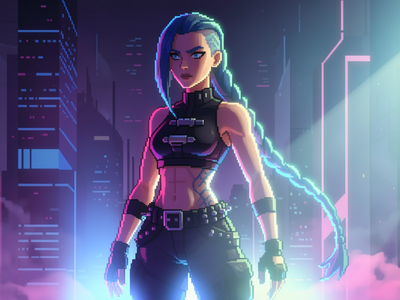
Flux. 2 Klein INPAINT Segment Edit Accurate Image
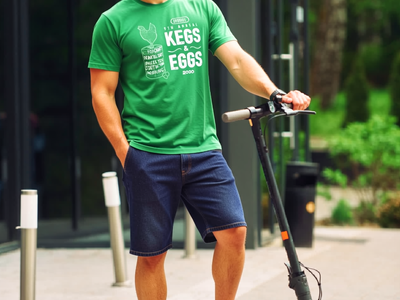
FLUX.2 Klein 9B + Virtual Tryon LoRA
Try a clothes using Flux.2 Klein 9B and tryon LoRA from
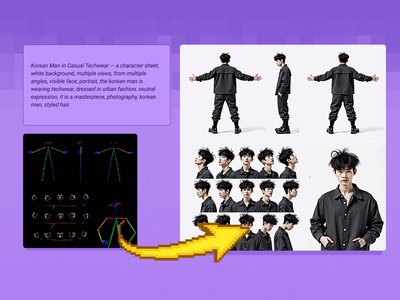
Flux Text to Character Sheet
Create a character and a range of consistent outputs suitable for establishing character consistency, training a model, and ensuring consistency throughout multiple scenes. Key Inputs Image reference: Use the included pose sheet to show range of positions Prompt: as descriptive a prompt as possible
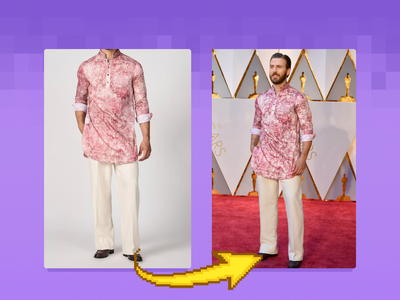
Flux Outfit Transfer
Virtual Outfit Try-On with Auto Segmentation Try virtual clothing on any subject using Flux Dev, Ace Plus, and Redux, with automatic segmentation. Great for concept previews, fashion mockups, or character styling. Key Inputs Outfit: Load the outfit image you want to apply. Make sure it's high quality — visible artifacts or distortions may carry over into the final result. Actor: Add the subject or character you want to dress. Ideally, use a clear, front-facing image. Human Parts Ultra: Choose which parts of the body the clothing should apply to. For example, for a long-sleeve shirt, select: torso, left arm, and right arm. This helps the model align the clothing properly during generation. Prompt: Default value works for most outfits, however you may try to adjust it to describe the desired outfit.
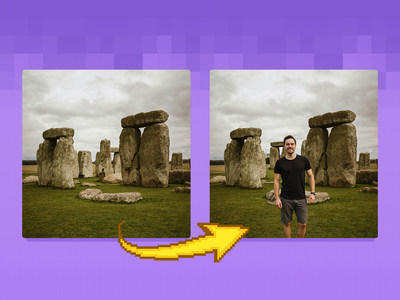
Image Inpainting with LoRA
Change specific details on just a portion of the image for inpainting or Erase & Replace, adding a LoRA for extra control.
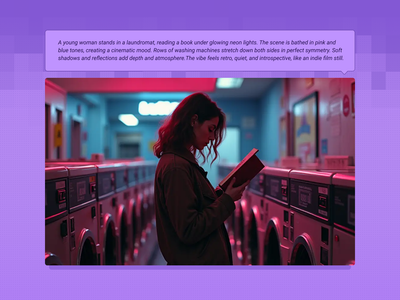
Flux Text to Image
Create original images using only text prompts, which can be simple or elaborate. Key Inputs Prompt: as descriptive a prompt as possible Width & height: Optimal resolution settings are noted
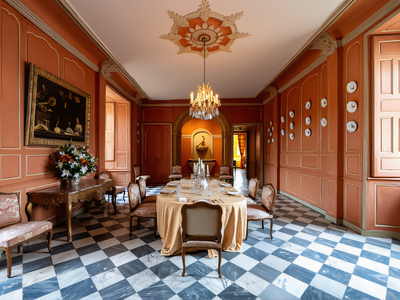
FLUX.1 Dev · Image Upscaler
Double any image's resolution with FLUX.1 Dev and 4x-UltraSharp. Upload a picture, hit run, and get a sharp 2x upscale refined tile by tile. Open weights.
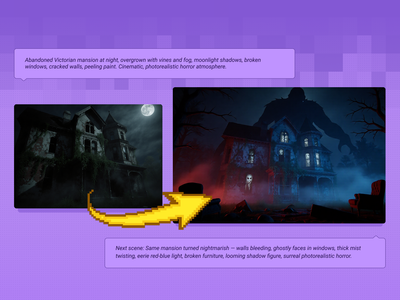
Qwen Image Edit 2509 + Flux Krea for Creating Next Scene
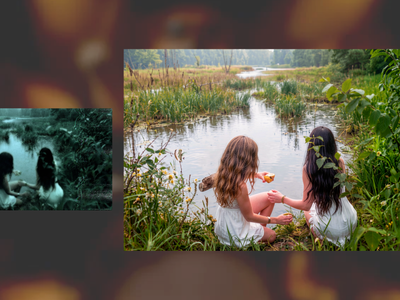
Anything2Real 2601A

FLUX.1 Dev · Text to Image With Image Input
Generate images from text with FLUX.1 Dev, the 12B open-weight model from Black Forest Labs. Enable the image input to edit from a picture. Write a prompt, run.
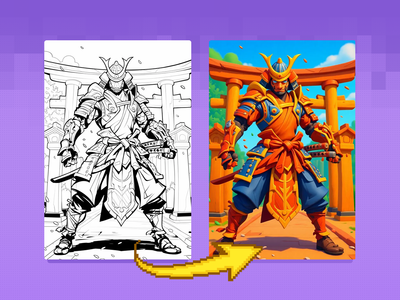
Flux Kontext - Sketch to Image
Bring your sketches to life in full color with Flux Kontext! Key Inputs Load Image – Upload the sketch you want to transform. Prompt – Describe the desired output style, such as: “Render this sketch as a realistic photo” or “Turn this sketch into a watercolor painting.”
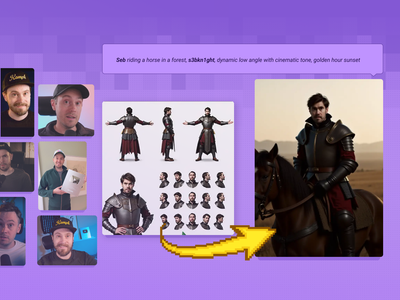
Text to Image with Multi-LoRA
Create consistent images with multiple LoRA models.
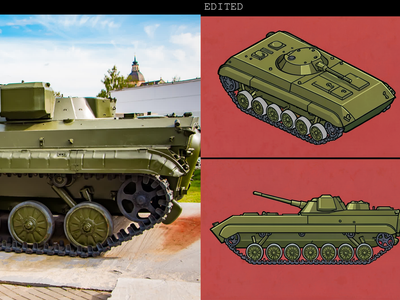
FLUX.2 Klein 4B for Text to Sprite Sheet
Create sprite sheet for game characters in using flux 2 Klein 4B
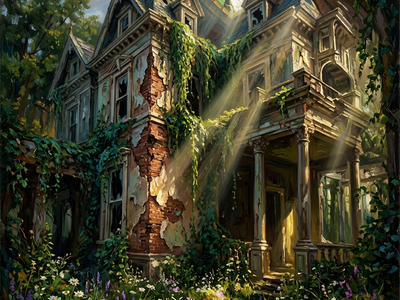
ERNIE Image - Text to Image
Generate images with Baidu's ERNIE Image model. Write a short prompt and let the built-in AI enhancer expand it into rich detail. Toggle the enhancer on or off.
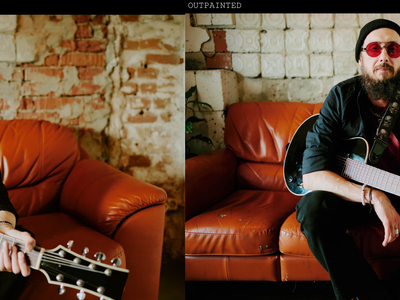
FLUX.2 Klein 4B for Image Outpainting
Outpaint image using Flux 2 Klein 4B using LanPaint and Outpaint LoRA
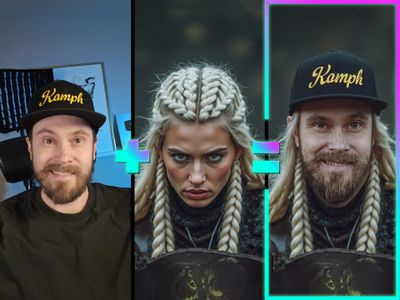
SMART FACE SWAPPER - Ace++ Flux Face swap
Face swapper built with Flux and ACE++. Works with added details too, like hats, jewelry. Smart features, use natural language.
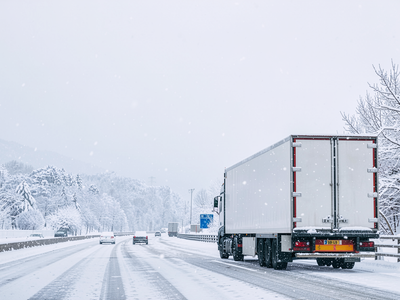
FLUX.2 Klein 9B · Image Editing With KV Cache
Edit images with Flux 2 Klein 9B in 4 steps. KV Cache speeds every run by reusing attention work across steps. Upload an image, describe the edit, hit Run.
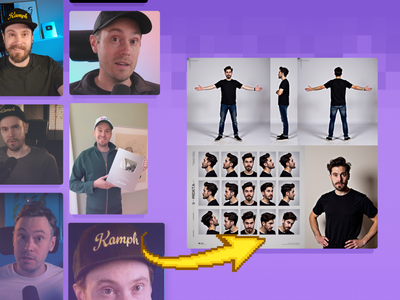
Text to Character Sheet with a reference LoRA
Generate a character sheet using a prompt and a LoRA model of a particular person for more accurate renders. Key Inputs Load Image: Use any JPG or PNG of your pose sheet Prompt: as descriptive a prompt as possible Width & height: Optimal resolution settings are noted at 1280px x 1280px Denoise: The amount of variance in the new image. Higher has more variance. ControlNet Strength: The amount of adherence to the original image. Higher has more adherence. Start Percent: The point in the generation process where the control starts exerting influence. (Have it start later, to let AI imagine first.) End Percent: The point in the generation process where the control stops exerting influence. (Have it end sooner, to let AI finish it off with some variation.) Flux Guidance: How much influence the prompt has over the image. Higher has more guidance.
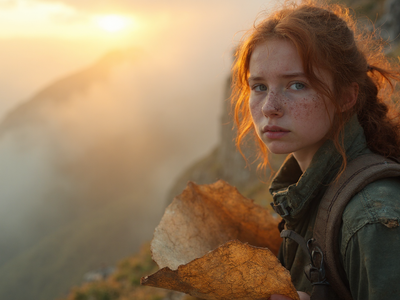
SRPO Next-Gen Text-to-Image
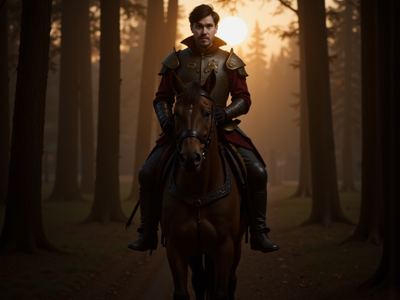
FLUX.1 Dev · Upscale With LoRA
Double any image's resolution with style-guided detail using FLUX.1 Dev and a LoRA. Upload a picture, load your adapter, and hit run. 2x upscale, tile by tile.
Image to 3D with Hunyuan3D w/ Texture Upscale
Create a 3D model from a reference image with Flux Dev texture upscaling.
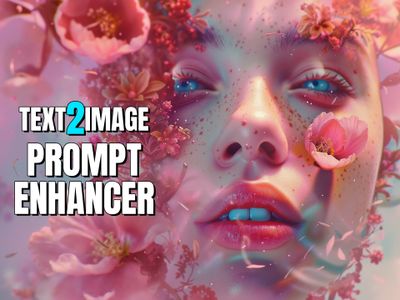
Text2Image + Prompt Enhancer LLM for Flux
Classic Flux text2image with an added LLM to improve your prompts.
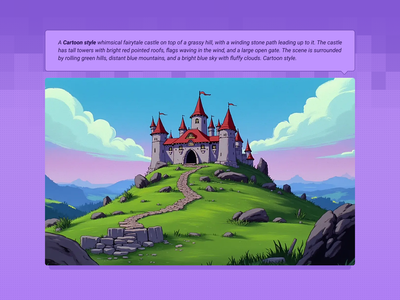
Text to Image + LoRA model
Create an image from a trained AI model of something specific ( a specific figure, outfit, art style, product etc) to ensure specific details within.
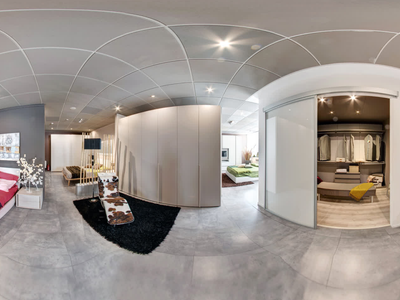
Flux 2 Klein 9B + 360 Panorama ERP LoRA
Turn any image into a full 360 equirectangular panorama with Klein 9B and a 360 ERP outpaint LoRA. Cut flat camera shots at any angle from the result.
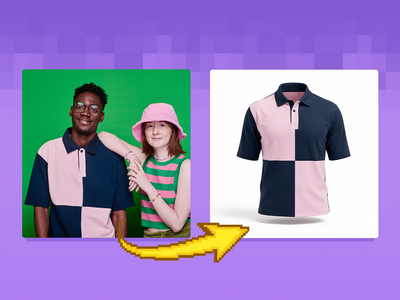
FLUX.2 Klein 9B + SAM3 + GhostMannequin LoRA
Create a ghost mannequin clothes using flux.2 klein, SAM3 and Ghost mannequin LoRA
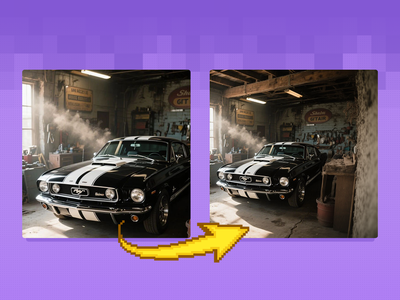
Flux Fill Dev Image Outpainting
Extend your images out for a wider field of view or just to see more of your subject. Expand compositions, change aspect ratios, or add creative elements while maintaining consistency in style, lighting, and detail while seamlessly blending with the existing artwork.
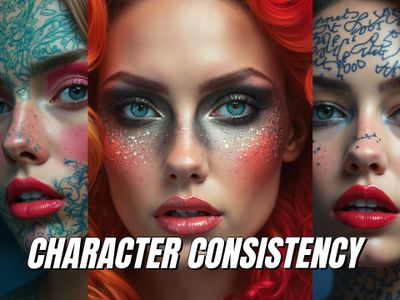
Character Consistency - 1 image only. Flux Ace++
Load 1 image and use natural language to get variations of your input image. Works great for character consistency to generate a dataset for loras.

Flux Kontext - Quick & Easy
Load an image reference and use the smart Flux Kontext model to ask for anything. The model understands natural language and looks at your input image. Example: Put this man on a tropical island. This man is sleeping in a bed.