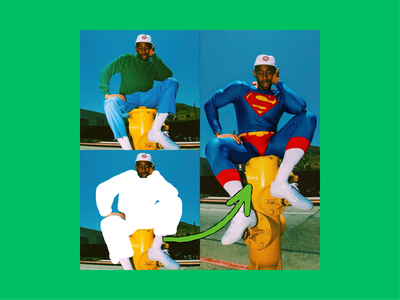
FLUX.2 Klein 4B for Image Outpainting
Outpaint image using Flux 2 Klein 4B using LanPaint and Outpaint LoRA
Flux
Flux.2 Klein
Image
Image Outpainting
LoRAs
1.7k

Nodes & Models
UNETLoader
flux-2-klein-4b.safetensors
CLIPLoader
qwen_3_4b.safetensors
VAELoader
flux2-vae.safetensors
Note
WorkflowGraphics
LoadImage
LoraLoaderModelOnly
LyNiaZ53Tudg0J6sT8Xbx_pytorch_lora_weights_comfy_converted.safetensors
CLIPTextEncode
ImageScaleToTotalPixels
AddLabel
ConditioningZeroOut
VAEEncode
GetImageSize
VAEDecode
ImageScale
ImagePadKJ
PreviewImage
ReferenceLatent
EmptyFlux2LatentImage
FluxGuidance
SaveImage
ImageConcanate
LanPaint_KSampler
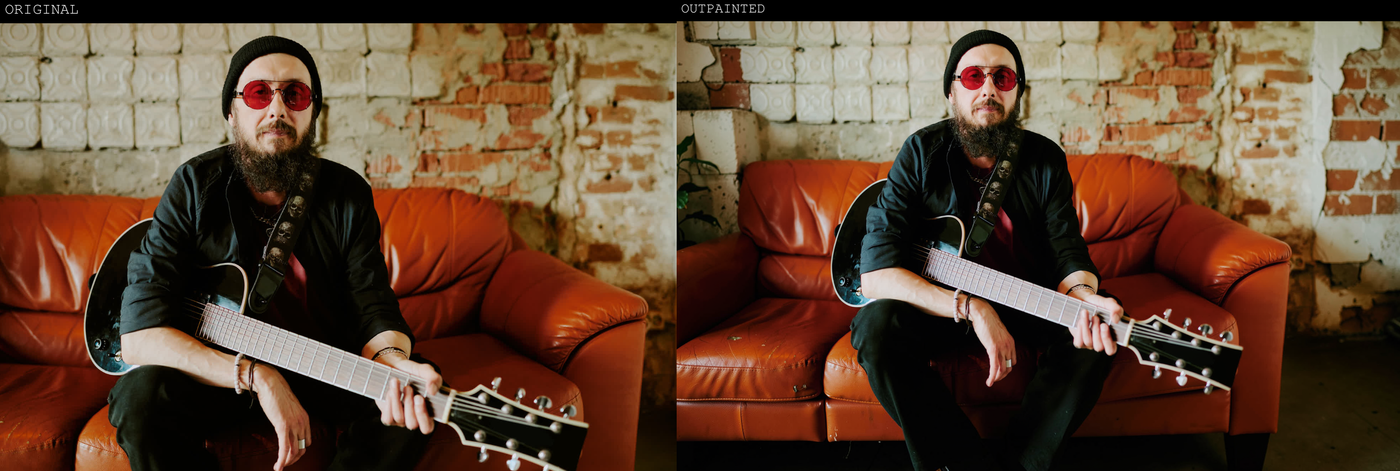
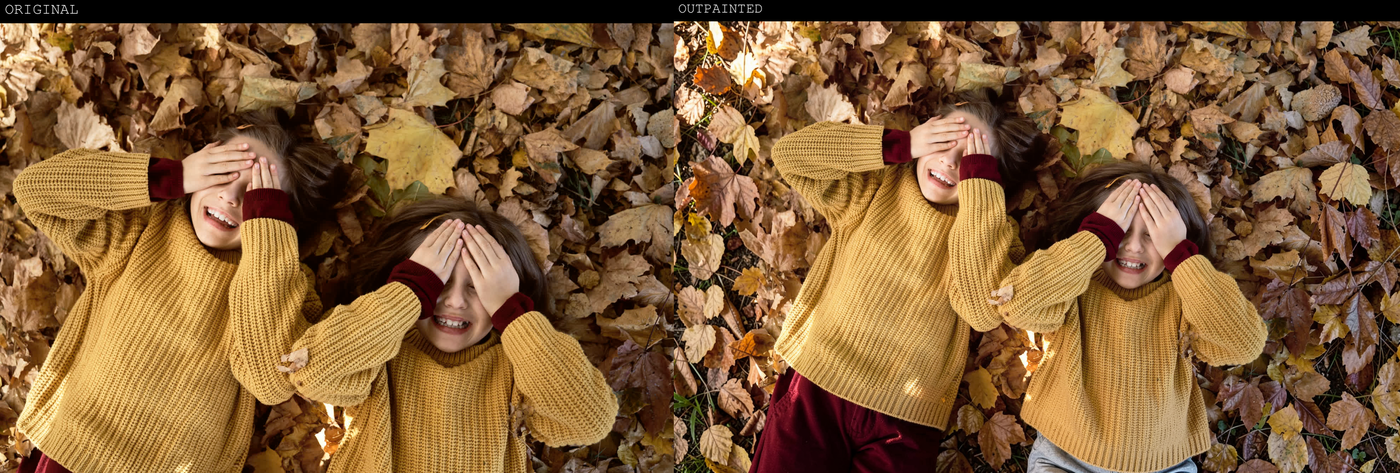
FLUX.2 Klein 4B is very good at image outpainting: it can extend canvas borders and invent plausible new content that matches the original scene’s style, lighting, and perspective.
Overview
Klein 4B is a 4‑billion‑parameter rectified‑flow image model that unifies text‑to‑image and image editing, including outpainting, in one compact checkpoint. It runs comfortably on consumer GPUs and supports mask‑aware, multi‑reference editing, which makes it suitable for contextual extensions like wider backgrounds, uncropping, or changing aspect ratios.
Why use it for outpainting
High consistency at small size: Community tests report that Klein 4B is unusually consistent for outpainting, preserving subjects and style while extending the scene.
Simple workflows: In tools like ComfyUI, outpainting is often just “pad image → edit with Klein 4B,” using the new border as the target area.
Specialized LoRAs: There are dedicated outpaint LoRAs for Klein 4B that fill colored (for example green) borders around an image with context‑aware content.
Typical outpainting behavior
You expand the canvas (left/right, top/bottom, or all sides) and optionally color the new borders with a solid key color (often green or red).
You prompt Klein 4B to “fill the green spaces according to the image” or “remove the red padding and reveal what’s behind,” so the model knows to synthesize only the border region.
The model extends backgrounds, adds architecture, foliage, sky, or room context that matches the original lighting and texture, often improving local detail at the same time.
Use cases
Photo extension and uncropping: Turning tight crops into wider compositions or adapting portraits to landscape/vertical formats.
Background building: Creating seamless environments around a subject for thumbnails, posters, or key art.
Aspect‑ratio conversion: Converting square to 16:9 or 9:16 by outpainting sides or top/bottom while keeping the subject untouched.
Read more

_1786522681696.png?width=400&height=300&quality=80&resize=cover)