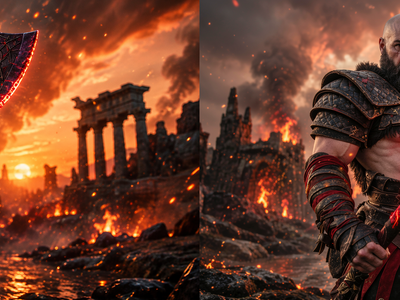
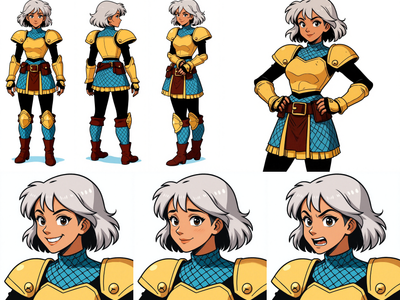
FLUX.2 Klein 4B for Text to Sprite Sheet
Create sprite sheet for game characters in using flux 2 Klein 4B
Flux
Flux.2 Klein 4B
Image
Image2Image
LoRAs
2.0k

Nodes & Models
WorkflowGraphics
RandomNoise
KSamplerSelect
VAELoader
flux2-vae.safetensors
CLIPLoader
qwen_3_4b.safetensors
UNETLoader
flux-2-klein-4b.safetensors
LoadImage
CLIPTextEncode
LoraLoaderModelOnly
mFtSubaAlDqtHyKk6eIPi_pytorch_lora_weights_comfy_converted.safetensors
ImageScaleToTotalPixels
GetImageSize
VAEEncode
Flux2Scheduler
EmptyFlux2LatentImage
ReferenceLatent
CFGGuider
SamplerCustomAdvanced
VAEDecode
SaveImage
PreviewImage
AddLabel
ImageConcanate
AddLabel
ImageConcanate
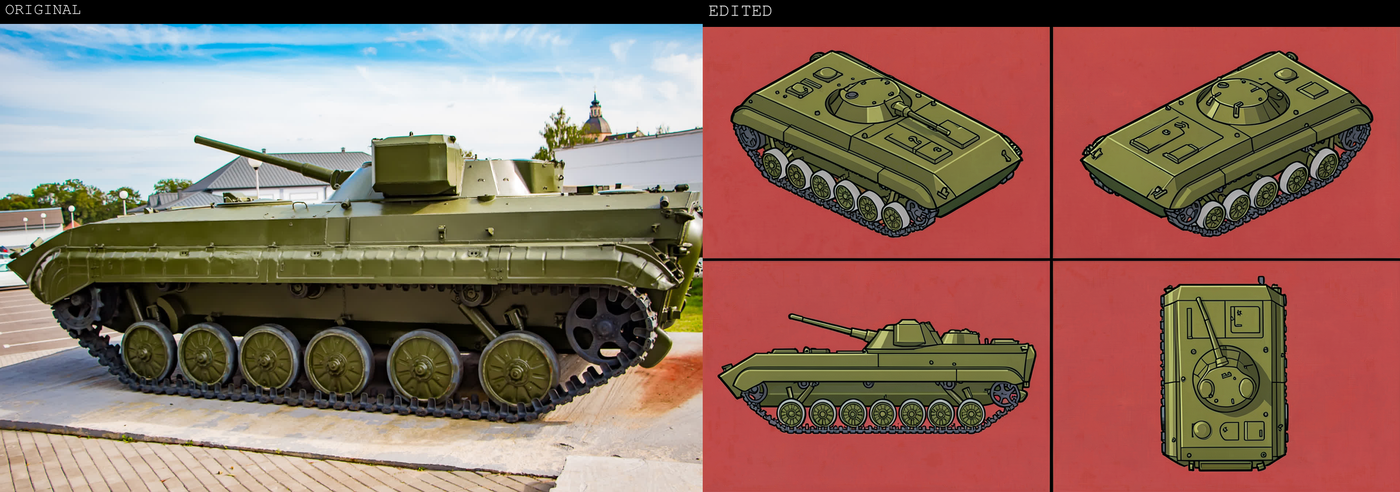
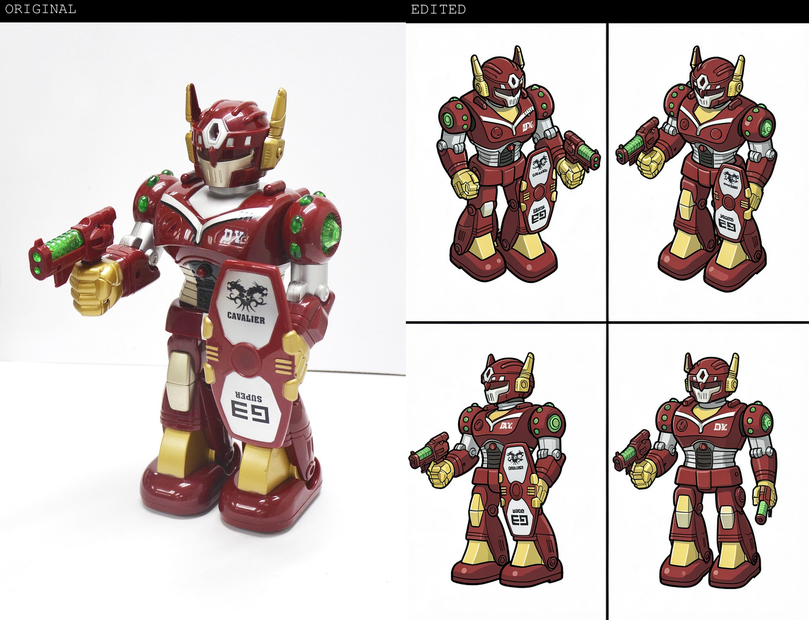
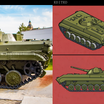
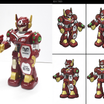
FLUX.2 Klein 4B plus a sprite‑sheet LoRA is essentially a one‑click multi‑view generator: you describe (or show) a character or prop once, and get a clean 2×2 sheet of consistent views back.
Advantages
Consistency across frames: The LoRA is trained to keep proportions, colors, and style matched across all four cells, so front, side, and diagonal views feel like the same asset, not four similar ones.
Speed on modest hardware: Klein 4B is light enough to run at low step counts (for example 4–6) on 8–12 GB GPUs while still producing sharp, usable sprites.
Unified edit + generate: Because Klein 4B handles both T2I and I2I, you can generate a base sprite sheet, then refine specific cells (pose tweak, color change) without leaving the same model stack.
LoRA ecosystem: The sprite‑sheet LoRA can be combined with other Klein LoRAs (style, outline, pixel‑art, outpaint), letting you adapt the same pipeline to different art directions.
Best use cases
2D game assets:
Top‑down or isometric games that need four directional views of characters, vehicles, or props (for example up, down, left, right or NE/NW/SE/SW).
Rapid prototyping of enemies/NPCs where you want many designs and only a subset will be refined by a human artist later.
3D modeling reference sheets:
Creating quick orthographic/isometric reference boards (front, 3/4, side, top) for 3D artists or kitbash workflows.
UI and marketing mockups:
Showing a product or mascot in four angles within a single graphic (store pages, pitch decks, docs) without manually aligning views.
Read more
_1786522681696.png?width=400&height=300&quality=80&resize=cover)