Flux Kontext - Single Image to Character LoRA
Generate a 60-Image LoRA Dataset from a Single Character Image
Dataset
Flux
Image
Kontext
LoRa
LoRAs
Training
4.5k
Nodes & Models
UNETLoader
FLUX1/flux1-dev-kontext_fp8_scaled.safetensors
DualCLIPLoader
clip_l.safetensors
t5xxl_fp16.safetensors
VAELoader
ae.safetensors
EmptyLatentImage
LoadImage
FluxKontextImageScale
CLIPTextEncode
VAEEncode
ConditioningZeroOut
ReferenceLatent
FluxGuidance
KSampler
VAEDecode
SaveImage
Text Multiline
Text Concatenate
CR Prompt List
Generate 60 diverse images of your character from a single input photo using Flux Kontext.
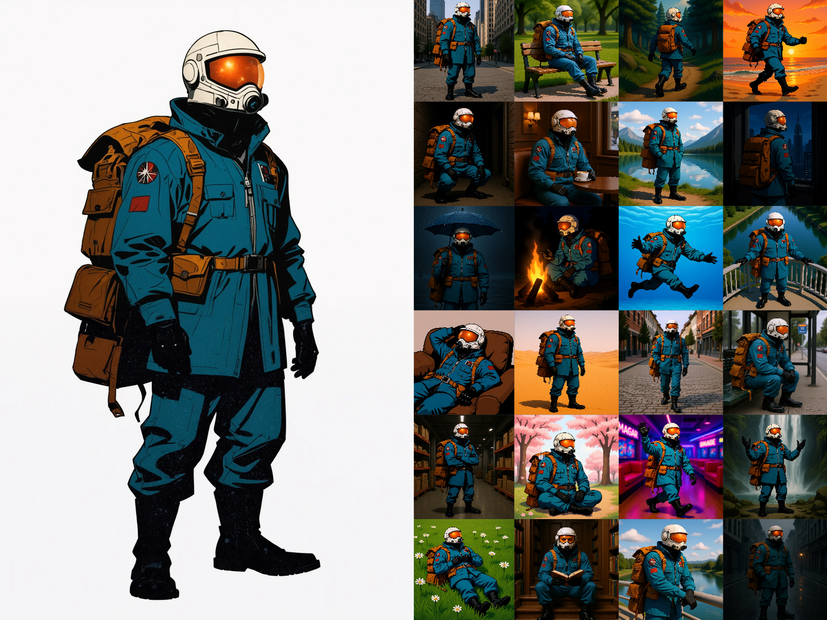
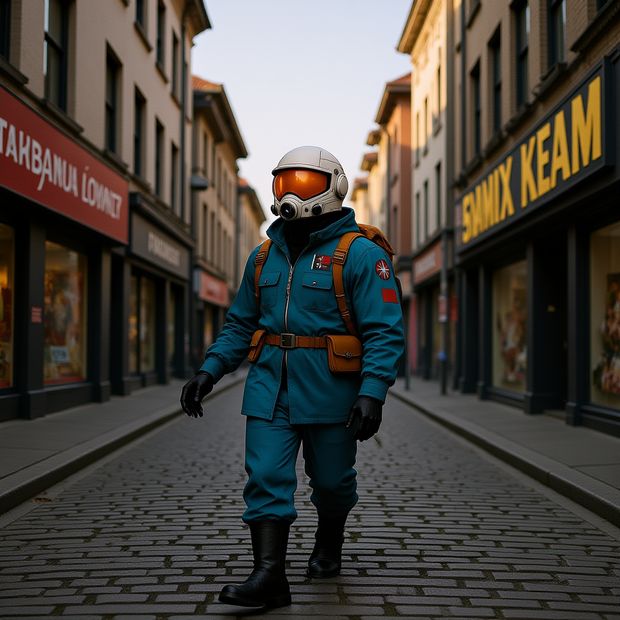
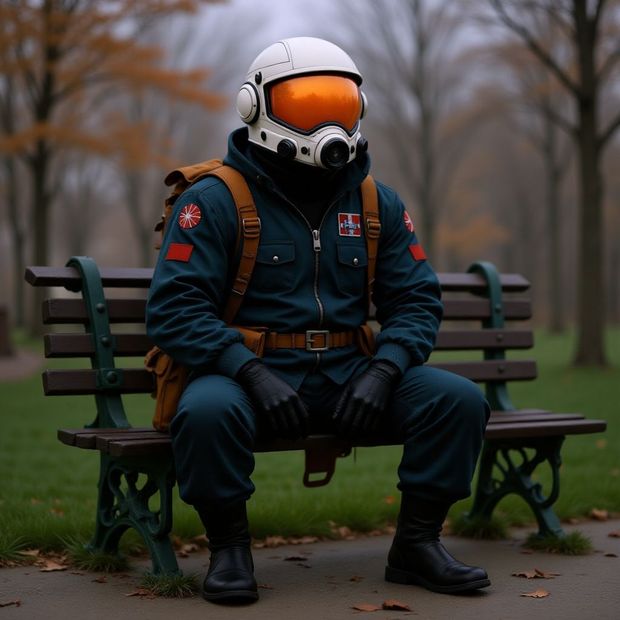
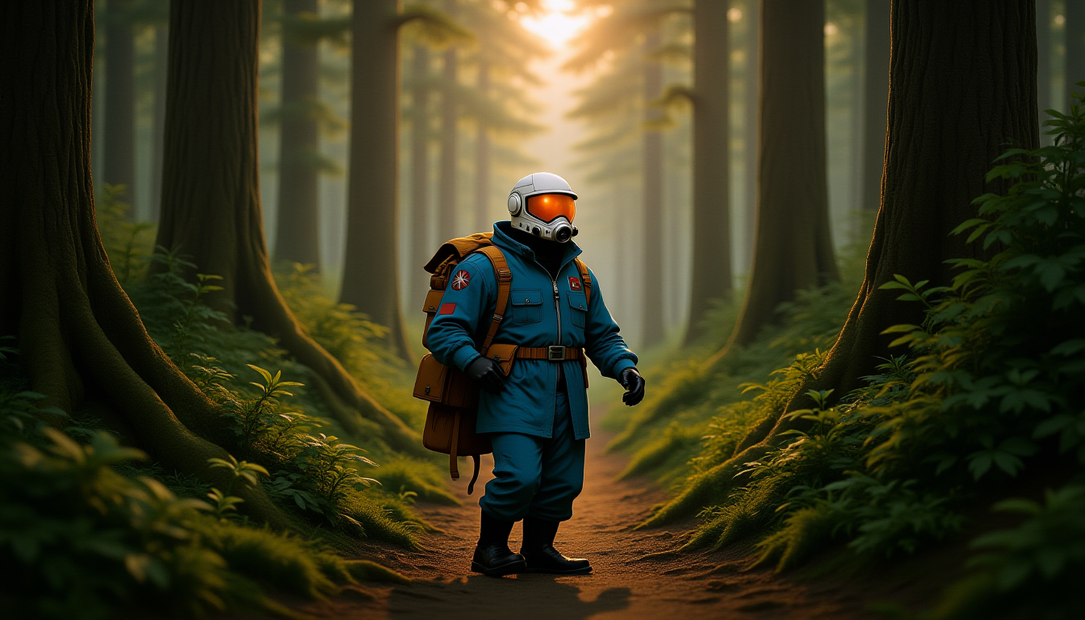
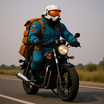
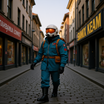
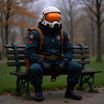
Upload one character image and the workflow runs it through 60 different prompts, each placing your character in a new pose, environment, expression, and camera angle. Flux Kontext preserves the character's face, body, outfit, and style across every generation. The output is a ready-to-curate dataset for training a character LoRA.
Not every image will be perfect. The goal is to generate 60, then pick the best 30+ for your training set.
How do you generate a LoRA dataset from one image with Flux Kontext?
Upload your character image, set a character name for the output folder, and run. The workflow iterates through 60 pre-built prompts that cover standing, sitting, walking, running, crouching, lying down, and more, across cities, forests, beaches, rooftops, cafes, and interiors. Each image generates at 1024x1024 with Flux Kontext Dev. Edit the prompt list to add your own scenarios or remove ones you don't need.
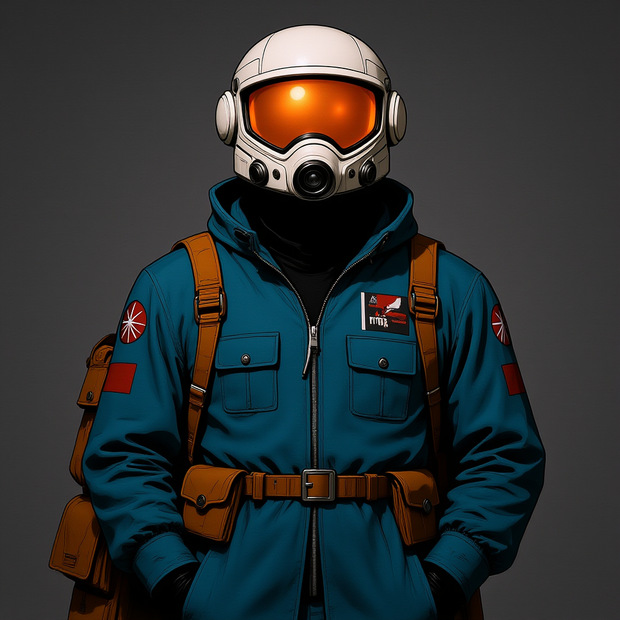
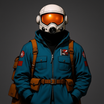
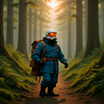
Load Image Upload your character image. Character sheets showing multiple angles (front and back) give the best results because Kontext has more reference data to work with. A single front-facing image works too. Use a clear, well-lit image where the face and body are fully visible.
Character Name (Output Folder) Type the character's name. This becomes the output folder name where all 60 images save. Keeps your dataset organized if you're training multiple LoRAs. Default is "spaceman."
Prompt List This is where the variety comes from. The default list includes 60 prompts covering:
Poses: standing, sitting, walking, running, crouching, kneeling, lying down, leaning, climbing, dancing, swimming, cycling, lounging.
Environments: city streets, parks, forests, beaches, mountains, rooftops, cafes, libraries, airports, arcades, temples, castles, deserts, snowy scenes, neon alleys, farms, warehouses, museums.
Expressions: neutral, confident, relaxed, focused, bored, peaceful, alert, cheerful, determined, contemplative, curious, rebellious, mysterious, nostalgic, wistful.
Camera angles: front view, side profile, rear view, 3/4 angle, low angle, top-down, close-up, wide shot, cinematic shot, action shot.
Each prompt starts with "make this character" and describes the full scene. Kontext reads your input image and places that same character into each described scenario.
Want different scenarios? Edit the prompt list. Replace prompts, add new ones, or cut it down. The list is plain text with one prompt per line.
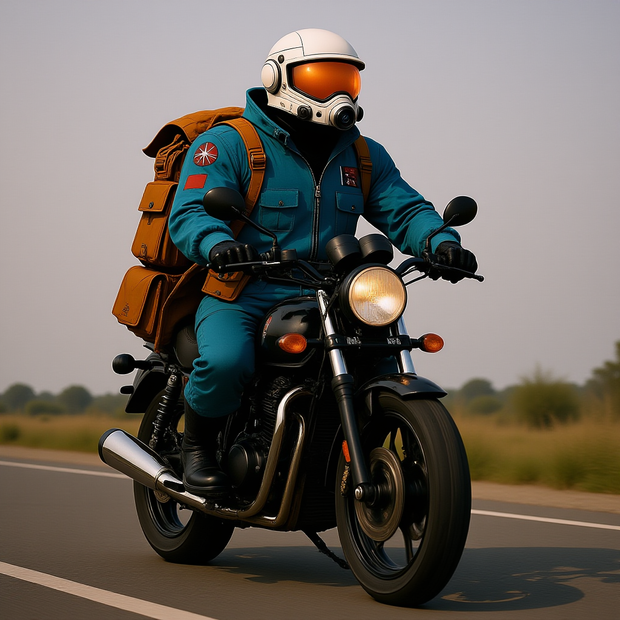
What comes out 60 images at 1024x1024, saved to your named output folder. Each image shows your character in a different pose, setting, and expression while keeping the face, body proportions, and style consistent.
Pick the best 30 or more for your LoRA training dataset. Look for images where the face is clear, the pose is natural, and the character looks like themselves. Discard any where features drifted or the composition is off.
What is this workflow good for?
This workflow solves the biggest problem in character LoRA training: getting enough diverse, consistent images of the same character. Instead of photographing or manually creating 30-60 reference images, you upload one image and generate the full dataset in a single run. Flux Kontext's character preservation means every image in the set looks like the same person.
Character LoRA training. The direct use case. You need 30+ diverse images of a character to train a LoRA that generalizes well. This workflow generates the dataset from one reference. The variety of poses, angles, and environments in the default prompt list helps the LoRA learn your character across different conditions, which prevents overfitting to a single pose or setting.
AI influencer and virtual character pipelines. Building a consistent virtual character for social media, brand content, or storytelling? Generate the training dataset, train a LoRA, then use that LoRA across text-to-image and video workflows to keep the character looking identical in every piece of content.
Game and animation character reference. Before committing to a full character design, generate 60 views of a concept to see how it holds up across poses and environments. Faster than drawing each view and more informative than a single concept image.
The quality tradeoff. Not all 60 images will be usable. Expect 40-50 good ones and 10-20 that need to be discarded. Extreme poses (swimming, dancing, climbing) and unusual angles (top-down, extreme low angle) are more likely to produce drift. That's fine. The workflow generates more than you need so you can be selective.
FAQ
What kind of input image works best for generating a LoRA dataset with Flux Kontext?
A character sheet showing front and back views gives the best results. Kontext has more reference data to preserve identity across angles. A single front-facing photo or illustration works too, but you may see more drift on rear views and extreme angles. Use a clear, well-lit image with the full body visible and a clean background.
How many images do I need for a good character LoRA?
About 30 is the minimum for a Flux character LoRA that generalizes well. The workflow generates 60 so you can be selective. Pick images where the face is clear, the pose looks natural, and the character's features are consistent. Discard any where the face drifted, hands look wrong, or the composition is awkward.
Can I edit the prompt list to add my own scenarios?
Yes. The prompt list is plain text, one prompt per line. Add, remove, or replace any prompt. Want all indoor scenes? Replace the outdoor prompts. Want specific outfits or props? Add them to each prompt. Want more than 60? Add more lines. The workflow iterates through every line in the list.
Does Flux Kontext keep the character's outfit consistent across all images?
Kontext preserves the outfit from your input image by default. Each prompt describes a pose and environment but doesn't specify clothing, so the model carries over what it sees in your reference. If you want outfit changes, add outfit descriptions to specific prompts in the list.
How do I run this workflow online?
You can run Flux Kontext Single Image to Character LoRA online through Floyo. No installation, no setup. Open the workflow in your browser, upload your character image, and hit run. Free to try.
Read more
0
Reply
0
Reply
_1786518453053.png?width=400&height=300&quality=80&resize=cover)