

Showing59 Workflows


Wan 2.6 Reference to Video
Wan 2.6 · Multi-Shot Image to Video
Turn a still image into a multi-shot video with sound using Wan 2.6 by Alibaba. The model plans camera cuts and syncs audio in one pass. Upload and run.
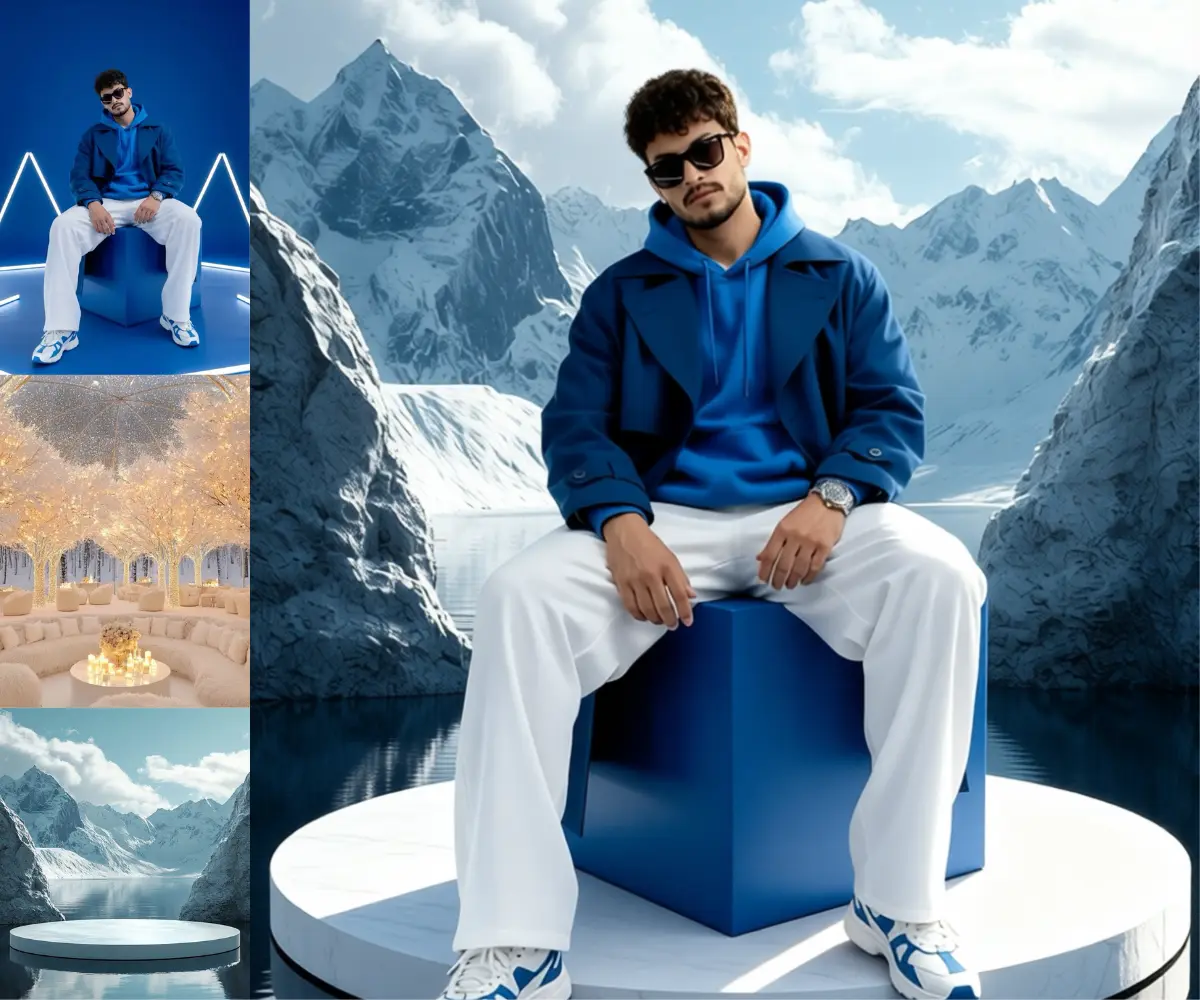
Qwen Image Edit 2511 · Composite
Place a subject into a new scene using Qwen Image Edit 2511 and the Kontext multi-reference method. Upload a subject and a background, describe the edit, run.
Seedance 2.0: Reference to Video
Composite up to nine reference images into one video clip with Seedance 2.0 by ByteDance. Tag each image in the prompt, describe the scene, and hit run.
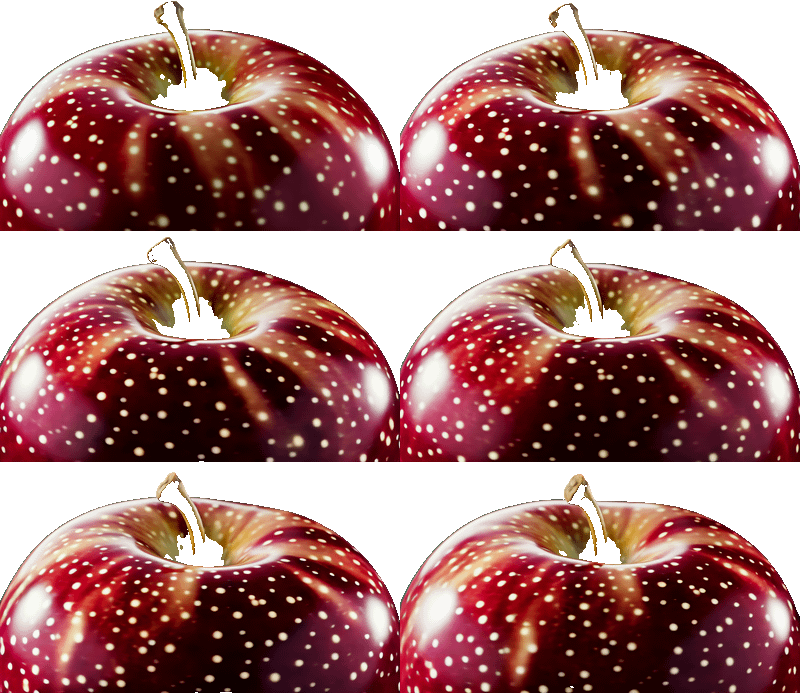
Wan Alpha Create Transparent Videos
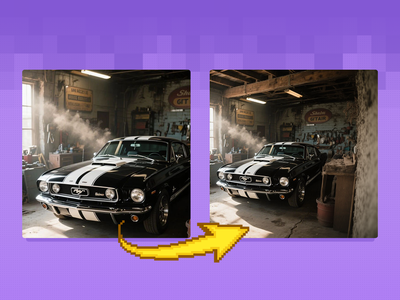
Flux Fill Dev Image Outpainting
Extend your images out for a wider field of view or just to see more of your subject. Expand compositions, change aspect ratios, or add creative elements while maintaining consistency in style, lighting, and detail while seamlessly blending with the existing artwork.
Corridor Key Green Screen Keying for Video
Upload green screen footage and get a clean alpha matte plus composite preview. Corridor Key's neural network handles hair, motion blur, and transparency.
Video Masking with Sam2 Comparison
Use a video clip and visual markers to segment/create masks of the subject or the inverse. Key Inputs Load Video: Use any Mp4 that you would like to segment or create a mask from Select subject: Use 3 green selectors to identify your subject and one red selector to identify the space outside your subject Modify markers: Shift+Click to add markers, Shift+Right Click to remove markers
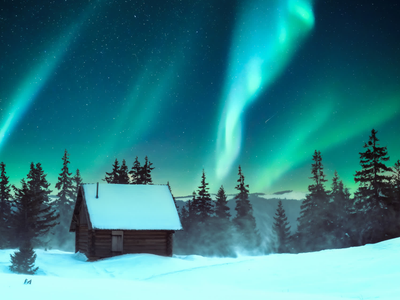
Seedance 2.0 · Image to Video
Animate any still into a video clip with Seedance 2.0 by ByteDance. Upload a start image, add an optional end frame, describe the motion, and hit run.
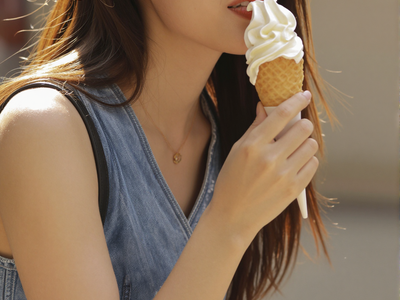
Z-Image Turbo · Text to Image With Diversity LoRA
Generate a different composition on every seed with Z-Image Turbo and the SDA diversity LoRA. Write a prompt, hit run, get layout variety. Apache 2.0.
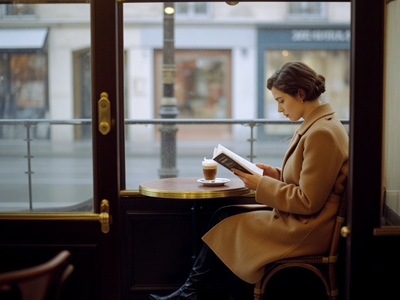
Z-Image Turbo + SDA LoRA for Diverse Text to Image
Generate images with Z-Image Turbo while the SDA diversity LoRA stops every seed from producing the same pose and composition. 8 steps, 2x upscale to 2048.
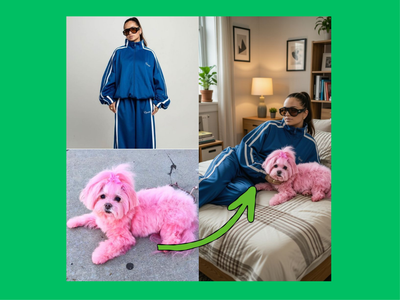

FireRed Image Edit 1.1 workflow
An open-source AI image editing model tuned for high-fidelity editing, character consistency, and multi-element composition. Excellent at changing visuals with straightforward prompts that may be used locally in ComfyUI.
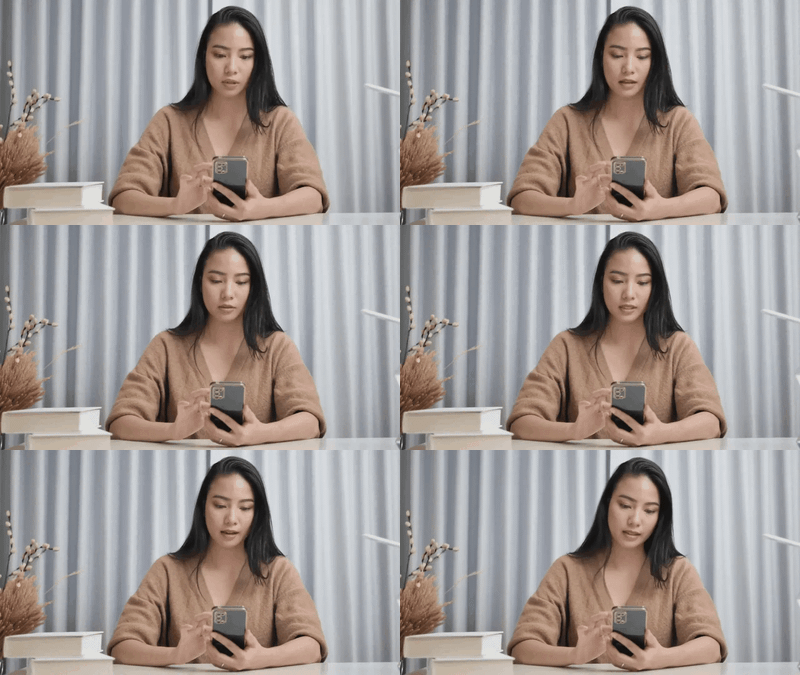

LatentSync - Lip Sync Video from Audio
Make anyone in a video match your audio with LatentSync
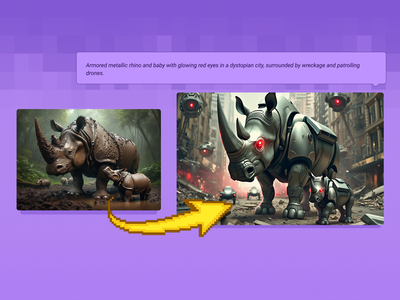
Image to Image with Flux ControlNet
Transform your images into something completely new, yet retaining specific details and composition from your original using flexible controls. Key Inputs Image reference: Use any JPG or PNG showing your subject clearly Prompt: as descriptive a prompt as possible Denoise Strength: The amount of variance in the new image. Higher has more variance. Width & height: Try and match the aspect ratio of the original if possible.
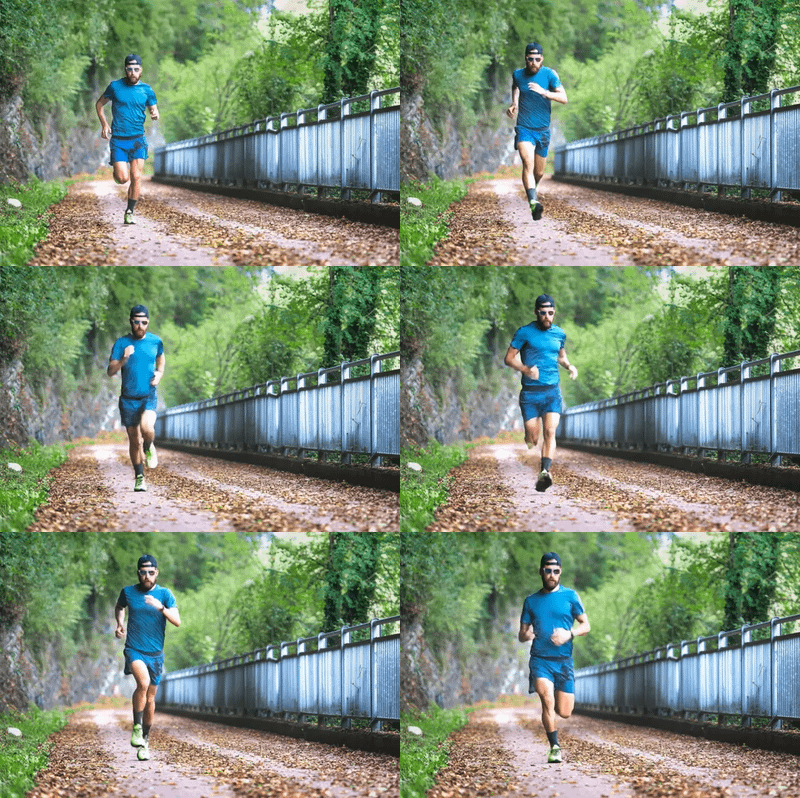
MatAnyone2 V2V with Auto Segmentation
Remove any subject from video with MatAnyone2. Auto-detects by text, tracks frame by frame, and outputs a green screen, matte, and side-by-side comparison.
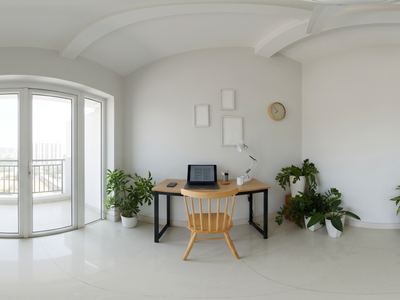
Nano Banana 2 for Image to 360 Panorama
Turn any photo into a 360 equirectangular panorama with Nano Banana 2. Upload an image, hit run, and get a 2:1 wrap ready for VR scenes and skyboxes.
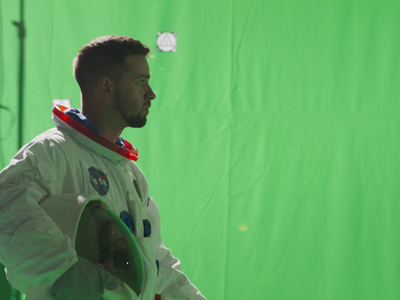
AI Video Background Replacement
Step 1: Upload you footage. Step 2: Upload alpha of what you need to replace, be it full BG or selected area. Step 3: Add prompt Step 4: Upload a reference image Step 5: Hit Que
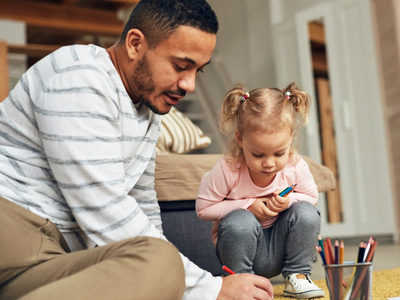
DarkRoom Color Grading Toolkit for Image Editing
Nine color grading tools with 70+ presets for tone curves, lift/gamma/gain, log wheels, hue remapping, and saturation control. Instant results, no AI model.

LTX-2.3 · Clean Plate (Video Object Removal)
Erase people and moving objects from a video and rebuild the scene behind them with LTX-2.3 by Lightricks. Upload a clip, describe the empty shot, hit run.
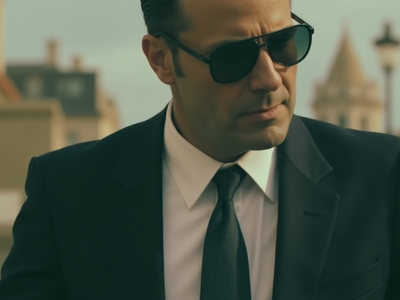

Flux Text2Image w/ 2 Tone Color Grade
Generate cinematic images using Flux with the simple workflow to choose color tint in highlights and shadows Key Inputs Prompt: Set text prompt SDXLResolution: Choose your aspect ratio/resolution Seed: Choose either a fixed or random seed (default value: fixed) Highlights/Shadows: Choose color grade
Krea Wan 14B Video to Video
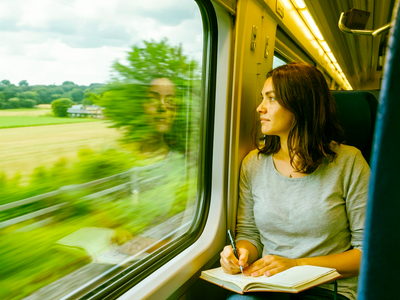
Darkroom Film Stock Emulation for Image Editing
Apply 111 color and 50 B&W film stocks to any image with physics-based grain, halation, print simulation, and cross-processing. No AI models needed.
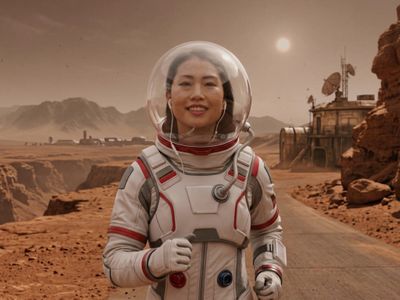
LTX 2.3 ComfyVFX V2V
LTX 2.3 video to video powered by ComfyVFX nodes.

Studio Relighting for Composited Products
Seedance 2.0 for Camera Angle and Motion Control
Take any video and re-shoot it with a new camera move. Seedance 2.0 keeps your scene intact and pulls the camera motion from a reference clip you upload.

Ideogram V4 · Image to Image
Upload an image and describe the change you want. Ideogram V4 transforms it while preserving your composition, with the strength slider controlling how far the result moves from the original.

Qwen 2511 · Composite a Photoshoot For Anime
Upload three images, a subject, an environment, and a prop or lighting reference, and Qwen Image Edit 2511 composites them into a single photorealistic editorial scene with matched lighting, scale, and perspective.
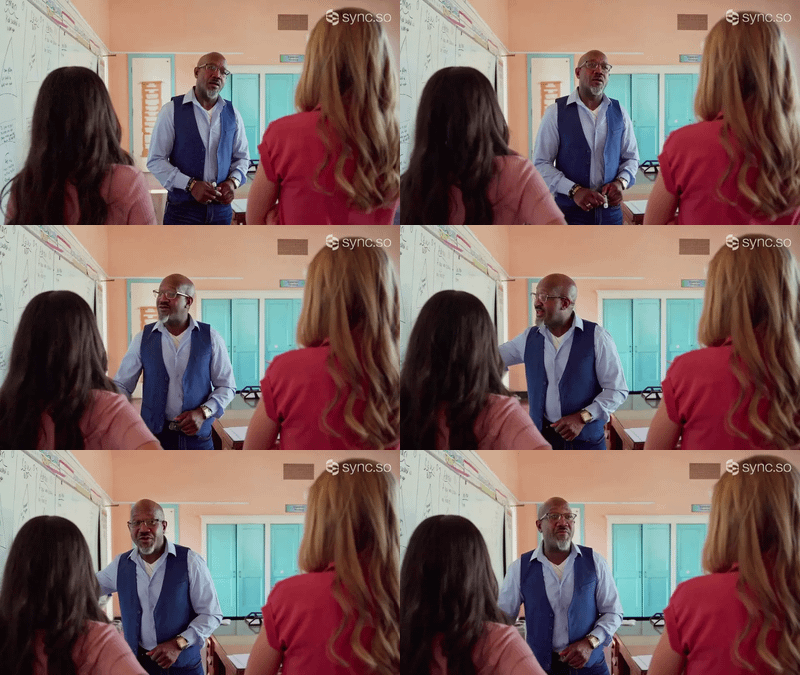
Sync Lipsync - Audio Driven Lip Sync for Video
Sync any audio track to a video face with Sync Lipsync.


Qwen Image Edit 2511 · Composite a Photoshoot
Upload three images, a subject, an environment, and a prop or lighting reference, and Qwen Image Edit 2511 composites them into a single photorealistic editorial scene with matched lighting, scale, and perspective.
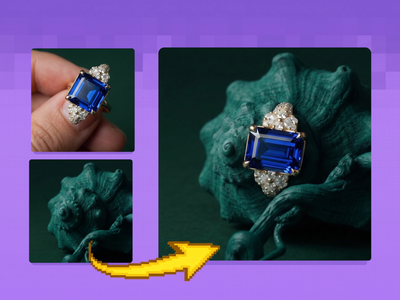
Jewelry Scene Compositor with Nano Banana 2
Drop a ring photo and a background into the same workflow. Nano Banana 2 composites the jewelry into the scene seven ways so you can cherry-pick the best take.
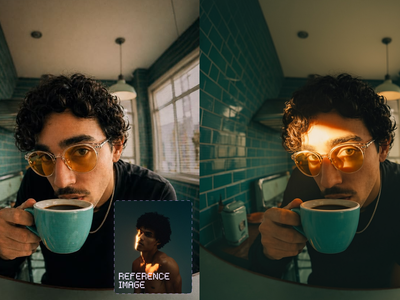
Copy Lighting from Any Photo | Flux2 Klein 9B
Transfer the lighting, color grade, and mood from one image onto another while keeping the subject's face, pose, and composition untouched.
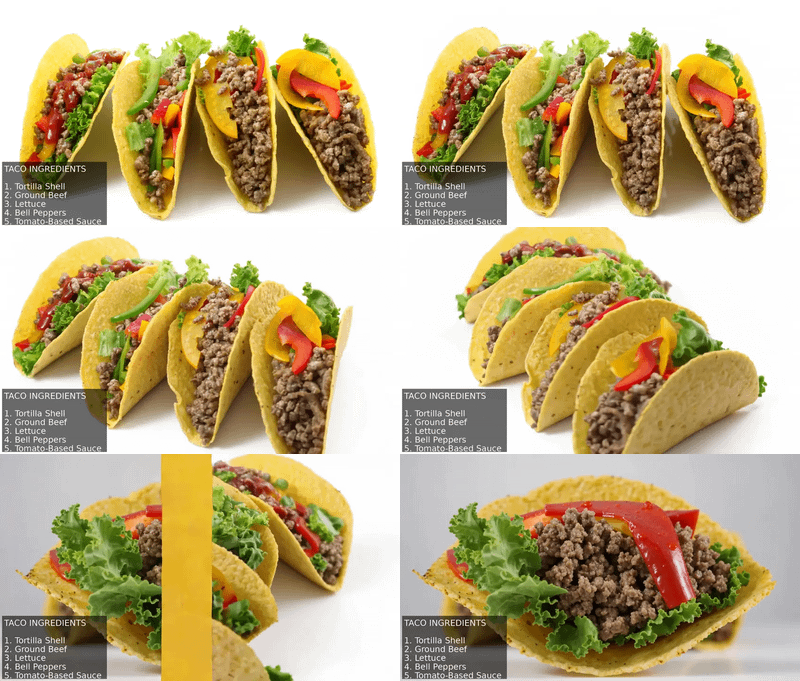
LTX 2.3 + Rogala for Prompt Relay and Overlay Txt
Turn a photo into a multi-scene video with synced audio and burnt-in text using LTX 2.3 and Prompt Relay. Upload an image, script your beats, hit run.

Z-Image Turbo: ControlNet Image to Image For Anime
This workflow uses Z-Image Turbo with Fun ControlNet Union to transform a reference image into a new style while preserving its original structure. The input image is processed with a ControlNet preprocessor to retain pose, composition and spatial layout.

Mage Flow Edit· AI Image Editing
Edit, combine, or transform one or two images using natural language. Change backgrounds, merge scenes, swap outfits, add objects, or create entirely new compositions in just a few seconds.
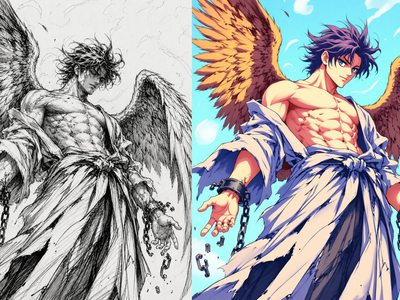
Flux Kontext · Sketch to Image For Anime
Upload a rough sketch and describe the target style. Flux Kontext reads the composition, pose, and layout from your drawing and renders it as a full-color illustration, anime character, game asset, or any visual style you describe.
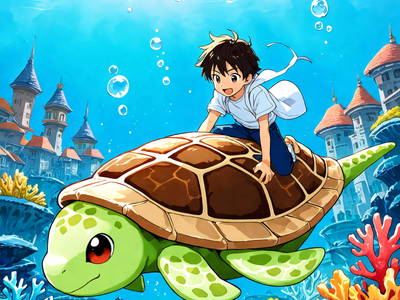
Qwen Image Layered for Image Deconstruction
Upload one image and Qwen Image Layered pulls it apart into a clean foreground layer and a background layer you can edit, swap, or composite on their own.
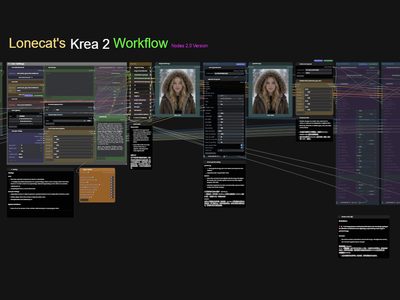

Krea2 Advanced Workflow
Krea2 advanced workflow with prompt assist 📝, I2I 🖼️, Upscalers, Detailers, and Post Production Correctors 🎨
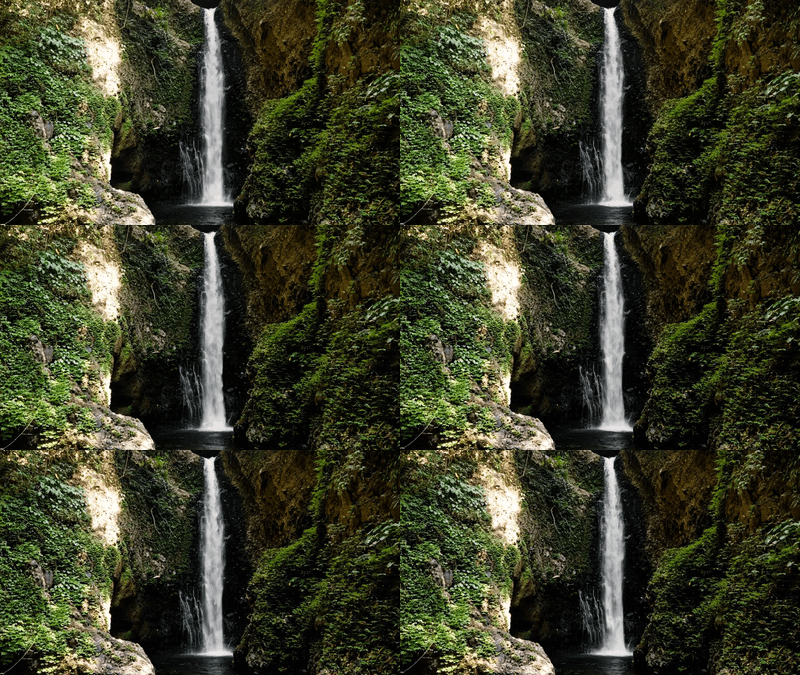
Moonvalley Marey Image to Video
Turn an image into cinematic 1080p video with Marey, Moonvalley's video model trained on licensed footage. 5s or 10s clips at 24fps, safe for commercial work.
AI Influencer Ad Generator · Image to Video
Upload a person photo and a product photo, composite them into a styled ad image with Seedream 5.0 Lite, then animate it into a 10-second talking ad with Wan 2.6 at 1080p with native audio and lip-sync.
PixVerse C1 - Text to Video
Generate cinematic video from text with PixVerse C1. Up to 1080p, up to 15 seconds, with optional native audio synchronized in the same generation pass.

Qwen 2511: Composite a Photoshoot For Kids Edu
Drop a person into any background with the lighting you choose, using Qwen Image Edit 2511. Upload three images, hit run, and keep the identity intact.
AI Beauty Ad Builder · Image to Video
Upload a model photo and a beauty product photo, composite them into a styled beauty image with Nano Banana 2, then animate it into a 10-second talking ad with Kling 2.6 Pro and hit run.
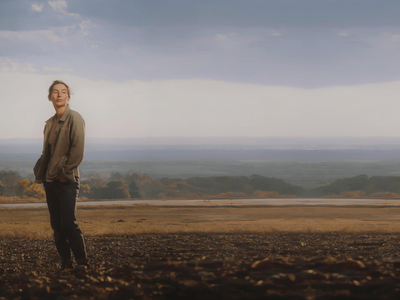
Luma Uni-1 · Text to Image
Generate images from a text prompt using Luma Uni-1, a reasoning-first image model that plans composition before rendering. Describe the scene, add optional reference images, and hit run.
AI Travel Vlogger Generator · Image to Video
Upload a person photo and a location photo, composite them into a selfie-style travel image with Nano Banana 2, then animate it into a 10-second talking vlog clip with Kling 2.6 Pro.

LTX-2.3 IC-LoRA HDR for SDR to HDR Video
Convert SDR video to 16-bit linear HDR with LTX-2.3 and the HDR IC-LoRA. Get EXR frames ready for color grading pipelines, plus a tone-mapped SDR preview.
SDR 2 HDR
Upgrade your 8bit SDR footage to 32 or 16bit HDR EXR.
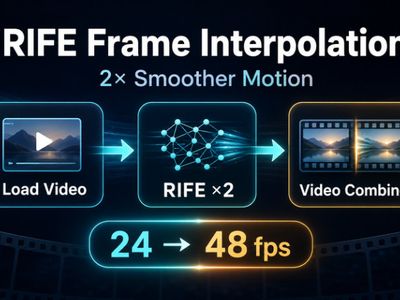
RIFE Frame Interpolation (2x Smooth Motion)
Doubles your video's frame rate with RIFE AI interpolation for buttery-smooth motion. 24→48, 30→60fps. Keeps original resolution, passes audio through, works on any clip. Just load a video and set the output frame rate to 2x your source. Three nodes, no setup.
AI Influencer Video Maker · Image to Video
Upload a model photo and a product photo, and this two-step workflow composites them into a styled influencer image with Nano Banana Pro, then animates it into a 10-second talking video with Kling 2.6 Pro.