

Copy Lighting from Any Photo | Flux2 Klein 9B
Transfer the lighting, color grade, and mood from one image onto another while keeping the subject's face, pose, and composition untouched.
Flux.2 Klein
Image
image editing
image migration
lighting transfer
483
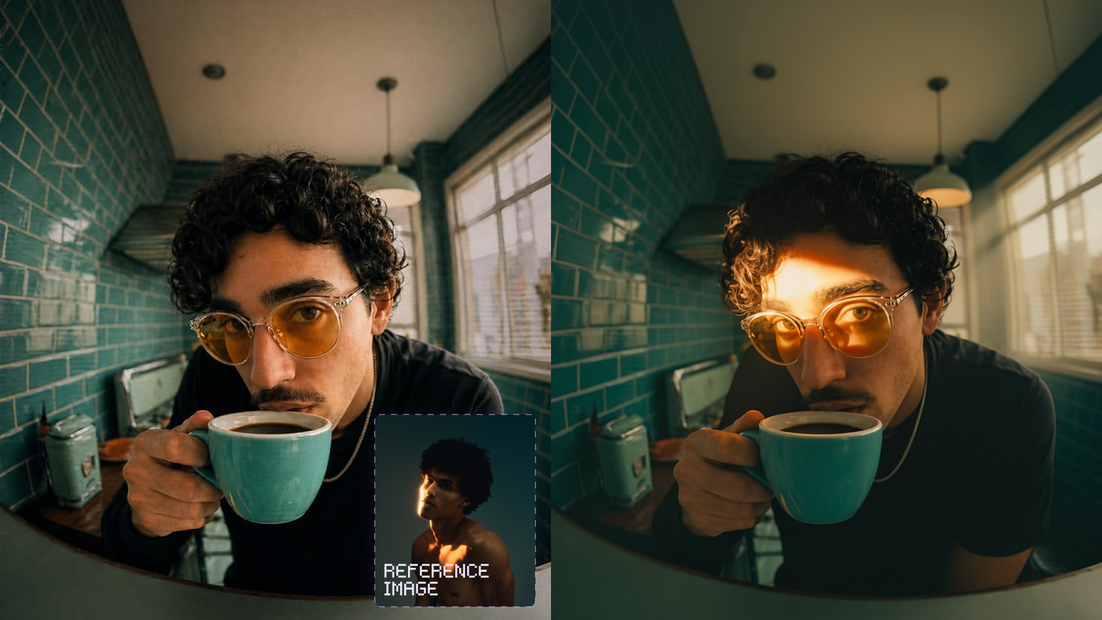
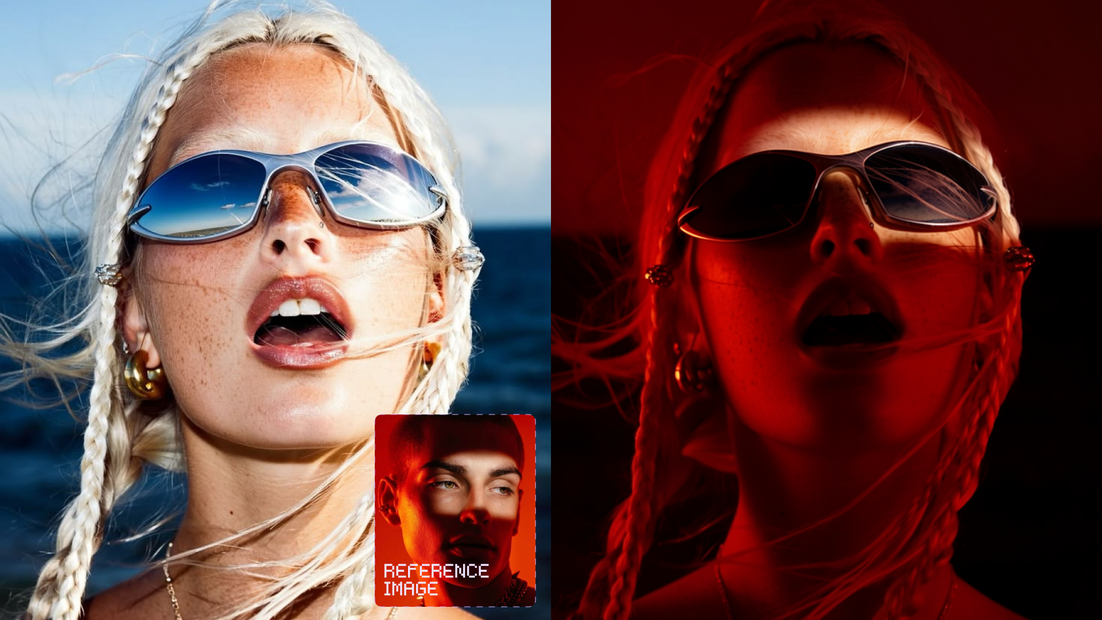
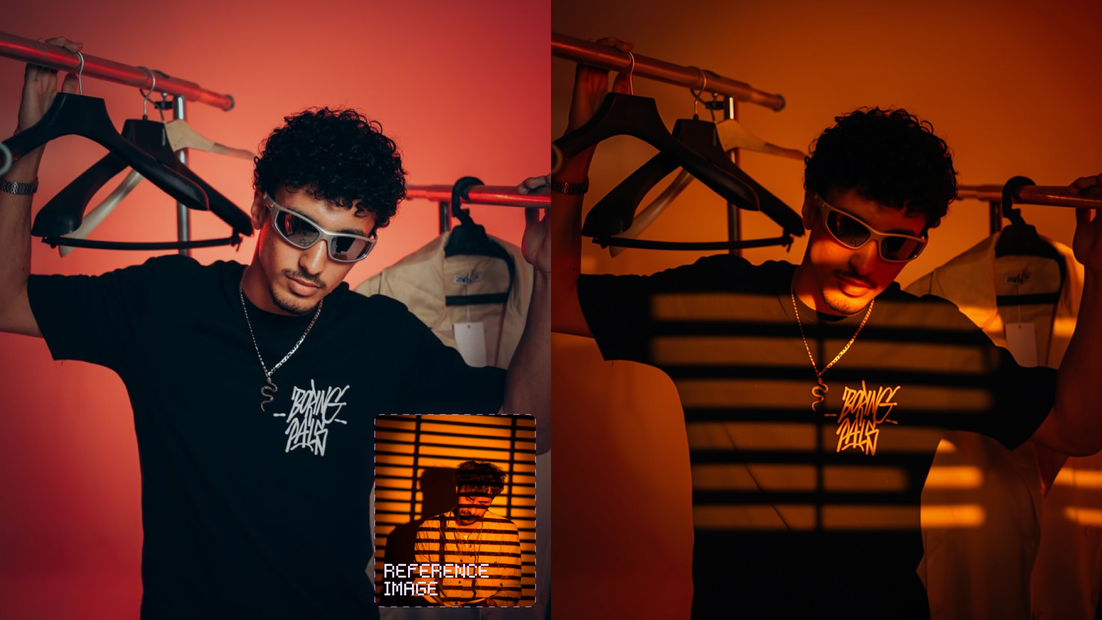

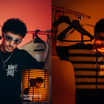
What this workflow does
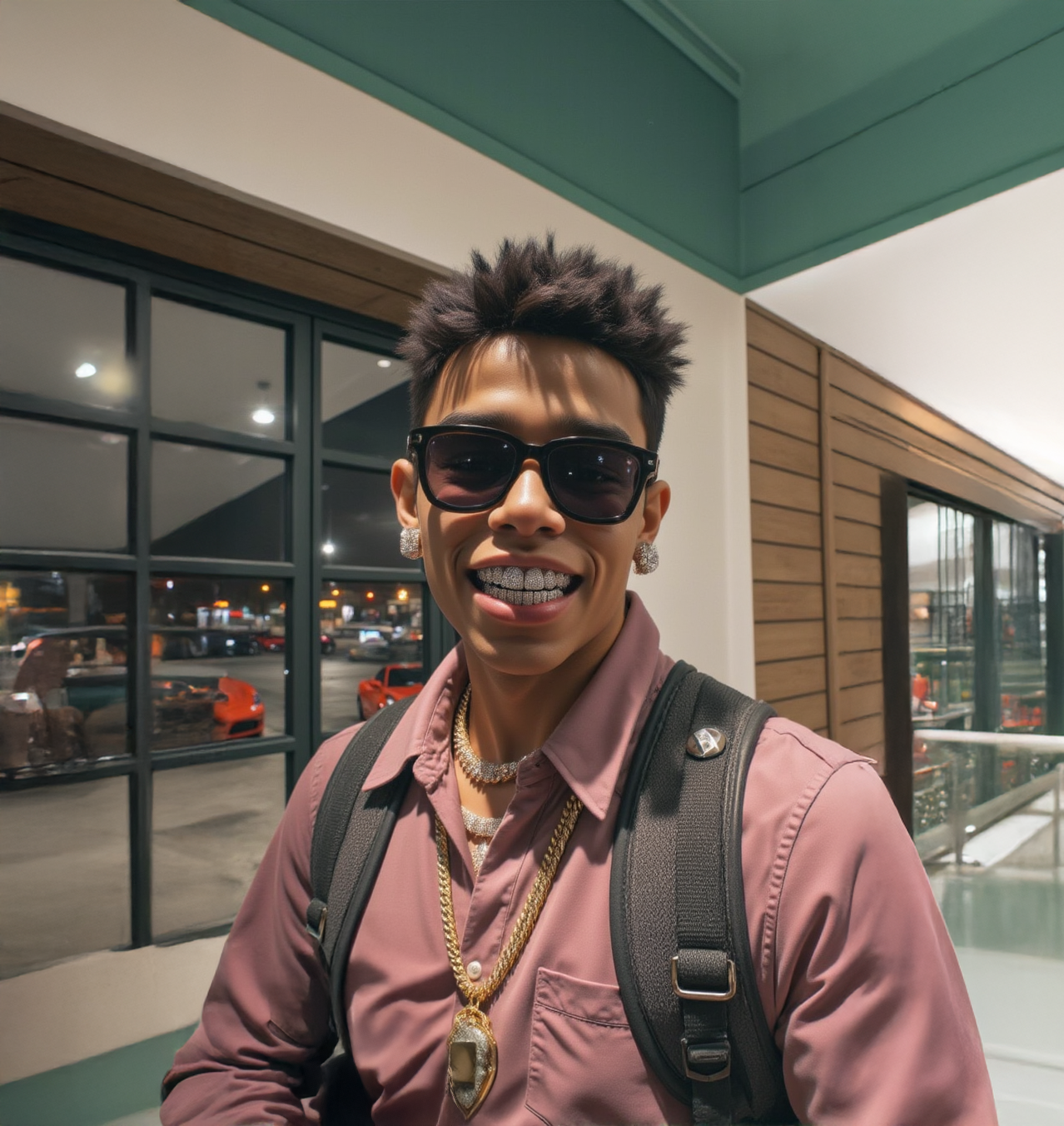
Transfer the lighting, color grade, and mood from one image onto another while keeping the subject's face, pose, outfit, and composition untouched. Upload two images: the one you want to keep (identity and pose) and the one whose look you want to copy (lighting and style). The workflow blends the two using Flux.2 Klein 9B and two specialized LoRAs built for this kind of visual migration.
Model
Flux.2 Klein 9B (True, bf16), a distilled Flux.2 variant tuned for fast, high quality edits. Paired with a Qwen 3 8B text encoder and two LoRAs: one for style/lighting migration, one for identity consistency.
How it works
Step 1. Upload Image 1
The base image. Its face, pose, clothing, and composition are preserved in the output.
Step 2. Upload Image 2
The reference image. Its lighting, shadows, color contrast, and mood get carried over onto Image 1.
Step 3. Write your prompt
Describe what to migrate, e.g. "replace the lighting of image 1 with the lighting shown in image 2, keep the identity and pose of image 1." The default prompt already does this.
Step 4. Hit run
The workflow encodes both images, runs them through Flux.2 Klein with the migration LoRAs, and outputs a side by side comparison plus the final image.
Recommended settings
Resolution: Default 1008 x 1024. Auto-resized to a multiple of 16.
Steps: Default 4. Klein is a fast, distilled model and doesn't need many.
CFG: Default 1.
Sampler / Scheduler: euler / simple.
Migration LoRA strength: Default 1.5.
Consistency LoRA strength: Default 0.8. Raise it if identity drifts, lower it if the style transfer looks too weak.
What works best / what to avoid
✅ Clear, well-lit reference image with distinct lighting or mood; base image with a clean, visible face
⚠️ Two images with wildly different subjects or framing; overly complex lighting that's hard for the model to isolate
Read more


_1786522681696.png?width=400&height=300&quality=80&resize=cover)





