floyo logobeta logo
Powered by
ThinkDiffusion
Wan 2.6 is now live. Check it out 👉🏼
floyo logobeta logo
Powered by
ThinkDiffusion
Wan 2.6 is now live. Check it out 👉🏼

Wan 2.6 Reference to Video

388

Key Inputs - Wan 2.6 R2V

Besides resolution and duration, these are the key inputs for controlling the output:

  • Reference Video: Upload a 5-second video of your subject. This is what the model learns from - capture multiple angles, expressions, and movement for best results.

  • Prompt: Describe the new scene you want your cloned subject placed into. Be specific about action, setting, and mood.

  • Duration: Choose between 5s or 10s output length.

  • Audio Sync: Native audio generates automatically with the video - lip-sync matches if your subject speaks in the output.

  • Multi-Subject: Toggle on to clone multiple characters from separate reference videos into the same scene.

Related Workflows - Ready-to-Run on Floyo

  • Wan 2.6 I2V - Generated an image you want to animate? Hand it off to I2V as your starting frame.

  • Wan 2.6 T2V - When you need video output but want to establish visual style first, generate reference images here, then use them to guide T2V aesthetic.

What It Does

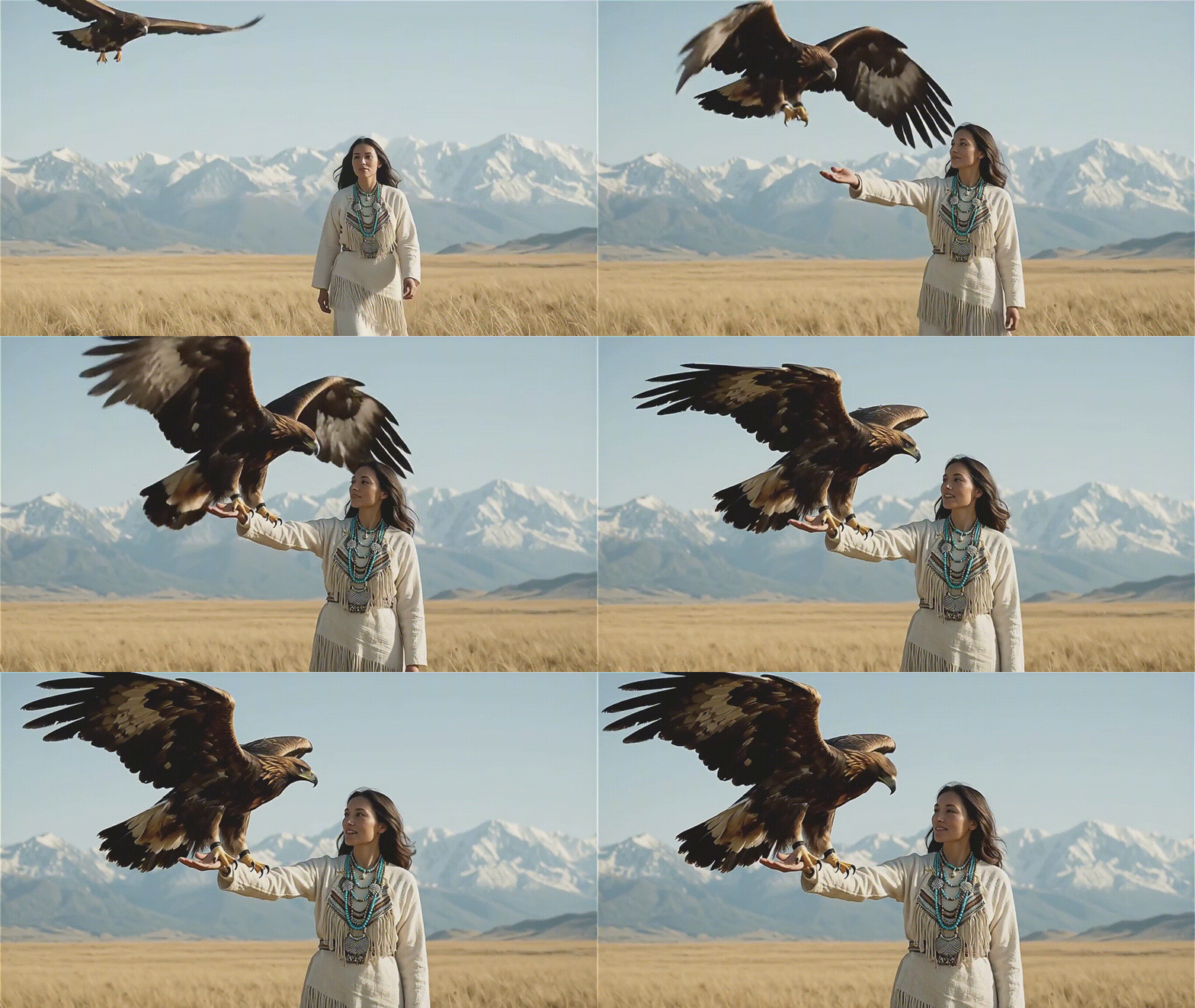


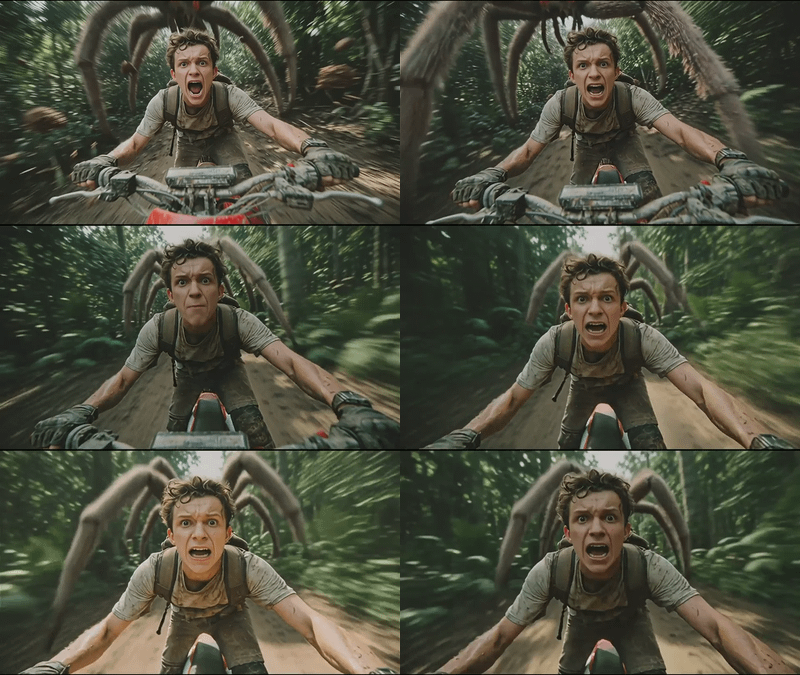
Clone any person, animal, character, or object from a 5-second reference video - then use that subject in new video generations with consistent appearance, voice, and motion dynamics. Think of it as video-to-video character transfer with audio sync baked in.

The key difference from image-based reference tools is that video gives the model way more to work with. A few photos can only show so much. Five seconds of video captures how someone actually moves, their expressions shifting, maybe a full turn that shows every angle. That 360° information makes the cloning significantly more accurate.

Specifications

  • Input - 5-second reference video

  • Output Resolution - 1080p @ 24fps

  • Max Duration - 5s / 10s clips

  • Capabilities - 360° character cloning, voice replication, expression/motion learning

  • Audio - Native sync (music, SFX, human speech)

  • Multi-subject - Yes, supports multiple cloned characters in one generation

  • Access - API only (Run in Browser on Floyo) - no open weights yet

When to Use

  • Character consistency across multiple shots/scenes

  • Cloning a specific person or mascot for branded content

  • Dialogue scenes where you need lip-sync without post-production

  • Storyboarding with a consistent "actor" across your project


Community Feedback (Early Takes)

What's working: Multi-shot text adherence is solid. The R2V character consistency is genuinely the standout - better than multi-image reference approaches because video captures full 360° information plus motion/expression data.

R2V as a concept is genuinely useful and the video-reference approach makes sense technically. If character consistency is your main problem, this addresses it better than image-based alternatives. The audio sync is a nice bonus that saves post-production hassle.

If they drop weights, the calculus changes - community fine-tunes and local deployment would open up a lot. Until then, "watch this space".


Read more

Generates in about 4 mins 23 secs

Nodes & Models

Key Inputs - Wan 2.6 R2V

Besides resolution and duration, these are the key inputs for controlling the output:

  • Reference Video: Upload a 5-second video of your subject. This is what the model learns from - capture multiple angles, expressions, and movement for best results.

  • Prompt: Describe the new scene you want your cloned subject placed into. Be specific about action, setting, and mood.

  • Duration: Choose between 5s or 10s output length.

  • Audio Sync: Native audio generates automatically with the video - lip-sync matches if your subject speaks in the output.

  • Multi-Subject: Toggle on to clone multiple characters from separate reference videos into the same scene.

Related Workflows - Ready-to-Run on Floyo

  • Wan 2.6 I2V - Generated an image you want to animate? Hand it off to I2V as your starting frame.

  • Wan 2.6 T2V - When you need video output but want to establish visual style first, generate reference images here, then use them to guide T2V aesthetic.

What It Does

Clone any person, animal, character, or object from a 5-second reference video - then use that subject in new video generations with consistent appearance, voice, and motion dynamics. Think of it as video-to-video character transfer with audio sync baked in.

The key difference from image-based reference tools is that video gives the model way more to work with. A few photos can only show so much. Five seconds of video captures how someone actually moves, their expressions shifting, maybe a full turn that shows every angle. That 360° information makes the cloning significantly more accurate.

Specifications

  • Input - 5-second reference video

  • Output Resolution - 1080p @ 24fps

  • Max Duration - 5s / 10s clips

  • Capabilities - 360° character cloning, voice replication, expression/motion learning

  • Audio - Native sync (music, SFX, human speech)

  • Multi-subject - Yes, supports multiple cloned characters in one generation

  • Access - API only (Run in Browser on Floyo) - no open weights yet

When to Use

  • Character consistency across multiple shots/scenes

  • Cloning a specific person or mascot for branded content

  • Dialogue scenes where you need lip-sync without post-production

  • Storyboarding with a consistent "actor" across your project


Community Feedback (Early Takes)

What's working: Multi-shot text adherence is solid. The R2V character consistency is genuinely the standout - better than multi-image reference approaches because video captures full 360° information plus motion/expression data.

R2V as a concept is genuinely useful and the video-reference approach makes sense technically. If character consistency is your main problem, this addresses it better than image-based alternatives. The audio sync is a nice bonus that saves post-production hassle.

If they drop weights, the calculus changes - community fine-tunes and local deployment would open up a lot. Until then, "watch this space".


Read more