

显示46 个 Workflows

Kling 2.6 · Motion Control
Transfer motion from any video onto your character with Kling 2.6 by Kuaishou. Upload a character image and a reference clip, describe the scene, hit run.
Kling V3 Pro Motion Control

Kling 3.0 Pro · Image to Video
Animate a still into a 4K clip with sound using Kling 3.0 Pro by Kuaishou. Upload a start and end image, describe the motion, and hit run. Up to 15 seconds.
Start/End Frame Multi-Video via Floyo API
Compare between Luma Dream Machine and Kling Pro 1.6 via Fal API
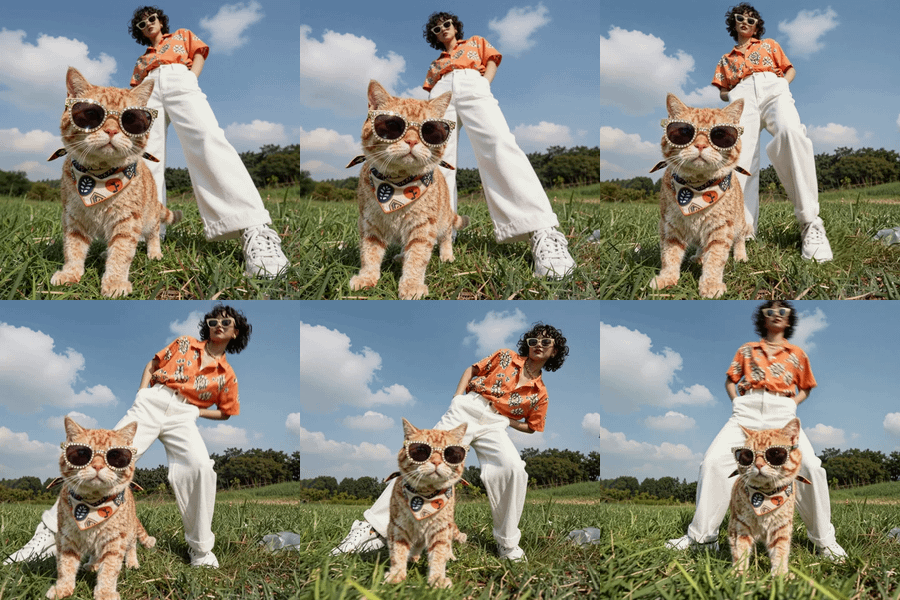
Kling 2.5 Image to Video

Create a Fashion Shoot - NanoBanana + Kling


Kling3.0_Motion Control_Character Reference
画像、動画をアップロードすることで一貫性の高いキャラクターのモーションコントロールができます
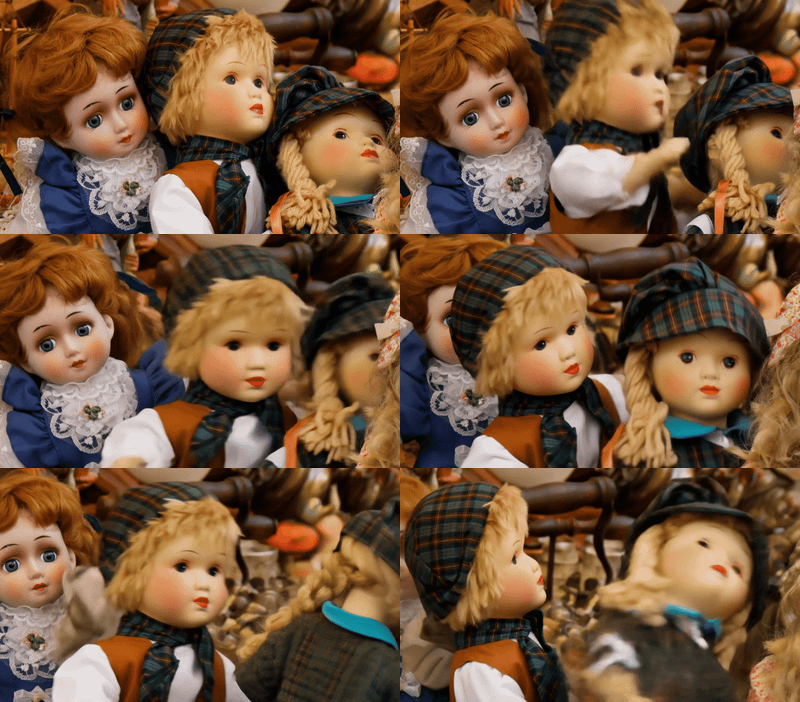
Kling Master 2.0 Create Engaging Video Content

Kling 3.0 Standard Motion Control
Transfer movements from a reference video to any character image.
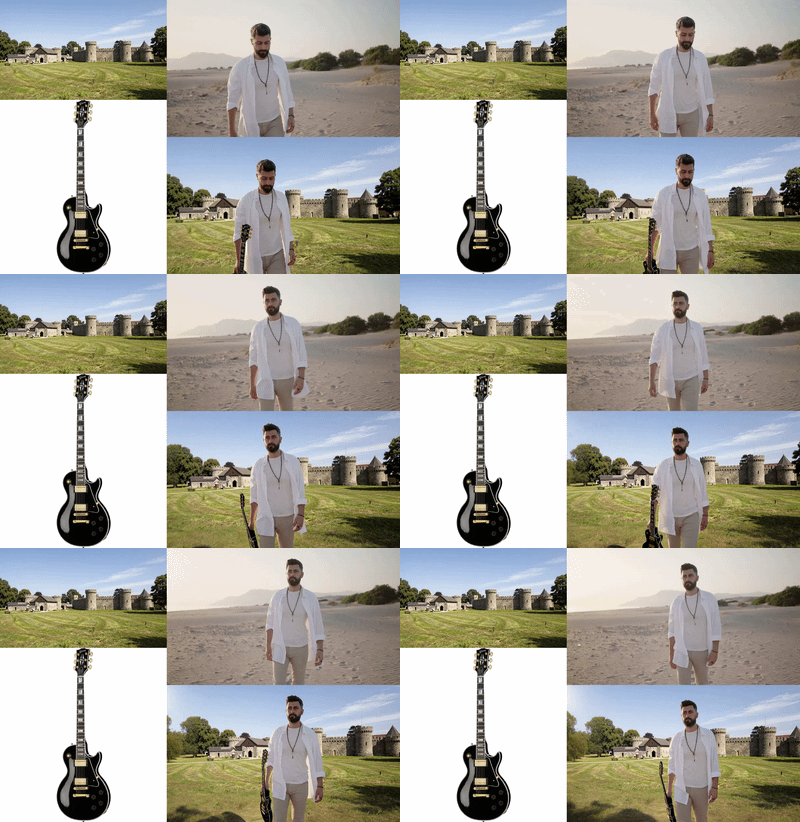
Kling Omni One Video to Video Edit

Kling O3 Pro - Image to Video
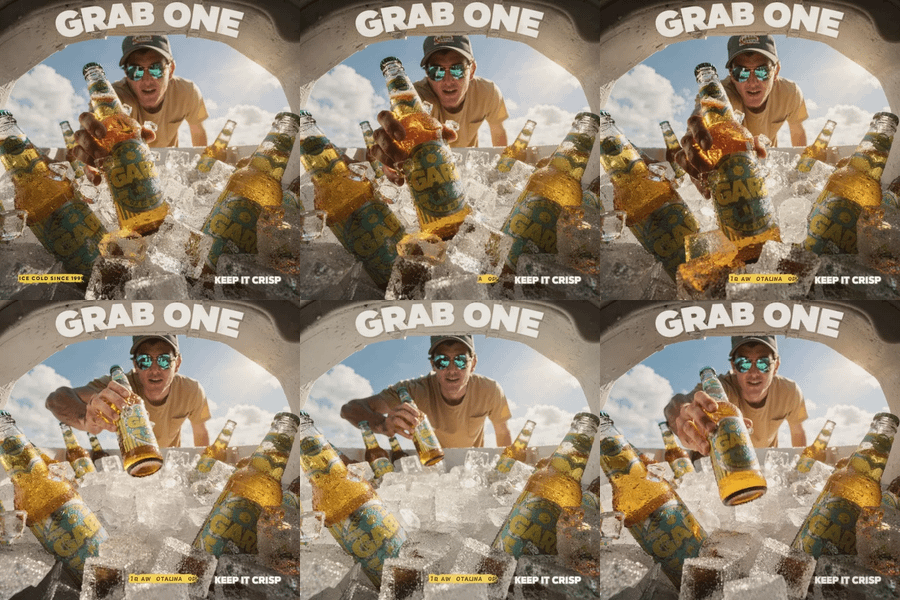
Kling 2.6 Pro for Image to Video
Create stunning videos using Kling 2.6 Pro
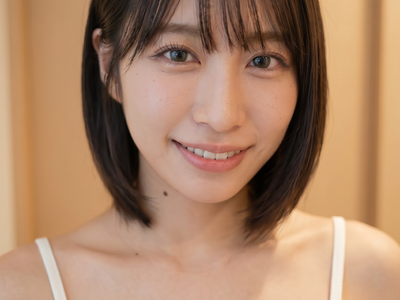
Kling3.0_I2V_Character
Kling3.0を使用したImage-to-Videoワークフローです。スタートフレーム、正面図、キャラクターシートの3つをアップロードすることで、キャラクターの顔・衣装・雰囲気を保ちながら、一貫性の高い動画を生成できます。 This is an Image-to-Video workflow using Kling3.0.
Kling Omni One Image to Video

Kling O3 Video to Video — Standard Reference
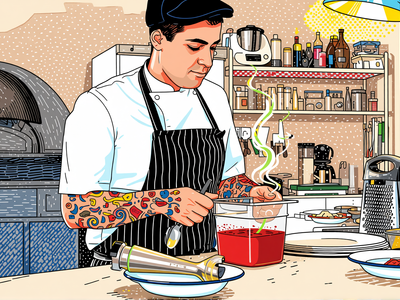
Kling 3.0 Pro Motion Control
Apply motion from a reference video to a still image with Kling 3.0 Pro.


AI Influencer Video Maker (Nano Banana + kling)
Build your AI influencer, stage the product moment, and animate the full promo in one workflow.
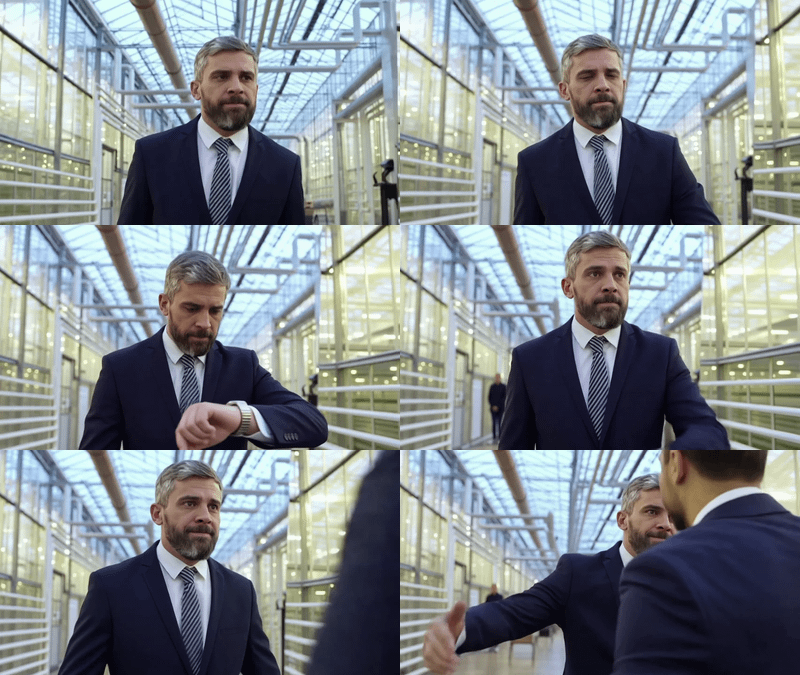
Character Reshoot using Qwen Edit 2511 + Kling O1
Creating a reshoot for a character
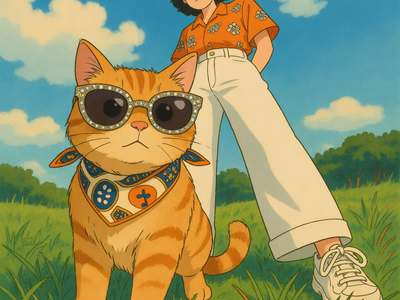
Kling Omni One Image Edit
Kling O3 Video to Video — Standard Edit

AI Beauty Ad Builder (Nano Banana + Kling)
Generate a realistic beauty influencer photo and transform it into a talking promotional video.
Change in the Character using Image2Vid
Editing the character in the video without losing quality using video to video workflow
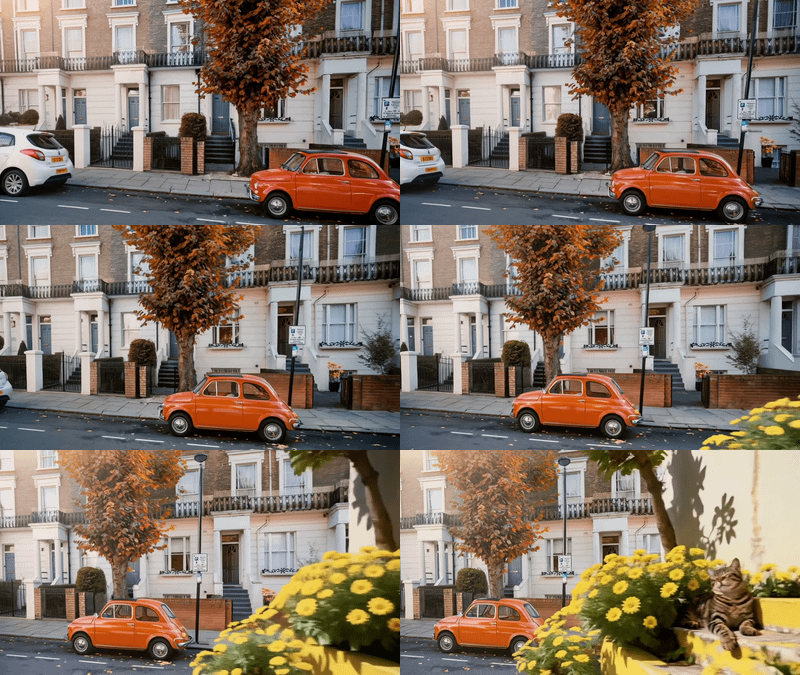
Kling Omni 1 Reference to Video

Kling O3 Pro - Video to Video Edit
Kling O3 Pro - Video to Video Reference
Edit your video with Kling O3 Pro. Upload a clip, describe what to change, set duration and aspect ratio. Audio is preserved by default.

AI Travel Vlogger Generator (Nano Banana + Kling)
Create social-ready travel reels from a single image and location reference.

Kling O3 Pro Image to Video with Reference
Kling Image to Video with Reference Control

Kling AI Avatar V2 Pro - Photo to Talking Video
Turn a photo into a talking video with Kling Avatar V2 Pro.
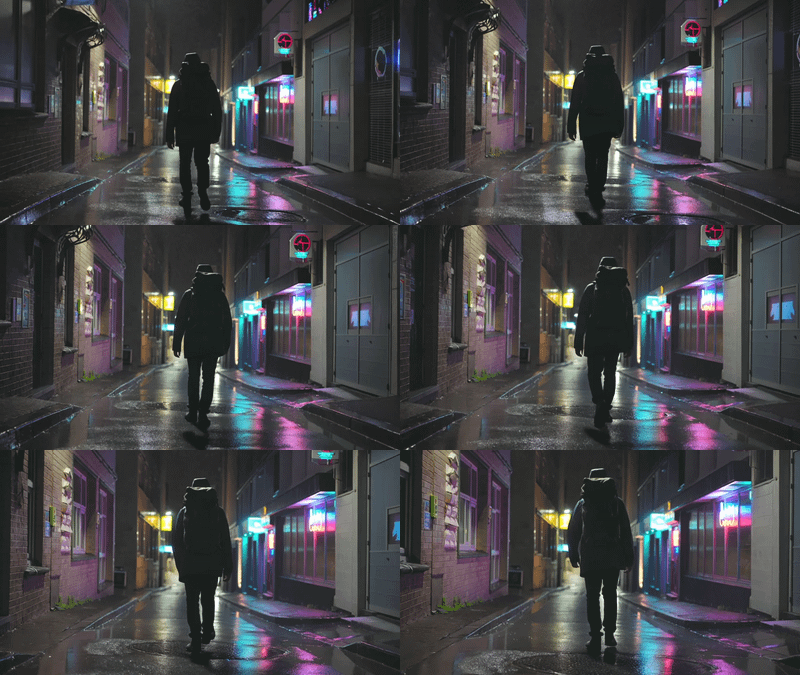
Kling 3.0 Pro for Text to Video
Create videos using Kling 3.0
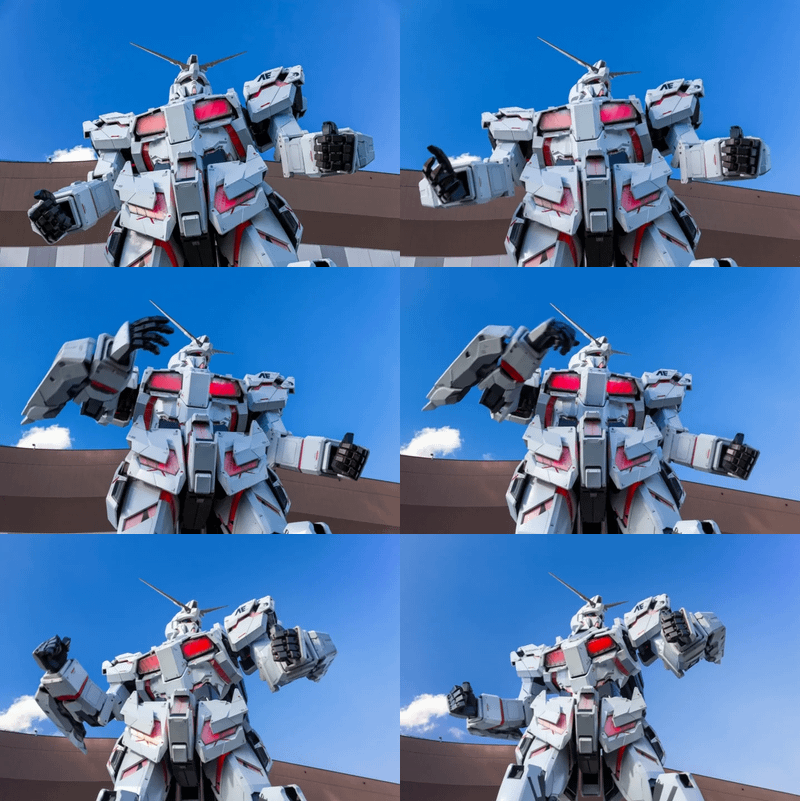
Kling 3.0 Standard for Image to Video
Animate the images using Kling 3.0 Standard
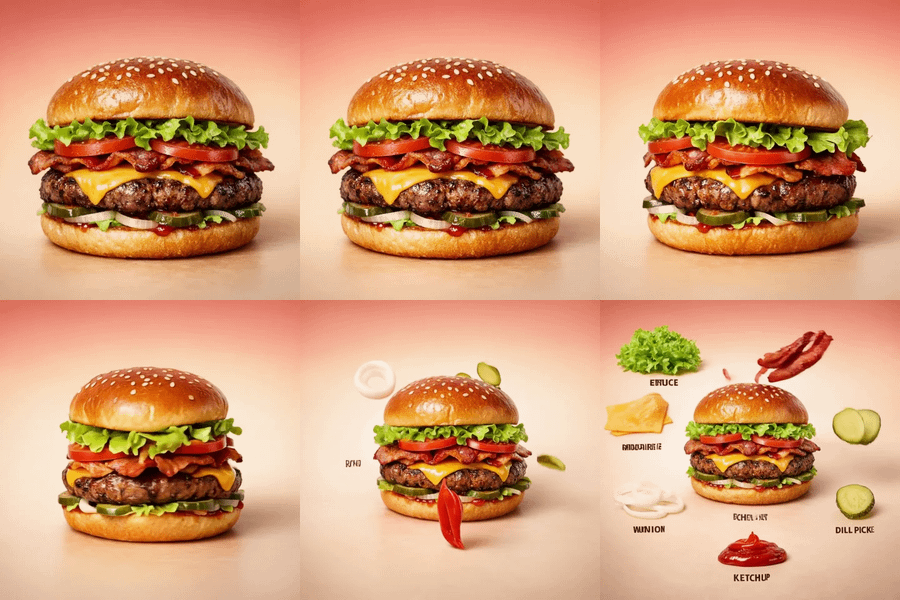
Create Product Demo from Concept to Video
Create a high quality demo for your products using Kling 2.6 Image to Video

Kling O3 Pro Text to Video
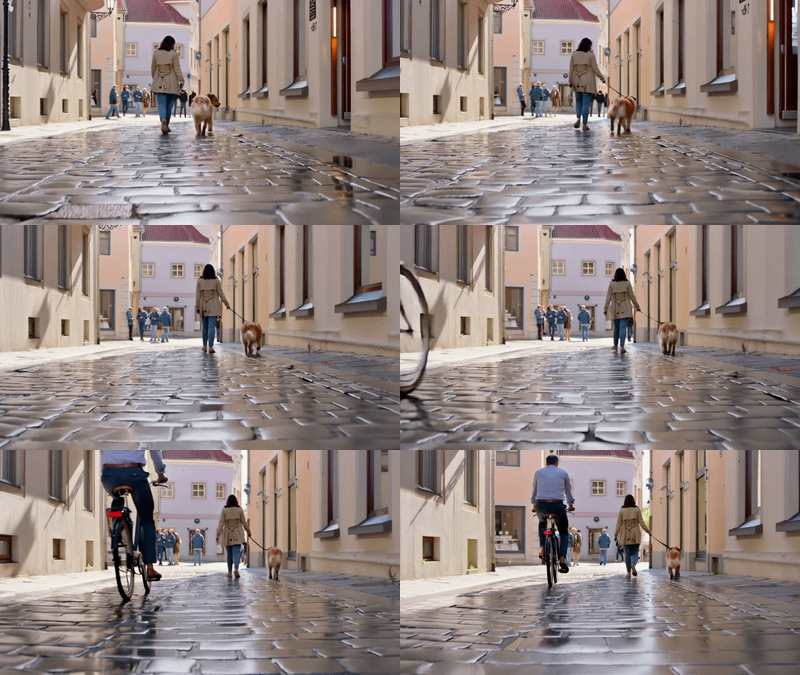
Kling 3.0 Standard for Text to Video
Create videos using Kling 3.0 Standard


Kling AI Avatar V2 Pro · Photo to Talking Video
Upload a portrait and an audio file, and Kling AI Avatar V2 Pro generates a lip-synced talking avatar video with natural expressions, head movement, and 1080p output.

Product Placement in Video
Kling O3 Standard Image to Video with Reference
AI Beauty Ad Builder · Image to Video
Upload a model photo and a beauty product photo, composite them into a styled beauty image with Nano Banana 2, then animate it into a 10-second talking ad with Kling 2.6 Pro and hit run.

Kling 3.0 Pro Motion Control · Image to Video
Upload a character image and a motion reference video, and Kling 3.0 Pro generates a new video of your character performing the referenced action with the option to keep the original audio.
AI Travel Vlogger Generator · Image to Video
Upload a person photo and a location photo, composite them into a selfie-style travel image with Nano Banana 2, then animate it into a 10-second talking vlog clip with Kling 2.6 Pro.

Kling 3.0 Pro · Image to Video
Upload a start image and an optional end image, describe the motion, and Kling 3.0 Pro generates a cinematic video with native audio, lip-sync, and start-to-end frame control at up to 4K resolution.
AI Influencer Video Maker · Image to Video
Upload a model photo and a product photo, and this two-step workflow composites them into a styled influencer image with Nano Banana Pro, then animates it into a 10-second talking video with Kling 2.6 Pro.
Kling v4.0 · Video to Video Edit
Edit any video with a text prompt using Kling v4.0 by Kuaishou. Upload your clip, describe the change, and hit run.
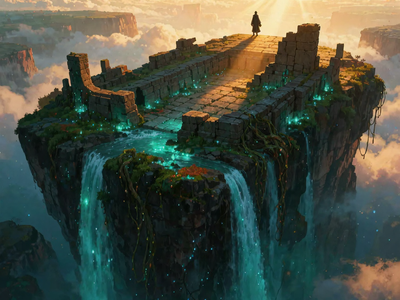
Kling v3 for Text to Image
Generate images from a text prompt using Kling Image V3, Kuaishou's latest image model. Add reference photos to keep faces and objects consistent, then hit run.
Kling v4.0 · Image to Video
Animate any image into a video with sound using Kling v4.0 by Kuaishou. Upload a start frame, describe the motion, and hit run.
Kling v4.0 · Text to Video
Generate video with sound from a text prompt using Kling v4.0 by Kuaishou. Describe the scene, pick a duration, and hit run.