Kling AI Avatar V2 Pro - Photo to Talking Video
Turn a photo into a talking video with Kling Avatar V2 Pro.
animation
Audio
character design
image to video
kling
Lipsync
Video
video generation
598
Nodes & Models
KlingAIAvatarV2Pro_floyo
VideoToFrames
WorkflowGraphics
LoadAudio
LoadImage
VHS_VideoCombine
VHS_VideoCombine
Kling AI Avatar V2 Pro turns a single photo into a talking video where the person in the image speaks the words from your audio track.
Upload a portrait and an audio file. Add a short description of who is in the photo. Kling Avatar V2 Pro animates the face with realistic mouth movements, expressions, and head motion that match the speech in your audio.
One photo, one audio file. One talking avatar video out.
How do you use Kling AI Avatar V2 Pro?
Upload a portrait photo and an audio file. Write a short prompt describing who is in the image. Kling Avatar V2 Pro generates a video where the person appears to speak the words in your audio, with natural facial movement and expressions.
Here is the setup, step by step:

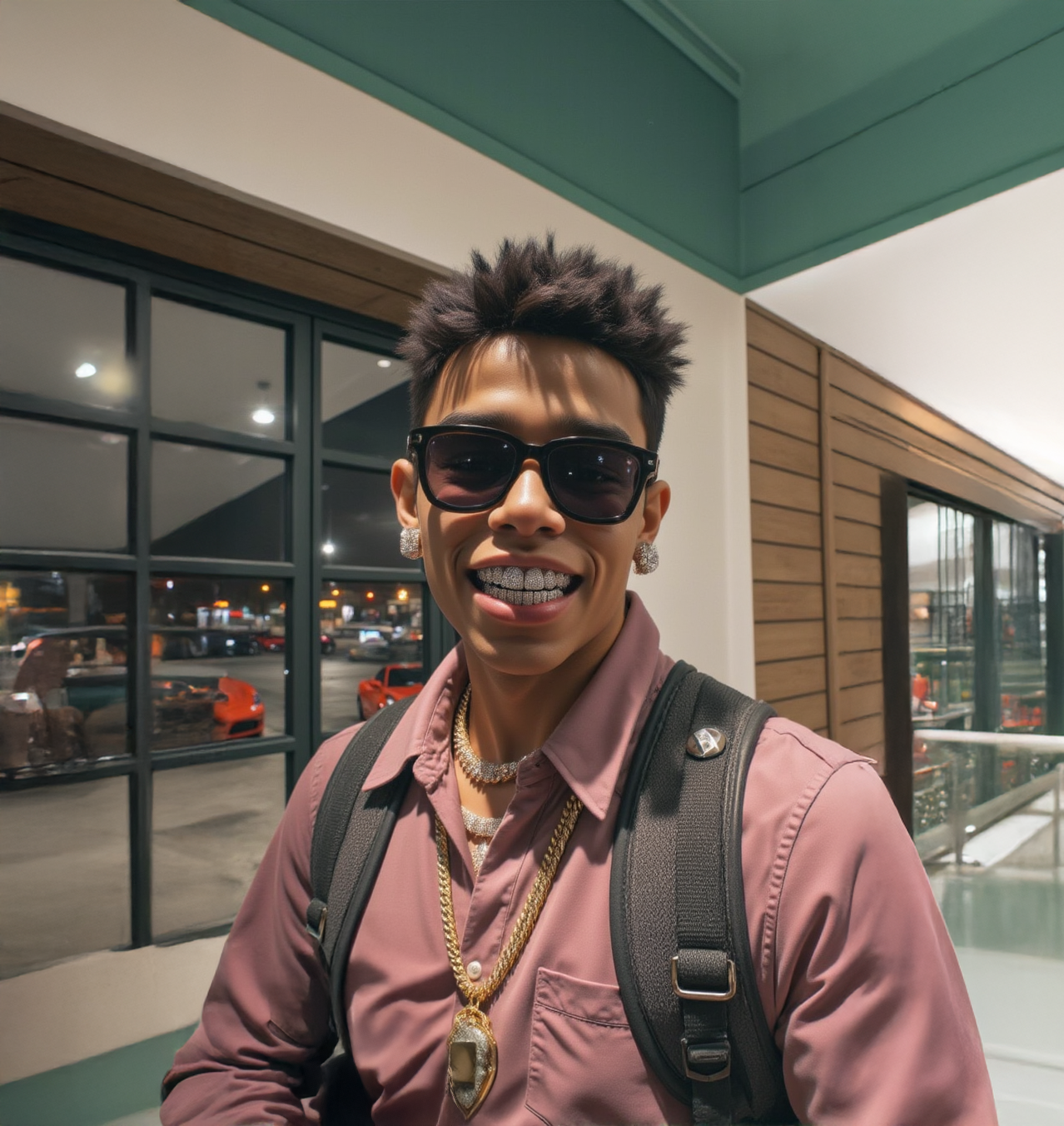
Step 1: Upload your photo Upload a clear portrait of the person you want to animate. A front-facing shot with good lighting and a visible face works best. The cleaner and more detailed the photo, the more realistic the output. Blurry images, heavy shadows, or side profiles will reduce quality.
Step 2: Upload your audio Upload the speech track you want the avatar to say. This can be a voiceover, a recording, or any speech audio file. The model reads the audio and drives the mouth and face movements to match it.
Step 3: Write a prompt Add a short description of the person and what they are doing. One line is enough: "man teaching mathematics" or "woman giving a presentation." This helps the model generate the right expression and tone for the video.
Step 4: Run Hit run. Kling Avatar V2 Pro generates a video where the person in your photo appears to speak the words from your audio file, with realistic facial animation throughout.
What is Kling AI Avatar V2 Pro good for?
Creating spokesperson videos from a single photo, producing talking head content without a camera, generating avatar videos for presentations or courses, and animating portraits for social content.
The most direct use is spokesperson video. If you have a photo of a person and a script recorded as audio, you can generate a full talking head video without any filming. The output looks like a real person speaking directly to camera.
It also works well for content creators who want to generate avatar-style videos at scale. Upload one portrait, swap in different audio tracks, and generate multiple talking videos from the same face.
V2 Pro is the higher-quality tier with sharper facial detail, more natural expression, and better motion coherence than the standard Avatar model. Use it when the output is going in front of an audience.
Read more