Kling 2.5 Image to Video
Animation
API
Filmography
Floyo
Floyo API
Image2Video
Kling 2.5
Video
1.4k


Nodes & Models
Kling25TurboPro_floyo
VideoToFrames
WorkflowGraphics
LoadImage
VHS_VideoCombine
Overview
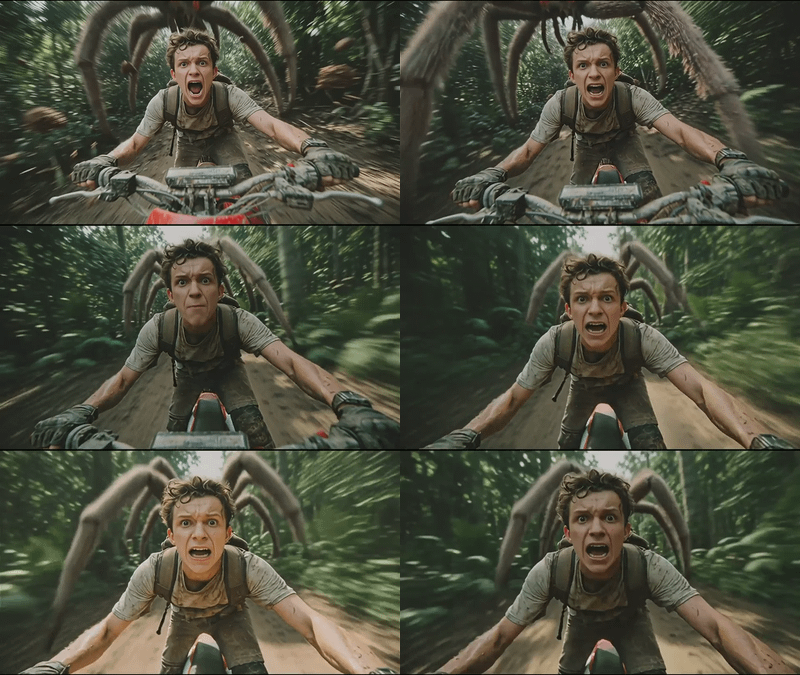
Kling 2.5 Image to Video focuses on high‑quality motion and temporal consistency, so frames stay stable instead of flickering as the camera moves or the subject animates. It can add effects like parallax, character motion, environmental movement, and simple camera paths (pans, zooms, or orbits) starting from just one still. This makes it useful for turning concept art, renders, or photos into dynamic shots for shorts, previews, or story beats.
Who can use it
Kling 2.5 Image to Video is useful for:
Digital artists and illustrators who want to bring static artworks to life with motion for reels, shorts, or portfolios.
Content creators and social media editors who need quick, eye‑catching motion clips built from thumbnails or cover images.
Filmmakers and motion designers using it for pre‑visualization or as fast AI inserts in larger edits.
Marketers and brands that want to animate key visuals, product shots, or hero banners without a full video shoot.
ComfyUI and pipeline users who chain Kling 2.5 with upscalers, interpolation, and grading steps for a complete video workflow.
Use case
A common use case is taking a character or environment illustration, running it through Kling 2.5 Image to Video to add a smooth camera move and subtle environmental motion, then upscaling and grading it for use as an intro or hero shot in a video. Another is animating product or UI mockups: start from a clean static layout, let Kling 2.5 add motion and depth, and then cut that clip into promo edits for web, social, or client presentations. You can also generate multiple variations (different camera moves or motion intensity) from the same base image to quickly explore which version feels best in your overall edit.
Read more