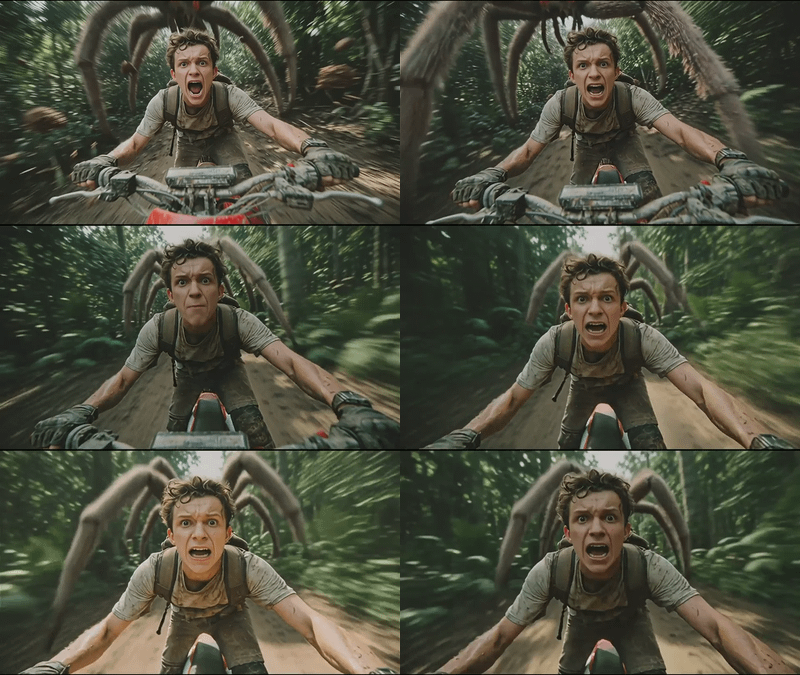
Kling 3.0 Standard for Image to Video
Animate the images using Kling 3.0 Standard
Image2Video
Kling
Kling 3.0 Standard
Video
476



Nodes & Models
KlingV3Standard_floyo
VideoToFrames
WorkflowGraphics
LoadImage
CreateVideo
SaveVideo
Kling 3.0 Standard Image‑to‑Video takes a still image and turns it into a 3–15 second cinematic video clip, with optional native audio, at a balanced cost/quality tier.
What it is
The Standard‑tier I2V model in the Kling 3.0 family: animates static images into short videos while preserving the look of the original.
Designed for everyday and high‑volume content (social, ads, previews) where you want good motion and style without Pro‑level costs.
Key features
Upload a single image, optionally add a brief motion/camera prompt, and generate 3–15 s videos.
Good feature retention: faces, clothing, and design details remain close to the source image.
Natural motion and depth: camera moves, character motion, and environment dynamics feel physically plausible.
Optional native audio (ambient, SFX, sometimes simple voice) generated alongside the video.
Multiple aspect ratios (16:9, 9:16, 1:1) and resolutions up to at least 1080p, with some platforms offering higher.
Best‑fit use cases
Turning portraits or character art into subtle animated shots (breathing, hair movement, camera push‑ins) for socials.
Product hero animations from static renders for ads, store pages, and reels.
Fast concept motion tests: animate key frames or mid‑journey/Flux stills to see how a scene “feels” before investing in Pro or full sequences.
Read more
_1774195486846.webp?width=400&height=300&quality=80&resize=contain&format=origin)