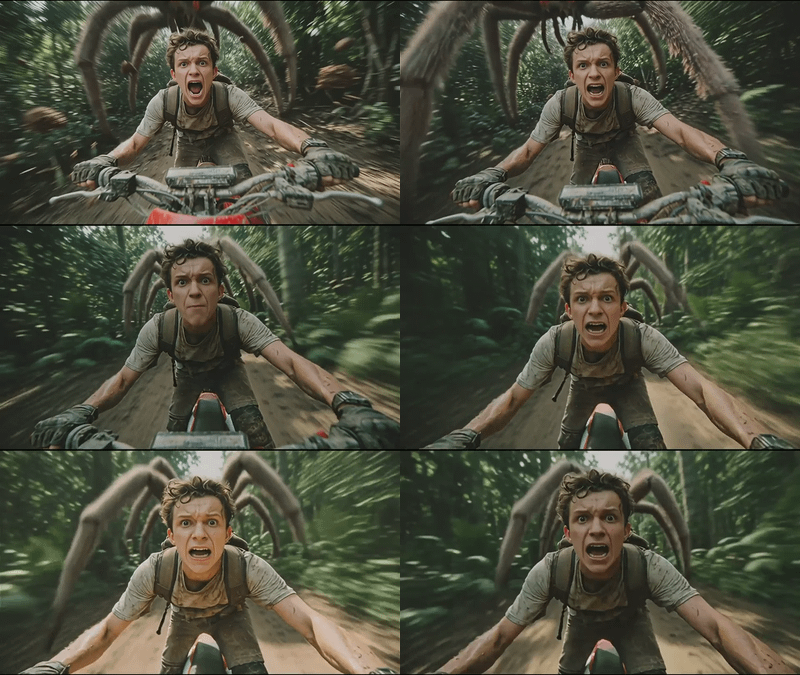

Change in the Character using Image2Vid
Editing the character in the video without losing quality using video to video workflow
Audio
Image
Image2Image
Image2Video
Kling Omni One Video Edit
Qwen Image Edit 2511
Video
0
573

Nodes & Models
KlingOmniVideoToVideoEdit_floyo
VideoToFrames
UNETLoader
qwen_image_edit_2511_bf16.safetensors
CLIPLoader
qwen_2.5_vl_7b_fp8_scaled.safetensors
VAELoader
qwen_image_vae.safetensors
WorkflowGraphics
LoadVideo
LoadImage
Note
PreviewImage
Fast Groups Bypasser (rgthree)
LoraLoaderModelOnly
Qwen-Image-Edit-2511-Lightning-4steps-V1.0-bf16.safetensors
VAEEncode
ModelSamplingAuraFlow
ImageScaleToTotalPixels
TextEncodeQwenImageEditPlus
CFGNorm
FluxKontextMultiReferenceLatentMethod
KSampler
VAEDecode
VHS_LoadVideo
VHS_VideoCombine
FirstFrameSelector
This setup is about taking an existing character video, editing key frames with an image‑edit model, then re‑projecting those edits back into the moving footage using a video‑edit model, instead of regenerating from scratch.
Overview
The image‑edit stage focuses on per‑frame precision: changing outfits, expressions, style, or small details while preserving identity and geometry. The video‑edit stage then applies those changes across time, keeping motion and camera paths from the original clip while swapping design, style, background, or specific objects based on natural‑language instructions.
Why use this combo
Separates design from motion: the still‑frame editor gives clean, consistent character looks; the video editor preserves the timing, animation, and camera work you already like.
Avoids re‑rolling whole clips when only the character design needs to change, which saves time and reduces flicker and layout drift.
Works like a “retake” workflow: you can fix style, outfit, or expression across a shot while keeping the original blocking and cinematography.
Typical use cases
Updating a character’s outfit, hairstyle, or art style in an already‑generated video while keeping all body motion and camera moves.
Converting realistic character footage into anime/cartoon or other stylized versions without re‑storyboarding or re‑animating.
Cleaning or standardizing character details across shots (face consistency, accessories, colors) after initial video generation.
Read more