



แสดง120 Workflows
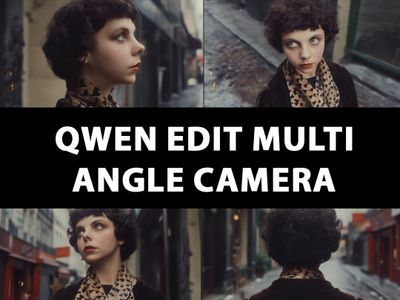

Qwen Edit 2511 Multi Angle Camera
Multi Angle Camera


Qwen Image Edit 2509: Build a LoRA Dataset
Create Character LoRA Dataset
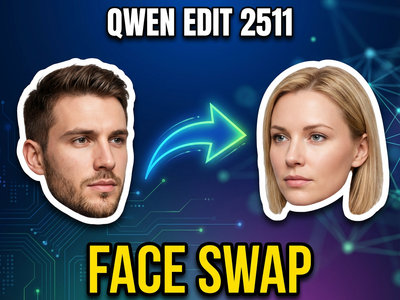
Qwen Edit 2511 Face Swap
Face Swap

Qwen Image Edit 2509 · Face Swap
Swap a face between two photos with Qwen Image Edit 2509. Upload a main image and a reference, paint a mask on each face, hit run. Apache 2.0 open weights.
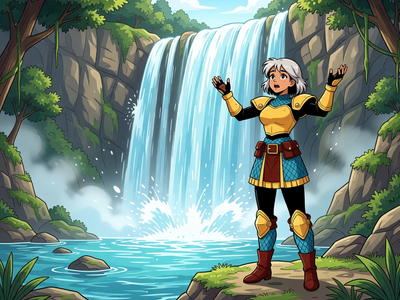

Qwen 2511 Edit - Single Image to Character Dataset
Create a 60 image character dataset from one character image or sheet.
Qwen Edit 2511 - inpainting
inpainting
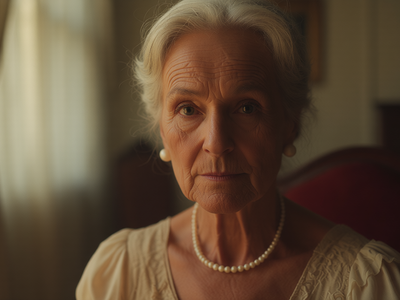
Qwen Image Edit 2509 · Change Camera Angle
Re-render any subject from a new camera angle with Qwen Image Edit 2509 and a Multi-Angle LoRA. Upload one image, name the view, and hit run. Apache 2.0.
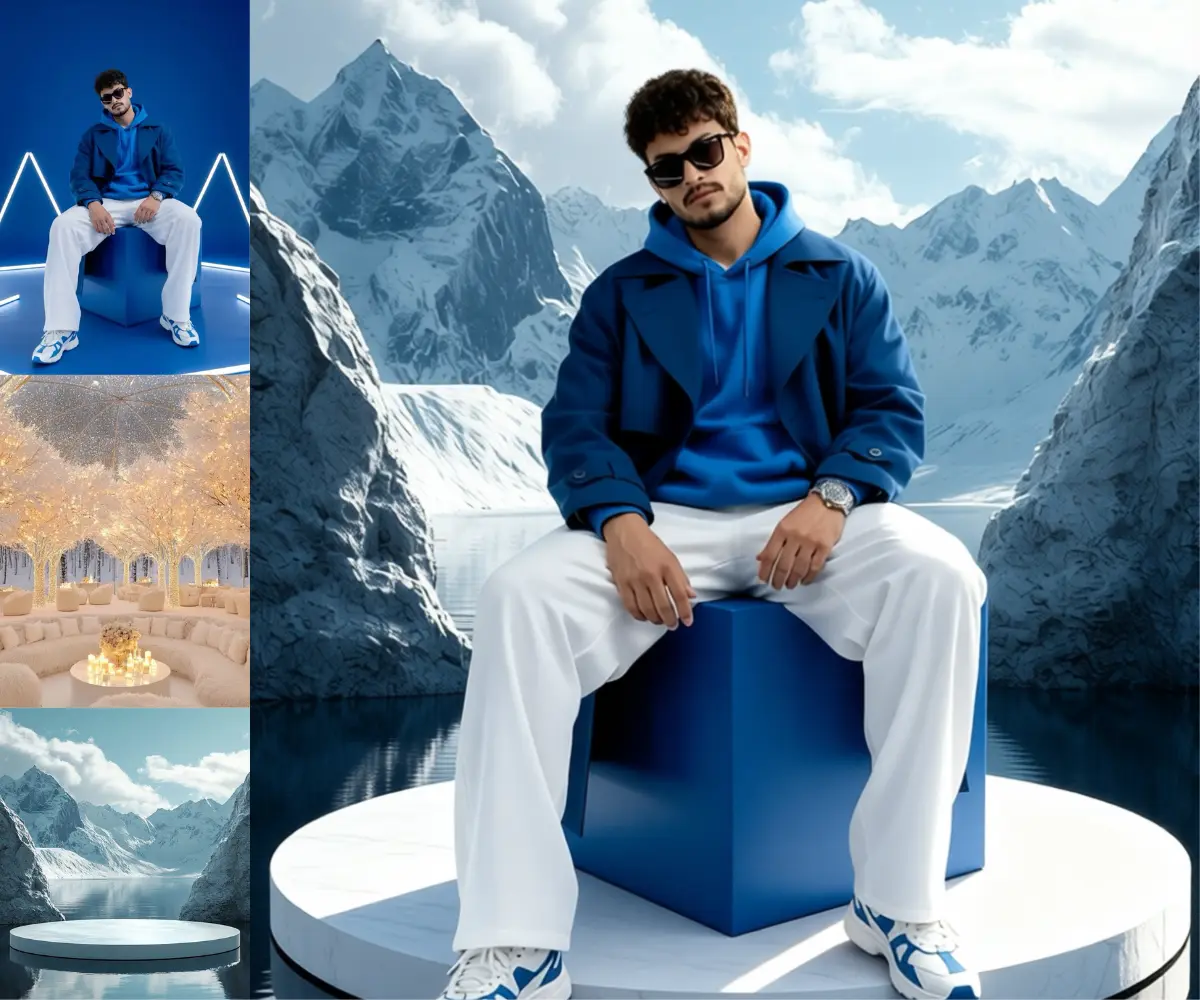
Qwen Image Edit 2511 · Composite
Place a subject into a new scene using Qwen Image Edit 2511 and the Kontext multi-reference method. Upload a subject and a background, describe the edit, run.
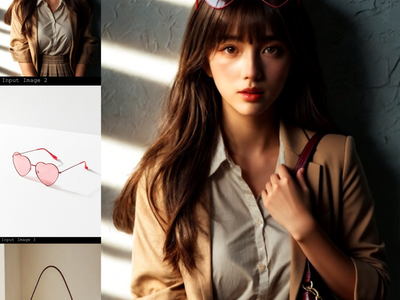
Qwen Image Edit 2509 · Combine Images
Merge up to three images into one scene with Qwen Image Edit 2509. Upload a subject, add items to place on it, describe the layout, hit run. Apache 2.0.

Anima Preview 3 · Text to Image
Generate anime and illustration art with Anima Preview 3, the 2B model from CircleStone Labs and Comfy Org. Write a prompt in tags or plain text, hit run.
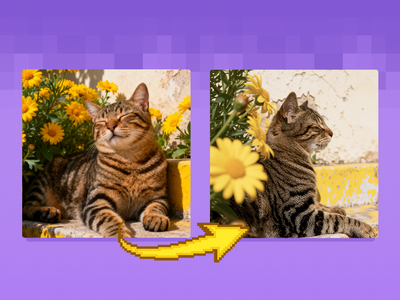
Qwen Image Edit 2509 + Multi-Angle LoRA for Camera
Re-render your subject from any camera angle with Qwen Image Edit 2509 and a Multi-Angle LoRA. Pan, tilt, rotate, wide-angle, or close-up. No trigger word.

โอเพน
Qwen_Image_2.1_Image_to_Image
Qwen Image 2.1を使用したImage to Imageワークフローです。オープンソースモデルのためAPIウォレットを消費せず、構図維持、画像編集、スタイル変更、参照画像を使った再生成に活用できます。ネイティブ2K出力にも対応しています。 This is an Image to Image workflow using Qwen Image 2.1. It uses an open-source model.

Qwen Image Edit 2511 and VNCCS Utils - Visual Pose
Create different position of person using VNCCS custom node and Qwen Image Edit 2511
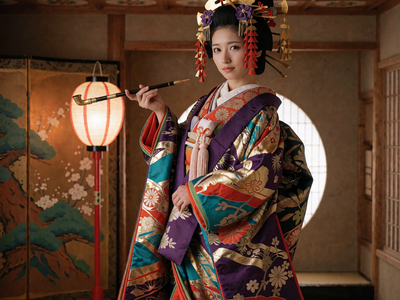

Krea 2 Simple WorkFlow V1.0 by HARUKI_MIX
Krea 2用のシンプルなワークフロー
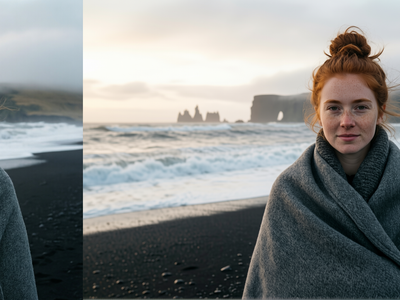
Upscaling Images to 4k using Qwen Image Edit 2511
Upscale to 2k to 4k
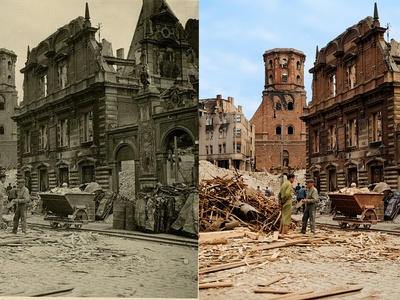
Qwen Image Edit 2511 Restore Damage Old Photograph
Restore Damage Old Photograph
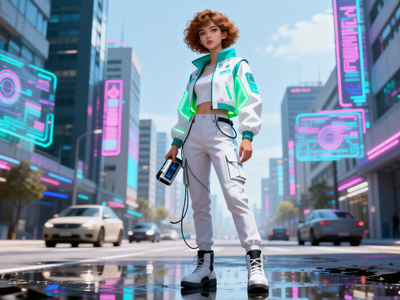
Qwen Image Edit 2511 Lightning - Multi-Image Edit
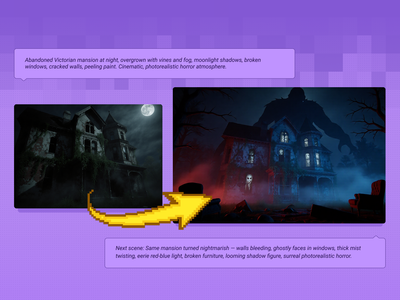
Qwen Image Edit 2509 + Flux Krea for Creating Next Scene
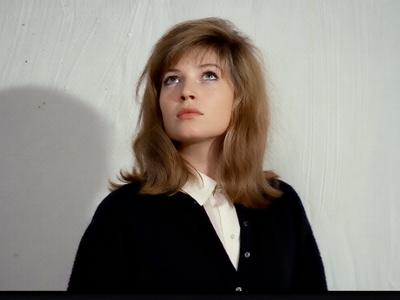
Qwen Image Edit 2509 · Relight
Remove harsh light and shadow from any photo and relight it with soft, even illumination using Qwen Image Edit 2509 and a Relight LoRA. Upload and run.
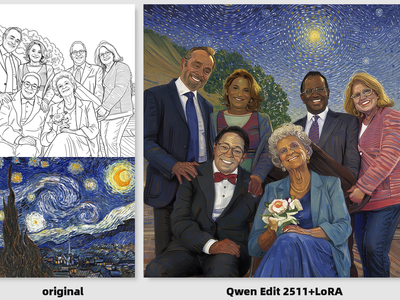
Qwen Image Edit 2511 + Style Transfer LoRA
Create new images from your lineart drawing or sketch using the style transfer LoRA and Qwen Image Edit 2511
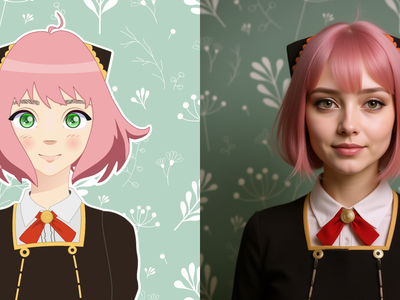
Qwen Image Edit 2509 · A2R
Merge up to three images into one scene with Qwen Image Edit 2509. Upload a subject, add items to place on it, describe the layout, hit run. Apache 2.0.
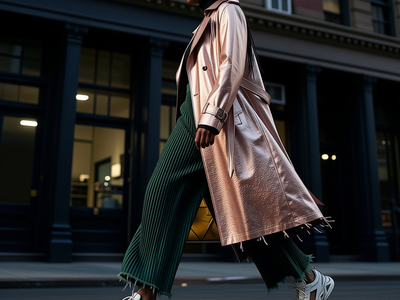
Qwen Image Edit 2511 · Camera Angle Control
Set a precise camera angle with yaw, pitch, and distance using Qwen Image Edit 2511 and the Multi-Angle LoRA. Upload an image, dial in the view, hit run.
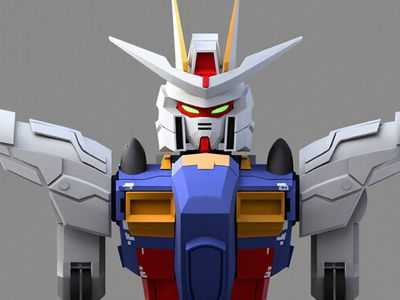
Qwen Image Edit 2509 and Grayscale to Color LoRA
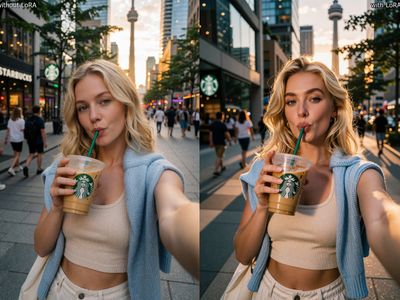

Krea2_Ultra_Real
Workflow for hyper-realistic AI Images using Krea2 and UltraReal Lora.

Wan 2.2 and Qwen for V2V Restyle
Create a new video by restyling an existing video with a reference image.
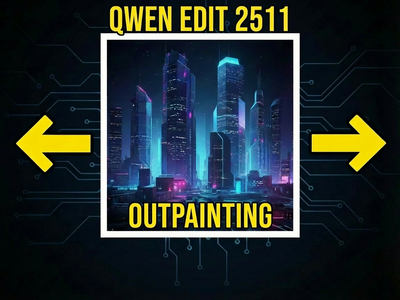
Qwen Edit 2511 OUTPAINTING
OUTPAINTING


Qwen LoRA Trainer with Auto-Caption
Train a custom Qwen Image Edit 2511 LoRA from a folder of images. Florence 2 auto-captions, Musubi trains, and a built-in test section previews results.
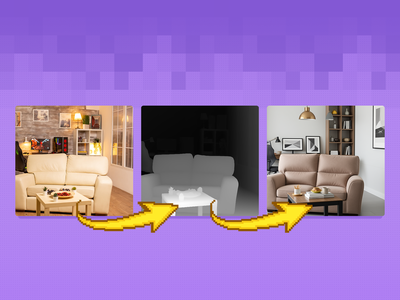
Qwen Image 2512 + Fun Controlnet Union 2602
Transform your mages using the Qwen Image 2512 and with Fun Controlnet Union 2602
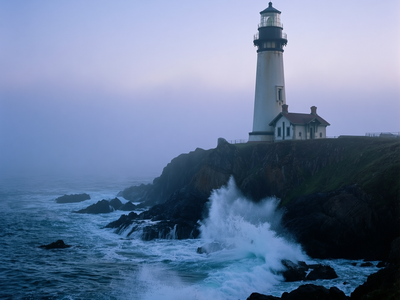
Qwen Image 2512 · Text to Image
Text to image
โอเพน
Anima Text to Image_Turbo
Animaを使用したアニメ特化のText to Imageワークフローです。Turbo LoRAを導入しているため、通常より高速に画像生成できます。 This is an anime-focused Text to Image workflow using Anima. It includes Turbo LoRA for faster image generation.

Qwen 2511 Multi-Angle Camera · I2I For Kids Edu
Re-render any photo from a new camera angle using Qwen Image Edit 2511 with the Multi-Angle LoRA. Upload a photo, set horizontal and vertical rotation, and hit run.
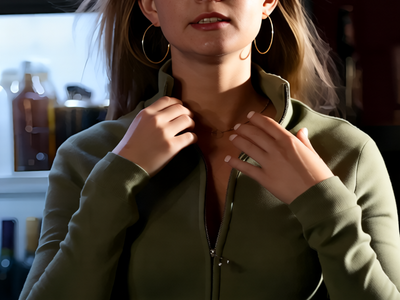
Multiple Angle Lighting LoRA + 2511

AI Influencer Video Maker (Qwen 2511 + LTX-2)
Build your AI influencer, stage the product moment, and animate the full promo in one workflow.

Image Transformation using Anime2Reality LoRA
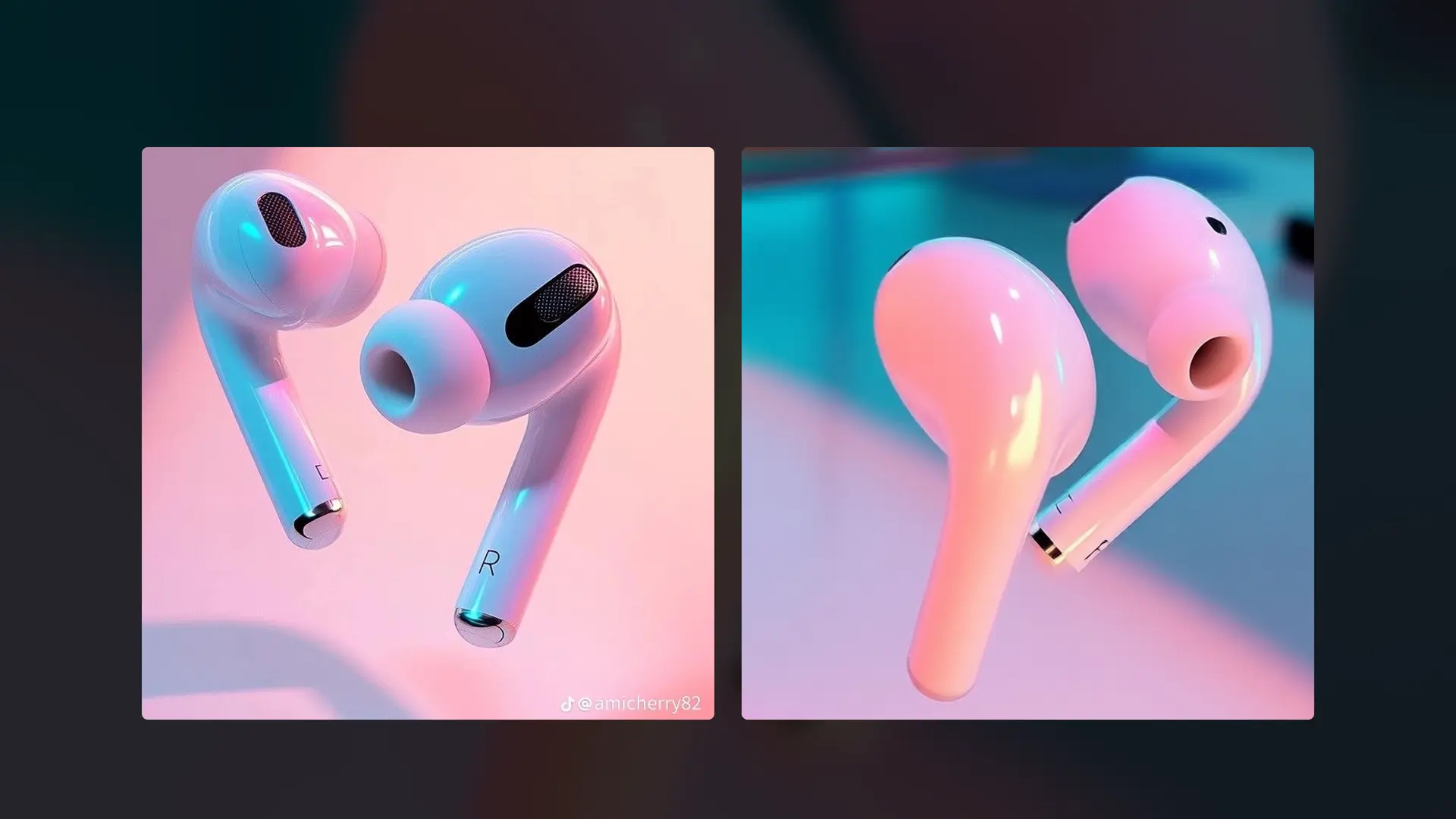
Qwen Image Edit – Multi-Angle Camera View
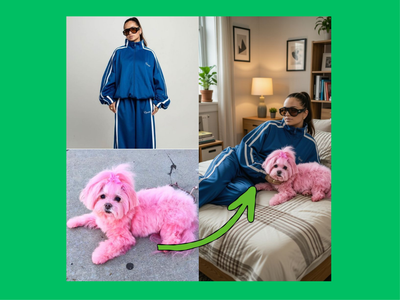

FireRed Image Edit 1.1 workflow
An open-source AI image editing model tuned for high-fidelity editing, character consistency, and multi-element composition. Excellent at changing visuals with straightforward prompts that may be used locally in ComfyUI.
Realistic Product or Props Replacement

Vertical Video Background & Scene Rebuild


Add Products to AI Influencers + Viral UGC Videos
Create realistic AI influencer videos from product and character reference images using Qwen Image Edit 2511, Flux Kontext Multi-Reference, and LTX-2 Video in ComfyUI. Generate influencer-style images, maintain character consistency, and convert them into smooth cinematic videos
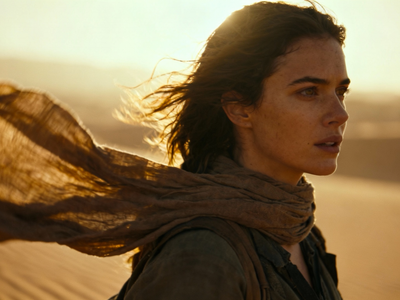
FlatLogColor LoRA and Qwen Image Edit 2509
โอเพน
Qwen_Image_2.1_Text_to_Image_Workflow
Qwen Image 2.1を使用したText to Imageワークフローです。オープンソースモデルのため、APIウォレットを消費せずに画像生成を試せます。This is a Text to Image workflow using Qwen Image 2.1. Since it uses an open-source model, you can generate images without consuming your API wallet.
Camera Angle Control with Qwen
Qwen
โอเพน
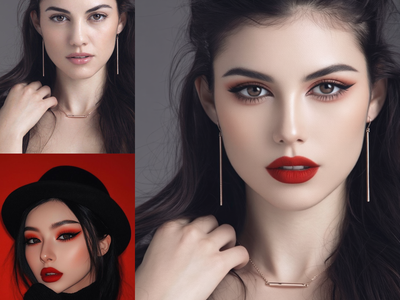
FireRed Image Edit - Makeup Transfer
Transfer makeup from a reference photo onto a portrait using FireRed Image Edit 1.1. Upload a face and a makeup reference, and the model applies the look while keeping pose and facial features intact.
Vertical Video FX Inserter - Qwen + Wan 2.1 FunControl

Qwen Image - Text to 360° HDRI Panorama

Qwen 2511 · Single Image to Character Dataset
Upload a single character image and Qwen Image Edit 2511 generates a full multi-pose training dataset automatically, saving each image with a matching caption file ready for LoRA training.
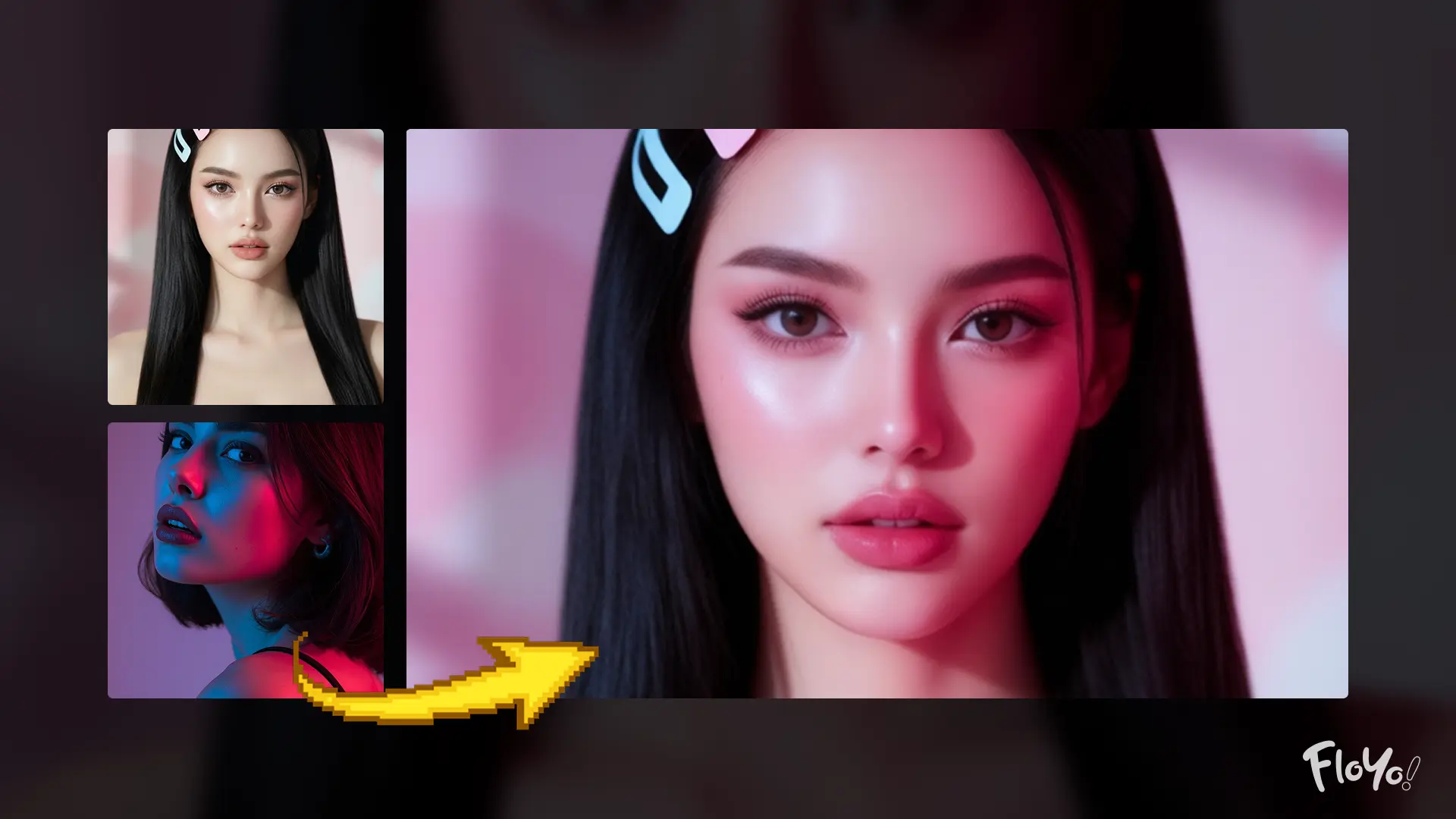
Qwen Image Edit – Portrait Light Migration
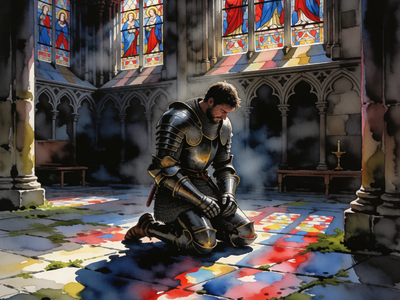
Krea 2 for Text to Image
Turn a text prompt into a finished image with Krea 2 Turbo, Krea AI's fast open-source image model. Type what you want to see, hit run, and get a result in seconds.