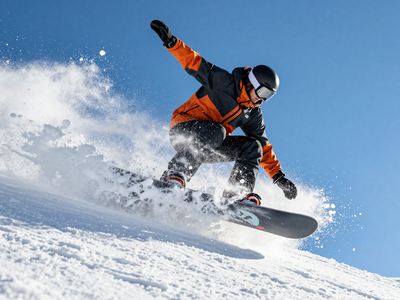
Qwen_Image_2.1_Text_to_Image_Workflow
Qwen Image 2.1を使用したText to Imageワークフローです。オープンソースモデルのため、APIウォレットを消費せずに画像生成を試せます。This is a Text to Image workflow using Qwen Image 2.1. Since it uses an open-source model, you can generate images without consuming your API wallet.
Image
Open Source
Qwen Image 2.1
Text to Image
287
Nodes & Models
ResolutionSelector
PrimitiveStringMultiline
MarkdownNote
UNETLoader
qwen_image_2.1_int8_convrot.safetensors
TextEncodeQwenImage21
SaveImageAdvanced
CLIPLoader
qwen3vl_8b_int8_convrot.safetensors
qwen3.5_9b_qwen_image_2.1_pe_t2i.int8_convrot.safetensors
VAELoader
qwen_image_2.1_vae_bf16.safetensors
EmptyLatentImage
VAEDecode
KSampler
TextGenerate
PreviewAny
ComfySwitchNode
QwenImage21Cache
1. Overview|概要
このワークフローは、Qwen Image 2.1を使用したText to Image用の画像生成ワークフローです。
This workflow is a Text to Image generation workflow using Qwen Image 2.1.
Qwen Image 2.1はオープンソースモデルのため、APIウォレットを消費せずに画像生成できます。
Since Qwen Image 2.1 is an open-source model, you can generate images without consuming your API wallet.
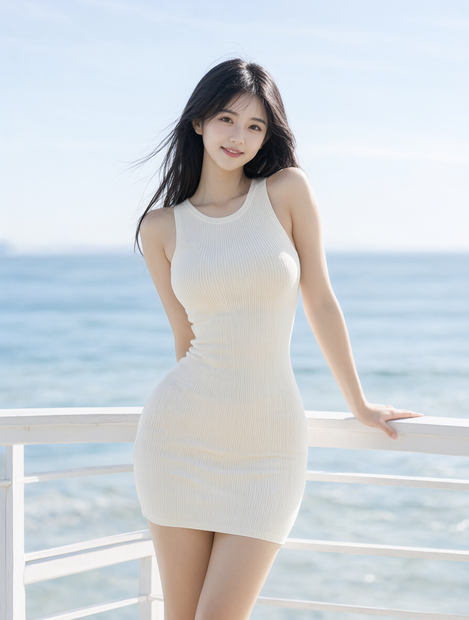
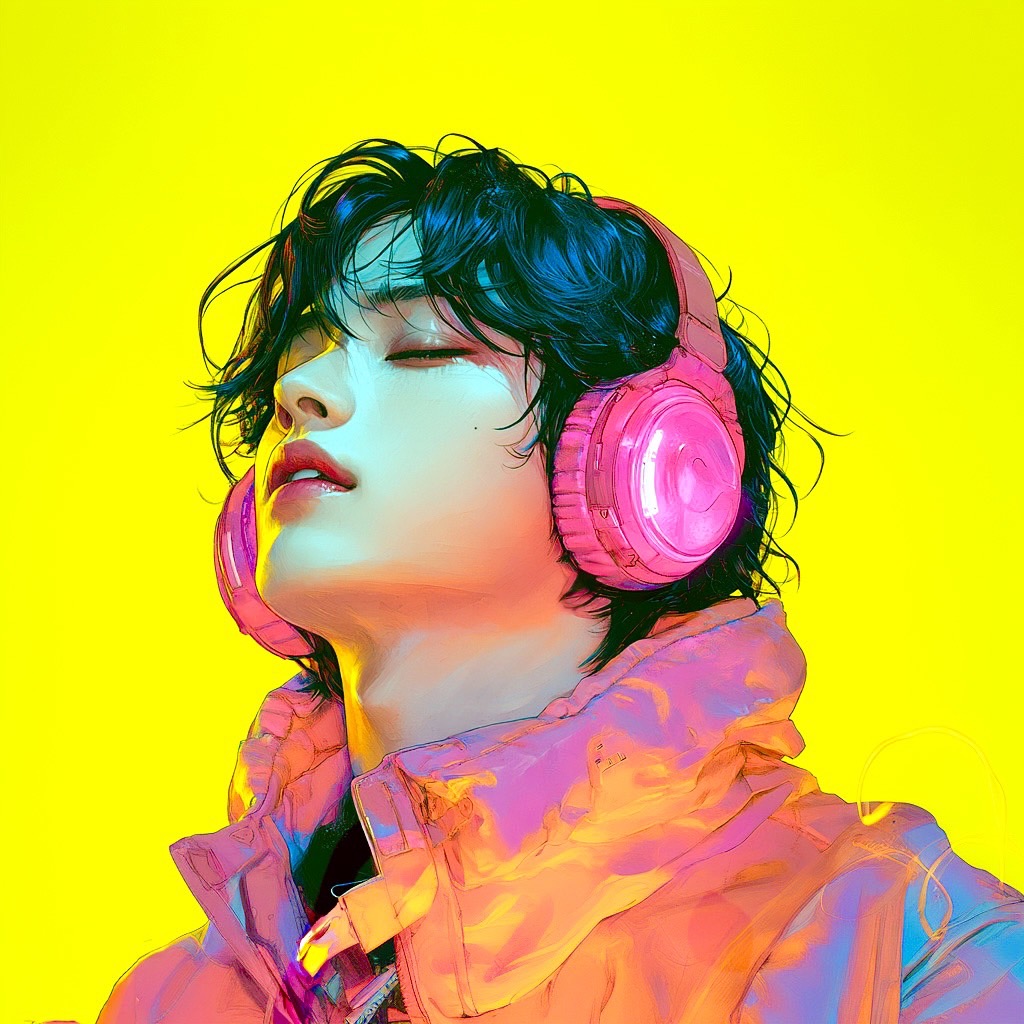
テキストプロンプトから、イラスト、リアル系画像、商品画像、キャラクター画像、デザイン素材などを生成できます。
You can generate illustrations, realistic images, product visuals, character images, and design assets from text prompts.
Qwen Image 2.1は、ネイティブ2K出力に対応している点が大きな特徴です。
A major feature of Qwen Image 2.1 is its native 2K output support.
設定を変更することで、2048x2048の画像を直接生成できます。
By changing the settings, you can directly generate 2048x2048 images.
標準設定では、1024x1024の1メガピクセル出力から始められます。
The default setting starts with 1 megapixel output at 1024x1024.
透過背景のRGBA画像生成にも対応しているため、素材制作にも活用しやすいワークフローです。
It also supports RGBA transparent image generation, making it useful for asset creation.
ロゴ風素材、ステッカー、切り抜き素材、キャラクター素材、商品素材の生成にも向いています。
It is suitable for logo-style assets, stickers, cutout assets, character assets, and product materials.
2. How It Works|使い方
このワークフローは、プロンプトを入力するだけですぐに使えます。
You can use this workflow immediately by entering a prompt.
promptには、生成したい画像の内容を入力してください。
Enter what you want to generate in prompt.
必要に応じて、ResolutionSelectorで出力サイズを変更してください。
If needed, change the output size using ResolutionSelector.
出力サイズは、ResolutionSelectorのwidthとheightによって決まります。
The output size is determined by the width and height in ResolutionSelector.
解像度は32の倍数にすると安定しやすいです。
Using resolution values that are multiples of 32 helps improve stability.
設定後、生成ボタンを押すだけで画像を生成できます。
After setting the parameters, press Generate to create the image.
APIウォレットを消費しないため、検証やプロンプト調整を繰り返しやすい構成です。
Since it does not consume your API wallet, it is easy to test and refine prompts repeatedly.
3. Prompt Control|プロンプトによる調整
promptには、生成したい画像の内容をできるだけ具体的に書いてください。
In prompt, describe the image you want to generate as clearly as possible.
被写体、構図、背景、光、色、画風、質感を指定すると結果が安定しやすくなります。
Specifying the subject, composition, background, lighting, color, style, and texture helps stabilize the result.
人物を生成する場合は、年齢感、髪型、表情、服装、ポーズ、カメラアングルを書いてください。
For character generation, describe the age impression, hairstyle, expression, outfit, pose, and camera angle.
商品画像を生成する場合は、商品名、素材、背景、ライティング、余白、広告風の構図を指定してください。
For product images, specify the product name, material, background, lighting, margin, and advertising-style composition.
イラスト系にしたい場合は、anime illustration、concept art、digital paintingなどの画風を指定してください。
For illustration-style output, specify styles such as anime illustration, concept art, or digital painting.
リアル系にしたい場合は、realistic photo、studio lighting、natural textureなどを指定してください。
For realistic output, specify terms such as realistic photo, studio lighting, and natural texture.
短いプロンプトでも生成できますが、詳細に書くほど出力をコントロールしやすくなります。
Short prompts can work, but detailed prompts usually make the output easier to control.
透過画像を生成したい場合は、RGBA形式と透明背景を明確に指定してください。
If you want to generate a transparent image, clearly specify RGBA format and transparent background.
透過画像を生成する場合は、次の形式でプロンプトを書くのがおすすめです。
For transparent image generation, it is recommended to write the prompt in the following format.
This is an RGBA format image with transparency. [your description]. The image has an alpha channel and a transparent background.
透過情報を保持したい場合は、PNG形式で保存してください。
To keep the alpha channel, save the output as PNG.
Read more