

Qwen 2511 Edit - Single Image to Character Dataset
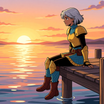
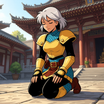
Create a 60 image character dataset from one character image or sheet.
Character Dataset
Image
Prompt List
Qwen 2511
5.9k
Nodes & Models
CLIPLoader
qwen_2.5_vl_7b_fp8_scaled.safetensors
VAELoader
qwen_image_vae.safetensors
UNETLoader
qwen_image_edit_2511_bf16.safetensors
LoadImage
LoraLoaderModelOnly
Qwen-Image-Edit-2511-Lightning-4steps-V1.0-bf16.safetensors
ImageScaleToTotalPixels
ModelSamplingAuraFlow
TextEncodeQwenImageEditPlus
VAEEncode
CFGNorm
FluxKontextMultiReferenceLatentMethod
KSampler
VAEDecode
SaveImage
CR Prompt List
Text Multiline
Text Concatenate
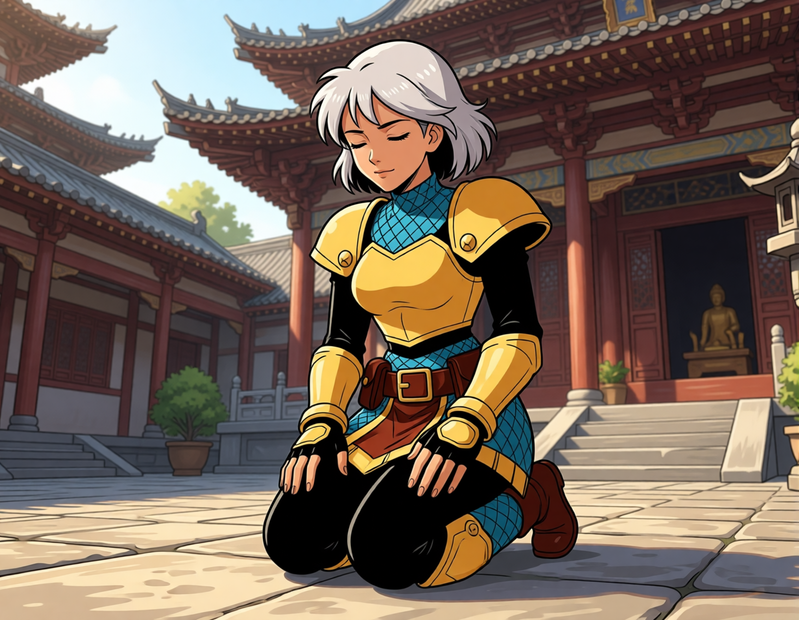
Generate a 60-Image LoRA Dataset from a Single Character Image
Update from Flux Kontext version to use Qwen 2511!
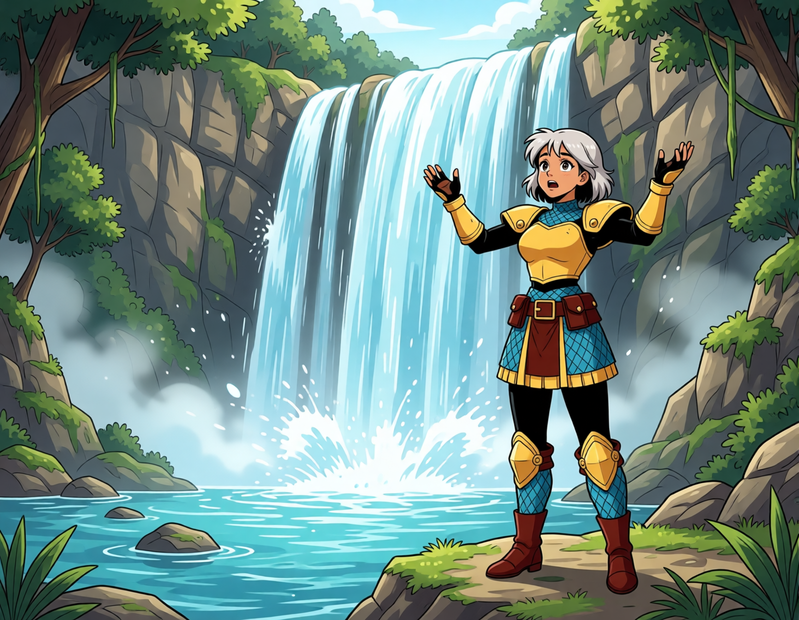
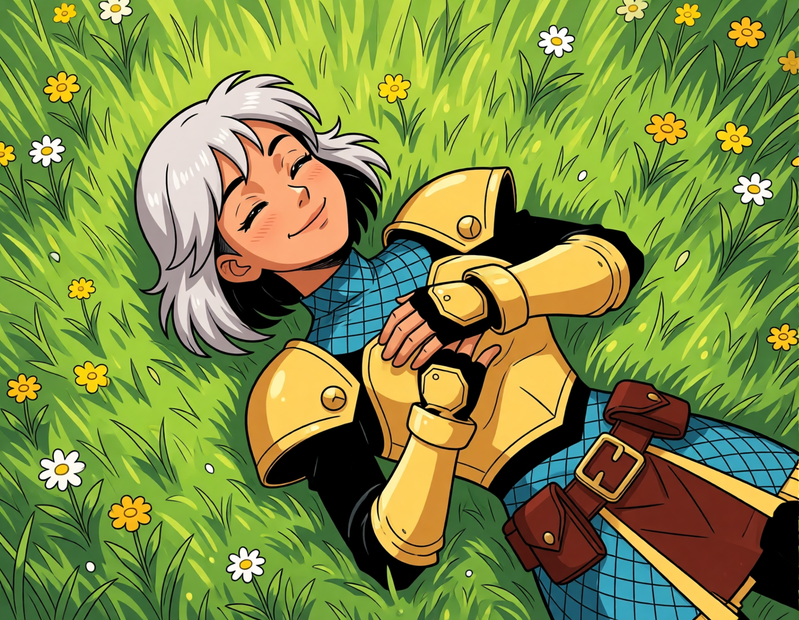
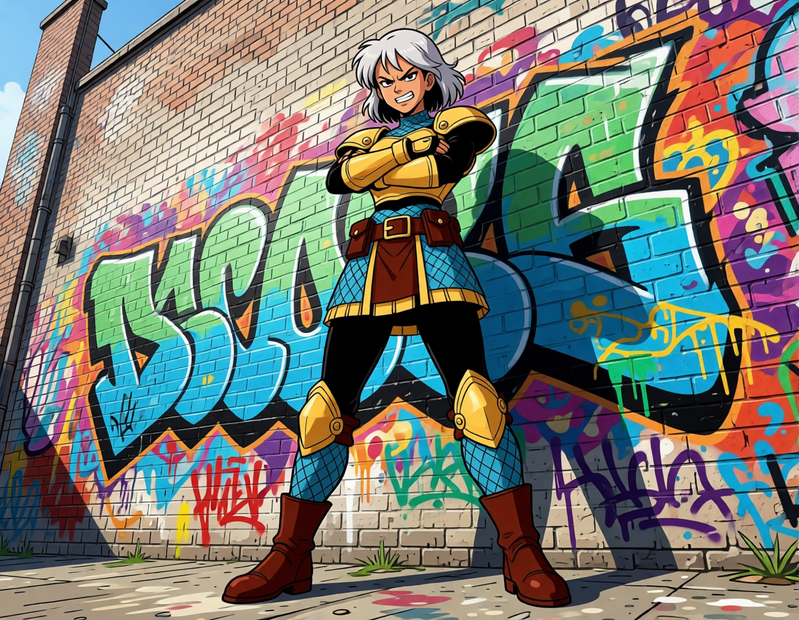
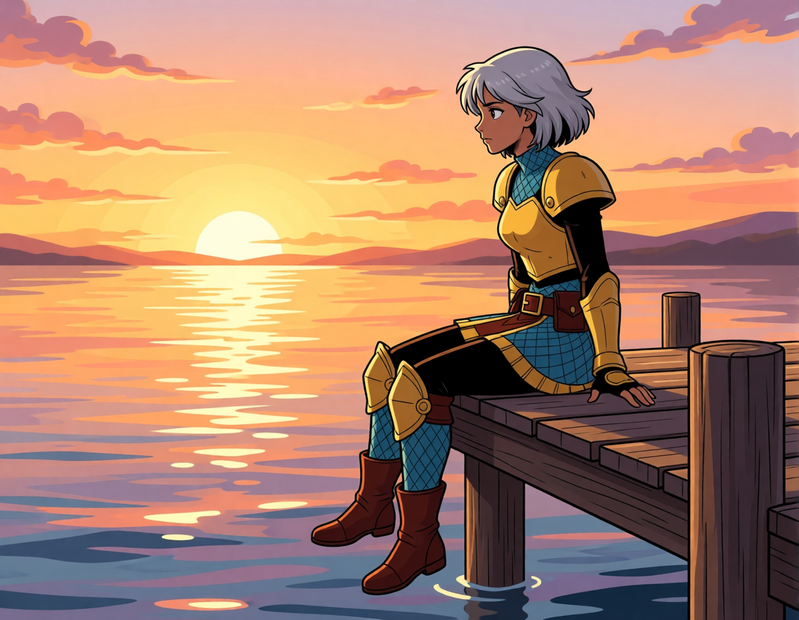
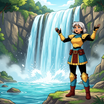
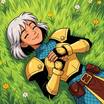
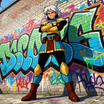
This workflow creates a rich, varied dataset of 60 images from a single input image. It includes a range of poses, lighting, expressions, and environments to give your LoRA maximum flexibility and generalization.
Key Inputs
Load Image: Upload your character image here. Best results come from character sheets with multiple angles (front and back), but a front-facing image will also work well.
Character Name (Output Folder): Set the name of the character — this also becomes the name of the output folder where your generated images will be saved. This helps keep things organized for LoRA training.
Prompt List: This controls the variety of images generated. The default list includes 60 diverse prompts from ChatGPT, but you can freely edit it to add or remove prompts. Want a specific setting or theme? Just replace or expand the prompt list with your own.
Not every image will be perfect, but the ideal minimum for a good character LoRA dataset is about 30 images, so out of the 60 images pick only the best ones to train your LoRA!
Read more





_1786518453053.png?width=400&height=300&quality=80&resize=cover)


