

Anima Text to Image_Turbo
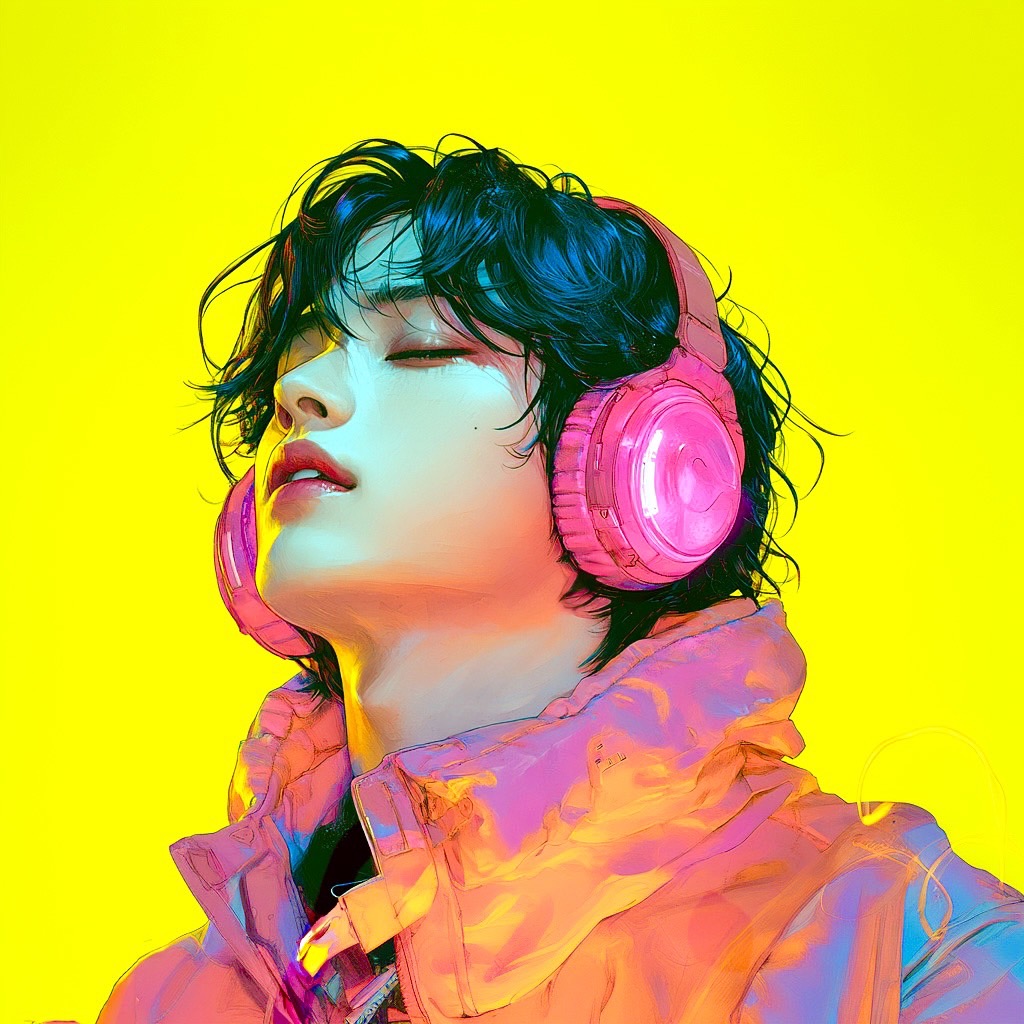
Animaを使用したアニメ特化のText to Imageワークフローです。Turbo LoRAを導入しているため、通常より高速に画像生成できます。 This is an anime-focused Text to Image workflow using Anima. It includes Turbo LoRA for faster image generation.
Anima
Anime
Image
LoRAs
Open Source
Text to Image
1.2k


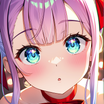
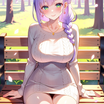
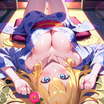
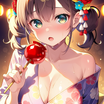
1. Overview|概要
このワークフローは、Animaを使用したText to Image用の画像生成ワークフローです。
This workflow is a Text to Image generation workflow using Anima.
Animaは、アニメ調のイラスト生成に向いた画像生成AIモデルです。
Anima is an AI image generation model designed for anime-style illustration.
キャラクターイラスト、アニメ風ポートレート、背景付きのビジュアル制作に向いています。
It is suitable for character illustrations, anime-style portraits, and visual creation with backgrounds.
このワークフローにはTurbo LoRAを導入しています。
This workflow includes Turbo LoRA.
Turbo LoRAにより、通常よりも高速に画像を生成しやすくなっています。
Turbo LoRA makes it easier to generate images faster than usual.
素早いアイデア検証、キャラクターデザイン、SNS向けイラスト制作におすすめです。
It is recommended for fast idea testing, character design, and anime-style images for social media.
オープンソースモデルを使用しているため、APIウォレットを消費せずに画像生成を試せます。
Since it uses an open-source model, you can generate images without spending your API wallet.
2. How It Works|使い方
このワークフローは、プロンプトを変更するだけですぐに使えます。
You can use this workflow immediately by simply changing the prompt.
生成したいキャラクター、構図、表情、服装、背景、画風をプロンプトに入力してください。
Enter the character, composition, expression, outfit, background, and art style you want to generate in the prompt.
基本的には、プロンプト欄を編集して実行するだけで画像を生成できます。
Basically, you only need to edit the prompt field and run the workflow.
細かく調整したい場合は、必要に応じてサンプラーを変更してください。
If you want finer control, change the sampler if needed.
最初はデフォルト設定のまま生成し、結果を見ながら調整するのがおすすめです。
It is recommended to start with the default settings and adjust based on the result.
3. Prompt Control|プロンプトによる調整
プロンプトには、生成したいイラストの内容をできるだけ具体的に書いてください。
In the prompt, describe the image you want to generate as clearly as possible.
キャラクターの年齢感、髪型、表情、服装、ポーズ、背景を指定すると結果が安定しやすくなります。
Specifying the character’s age impression, hairstyle, expression, outfit, pose, and background helps stabilize the result.
アニメ調、ゲームイラスト風、キービジュアル風、ライトノベル表紙風など、画風も指定できます。
You can also specify the visual style, such as anime style, game illustration style, key visual style, or light novel cover style.
光の方向、色味、空気感、カメラアングルを書くと、より狙ったビジュアルに近づきます。
Adding lighting direction, color tone, atmosphere, and camera angle helps create a more intentional image.
短いプロンプトでも生成できますが、詳細に書くほど出力をコントロールしやすくなります。
Short prompts can work, but detailed prompts usually make the output easier to control.
キャラクターを重視する場合は、顔、目、髪、衣装、ポーズを優先して書くのがおすすめです。
If character quality is important, prioritize the face, eyes, hair, outfit, and pose in the prompt.
背景を重視する場合は、場所、時間帯、光、奥行き、世界観を具体的に書いてください。
If the background is important, describe the location, time of day, lighting, depth, and world setting clearly.
4. Settings|設定
基本設定では、プロンプトを変更するだけですぐに使えます。
With the basic settings, you can use it immediately by only changing the prompt.
まずはデフォルト設定のまま生成することをおすすめします。
It is recommended to generate with the default settings first.
出力の雰囲気を変えたい場合は、必要に応じてサンプラーを変更してください。
If you want to change the feel of the output, change the sampler if needed.
サンプラーを変更すると、線の出方、塗り、質感、安定感が変わる場合があります。
Changing the sampler may affect the line quality, coloring, texture, and stability.
品質をさらに詰めたい場合は、サンプラーやステップ数を少しずつ調整してください。
If you want to refine the quality further, adjust the sampler and step count gradually.
大きく設定を変えるよりも、プロンプトを改善しながら微調整するのがおすすめです。
Rather than changing many settings at once, it is recommended to improve the prompt and make small adjustments.
Read more

_1786518453053.png?width=400&height=300&quality=80&resize=cover)




