Qwen Image Edit 2511 Lightning - Multi-Image Edit
Image
Qwen
Text to Image
2.1k





Nodes & Models
LoadImage
VAELoader
qwen_image_vae.safetensors
CLIPLoader
qwen_2.5_vl_7b.safetensors
UNETLoader
qwen_image_edit_2511_fp8_e4m3fn.safetensors
LoraLoaderModelOnly
Qwen-Image-Edit-2511-Lightning-4steps-V1.0-bf16.safetensors
PainterQwenImageEditPlus
ModelSamplingAuraFlow
CFGNorm
KSampler
VAEDecode
SaveImage
Multi-image editing with Qwen Image Edit 2511 and a Lightning LoRA that drops generation down to 4 steps.
Upload one to three reference images, describe the edit, and combine them into a new image. The model handles composition, character consistency, and scene matching at 1920x1080.
Each output comes back in seconds, not minutes.
How do you use Qwen Image Edit 2511 with the Lightning 4-step LoRA?
Load up to three input images, write a prompt describing the edit, and run. The Lightning LoRA is set to strength 1.0 with 4 steps and CFG 1. Default output is 1920x1080. Most users only need to swap the prompt and load their inputs before hitting Queue.
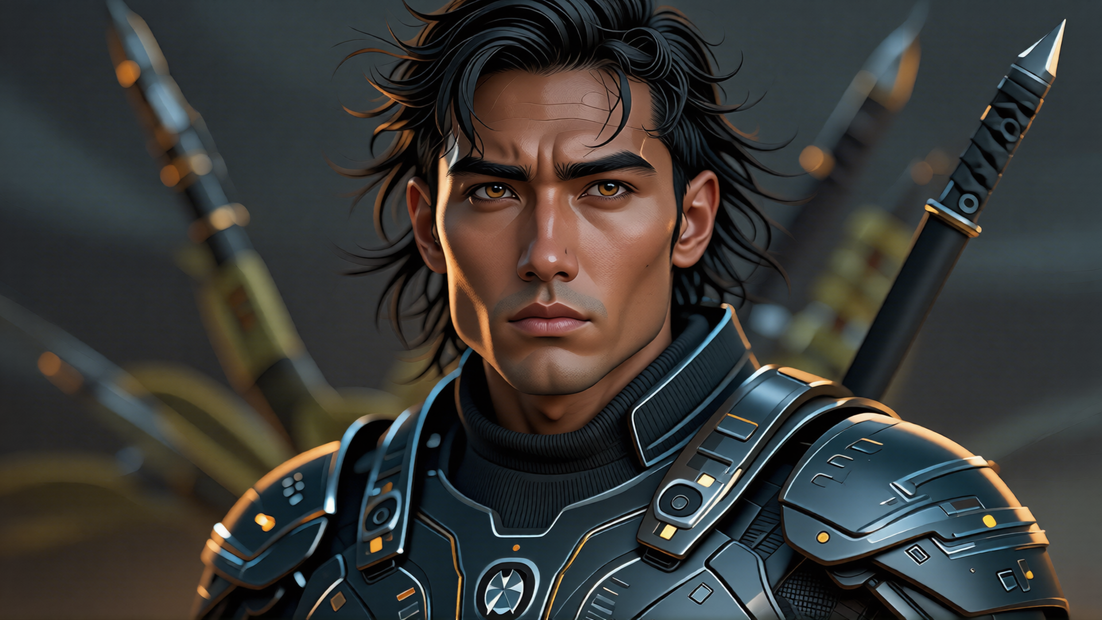
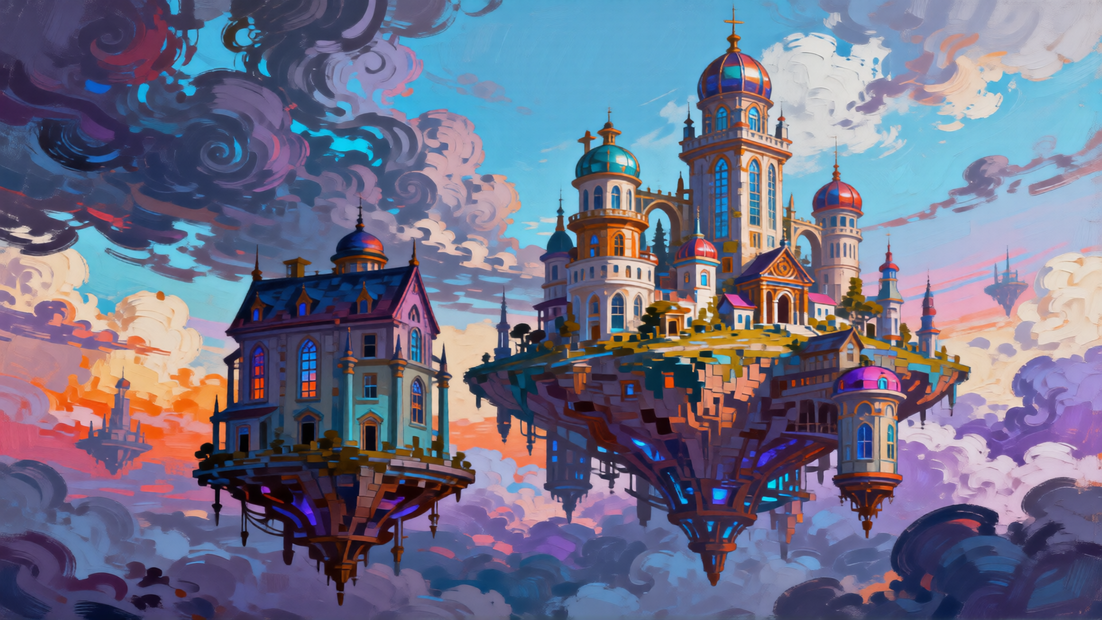
Image inputs Three image slots, bypassed by default. Enable as many as you need. Doing a single edit? Plug in one image. Compositing a subject onto a new background? Use two. Building a full subject + outfit + scene composite? Load all three.
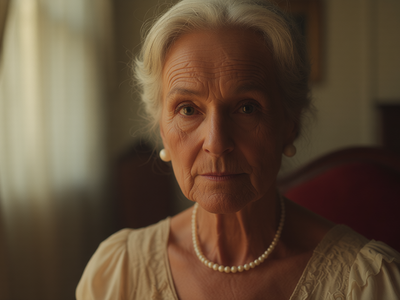
Prompt Describe what you want the final image to look like. The example sets a "Latina female with thick wavy hair, harbor boats and pastel houses behind" scene, so the model gets both subject and environment in one read. Be concrete about lighting, framing, and mood. Want a portrait? Say "cinematic close-up." Want product on white? Say it.
Image mode Default: 3_image. Tells the model how many reference images you've connected. Switch to 1_image or 2_image if you're using fewer inputs. Match this to the number of image slots you've enabled.
Resolution Default: 1920x1080. Drop to 1280x720 for faster outputs, or 1024x1024 for square portraits.
Steps Default: 4. Locked low by the Lightning LoRA. Pushing past 6 to 8 steps with this LoRA hurts quality instead of helping. If you want more steps, swap out the Lightning LoRA and run the base Qwen Image Edit 2511 model.
CFG Default: 1. Lightning LoRAs are trained for low guidance. The catch: bump CFG above 2 and you get burned colors and posterized outputs. Leave it at 1.
LoRA strength Default: 1.0. Want the full Lightning speed-up? Keep it at 1. Want more variation in your outputs? Drop to 0.7 to 0.8 and bump steps to 6 or 8.
Shift Default: 3. Controls noise scheduling. Lower shift (1 to 2) brings out more fine detail. Higher shift (4 to 5) gives smoother, softer outputs. Try a few values if your edits feel too sharp or too washed.
What is Qwen Image Edit 2511 with the Lightning LoRA good for?
Fast image editing where you need to combine multiple references into one output. Common uses: compositing a subject onto a new background, swapping outfits while keeping the face, blending product shots into lifestyle scenes, or matching a character across different settings. The 4-step Lightning LoRA makes iteration fast enough to try a dozen variants in a minute.
The multi-image input is the point. One image gives you a face. Another gives you wardrobe. The third gives you a scene. The model fuses them while keeping the subject recognizable across the composite.
When to skip it: doing a single quick edit on one image and you don't care about speed? A regular Qwen Image Edit workflow without multi-image setup will be simpler. Need maximum detail and quality over speed? Drop the Lightning LoRA and run the base model at 20+ steps.
FAQ
How many reference images does Qwen Image Edit 2511 take in this workflow? Up to three. Three image slots are wired in, all bypassed by default. Enable one for single-image edits, two for subject + background composites, or all three for full character + outfit + scene work. Match the image_mode setting to the number of slots you've enabled.
What does the Lightning 4-step LoRA do for Qwen Image Edit 2511? It compresses the diffusion process so the model produces a finished image in 4 sampler steps instead of 20+. The tradeoff: outputs are slightly less detailed than full-step generations. For iteration and quick edits, the speed gain is worth it. For final hero shots, run base Qwen Image Edit 2511 at higher steps.
What CFG should I use with the Lightning LoRA on Qwen Image Edit 2511? CFG 1. Lightning LoRAs are trained for low guidance and break down at higher values. Pushing CFG above 2 with this LoRA produces burned colors and posterized outputs. The CFG normalization at 0.95 keeps the output stable. Leave both alone.
Can I do single-image edits with this Qwen Image Edit 2511 workflow? Yes. Enable one image slot, switch image_mode to 1_image, and run. Works for face fixes, outfit changes, and background swaps on a single source. The multi-image setup is optional, not required.
How to run Qwen Image Edit 2511 online? You can run Qwen Image Edit 2511 online through Floyo. No installation, no setup. Open the workflow in your browser, upload your inputs, and hit run.
Read more