Floyo
Floyo
Workflows
API
Preços
Floyo
Floyo
Workflows
API
Preços
Imagem de destaque de Produção de vídeo e animação

PRODUÇÃO DE VÍDEO E ANIMAÇÃO

Crie vídeos a partir de texto, imagens e filmagens existentes, tudo em workflows flexíveis.

1. Create videos from prompts (Txt→Vid)

Turn text prompts, scripts, or creative briefs into moving shots that match your tone and style. Great for rough boards, previs, mood pieces, and quick alternatives when you need a shot that does not exist yet.

Seedance 2.0 · Text to Video

Seedance

Seedance 2.0

Text to video

Video

Video generation

Generate a video clip from a text prompt with Seedance 2.0 by ByteDance. Describe the scene, the action, and the camera. Pick a shape and length, hit run.

Seedance 2.0 · Text to Video

Generate a video clip from a text prompt with Seedance 2.0 by ByteDance. Describe the scene, the action, and the camera. Pick a shape and length, hit run.

Wan 2.7 - Text to Video

Alibaba

Text to video

Video

Video generation

Wan

Wan 2.7

Generate video from a text prompt using Alibaba's Wan 2.7 model. Set your resolution, aspect ratio, and duration, then hit Run. Audio input supported.

Wan 2.7 - Text to Video

Generate video from a text prompt using Alibaba's Wan 2.7 model. Set your resolution, aspect ratio, and duration, then hit Run. Audio input supported.

LTX 2.3 Text to video - Advanced Series 01
aitold

aitold

5.7k

LoRA

LTX

LTX 2.3

Text to video

Video

Video generation

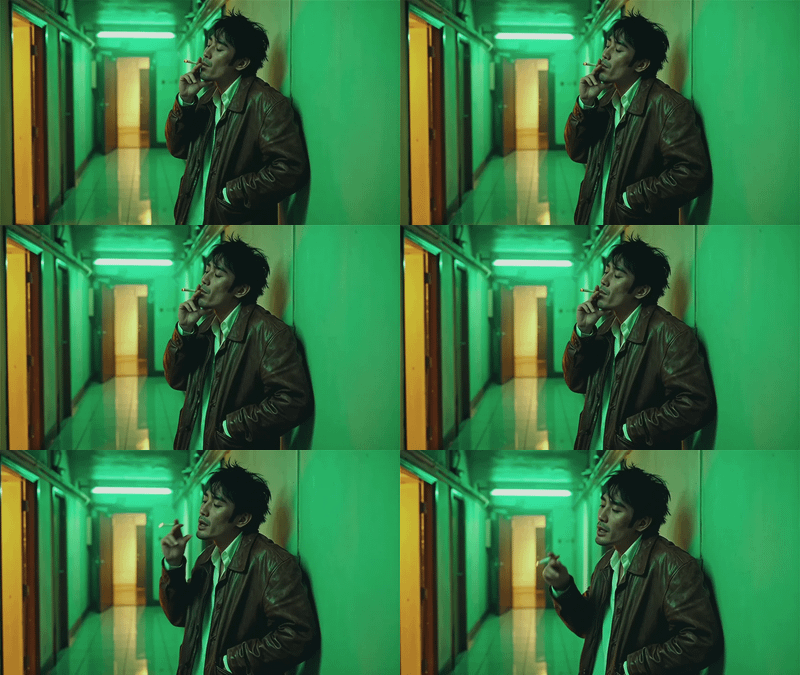
- Generates advanced text to video with LTX 2.3 with high quality and prompt adherence. - Related to the ComfyUI Advanced Video generation series on youtube channel : https://www.youtube.com/@AITold
LTX 2.3 Text to video - Advanced Series 01

- Generates advanced text to video with LTX 2.3 with high quality and prompt adherence. - Related to the ComfyUI Advanced Video generation series on youtube channel : https://www.youtube.com/@AITold

Wan2.6 Text to Video

Animation

Film

Text to video

Video

Video generation

Wan

Wan 2.6

Wan2.6 Text to Video

VEO3  Future of Video Creation

Text to video

Veo

Veo 3

Video

Video generation

VEO3 Future of Video Creation

 Seedance Text to Video: Create Stunning video
Seedance

Text to video

Video

Video generation

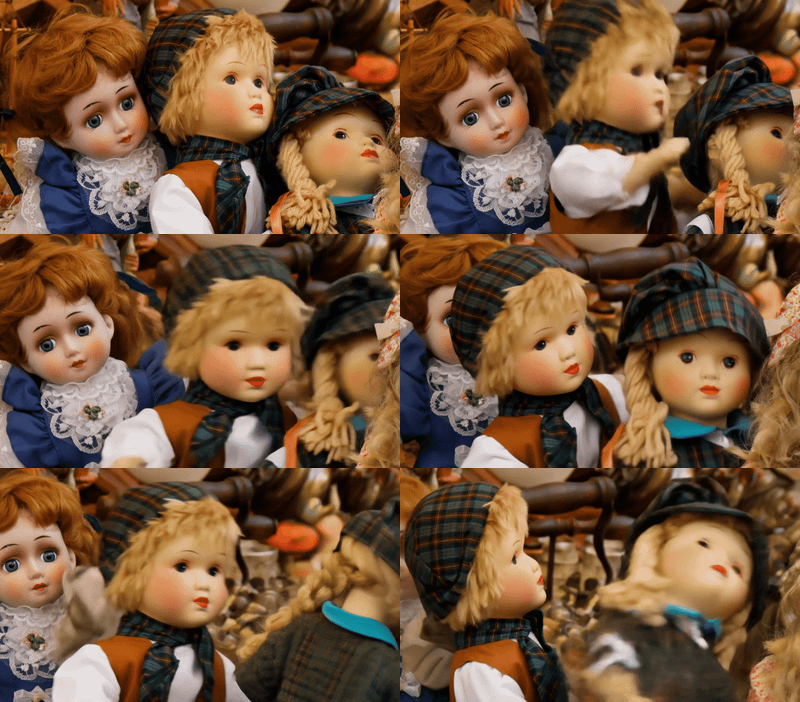
Seedance Text to Video: Create Stunning video

Kling Master 2.0 Create Engaging Video Content

Image to video

Kling

Kling Master 2.0

Video

Kling Master 2.0 Create Engaging Video Content

MiniMax Text-to-Video Creative Concepts to Life

MiniMax

Text to video

Video

Video generation

MiniMax Text-to-Video Creative Concepts to Life

2. Animate keyframes and images (Img→Vid)

Start from concept art, frames, or photo references and bring them to life as shots. Use single images, sequences, or storyboards as anchors to generate motion that respects composition, style, and character design.

Animation

Film production

Image to video

Video

Video generation

Wan

Generate 1080p video with sound using Wan 2.7, Alibaba's flagship video model with a thinking mode. Upload a start image, describe the action, hit run.

Wan 2.7 · Image to Video With Audio

Generate 1080p video with sound using Wan 2.7, Alibaba's flagship video model with a thinking mode. Upload a start image, describe the action, hit run.

LTX-2.3 Pro · Image to Video With Audio

Image to video

LTX

LTX 2.3

Video

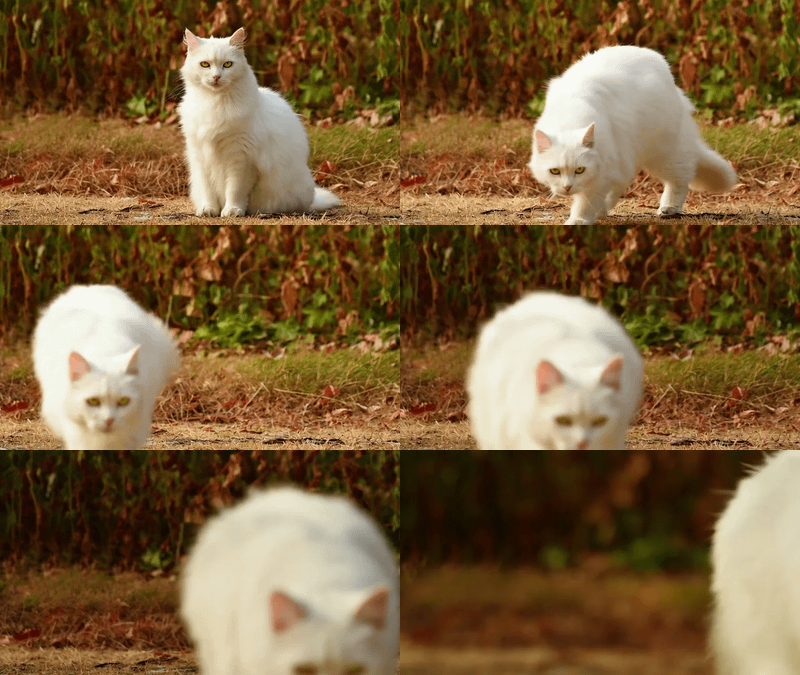
Generate up to 4K video with sound using LTX-2.3 Pro, the quality tier of Lightricks' 22B model. Upload a start and end image, write the shot, hit run.
LTX-2.3 Pro · Image to Video With Audio

Generate up to 4K video with sound using LTX-2.3 Pro, the quality tier of Lightricks' 22B model. Upload a start and end image, write the shot, hit run.

Sora2 Pro Image to Video: Elevate Every Image into a Moving Masterpiece
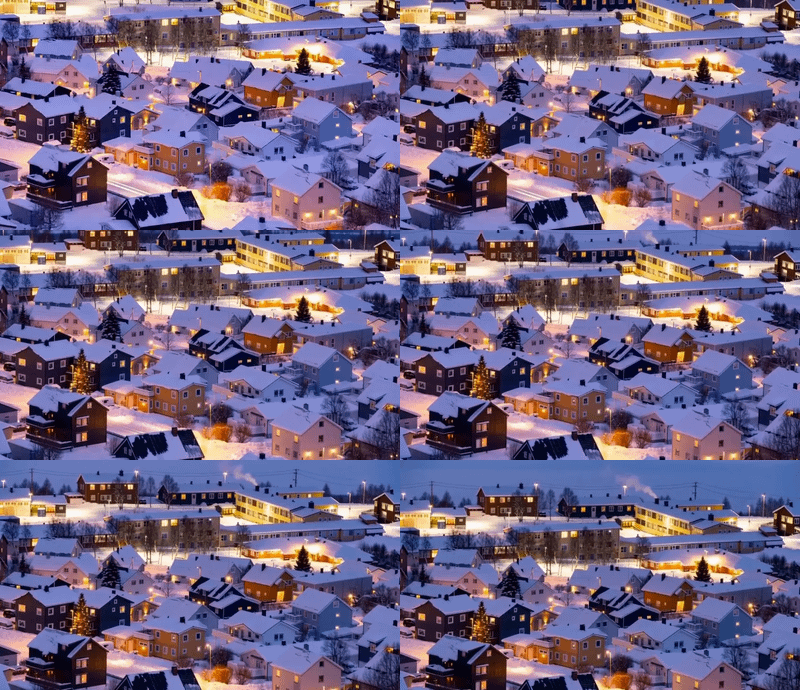
Image to video

Sora

Sora 2

Video

Sora2 Pro Image to Video: Elevate Every Image into a Moving Masterpiece

Seedance 2.0 Fast - Image to Video with Audio

Image to video

Seedance

Seedance 2.0

Video

Video generation

Animate any image into video with ByteDance's Seedance 2.0 Fast. Built-in audio generation, start and end frame control, and multiple aspect ratios. No setup needed.

Seedance 2.0 Fast - Image to Video with Audio

Animate any image into video with ByteDance's Seedance 2.0 Fast. Built-in audio generation, start and end frame control, and multiple aspect ratios. No setup needed.

Seedance 2.0 · Image to Video

Animation

Film production

Image to video

Seedance

VFX and post

Video

Video generation

Animate any still into a video clip with Seedance 2.0 by ByteDance. Upload a start image, add an optional end frame, describe the motion, and hit run.
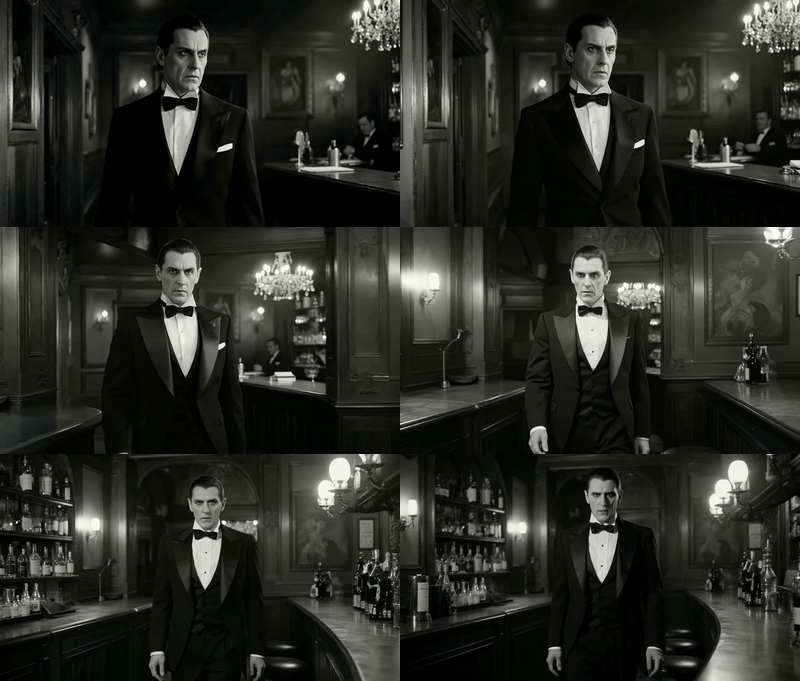
Seedance 2.0 · Image to Video

Animate any still into a video clip with Seedance 2.0 by ByteDance. Upload a start image, add an optional end frame, describe the motion, and hit run.

Image to Video with Seedance Pro API

Animation

Film

Image to video

Seedance

Seedance Pro

Video

Video generation

Animate a still into a 1080p clip with Seedance Pro by ByteDance. Upload a start and end image, describe the motion, and hit run. Smooth cinematic motion.
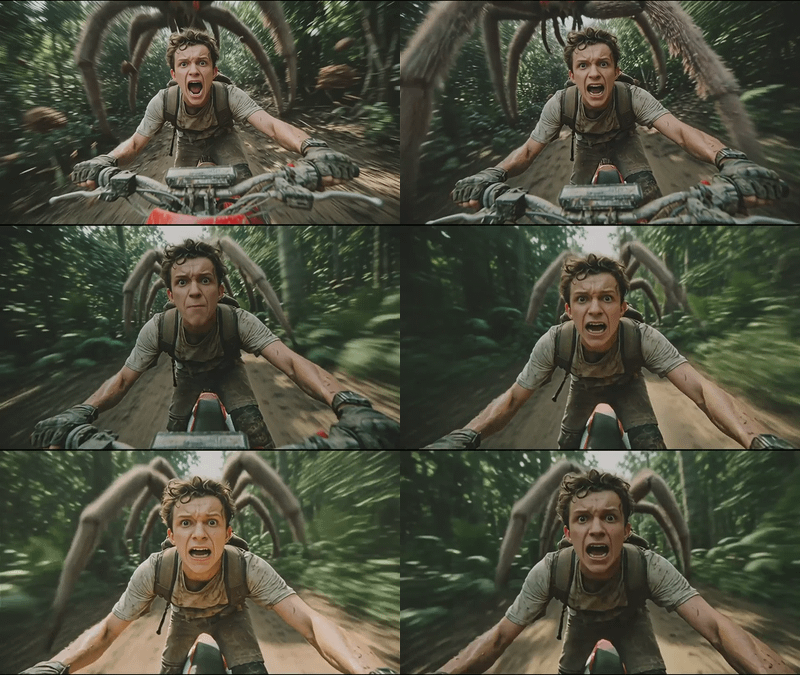
Image to Video with Seedance Pro API

Animate a still into a 1080p clip with Seedance Pro by ByteDance. Upload a start and end image, describe the motion, and hit run. Smooth cinematic motion.

Wan 2.6 · Multi-Shot Image to Video

Animation

Film

Image to video

VFX and post

Video

Wan

Wan 2.6

Turn a still image into a multi-shot video with sound using Wan 2.6 by Alibaba. The model plans camera cuts and syncs audio in one pass. Upload and run.
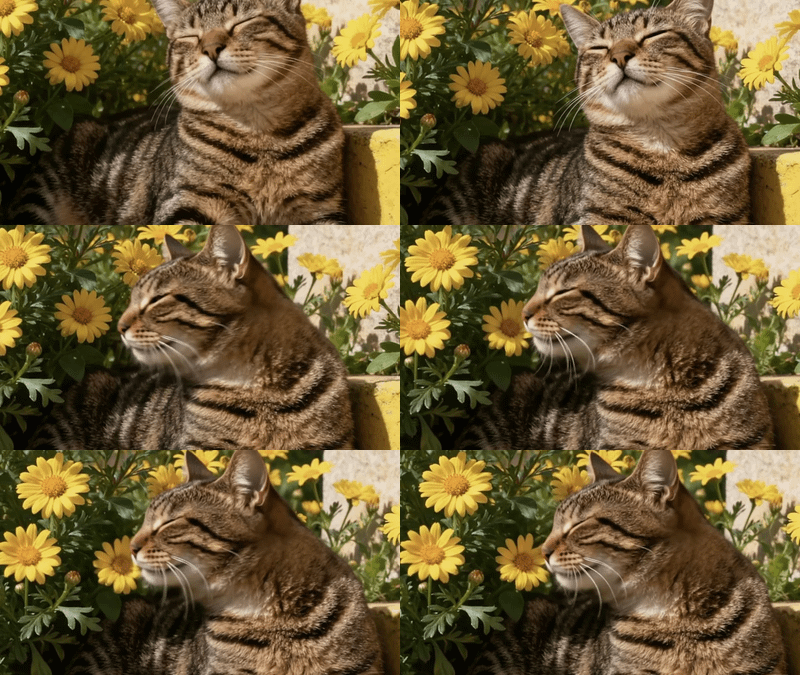
Wan 2.6 · Multi-Shot Image to Video

Turn a still image into a multi-shot video with sound using Wan 2.6 by Alibaba. The model plans camera cuts and syncs audio in one pass. Upload and run.

Veo 3.1 Image to Video

Image to video

Veo

Veo 3.1

Video

Veo 3.1 Image to Video

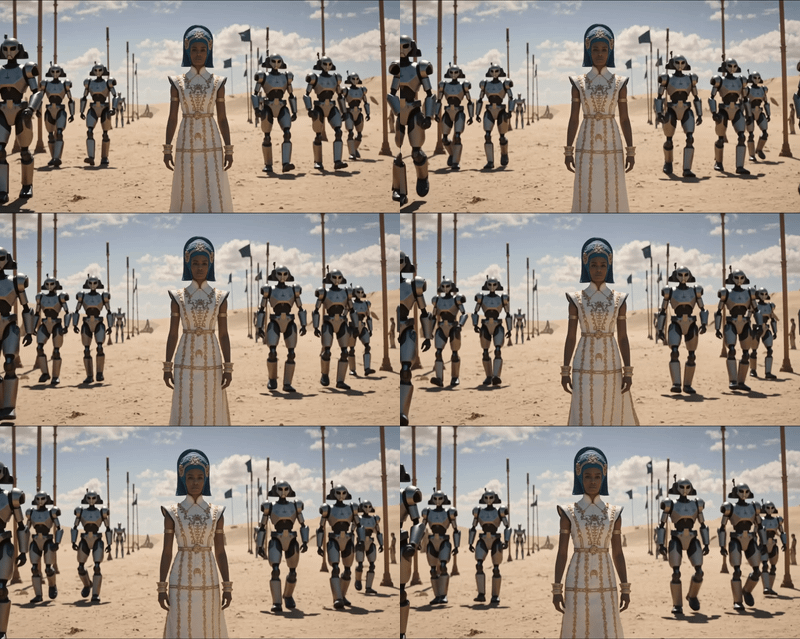
Wan2.2 Fun Camera for Camera Control
Camera control

Image to video

Video

Wan

Wan 2.2

Wan2.2 Fun Camera for Camera Control

LTX 2.3 Image to Video with Two-Pass Upscaling
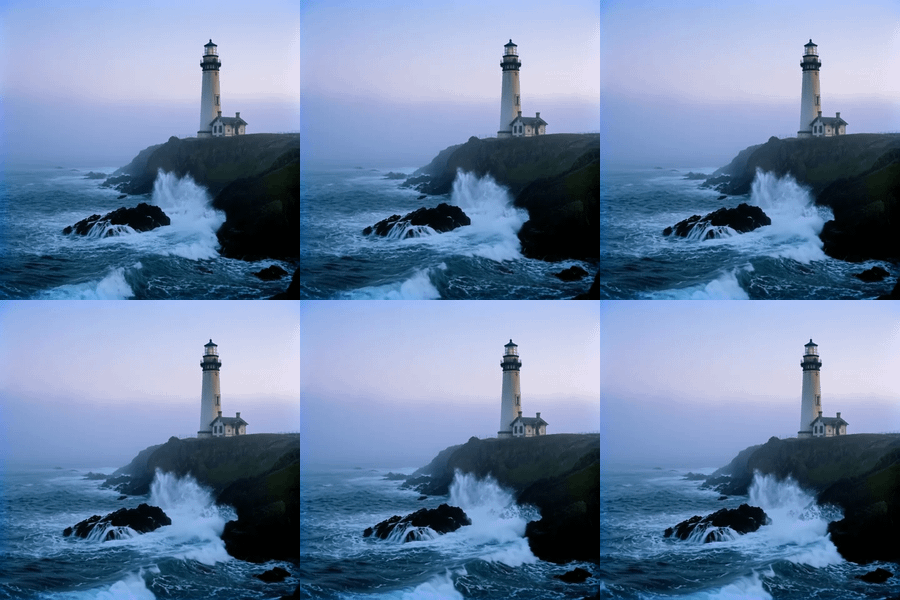
Image to video

LTX

Video

Video upscaling

LTX 2.3 Image to Video with Two-Pass Upscaling

LTX 2 19B Fast for Image to Video

Animation

Filmography

Image to video

LoRA

LTX

LTX 2

Open Source

Video

A workflow for ltx 2 image to video using distilled model

Aberto

LTX 2 19B Fast for Image to Video

A workflow for ltx 2 image to video using distilled model

Image to video

Video

Video generation

Wan

Wan 2.5

Wan 2.5: Image to Video with Audio

Wan2.2 Animate Character

Animate

Animation

Filmmaking

Motion transfer

Video

Video to video

Wan

Wan 2.2

Wan 2.2

Wan2.2 Animate Character

Wan 2.2

Wan2.1 Start & End Frame Image to Video

Image to video

Start and end frame

Video

Video generation

Wan

Wan 2.1

Used for image to video generation, defined by the first frame and end frame images.

Wan2.1 Start & End Frame Image to Video

Used for image to video generation, defined by the first frame and end frame images.
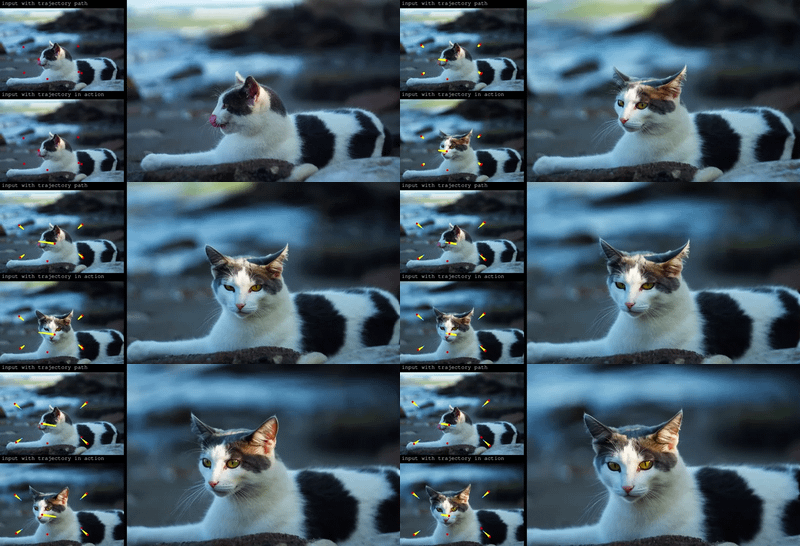
Wan2.1 and ATI for Control Video Motion: Draw Your Path, Get Your Video

ATI

Image to video

Video

Wan

Wan2.1 and ATI for Control Video Motion: Draw Your Path, Get Your Video

Wan2.1 FusionX and MultiTalk - Image to Video

Animation

Filmmaking

Image to video

Lip-sync

Marketing

Video

Wan

Wan 2.1

Turn any portrait - artwork, photos, or digital characters - into speaking, expressive videos that sync perfectly with audio input. MultiTalk handles lip movements, facial expressions, and body motion automatically.

Wan2.1 FusionX and MultiTalk - Image to Video

Turn any portrait - artwork, photos, or digital characters - into speaking, expressive videos that sync perfectly with audio input. MultiTalk handles lip movements, facial expressions, and body motion automatically.

Wan2.1 and FantasyTalking - Image2Video Lipsync

FantasyTalking

Image to video

Lip-sync

Video

Wan

Wan 2.1

Create high quality lipsync video from image inputs with Wan2.1 FantasyTalking Key Inputs Load Image: Select an image of a person with their face in clear view Load Audio: Choose audio file Frames: How many frames generated

Wan2.1 and FantasyTalking - Image2Video Lipsync

Create high quality lipsync video from image inputs with Wan2.1 FantasyTalking Key Inputs Load Image: Select an image of a person with their face in clear view Load Audio: Choose audio file Frames: How many frames generated

Next-Level Motion from Images using MiniMax
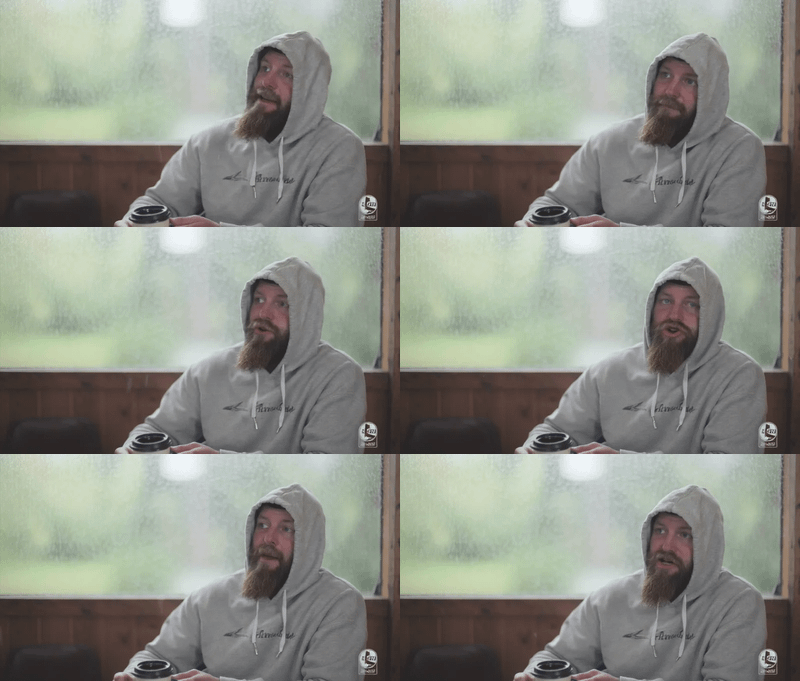
Image to video

MiniMax

Video

Next-Level Motion from Images using MiniMax

Ovi: Create a Talking Portrait
Image to video

Lip-sync

Ovi

Video

Ovi: Create a Talking Portrait

Wan2.2 and Bullet Time LoRA: Transform Static Shots into Product Spins

Bullet Time

E-commerce

Image to video

LoRA

Product Demo

Video

Wan

Wan2.2 and Bullet Time LoRA: Transform Static Shots into Product Spins

Veo 3.1 Image to Video - First Frame & Last Frame
Image to video

Veo

Veo 3.1

Video

Veo 3.1 Image to Video - First Frame & Last Frame

OmniHuman Image to Video
Image to video

Lip-sync

OmniHuman

Video

OmniHuman Image to Video

Kling 2.5 Image to Video

Animation

Filmography

Floyo

Image to video

Kling

Kling 2.5

Video

Kling 2.5 Image to Video

InfiniteTalk | Image to Video: Unlimited Talking Avatar with Lip-sync
mdmz

mdmz

4.3k

Ai avatar

Image to video

Infinite talk

Lip-sync

Video

InfiniteTalk | Image to Video: Unlimited Talking Avatar with Lip-sync

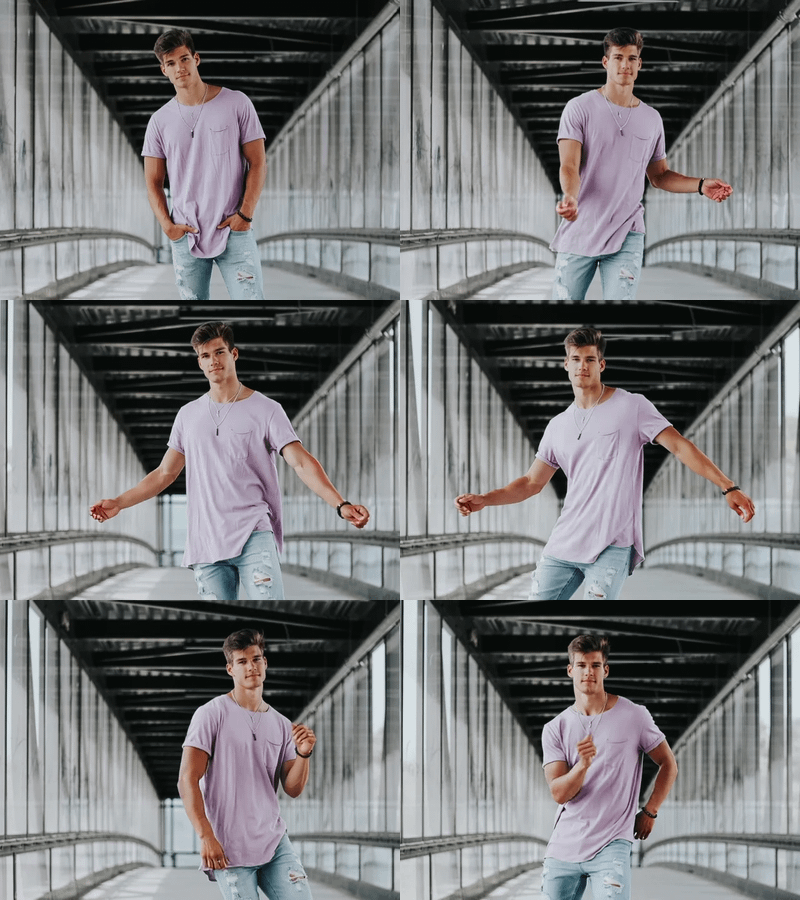
Image-to-Video with Reference Video (Prompt-Based Camera Rotation)
Camera rotation

DWpose

Image to video

Pose control

Reference video

Video

Wan

Wan 2.2

Image-to-Video with Reference Video (Prompt-Based Camera Rotation)

Kling Omni One Image to Video
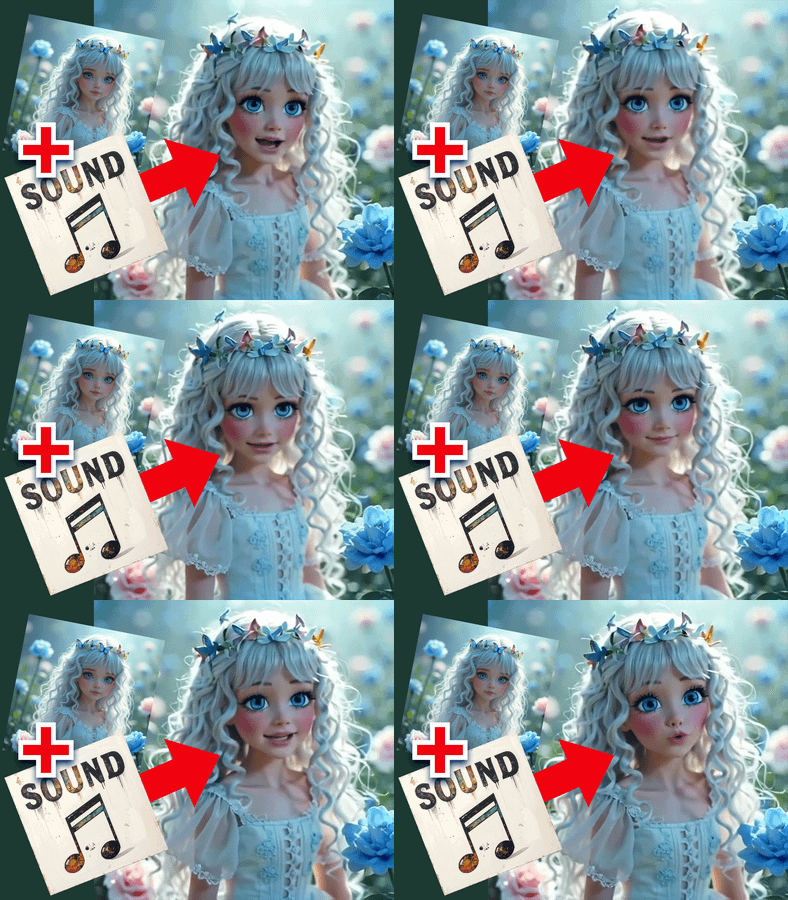
Image to video

Kling

Omni One

Video

Kling Omni One Image to Video

LTX2 Image + Sound to VIDEO

Aiandpixels

Audio to video

Image to video

LoRA

LTX

LTX 2

Sound image to video

Video

Image + Sound to VIDEO

LTX2 Image + Sound to VIDEO

Image + Sound to VIDEO

Kling O3 Pro - Image to Video

Image to video

Kling

Video

Kling O3 Pro - Image to Video

Kling O3 Pro Image to Video with Reference

Image to video

Kling

Video

Kling O3 Pro Image to Video with Reference

3. Transform existing footage (Vid→Vid)

Use one piece of video to create many. Stylize, reframe, change motion, or generate new variations and coverage from existing clips, so you can expand edits, test different looks, or fix problem shots without going back to set.

Wan2.2 Animate Character

Animate

Animation

Filmmaking

Motion transfer

Video

Video to video

Wan

Wan 2.2

Wan 2.2

Wan2.2 Animate Character

Wan 2.2

Wan2.1 and RecamMaster for V2V Camera Control

Camera control

LoRA

Recammaster

Video

Video to video

Wan

Adjust the camera angle of an existing video, like magic.

Wan2.1 and RecamMaster for V2V Camera Control

Adjust the camera angle of an existing video, like magic.

Wan2.1 and VACE for Video to Video Outpainting

Outpainting

Video

Video editing

Video to video

Wan

Wan VACE video outpainting invites you to break free from the limits of the frame and explore endless creative possibilities.

Wan2.1 and VACE for Video to Video Outpainting

Wan VACE video outpainting invites you to break free from the limits of the frame and explore endless creative possibilities.

Wan2.2 Fun and RealismBoost LoRA for V2V

Enhancer

LoRA

Video

Video to video

Wan

Wan2.2 Fun and RealismBoost LoRA for V2V

Topaz Video Upscaler for Sharper Results

Topaz

Video

Video to video

Video upscaling

Upload a video, pick your enhancement model and quality level, and Topaz Video AI sharpens, denoises, and upscales it. Audio is preserved. Output is H265 MP4.

Topaz Video Upscaler for Sharper Results

Upload a video, pick your enhancement model and quality level, and Topaz Video AI sharpens, denoises, and upscales it. Audio is preserved. Output is H265 MP4.

Wan Alpha Create Transparent Videos

Alpha

Text to video

Transparent

VFX and post

Video

Video editing

Video generation

Wan

Wan Alpha Create Transparent Videos

FlashVSR for Video Upscale

FlashVSR

Upscaling

Video

Video to video

Video upscaling

Upscale your videos

FlashVSR for Video Upscale

Upscale your videos

Wan 2.1 Vid2Vid Style Transfer with Ditto

Animation

Ditto

LoRA

Style transfer

Video

Video to video

Wan

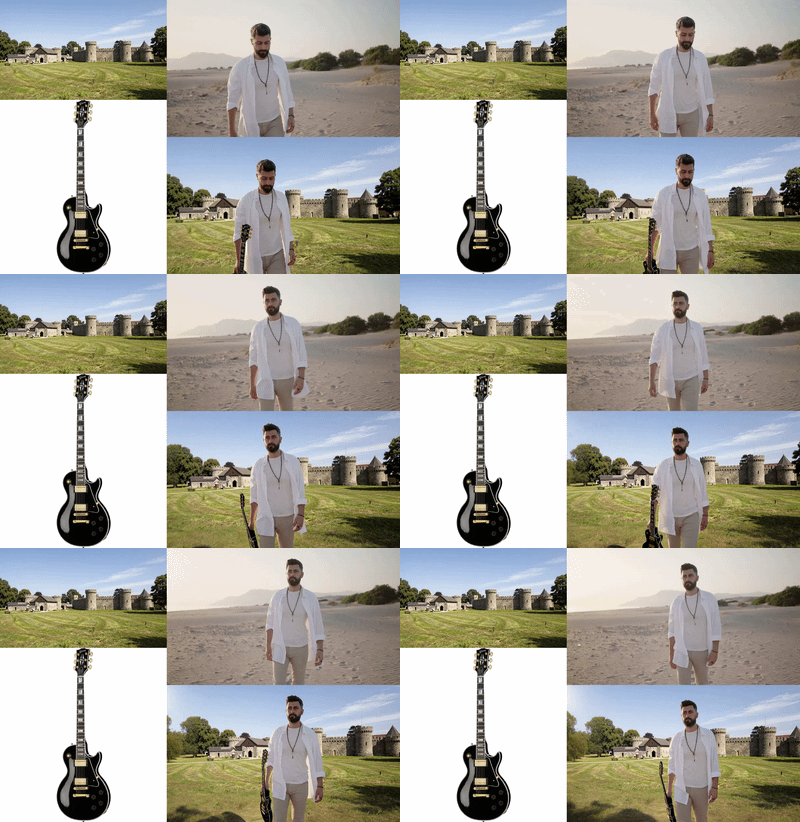
Upload any video, describe a new style, and Wan 2.1 rewrites every frame. Ditto keeps motion and structure intact across anime, Pixar, clay, and dozens more.
Wan 2.1 Vid2Vid Style Transfer with Ditto

Upload any video, describe a new style, and Wan 2.1 rewrites every frame. Ditto keeps motion and structure intact across anime, Pixar, clay, and dozens more.

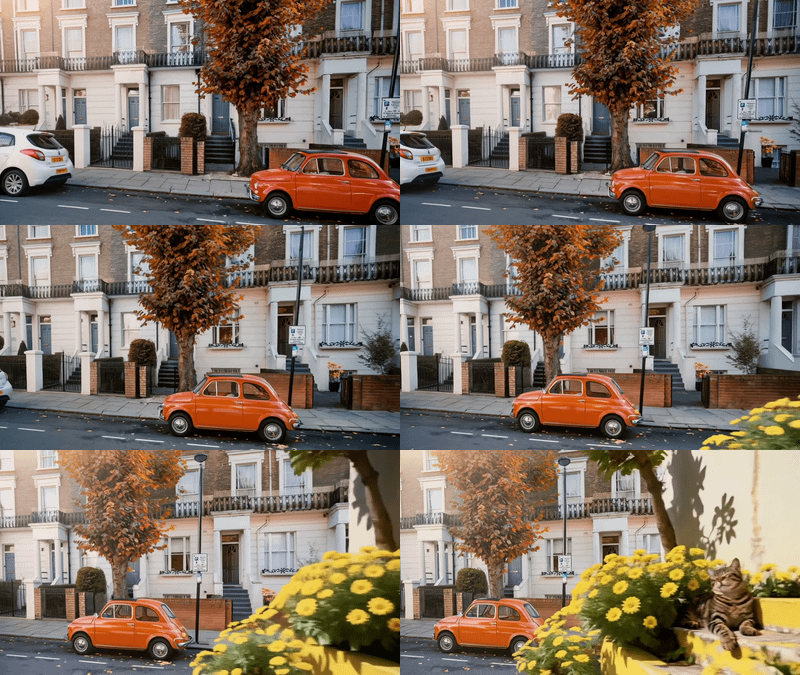
Kling Omni One Video to Video Edit
Film and animation

Kling

Kling 2.5

Omni One

Video

Video editing

Video to video

Kling Omni One Video to Video Edit

Kling Omni 1 Reference to Video

Floyo

Kling

Kling Omni One

Reference2Vid

Reference to video

Video

Kling Omni 1 Reference to Video

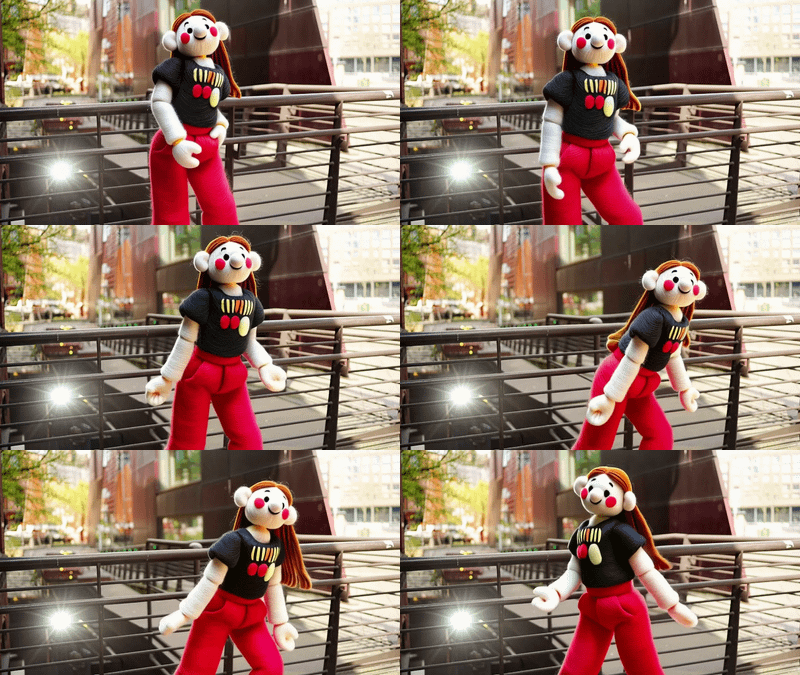
Kling O3 Pro - Video to Video Edit
Kling

Video

Video editing

Video generation

Video to video

Kling O3 Pro - Video to Video Edit

Kling O3 Video to Video — Standard Edit

Kling

Video

Video to video

Kling O3 Video to Video — Standard Edit

Kling O3 Video to Video — Standard Reference

Kling

Video

Video to video

Kling O3 Video to Video — Standard Reference

Wan2 Video to Video

LoRA

Style transfer

Video

Video to video

Wan

Upload a video and the edited first frame

Wan2 Video to Video

Upload a video and the edited first frame

Wan 2.2 and Qwen for V2V Restyle

Animate

Image to video

LoRA

Qwen

Style transfer

Video

Video to video

Wan

Create a new video by restyling an existing video with a reference image.

Wan 2.2 and Qwen for V2V Restyle

Create a new video by restyling an existing video with a reference image.
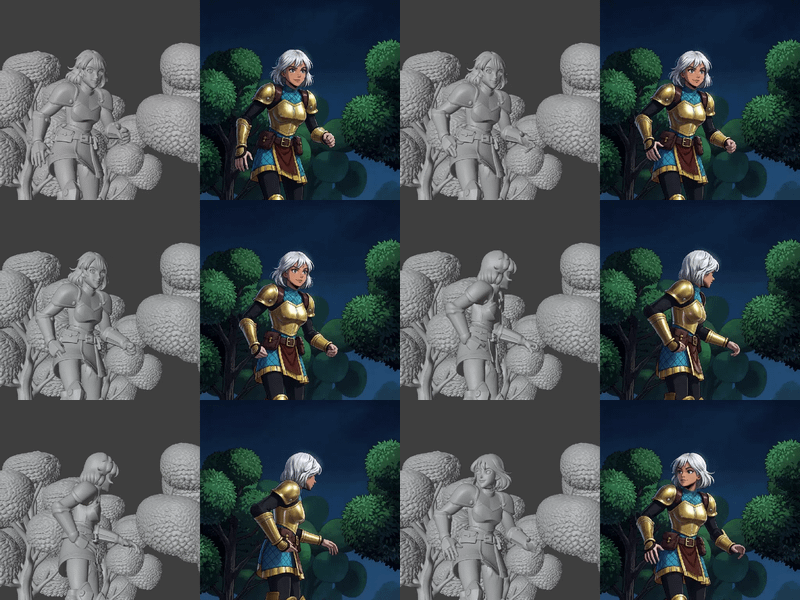
LTX 2.3 IC LoRA Union Control - Video to Video
jacob

jacob

1.8k

Controlnet

LoRA

LTX

LTX 2.3

Style transfer

Video

Video to video

Restyle video with LTX 2.3 using IC-LoRA Union Control for structure guidance

LTX 2.3 IC LoRA Union Control - Video to Video

Restyle video with LTX 2.3 using IC-LoRA Union Control for structure guidance

Kling O3 Pro - Video to Video Reference

Kling

Video

Video editing

Video to video

Edit your video with Kling O3 Pro. Upload a clip, describe what to change, set duration and aspect ratio. Audio is preserved by default.

Kling O3 Pro - Video to Video Reference

Edit your video with Kling O3 Pro. Upload a clip, describe what to change, set duration and aspect ratio. Audio is preserved by default.

4. Create new videos from existing examples (Ref→Vid)

Instead of using a video as a literal source for transformation, use a reference clip for capturing the essence and character consistency
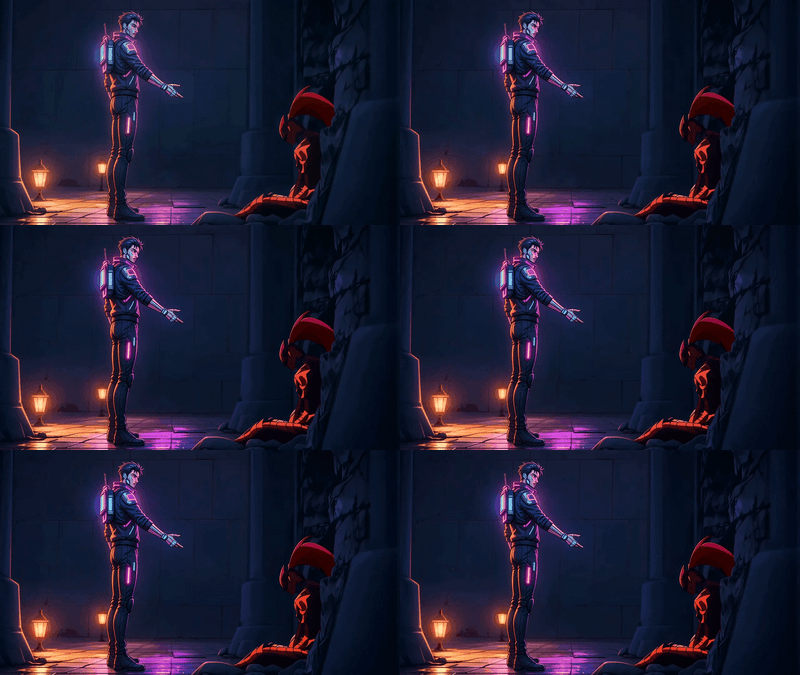
Wan 2.7 Reference to Video with Motion Control
ashree

ashree

3.0k

Character design

Consistency

Film production

Image to video

Motion transfer

Reference to video

Video

Wan

Wan 2.7 Reference to Video with Motion Control

Wan 2.7 Reference to Video with Motion Control

Wan 2.7 Reference to Video with Motion Control

Multi reference

Reference to video

Seedance

Seedance 2.0

VFX and post

Video

Composite up to nine reference images into one video clip with Seedance 2.0 by ByteDance. Tag each image in the prompt, describe the scene, and hit run.

Seedance 2.0: Reference to Video

Composite up to nine reference images into one video clip with Seedance 2.0 by ByteDance. Tag each image in the prompt, describe the scene, and hit run.

Seedance 2.0 Fast Reference-to-Video

Reference to video

Seedance

Video

Seedance 2.0 Fast Reference-to-Video

Wan 2.6 Reference to Video

Reference to video

VFX and post

Video

Video Production

Video to video

Wan

Wan 2.6

Wan 2.6 Reference to Video

Kling Omni 1 Reference to Video

Floyo

Kling

Kling Omni One

Reference2Vid

Reference to video

Video

Kling Omni 1 Reference to Video

Kling O3 Video to Video — Standard Reference

Kling

Video

Video to video

Kling O3 Video to Video — Standard Reference

For more workflows focused on post production, video modification, and VFX, check out our VFX & Post Production FloPack here.

5. Create new videos from audio (Audio→Vid)

Workflows that take sound and visualize them into videos.

LTX 2.3 Audio to Video

Audio to video

LTX

Video

LTX 2.3 Audio to Video

SUMÁRIO