Image-to-Video with Reference Video (Prompt-Based Camera Rotation)
9:16
camera rotation
DWpose
image to video
pose control
reference video
Video
Wan2.2
1.9k

Nodes & Models
INTConstant
INTConstant
GetImageSizeAndCount
ImageResizeKJv2
GetNode
CLIPVisionLoader
clip_vision_h.safetensors
Note
LoadImage
SetNode
CLIPTextEncode
PreviewImage
WanVideoTorchCompileSettings
WanVideoBlockSwap
WanVideoVAELoader
Wan2_1_VAE_bf16.safetensors
LoadWanVideoT5TextEncoder
umt5_xxl_fp16.safetensors
WanVideoLoraSelect
lightx2v_I2V_14B_480p_cfg_step_distill_rank128_bf16.safetensors
Wan2.1_T2V_14B_FusionX_LoRA.safetensors
WanVideoModelLoader
WanVideoTorchCompileSettings
WanVideoBlockSwap
WanVideoVAELoader
Wan2_1_VAE_bf16.safetensors
WanVideoUni3C_ControlnetLoader
Wan21_Uni3C_controlnet_fp16.safetensors
WanVideoContextOptions
LoadWanVideoT5TextEncoder
umt5_xxl_fp16.safetensors
WanVideoLoraSelect
lightx2v_I2V_14B_480p_cfg_step_distill_rank128_bf16.safetensors
Wan2.1_T2V_14B_FusionX_LoRA.safetensors
WanVideoEncode
WanVideoTextEncode
WanVideoClipVisionEncode
WanVideoUni3C_embeds
WanVideoModelLoader
WanVideoTextEmbedBridge
WanVideoSampler
WanVideoImageToVideoEncode
WanVideoDecode
WanVideoUni3C_ControlnetLoader
Wan21_Uni3C_controlnet_fp16.safetensors
WanVideoUni3C_embeds
WanVideoUni3C_ControlnetLoader
Wan21_Uni3C_controlnet_fp16.safetensors
CLIPLoaderGGUF
WanVideoUni3C_embeds
CLIPLoaderGGUF
CLIPLoaderGGUF
VHS_LoadVideo
VHS_VideoCombine
GetImageSizeAndCount
ImageResizeKJv2
WanVideoEncode
What this workflow does
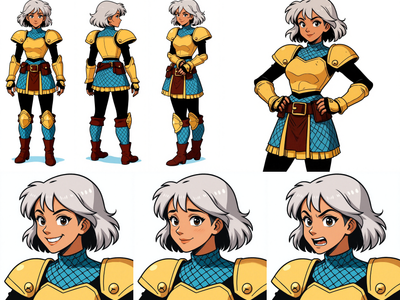
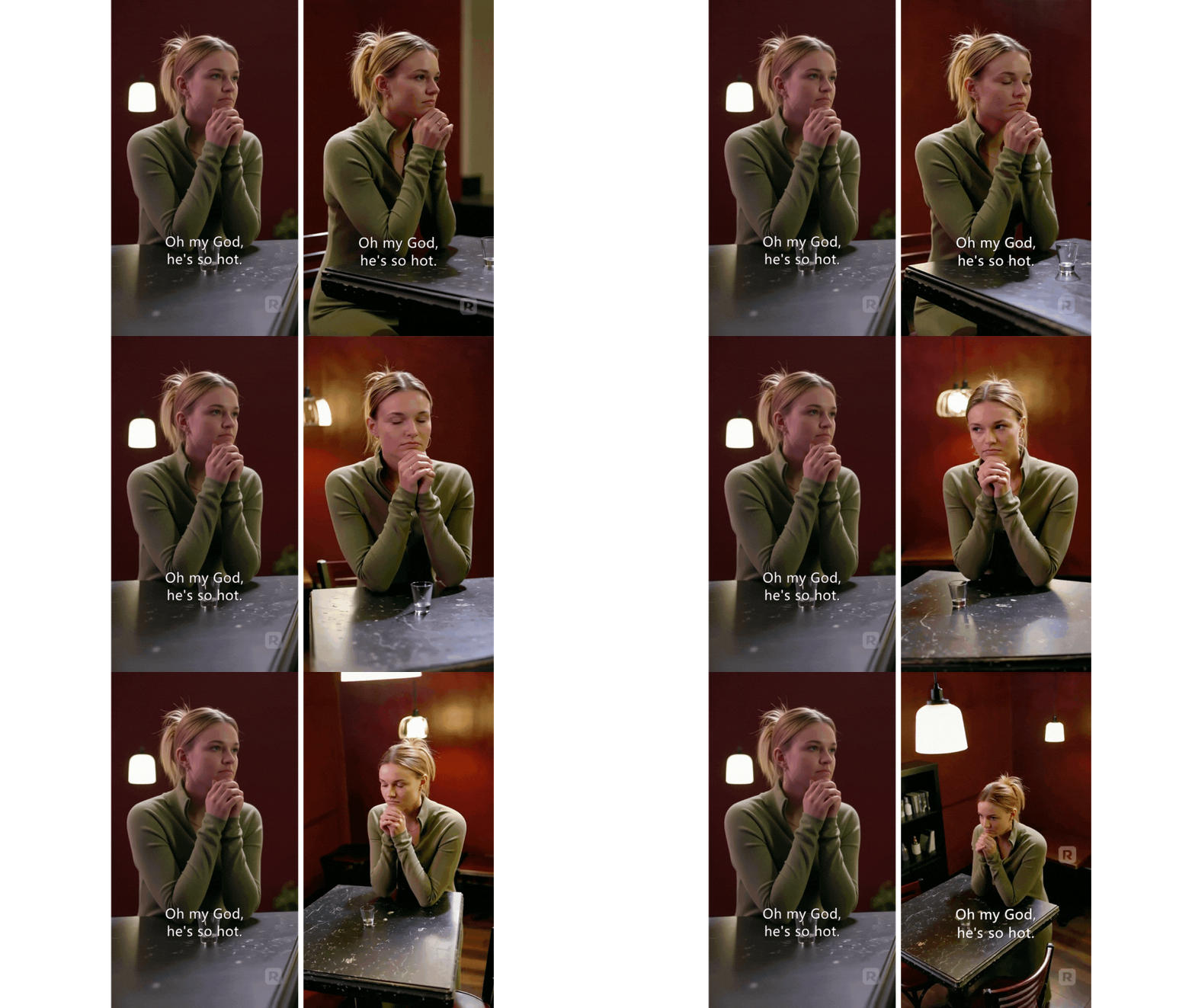
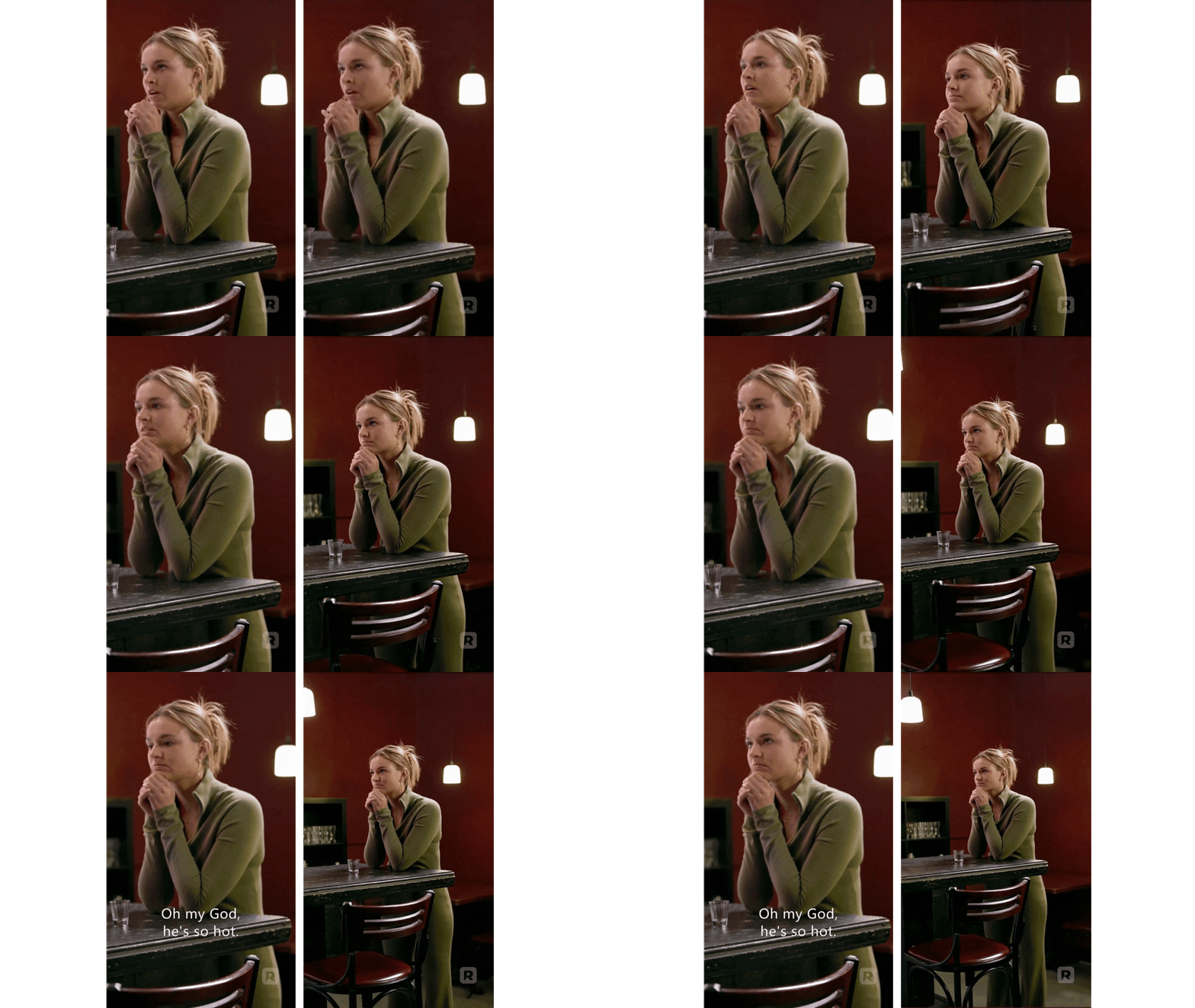
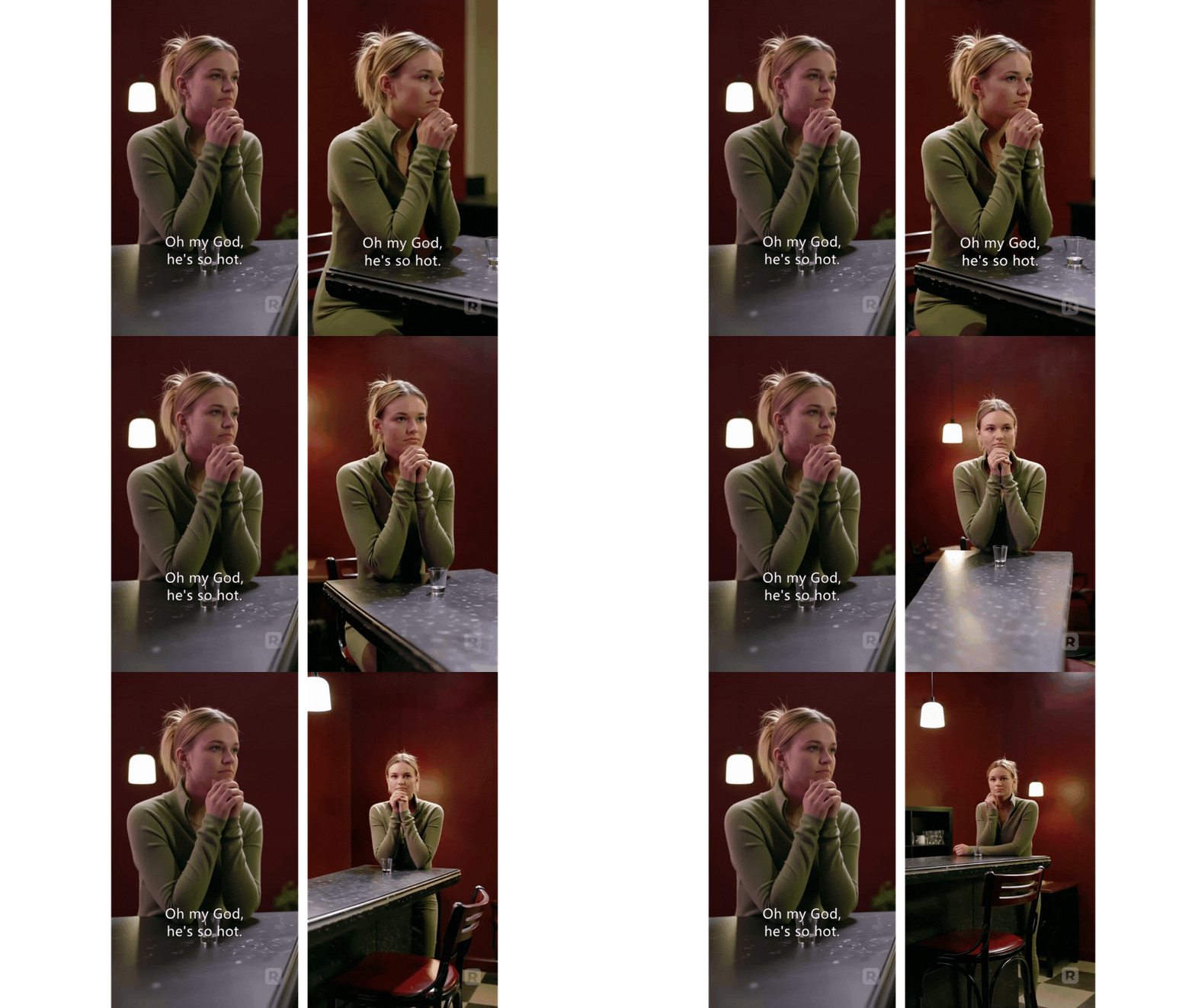
Converts a single front-facing image into a short video that rotates the camera ~90° (clockwise or anticlockwise) to create an over-the-shoulder view. The motion comes from a reference video that is turned into a pose track (DWPose); that pose track drives the image-to-video model so the subject’s pose and likeness stay consistent. Pose-guided I2V with DWPose/ControlNet is a standard pattern.
Inputs
Reference Image: your original front shot.
Reference Video or DWPose track: the rotation motion you want to follow (DWPose is commonly used for pose guidance).
Prompt: to influence style/look.
Image-to-Video Model: e.g., WAN 2.2 Animate/I2V for motion transfer with good identity hold.
How to use
Load the image and the reference video (or its DWPose output).
Set rotation range (about 90° for OTS).
Run to generate a short clip; save the last frame if you need a clean still for dialogue setups.
Tips
Match the first pose of the reference to the image pose to reduce drift. (Common guidance in pose-driven ComfyUI tutorials.)
If identity slips, try a reference-friendly I2V (WAN 2.2 variants) or adjust seeds.
Short pose clips (e.g., ~81 frames) run faster while still giving a smooth turn; use 9:16 if you need vertical output.
Notes
This is pose-driven reframing, not full 3D reconstruction. As text/image-to-video models improve, multi-character placement and camera re-angling may need less control video. (Current ComfyUI ecosystems widely pair DWPose/ControlNet with I2V for this use.)
Read more