Wan2.1 and ATI for Control Video Motion: Draw Your Path, Get Your Video
ATI
Image2Video
Video
Wan
1.0k

Nodes & Models
Label (rgthree)
CLIPVisionLoader
clip_vision_h.safetensors
Note
Reroute
Fast Groups Bypasser (rgthree)
Fast Groups Muter (rgthree)
LoadImage
ImageBlend
PreviewImage
SetNode
EmptyImage
LoadWanVideoT5TextEncoder
umt5-xxl-enc-bf16.safetensors
WanVideoBlockSwap
WanVideoLoraSelect
detailz-wan.safetensors
WanVideoTorchCompileSettings
WanVideoVAELoader
wan_2.1_vae.safetensors
WanVideoModelLoader
Wan2_1-I2V-ATI-14B_fp8_e4m3fn.safetensors
LoadWanVideoT5TextEncoder
umt5-xxl-enc-bf16.safetensors
WanVideoBlockSwap
WanVideoLoraSelect
detailz-wan.safetensors
WanVideoSLG
WanVideoEnhanceAVideo
WanVideoTorchCompileSettings
WanVideoVAELoader
wan_2.1_vae.safetensors
WanVideoModelLoader
Wan2_1-I2V-ATI-14B_fp8_e4m3fn.safetensors
WanVideoTextEncode
WanVideoClipVisionEncode
WanVideoImageToVideoEncode
WanVideoATITracks
WanVideoATITracksVisualize
WanVideoSampler
WanVideoDecode
StringConstantMultiline
ImageResizeKJv2
SplineEditor
AddLabel
GetImageSizeAndCount
ImageConcatMulti
DWPreprocessor
MiDaS-DepthMapPreprocessor
DWPreprocessor
MiDaS-DepthMapPreprocessor
DWPreprocessor
ImageResizeKJv2
AddLabel
GetImageSizeAndCount
ImageConcatMulti
ImpactImageInfo
WanVideoATITracks
WanVideoATITracksVisualize
WanVideoATITracks
WanVideoATITracksVisualize
VHS_VideoCombine
RIFE VFI
rife47.pth
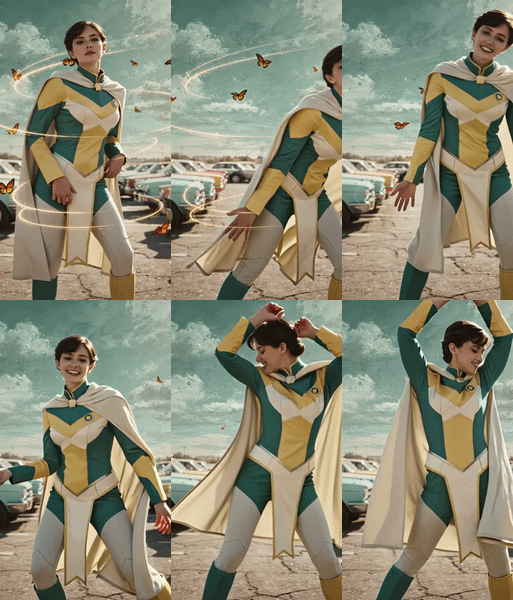
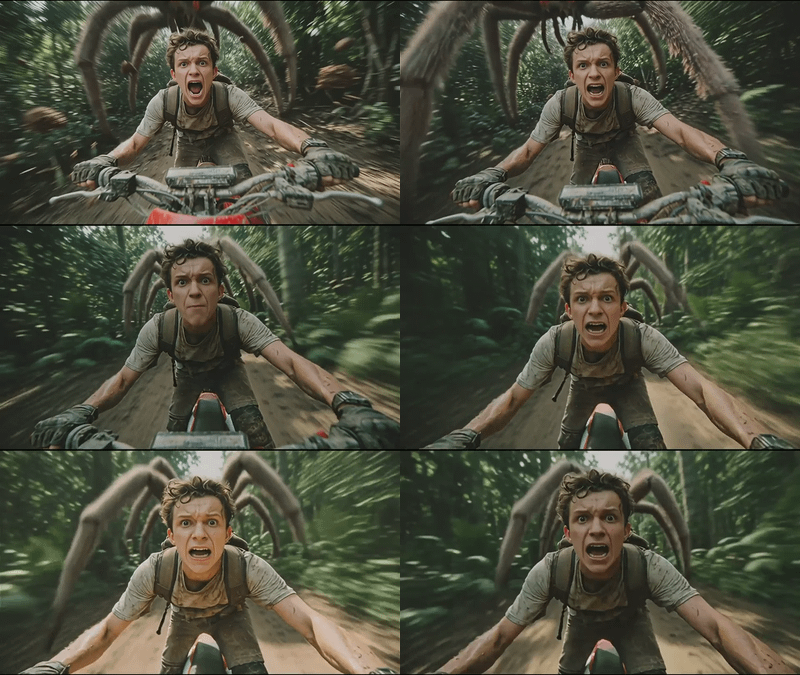





ATI takes an image and user-drawn motion paths, then generates video following those exact trajectories. Instead of describing movement in text prompts, you draw where things should go.
How it works at a quick high-level:
Load an image
Draw motion paths on it using the Spline Editor
ATI generates video following your paths
Control objects, people, or camera movement
This replaces older methods that needed separate tools for different motion types. Let's deep dive into details now.
What is ATI?
ATI, or Any Trajectory Instruction, is a new framework for controllable video generation that lets users guide how objects, people, or even the camera move in a video by simply drawing or specifying motion paths (trajectories) on an image.
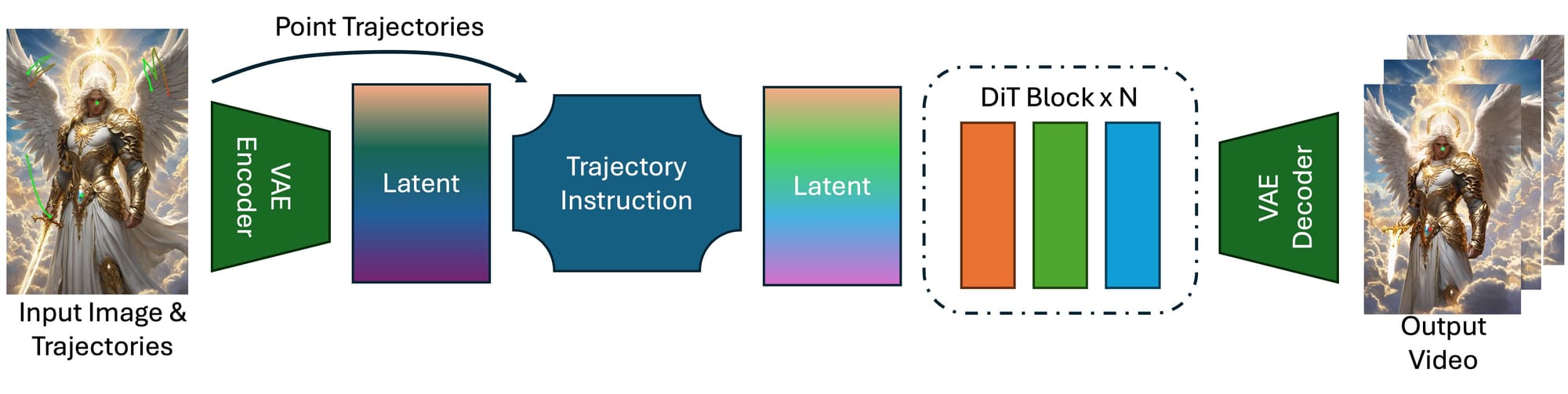
Unlike older methods that needed separate tools for different kinds of motion, ATI combines everything into one system: you can control local deformations, full object movements, or camera angles—all at once—by setting keypoints and their paths. These user-defined trajectories are injected into powerful AI video models, ensuring the generated video follows your instructions smoothly and realistically.
ATI makes it easy for anyone to create videos with precise, custom motion, opening up new creative possibilities and giving users much more control over how their videos look and move.
Buckle up and get ready to explore a new era where your creative journey is as exciting as the destination!
Read more