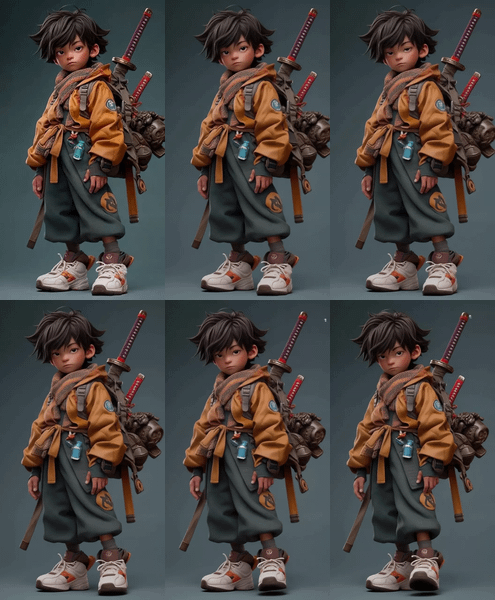
Ovi: Create a Talking Portrait
Audio
Image2Video
Lip Sync
Ovi
Video
1.0k



Nodes & Models
Note
LoadImage
OviEngineLoader
Ovi-11B-bf16.safetensors
OviWanComponentLoader
wan2.2_vae.safetensors
umt5-xxl-enc-bf16.safetensors
OviAttentionSelector
OviVideoGenerator
OviLatentDecoder
VHS_VideoCombine
Overview
Ovi is an image-to-audio-video model that turns one image and a text prompt into a 5‑second, 24 fps clip with synchronized speech, sound effects, and motion. It uses twin diffusion backbones (one for video, one for audio) that share timing and semantic information, which helps keep lip movements, jaw motion, and facial expressions aligned with the generated speech. For image2vid lip sync, you upload or feed in a face or character image, describe what they say and how they act, and Ovi outputs a talking avatar with matching audio and mouth shapes.
Who can use it
Lip sync image2vid with Ovi is useful for:
Content creators, VTubers, and streamers who want fast talking avatars without manual keyframing or separate TTS plus lip‑sync tools.
Educators and explainer‑video makers who need simple talking‑head style clips from a single character image.
Marketers and brands building quick spokesperson clips, social posts, or product explainers with a consistent digital face.
AI and ComfyUI users who want an end‑to‑end node that handles both audio and video, instead of stitching multiple models together.
Use case
A common use case is taking a portrait or stylized character image and generating a short intro where the character says a line like “Welcome to my channel” with accurate mouth shapes and facial motion. Another is creating multi‑speaker dialogue: by using Ovi’s speech tags in the prompt, you can script back‑and‑forth conversation where different characters speak in turn and Ovi handles the timing and lip‑sync for each. You can also drive branded mascots, profile avatars, or story characters from static art and quickly turn them into talking clips for shorts, reels, and ads.
Read more