

显示150 个 Workflows


Z-Image Turbo · Text to Image
Fast Image Generation in Seconds
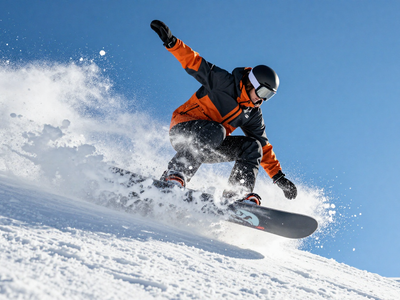
Z-Image Turbo · Text or Image to Image
Z-Image Turbo is Alibaba's open-source 6B model that turns a text prompt into photorealistic images in about 8 steps. Type a prompt, or rework an image.
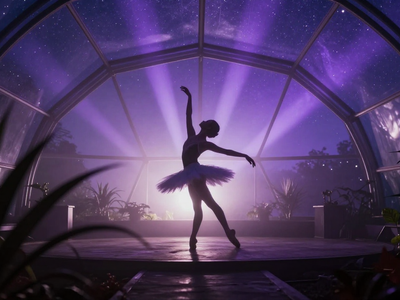

Text to Image Quick Start
A fast simple workflow to get familiar with open source workflows

Nano Banana 2 · Image Generation & Editing
The top-ranked image model on Artificial Analysis and LM Arena. 4K output, text rendering, and subject consistency across 5 characters.
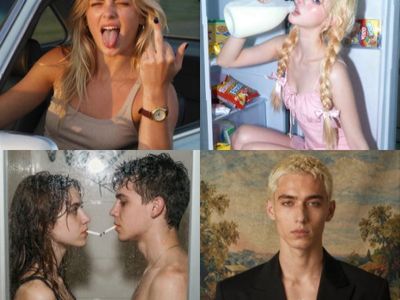

Z Image Turbo Text to Image ( Latent + Model Upscale
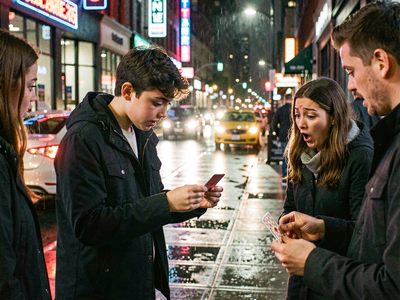
FLUX.2 Klein 9B: Text to Image
Create a high quality image using 9B model of Flux 2 Klein
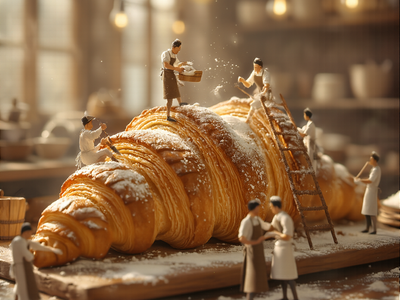
Chroma 1 Radiance · Text to Image
Generate artifact-free images directly in pixel space with Chroma 1 Radiance. No VAE compression, no decode step. Write a prompt and hit run. Apache 2.0.
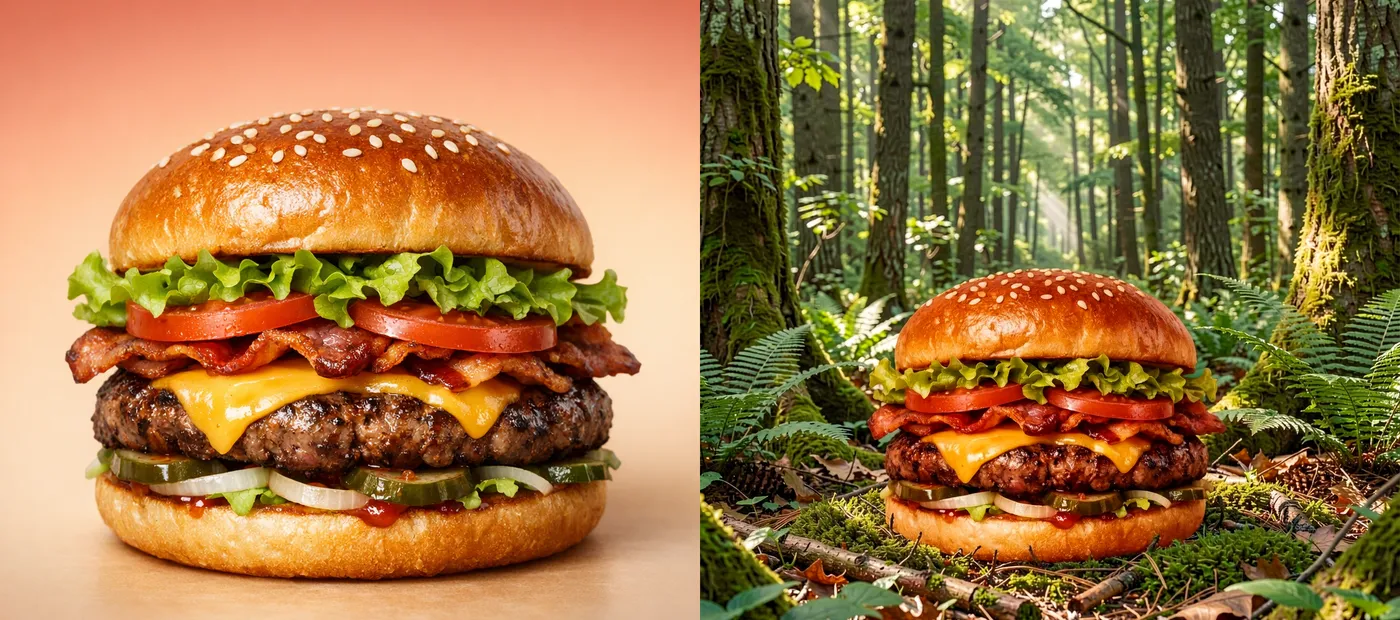
FLUX.2 Klein 9B: Edit Images by Prompt
Unified workflow: one model for text‑to‑image, image‑to‑image, and image editing
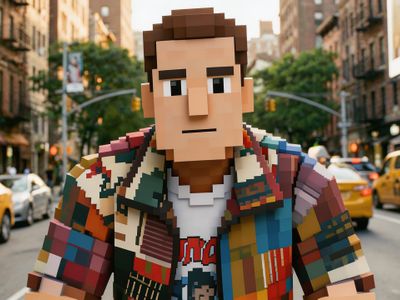
Seedream 5.0 Lite · Generate, Edit and Fuse
Generate, edit, or blend images with Seedream 5.0 Lite, the ByteDance model that reasons through your instruction before drawing. Prompt it and hit run.
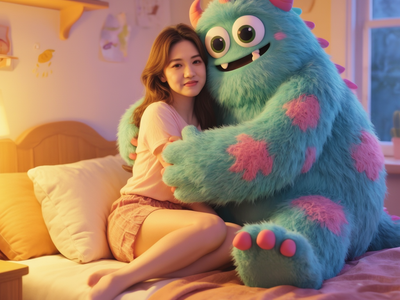
Z-Image Base: High-Detail Text to Image
Create sunning images using z-image base model (non distlled).
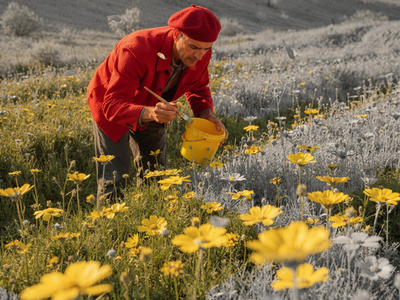
FLUX.2 Dev · Text to Image
Generate photorealistic images with FLUX.2 Dev, the 32B open-weight model from Black Forest Labs. Write a prompt, add optional references, and hit run.
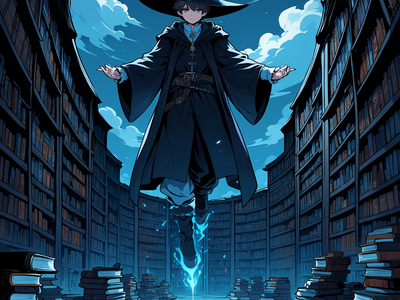
Anima Preview 3 · Text to Image
Generate anime and illustration art with Anima Preview 3, the 2B model from CircleStone Labs and Comfy Org. Write a prompt in tags or plain text, hit run.
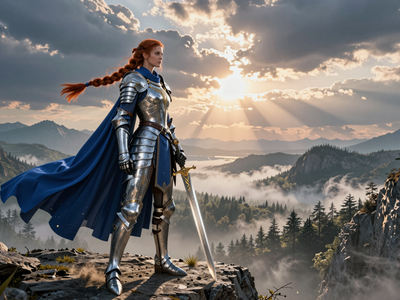
DyPe and Z-Image Turbo for High Quality Text to Image
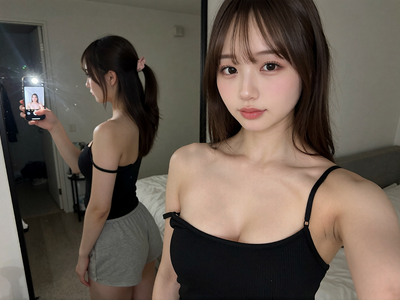

Krea 2 Simple WorkFlow V2.0 by HARUKI_MIX
Krea2用のシンプルかつ高品質な画像生成を求める人のワークフロー
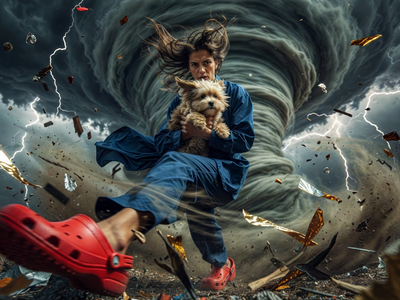
Grok Imagine: Fast Text to Image
Create cool images using Grok Imagine
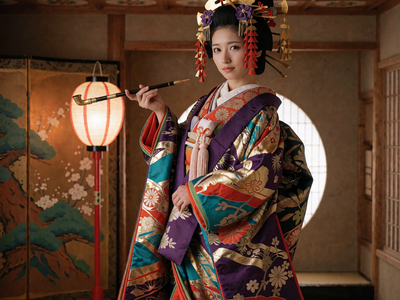
Krea 2 Simple WorkFlow V1.0 by HARUKI_MIX
Krea 2用のシンプルなワークフロー
Z-Image Turbo + DyPE + SeedVR2 2.5 + TTP 16k reso
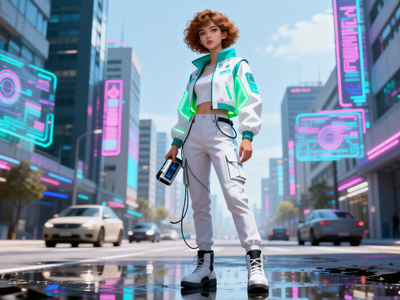
Qwen Image Edit 2511 Lightning - Multi-Image Edit
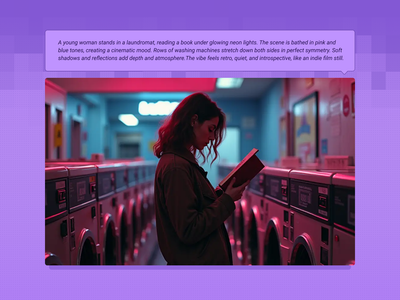
Flux Text to Image
Create original images using only text prompts, which can be simple or elaborate. Key Inputs Prompt: as descriptive a prompt as possible Width & height: Optimal resolution settings are noted

FLUX.1 Dev · Text to Image With Image Input
Generate images from text with FLUX.1 Dev, the 12B open-weight model from Black Forest Labs. Enable the image input to edit from a picture. Write a prompt, run.
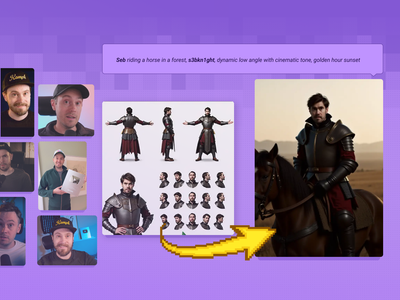
Text to Image with Multi-LoRA
Create consistent images with multiple LoRA models.
Seedream 4.5 · Text to Image
Generate images from a text prompt with Seedream 4.5, ByteDance's unified model for illustration, text rendering, and layouts. Write a prompt and hit run.
ERNIE Image - Text to Image
Generate images with Baidu's ERNIE Image model. Write a short prompt and let the built-in AI enhancer expand it into rich detail. Toggle the enhancer on or off.
SRPO Next-Gen Text-to-Image
Text2Image + Prompt Enhancer LLM for Flux
Classic Flux text2image with an added LLM to improve your prompts.
Text to Image + LoRA model
Create an image from a trained AI model of something specific ( a specific figure, outfit, art style, product etc) to ensure specific details within.


GPT Image 2: Text to Image
Generate stunning, highly detailed images from just a text prompt using GPT Image 2.
Qwen Image 2512 · Text to Image
Text to image

开源
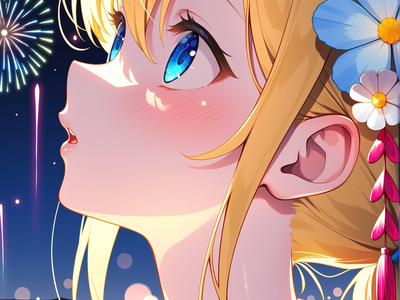
Anima Text to Image_Turbo
Animaを使用したアニメ特化のText to Imageワークフローです。Turbo LoRAを導入しているため、通常より高速に画像生成できます。 This is an anime-focused Text to Image workflow using Anima. It includes Turbo LoRA for faster image generation.
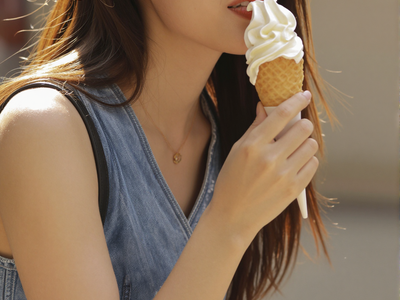
Z-Image Turbo · Text to Image With Diversity LoRA
Generate a different composition on every seed with Z-Image Turbo and the SDA diversity LoRA. Write a prompt, hit run, get layout variety. Apache 2.0.
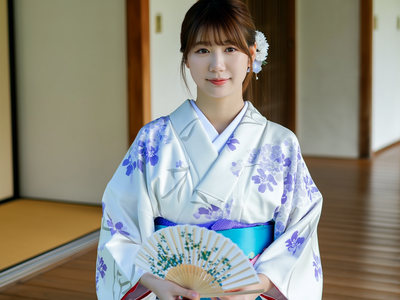
Z_Image_NLoRA_Text_to_Image
Z-ImageにLoRAを組み込んだText to Imageワークフローです。高質感で自由度の高い人物画像を生成しやすく、日本人から欧米人まで幅広い人物表現に対応できます。This is a Text to Image workflow using Z-Image with an compatible LoRA.
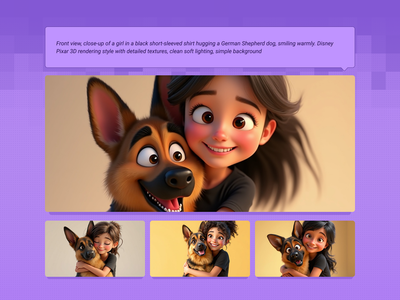
Multi-Image Flux Ultra, Pro, Dev, Recraft+
Start with a prompt, and get a different render from a range of unique models at the same time.
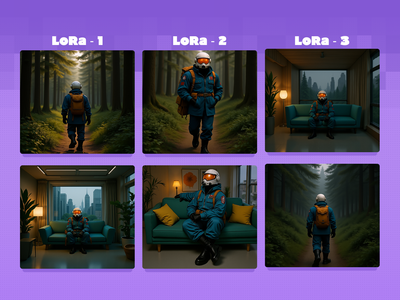
Flux Character LoRA Test and Compare
Test and compare multiple epochs of a character LoRA side by side with preset prompts When training a LoRA, you'll usually have a few checkpoints throughout the process to test. This workflow lets you load up to 4 LoRAs to test side by side, making it easier to determine which one is right for you! Key Inputs: LoRA Loaders: Load each LoRA epoch for the same character in up to 4 groups. Groups Bypasser: Enable/disable groups as needed. If you only have 2 epochs to test, disable the back 2 groups! Triggerword: Simply add the trigger word for your LoRA and it will auto-fill in the default prompts. Leave blank if you're using your own custom prompts that include the trigger word. LoRA Testing Prompts: Default prompts work well to get an idea of how your character will look in different situations, but feel free to replace them with your own prompts (max 4).
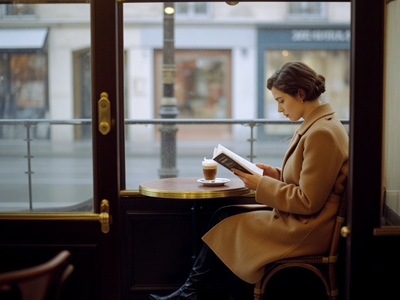
Z-Image Turbo + SDA LoRA for Diverse Text to Image
Generate images with Z-Image Turbo while the SDA diversity LoRA stops every seed from producing the same pose and composition. 8 steps, 2x upscale to 2048.
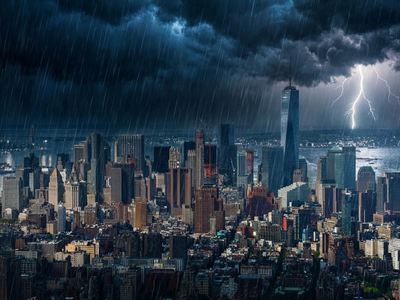
Wan 2.7 Pro · Image Editing
Edit any image with Wan 2.7 Pro Unified, Alibaba's thinking-mode image model. Upload a picture, describe the change, and get a before-and-after comparison.
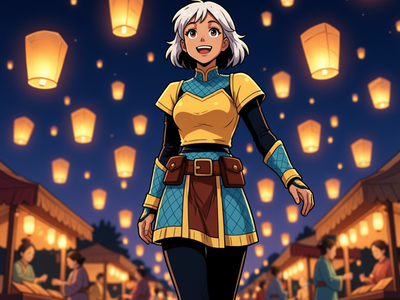
Z-Image Base · Text to Image With LoRA
Generate stylized images with Z-Image Base and a community LoRA. Write a prompt starting with the trigger word, pick a size, hit run. Apache 2.0 open weights.
Fish Speech Voice Cloning TTS with Emotion Tags
Emotion Tags
开源
Qwen_Image_2.1_Text_to_Image_Workflow
Qwen Image 2.1を使用したText to Imageワークフローです。オープンソースモデルのため、APIウォレットを消費せずに画像生成を試せます。This is a Text to Image workflow using Qwen Image 2.1. Since it uses an open-source model, you can generate images without consuming your API wallet.
LongCat for Text to Image
Create cool images using the LongCat
Qwen Image - Text to 360° HDRI Panorama
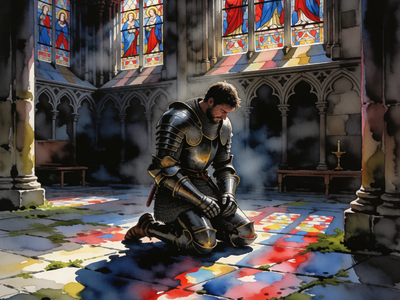
Krea 2 for Text to Image
Turn a text prompt into a finished image with Krea 2 Turbo, Krea AI's fast open-source image model. Type what you want to see, hit run, and get a result in seconds.
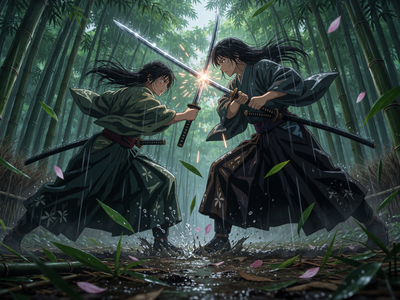
Krea 2 Turbo · Text to Image For Anime
Write a prompt and Krea 2 Turbo generates a high-resolution image at 1920x1280 in 8 steps, using a fast turbo-distilled model with a Qwen 3 VL text encoder.
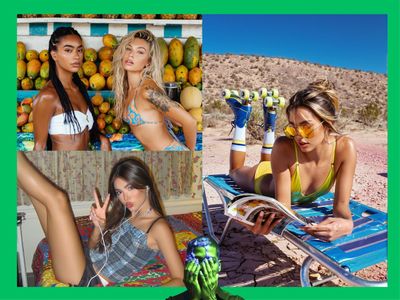
Full Z Image Base Model + Upscale ( Text 2 Image )
A complete full base text-to-image process that produces photoreal results. This method will assist you in achieving detailed generations without sacrificing quality. This workflow is your shortcut to high-quality image generation if you're sick of lengthy workflows and tweaking.
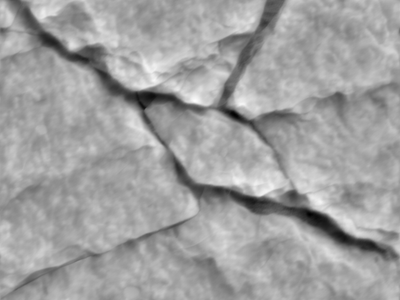
Z-Image Turbo + Chord Image to PBR Material
Capybara for Text to Image
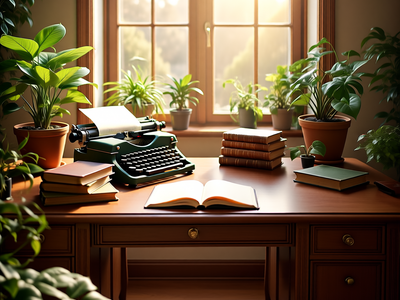
Create unique images using Capybara
NetaYume Lumina Text to Image
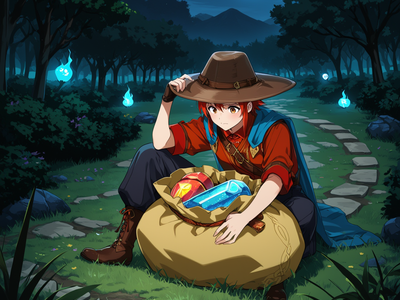
Generate high-quality anime images with NetaYume Lumina, a fine-tuned model built on Lumina Image 2.0. Describe a scene, hit run, get detailed anime art.

Anima Preview 3 · Text to Image For Anime
Write a prompt using natural language or Danbooru tags and Anima Preview 3 generates four anime-style illustrations at once, using a 2-billion-parameter model built specifically for anime, character art, and non-photorealistic styles.
Wan 2.1 Text2Image
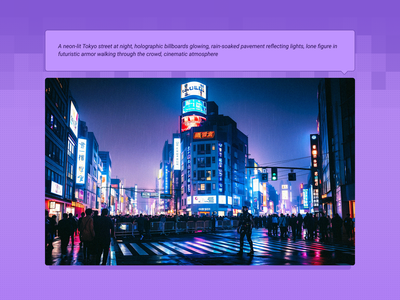
Created by @yanokusnir on Reddit, please support the original creator! https://www.reddit.com/r/StableDiffusion/comments/1lu7nxx/wan_21_txt2img_is_amazing/ If this is your workflow, please contact us at team@floyo.ai to claim it! Original post from the creator: Hello. This may not be news to some of you, but Wan 2.1 can generate beautiful cinematic images. I was wondering how Wan would work if I generated only one frame, so to use it as a txt2img model. I am honestly shocked by the results. All the attached images were generated in fullHD (1920x1080px) and on my RTX 4080 graphics card (16GB VRAM) it took about 42s per image. I used the GGUF model Q5_K_S, but I also tried Q3_K_S and the quality was still great. The only postprocessing I did was adding film grain. It adds the right vibe to the images and it wouldn't be as good without it. Last thing: For the first 5 images I used sampler euler with beta scheluder - the images are beautiful with vibrant colors. For the last three I used ddim_uniform as the scheluder and as you can see they are different, but I like the look even though it is not as striking. :) Enjoy.