Capybara for Text to Image
Create unique images using Capybara
Capybara
Image
Text2Image
727





Nodes & Models
RandomNoise
KSamplerSelect
MarkdownNote
UNETLoader
capybara_v0.1.safetensors
VAELoader
hunyuanvideo15_vae_fp16.safetensors
DualCLIPLoader
qwen_2.5_vl_7b.safetensors
byt5_small_glyphxl_fp16.safetensors
WorkflowGraphics
BasicScheduler
ModelSamplingSD3
CLIPTextEncode
CFGGuider
SamplerCustomAdvanced
VAEDecode
AddLabel
PreviewImage
easy positive
Capybara is a unified visual generation model that can do text‑to‑image, image editing, and video tasks, but here you’d use it mainly for text‑to‑image to create high‑quality still images from prompts.
What it is
A 14B diffusion‑transformer model (built on HunyuanVideo 1.5) that supports T2I, T2V, I2I, and V2V in one architecture, with custom ComfyUI nodes.
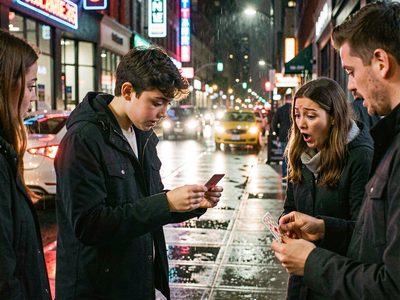
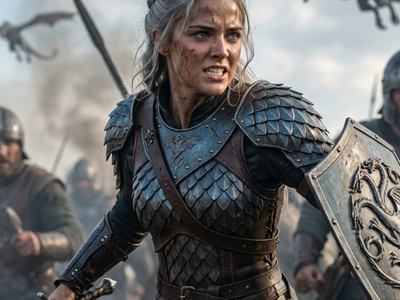
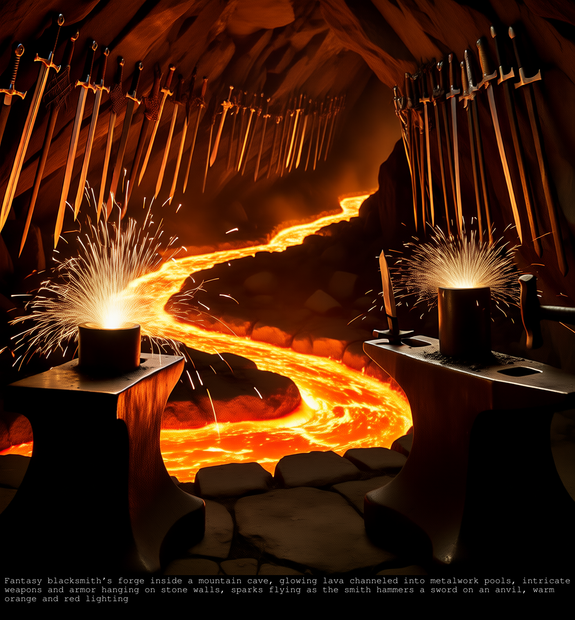
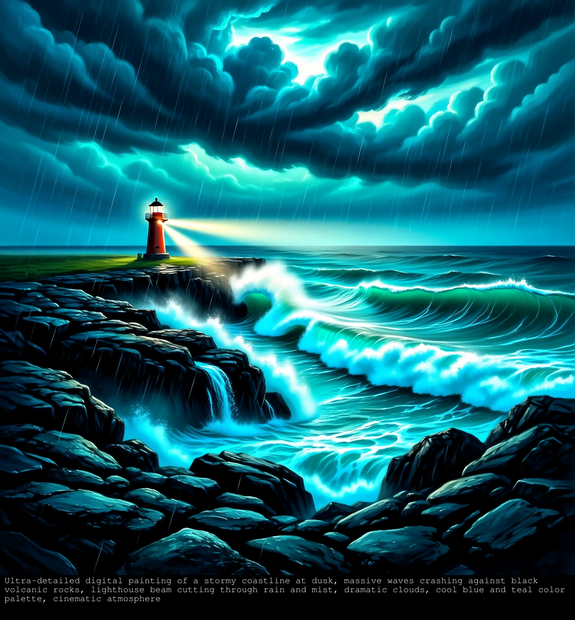
For text‑to‑image, you give a natural‑language prompt and it generates 720p‑class images with strong realism and style flexibility.
Key features (text to image)
Handles complex scenes (multiple characters, detailed environments) while keeping good global composition.
Supports instruction‑like prompts (“cinematic close‑up,” “anime style,” “studio product shot”) thanks to its unified semantic/vision transformer design.
Recommended settings around 720p, ~50 steps for best quality, with the option to reduce steps using acceleration LoRAs for faster renders.
Tight ComfyUI integration via official templates like “Capybara: Text to Image,” so you can drop it into existing node graphs easily.
Best use cases
Cinematic keyframes and concept art from detailed text briefs (characters, lighting, camera language).
Stylized or realistic illustrations for thumbnails, posters, and social content when you don’t need separate models for video.
Unified pipelines where you might later extend a still image into motion (I2V/T2V) using the same Capybara model family.
Read more