

Z_Image_NLoRA_Text_to_Image
Z-ImageにLoRAを組み込んだText to Imageワークフローです。高質感で自由度の高い人物画像を生成しやすく、日本人から欧米人まで幅広い人物表現に対応できます。This is a Text to Image workflow using Z-Image with an compatible LoRA.
Image
LoRAs
Text to Image
Z-Image
1.2k

1. Overview|概要
このワークフローは、Z-ImageにLoRAを組み込んだText to Image用の画像生成ワークフローです。
This workflow is a Text to Image generation workflow using Z-Image with an compatible LoRA.
LoRAを導入しているため、通常よりも自由度の高い人物画像を生成しやすい構成です。
Since an compatible LoRA is included, this workflow makes it easier to generate more flexible character and portrait images.
肌、髪、衣装、光、質感などを高い密度で表現しやすい点が特徴です。
It is designed to express skin, hair, outfits, lighting, and texture with higher detail.
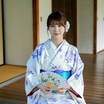
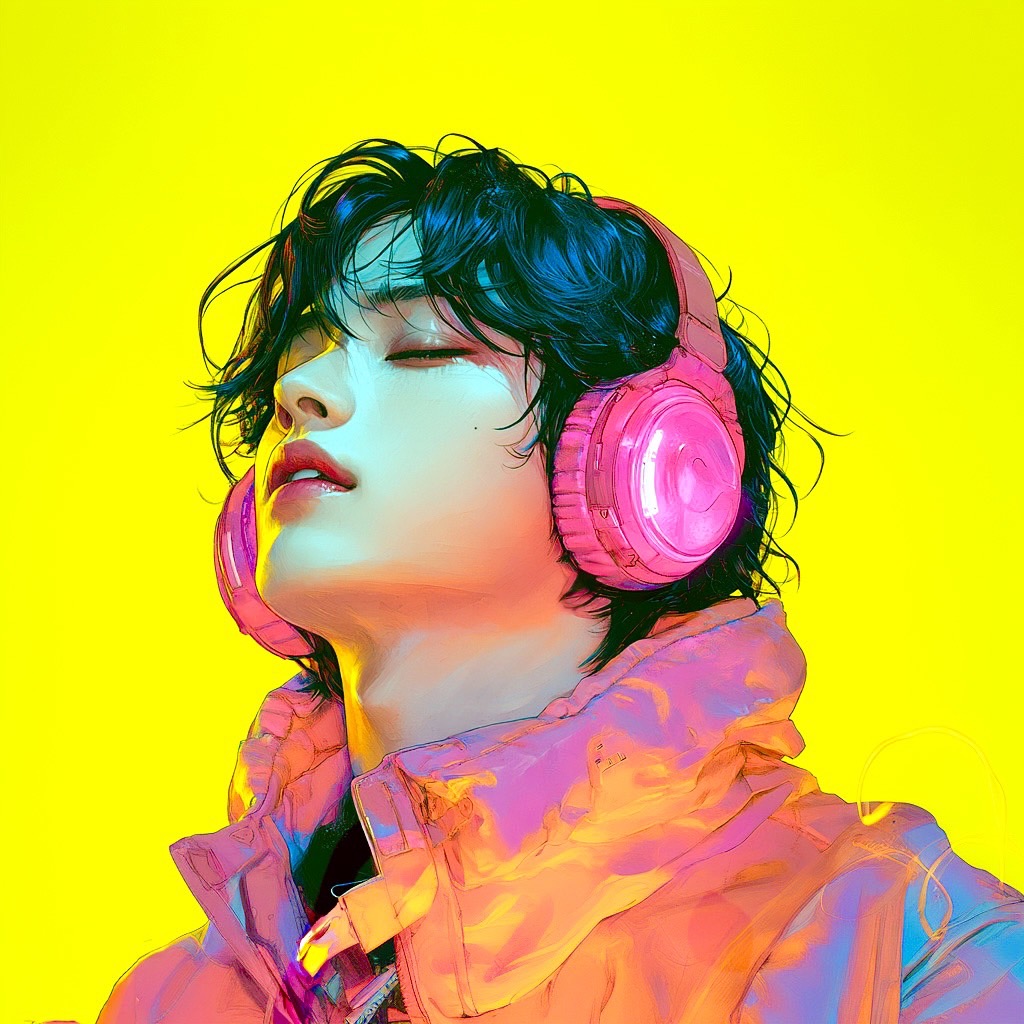
リアル寄りの人物画像、ファッション系ビジュアル、グラビア風ポートレート、キャラクター表現に活用できます。
It can be used for realistic portraits, fashion visuals, gravure-style portraits, and character generation.
日本人から欧米人まで、幅広い人物表現に対応できます。
It supports a wide range of character looks, from Japanese to Western models.
日本人を生成したい場合は、プロンプトに Japanese を入れるのがおすすめです。
If you want to generate Japanese characters, adding Japanese to the prompt is recommended.
成人向け表現を扱う場合は、成人キャラクターのみを対象にし、利用先の規約に従って使用してください。
When creating adult-oriented content, use adult characters only and follow the rules of the platform where you publish or use the output.
2. How It Works|使い方
このワークフローは、プロンプトを変更するだけですぐに使えます。
You can use this workflow immediately by simply changing the prompt.
生成したい人物の特徴、衣装、ポーズ、背景、雰囲気をプロンプトに入力してください。
Enter the character features, outfit, pose, background, and mood you want to generate in the prompt.
日本人を生成したい場合は、プロンプトに Japanese を追加してください。
If you want to generate a Japanese character, add Japanese to the prompt.
欧米人寄りにしたい場合は、Western, European, American などを指定してください。
If you want a more Western look, specify terms such as Western, European, or American.
基本的には、プロンプト欄を編集して生成ボタンを押すだけで使用できます。
Basically, you only need to edit the prompt field and press the Generate button.
細かく調整したい場合は、表情、衣装、ライティング、カメラアングル、質感をプロンプトで調整してください。
If you want finer control, adjust the expression, outfit, lighting, camera angle, and texture in the prompt.
まずはデフォルト設定のまま生成し、結果を見ながらプロンプトを調整するのがおすすめです。
It is recommended to start with the default settings and adjust the prompt based on the result.
3. Prompt Control|プロンプトによる調整
プロンプトには、生成したい人物像をできるだけ具体的に書いてください。
In the prompt, describe the character you want to generate as clearly as possible.
人物の国籍感、年齢感、顔立ち、髪型、体型、雰囲気を指定すると安定しやすくなります。
Specifying nationality impression, age impression, facial features, hairstyle, body shape, and mood helps stabilize the result.
日本人を狙う場合は、Japanese, Japanese woman, Japanese model などを入れるのがおすすめです。
For Japanese-looking results, it is recommended to include terms such as Japanese, Japanese woman, or Japanese model.
欧米人を狙う場合は、Western model, European woman, American model などを指定してください。
For Western-looking results, specify terms such as Western model, European woman, or American model.
高質感にしたい場合は、realistic skin texture, soft lighting, detailed hair, high-quality portrait などを追加してください。
For higher texture quality, add terms such as realistic skin texture, soft lighting, detailed hair, and high-quality portrait.
衣装を重視する場合は、服の種類、色、素材、シルエット、装飾を具体的に書いてください。
If the outfit is important, describe the clothing type, color, material, silhouette, and details clearly.
肌や質感を綺麗に見せたい場合は、studio lighting, glossy skin, smooth skin, natural skin texture などを使えます。
If you want attractive skin and texture, you can use terms such as studio lighting, glossy skin, smooth skin, and natural skin texture.
構図を安定させたい場合は、portrait, upper body, full body, close-up, looking at camera などを指定してください。
To stabilize the composition, specify terms such as portrait, upper body, full body, close-up, and looking at camera.
自由度の高い表現を狙う場合も、人物の年齢が成人であることを明確に指定してください。
Even when aiming for freer expression, clearly specify that the character is an adult.
短いプロンプトでも生成できますが、詳細に書くほど出力をコントロールしやすくなります。
Short prompts can work, but detailed prompts usually make the output easier to control.
4. Settings|設定
基本設定では、プロンプトを変更するだけですぐに使えます。
With the basic settings, you can use it immediately by only changing the prompt.
まずはデフォルト設定のまま生成することをおすすめします。
It is recommended to generate with the default settings first.
日本人の出力を安定させたい場合は、プロンプトに Japanese を入れてください。
If you want to stabilize Japanese-looking results, add Japanese to the prompt.
欧米人寄りにしたい場合は、Western, European, American などを指定してください。
If you want a more Western-looking result, specify Western, European, or American.
質感を高めたい場合は、肌、髪、衣装、光の指定をプロンプトで強化してください。
If you want to improve texture quality, strengthen the prompt descriptions for skin, hair, clothing, and lighting.
出力の雰囲気を変えたい場合は、必要に応じてサンプラーを変更してください。
If you want to change the feel of the output, change the sampler if needed.
サンプラーを変更すると、肌の質感、線の出方、コントラスト、安定感が変わる場合があります。
Changing the sampler may affect skin texture, line quality, contrast, and stability.
LoRAの効きが強すぎる場合は、LoRA強度を少し下げて調整してください。
If the LoRA effect is too strong, slightly lower the LoRA strength.
LoRAの効きが弱い場合は、LoRA強度を少し上げて調整してください。
If the LoRA effect is too weak, slightly increase the LoRA strength.
大きく設定を変えるよりも、まずはプロンプトとLoRA強度を少しずつ調整するのがおすすめです。
Rather than changing many settings at once, it is recommended to gradually adjust the prompt and LoRA strength.
Read more

_1786518453053.png?width=400&height=300&quality=80&resize=cover)




