

표시 중Workflows 47개
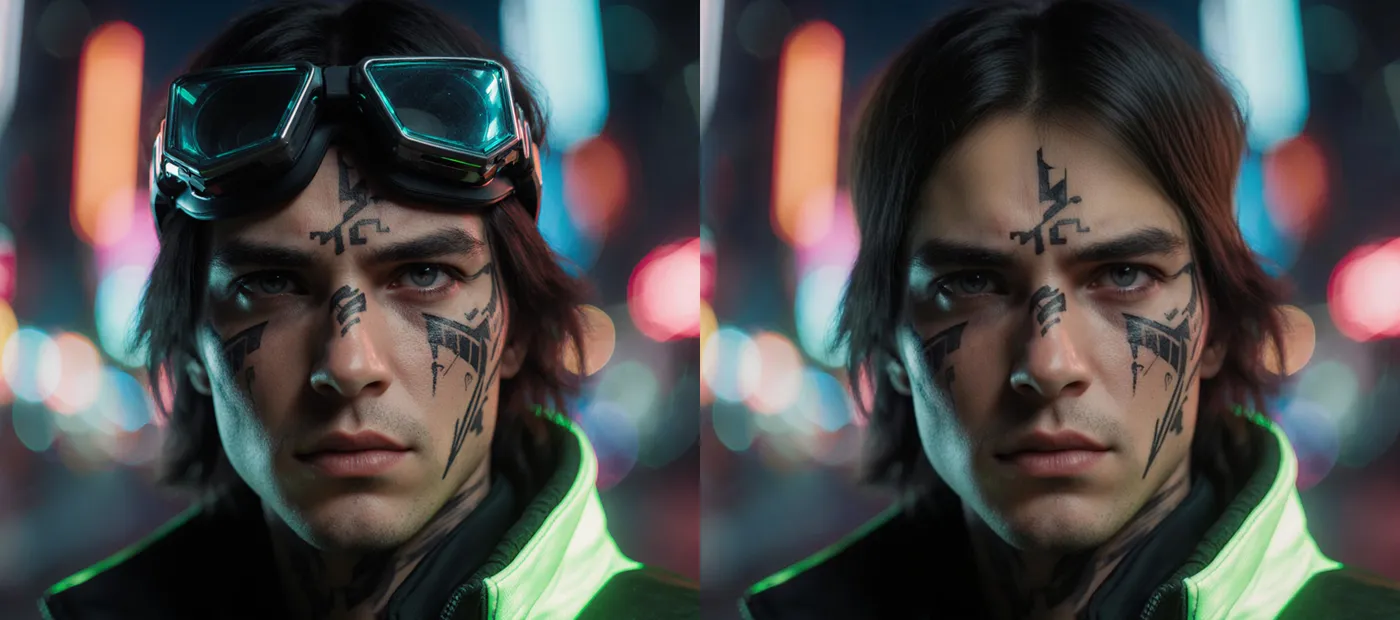

Grok Imagine: Edit Images with a Text Prompt
Edit any image with a text instruction using Grok Imagine. Upload a picture, describe the change, and get a side-by-side comparison back in under a second.

Wan2.1 Fun Control and Flux for V2V Restyle
Create a new video by restyling an existing video with a reference image.
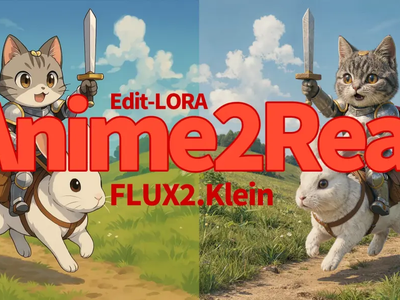

A2R for Klein
A2R Klein
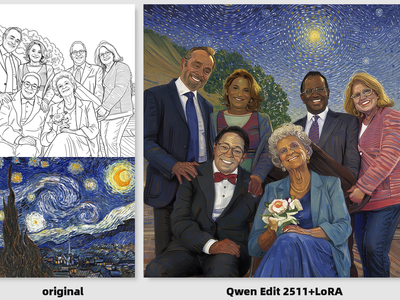
Qwen Image Edit 2511 + Style Transfer LoRA
Create new images from your lineart drawing or sketch using the style transfer LoRA and Qwen Image Edit 2511

Wan 2.1 Vid2Vid Style Transfer with Ditto
Upload any video, describe a new style, and Wan 2.1 rewrites every frame. Ditto keeps motion and structure intact across anime, Pixar, clay, and dozens more.
Wan 3.0 · Reference to Video
Re-render any video in a new visual style using Wan 3.0 by Alibaba. Upload a clip, describe the target look, and hit run. Motion preserved, audio included.

Wan 2.2 and Qwen for V2V Restyle
Create a new video by restyling an existing video with a reference image.
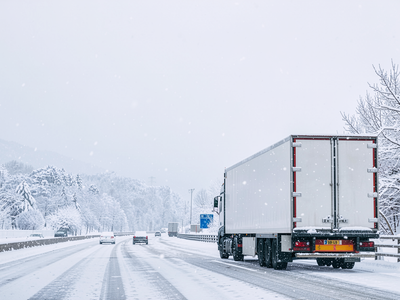
FLUX.2 Klein 9B · Image Editing With KV Cache
Edit images with Flux 2 Klein 9B in 4 steps. KV Cache speeds every run by reusing attention work across steps. Upload an image, describe the edit, hit Run.

LTX 2.3 IC LoRA Union Control - Video to Video
Restyle video with LTX 2.3 using IC-LoRA Union Control for structure guidance
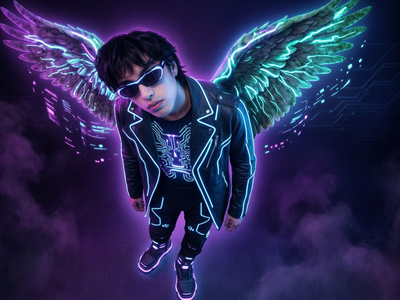
Wan 2.7 · Image Editing
Edit any image with Wan 2.7 Unified, Alibaba's thinking-mode model. Upload a picture, describe the change, and preview the result. Thinking mode on by default.
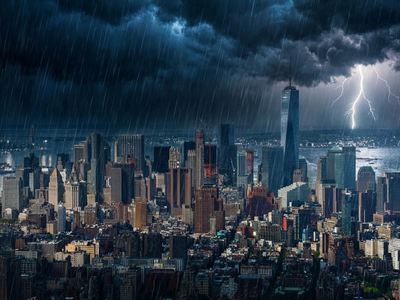
Wan 2.7 Pro · Image Editing
Edit any image with Wan 2.7 Pro Unified, Alibaba's thinking-mode image model. Upload a picture, describe the change, and get a before-and-after comparison.
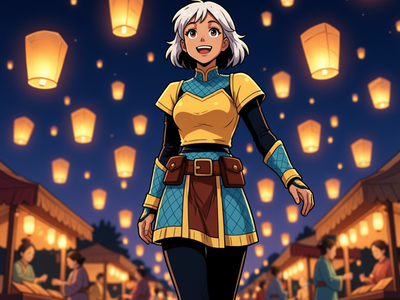
Z-Image Base · Text to Image With LoRA
Generate stylized images with Z-Image Base and a community LoRA. Write a prompt starting with the trigger word, pick a size, hit run. Apache 2.0 open weights.
오픈
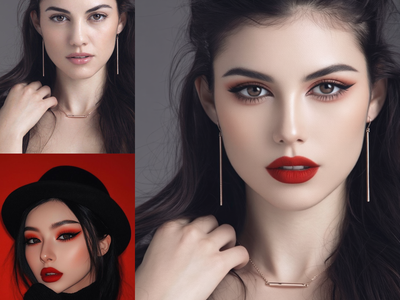
FireRed Image Edit - Makeup Transfer
Transfer makeup from a reference photo onto a portrait using FireRed Image Edit 1.1. Upload a face and a makeup reference, and the model applies the look while keeping pose and facial features intact.
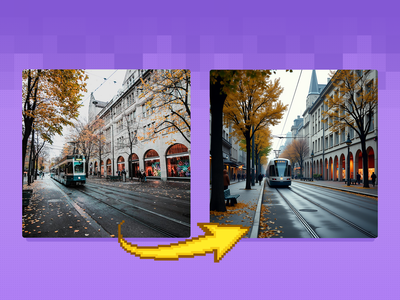
Image Redux with Flux
Create variations of a given image, or restyle them. It can be used to refine, explore, or transform ideas and concepts. Key Inputs Image reference: Use any JPG or PNG showing your subject clearly Width & height: In pixels Prompt: as descriptive a prompt as possible Strength (step 5: value): Strength of redux model, play around with the value to increase or decrease the amount of variation

Wan2 Video to Video
Upload a video and the edited first frame

DarkRoom Color Grading Toolkit for Image Editing
Nine color grading tools with 70+ presets for tone curves, lift/gamma/gain, log wheels, hue remapping, and saturation control. Instant results, no AI model.
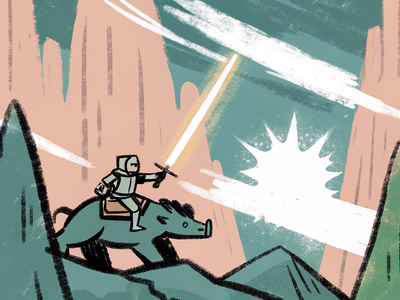
Recraft V3 Image to Image - Style Transfer
Transform an existing image with Recraft V3. Upload a reference, write a prompt, set strength, and pick a style. Controls how much of the original survives.
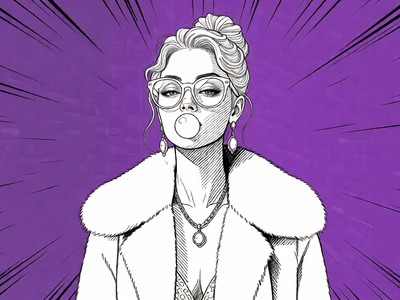
Qwen Image Edit - Infinite Image Styles
Restyle any photo with text. Type a style, hit Run, get the same image as anime, watercolor, claymation, or any look in 4 seconds with Qwen Image Edit.
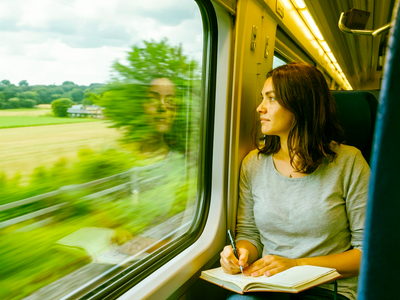
Darkroom Film Stock Emulation for Image Editing
Apply 111 color and 50 B&W film stocks to any image with physics-based grain, halation, print simulation, and cross-processing. No AI models needed.

R2A for Klein · Image to Image For Anime
Upload any photo or render and FLUX.2 Klein converts it into an anime-style illustration with cel shading, clean lineart, and vibrant color, then upscales the result to high resolution.
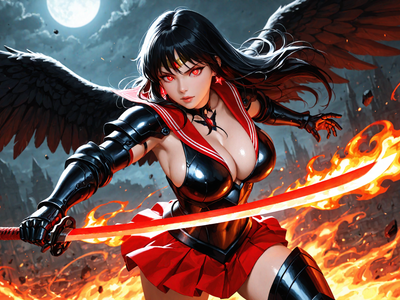
Anime Workflow (with facedetailer)

Anima Turbo: Restyle Any Photo Into Anime Art
Turn a photo or sketch into an anime illustration with Anima Base v1.0 plus the Turbo LoRA. Upload an image, describe the look you want, and hit run.

Seedance 2.0 — Make ASMR Unboxing Videos
Turn your product image and a style reference photo into a cinematic unboxing video.


Wan 2.2 + Qwen V2V Restyle · Video to Video
Upload a video, describe the target style, and a parallel pipeline generates a style reference frame with Qwen Image Edit 2511 while Wan 2.2 Animate restyles the full video with pose-guided structural control.
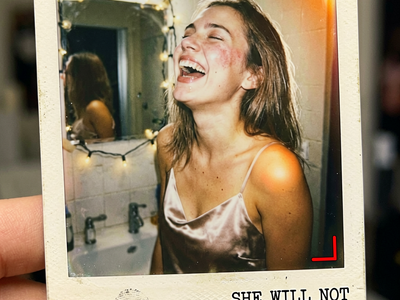

Ernie Turbo Text to Image Workflow
Whether you're generating realistic photography, clean design-oriented imagery, or stylised artistic visuals, ERNIE handles it all — and fast.
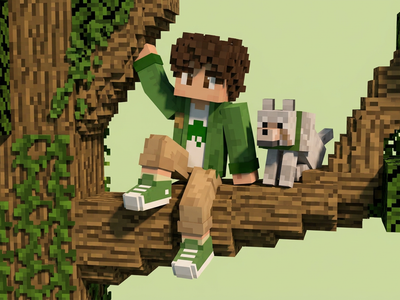
Nano Banana Pro - Game Art Restyling

LTX 2.3 IC LoRA Union Control · V2V For Anime
Upload a video and a style reference image. LTX 2.3 with IC LoRA Union Control restyles the full video to match the reference while preserving the original motion, body pose, and scene structure using blended depth, pose, and edge control.
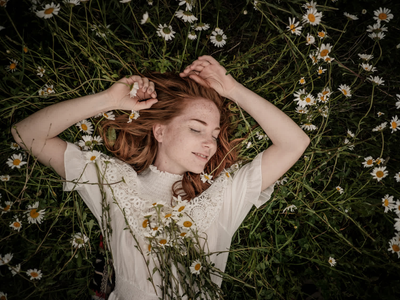
LongCat-Image-Edit - Instruction Image Editing
Upload one image, write an instruction, and LongCat-Image-Edit rewrites the parts you describe while keeping the rest identical. Bilingual prompts, 8 steps.
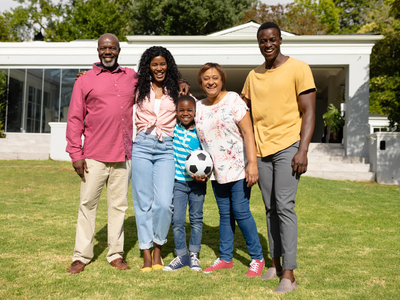
DarkRoom Camera Raw Tools for Image Editing
Camera raw editing inside ComfyUI. White balance, exposure, HSL, clarity, vibrance, sharpening, noise reduction, and skin tone tools with before/after previews.

Jewelry Environment Creator with Nano Banana 2
Upload three reference images and Nano Banana 2 generates a new jewelry environment that matches their color, lighting, and visual style. Mood board to scene.
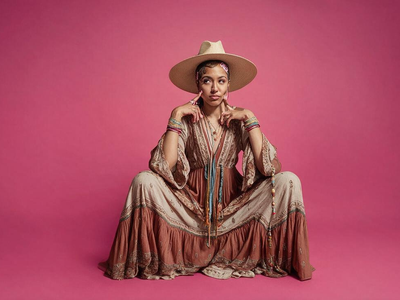
Qwen Image 2.1 for Virtual Try-On
Upload a person photo and a clothing reference. Qwen Image 2.1 re-dresses them in the new outfit while keeping their face, pose, and background intact.

Seedance 2.0 ASMR Unboxing · Reference to Video
Upload a product photo and a hand/style reference, and Seedance 2.0 generates a 10-second vertical ASMR unboxing video with tapping sounds, paper folding, and slow satisfying reveals.
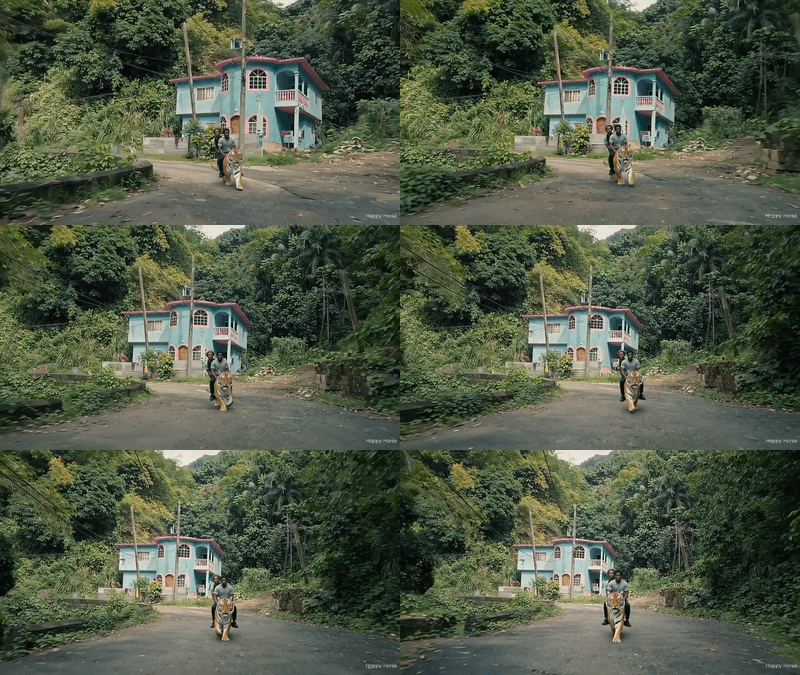
Happy Horse 1.0 Video Editing
Edit any video with Happy Horse 1.0 by uploading up to 5 reference images. Swap backgrounds, change subjects, or shift style. Original motion stays intact.
Wan 2.1 Fun Control + Flux V2V Restyle
Upload a video and describe a new visual style. FLUX.1 Dev generates a style reference frame, and Wan 2.1 Fun Control restyles the full video while preserving the original motion, structure, and audio.
오픈
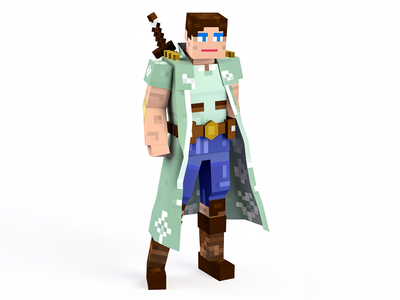
FLUX 2 Klein 9B — Turn Game Sketches Into Any Art
Transform your rough character sketches into stunning ]game-ready art styles.

MiniMax H3 Anime 768p Generation to True 60 FPS
A tested one-reference workflow for stable anime motion, native audio, and smooth delivery
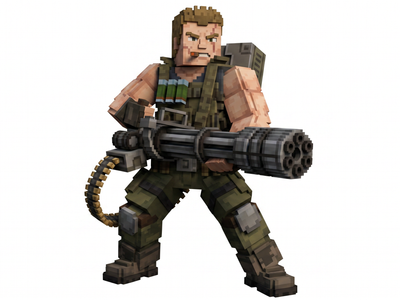
Nano Banana — Turn Sketches Into Game Art Style
Transform your rough character sketches into stunning game-ready art.
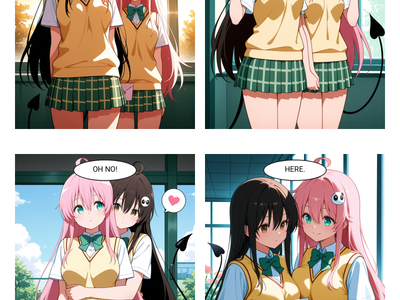
Illustrious Comic Factory V1
Four panel generation with editable dialogue and face aware bubble placement

Boogu Edit · Image to Image
Edit any image with a text instruction using Boogu-Image-0.1-Edit, a 10B open-source model. Upload a photo, describe the change, and hit run.
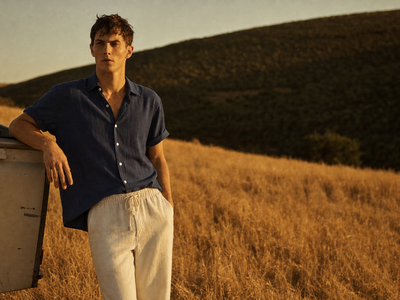
GPT Image 2 for Virtual Try-On & Image Editing
Upload a person photo and a clothing reference. GPT Image 2 swaps the outfit via API, keeping face and pose intact. Optional mask for precision edits.
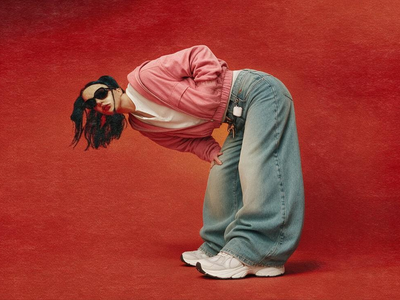
FireRed Image Edit 1.1 for Virtual Try-On
Upload a person photo and a clothing reference. FireRed Image Edit 1.1 swaps the outfit in 8 steps with a Lightning LoRA, keeping face and pose intact.
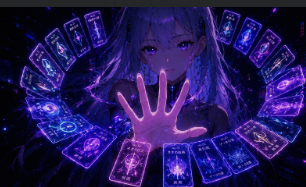
WFAIA提出用ワークフロー
C3
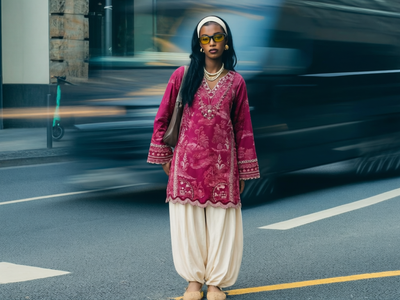
Flux.2 Klein 9B Image Edit for Virtual Try-On
Upload a person photo and a clothing reference. Flux.2 Klein 9B swaps the outfit in 20 steps, keeping face and pose intact. Adjustable steps and CFG strength.
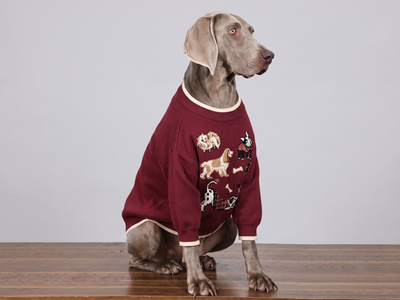
Seedream V5.0 Pro for Virtual Try-On & Image Edit
Upload a person photo and a clothing reference. Seedream V5.0 Pro swaps the outfit via API, preserving lighting, pose, and face. Supports 10 references.
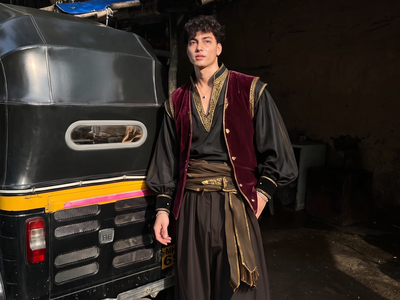
Nano Banana 2 for Virtual Try-On & Image Editing
Upload a person photo and a clothing reference. Nano Banana 2 swaps the outfit via API, keeping face and pose intact. Outputs up to 4K with web search.
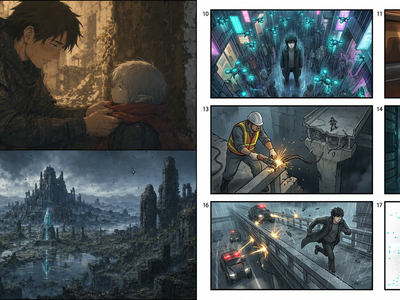
image create
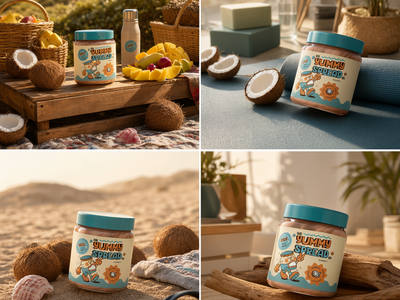
Qwen Image 2.1 Product to Campaign Images
Upload a product photo and a short brief. Qwen 3.5 writes eight campaign prompts. Qwen Image 2.1 places your product in eight advertising scenes, preserving its packaging and branding.