Flux.2 Klein 9B Image Edit for Virtual Try-On
Upload a person photo and a clothing reference. Flux.2 Klein 9B swaps the outfit in 20 steps, keeping face and pose intact. Adjustable steps and CFG strength.
e-commerce
flux
Image
image to image
product photography
style transfer
virtual try-on
118
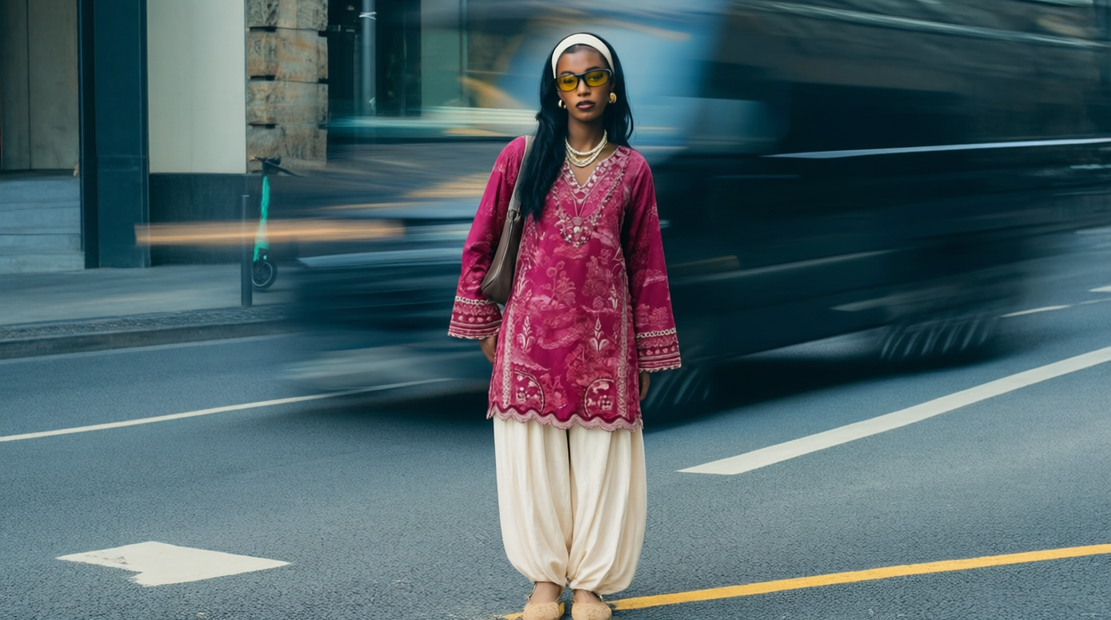
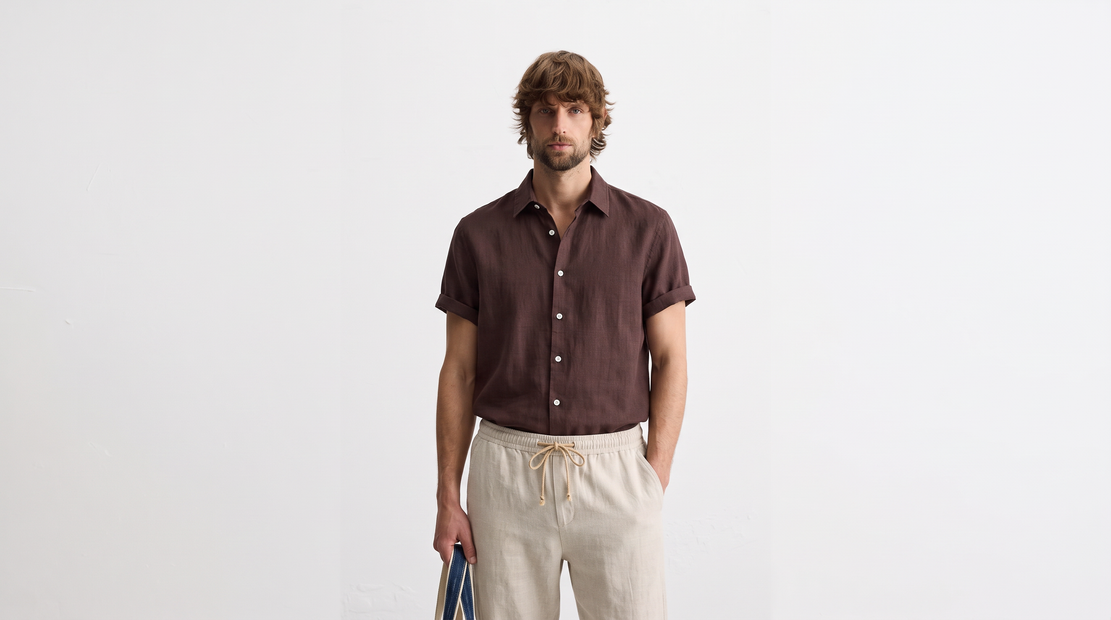
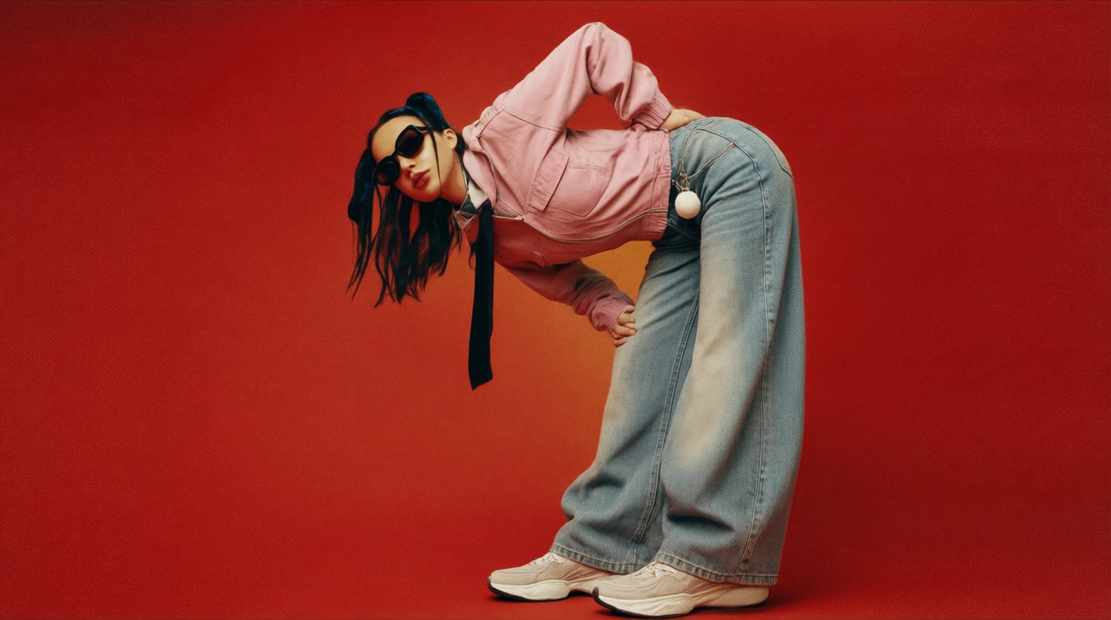

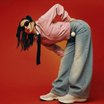
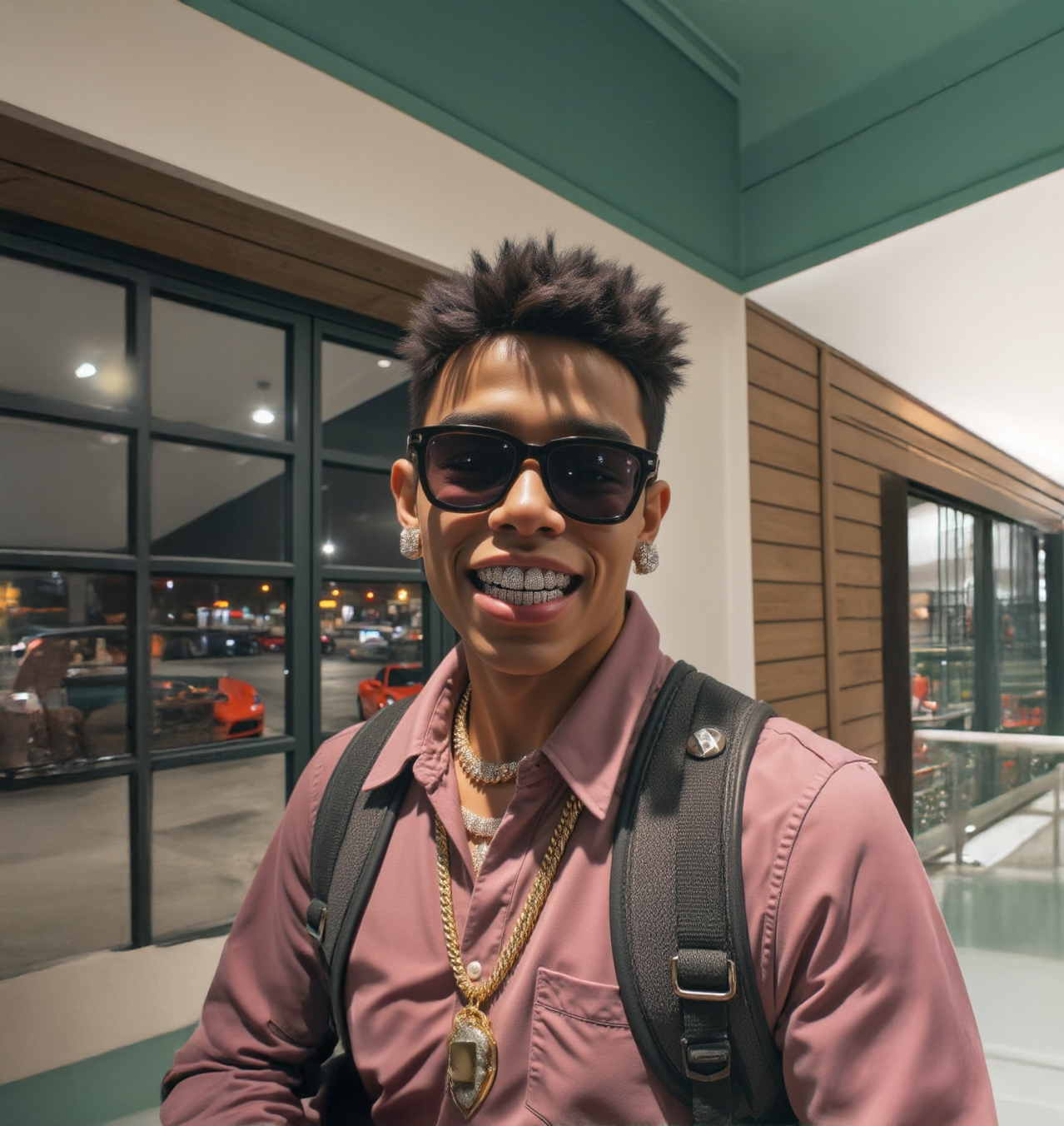
Flux.2 Klein 9B virtual try-on with adjustable steps and guidance strength.
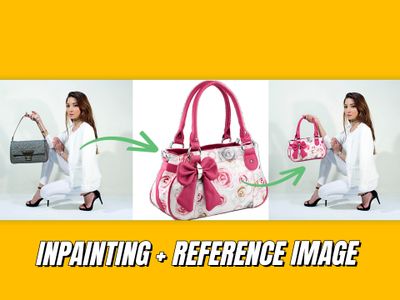
Upload a photo of a person and a photo of an outfit. The model dresses the person in the referenced clothing while preserving their face, body, pose, and background. Clothing details, colors, fit, and texture carry over from the reference. You can also use the prompt for non-clothing edits like background swaps, logo placement, or color changes.
The prompt is pre-filled. Upload two images and hit run.
How do you use Flux.2 Klein 9B for virtual try-on?
Upload a photo of the person you want to re-dress and a clear shot of the outfit. The model reads both images, keeps the person's identity and pose, and generates a new image with them wearing the referenced clothing. The prompt is already written. Change nothing on your first run.
Image 1 (Model) The person you want to re-dress. Face, pose, and background carry over to the result. A clear, well-lit photo with the full body visible works best.
Image 2 (Clothes) The outfit you want applied. A front-facing product shot with even lighting gives the cleanest results. Busy backgrounds in the clothing image can bleed into the output. This input is optional for non-try-on edits where you only need one reference.
Prompt Pre-filled with a virtual try-on instruction. For your first run, leave it alone. If the result misses something, rewrite the prompt before touching any other setting. You can also use the prompt for non-try-on edits: describe any change you want and the model will apply it.
Steps (default: 20) How many refinement passes the model makes. The sweet spot is 15 to 25. Want faster output? Drop to 15. Want more detail on a complex outfit? Push to 25. Below 15, results start looking rough. Above 25, gains are small and generation slows down.
Megapixels (default: 1) Total output resolution. 1 megapixel covers most use cases. Want a larger image? Try 1.5. Higher values increase generation time without much visible improvement.
Aspect Ratio (default: 16:9) Shape of the output when the switch is on. Match this to your input images to reduce cropping.
Switch (default: on) On: the workflow uses the aspect ratio and megapixels you set. Off: the model picks the layout from your input images. If your input photos are unusual sizes, try turning this off.
Seed (default: random) Controls randomness. Want to reproduce a result you liked? Lock the seed number from that run. Want variety? Leave it on random.
What is Flux.2 Klein 9B good for?
Flux.2 Klein 9B is a compact 9-billion parameter model in the FLUX.2 family from Black Forest Labs. It follows prompts well, produces photorealistic try-on results, and gives you control over steps and guidance strength. The adjustable step count lets you trade speed for detail depending on the job.
E-commerce teams can shoot a model once and swap outfits across an entire catalog without rebooking a studio. Upload the model photo, swap in each product shot, and build a full lookbook from a single session. The adjustable steps let you run fast previews at 15 steps, then re-run hero shots at 25 for more refinement.
Stylists and fashion designers can test combinations before producing samples. See how a fabric reads on a body without sewing anything.
The model also works for non-clothing edits. Rewrite the prompt and it becomes a general image editor that takes reference images as context. Logo placement, color changes, background swaps, and compositing all work through the same pipeline. The optional second reference input makes single-image edits possible without uploading a placeholder.
Compared to full-size FLUX.2 models, Klein 9B runs faster and cheaper. For complex scenes with fine textures, larger models may produce sharper results, but Klein 9B handles standard try-on work well.
This workflow uses a non-commercial license.
FAQ
What resolution should I use for Flux.2 Klein 9B virtual try-on? Start at 1 megapixel with a 16:9 aspect ratio. For larger output (print, catalog), bump megapixels to 1.5. Going higher adds generation time without visible improvement. Match your aspect ratio to the input photo to avoid cropping.
Can I use Flux.2 Klein 9B for edits besides virtual try-on? Yes. Rewrite the prompt to describe any edit: background swaps, object placement, style transfer, logo application, or compositing. The second reference image is optional, so single-image edits work without uploading a placeholder.
How many steps should I use for Flux.2 Klein 9B? The default of 20 works well for most try-on results. The sweet spot is 15 to 25. Lower steps run faster but may produce rougher output. Higher steps add refinement but slow generation. If the edit looks too subtle, try raising the CFG guidance before adding more steps.
Is Flux.2 Klein 9B free to use commercially? No. This workflow uses a non-commercial license. For commercial work, check the FLUX.2 licensing terms from Black Forest Labs or use a commercially licensed alternative.
How do I run Flux.2 Klein 9B virtual try-on online? You can run Flux.2 Klein 9B virtual try-on online through Floyo. No installation, no setup. Open the workflow in your browser, upload your inputs, and hit run. Free to try.
Read more