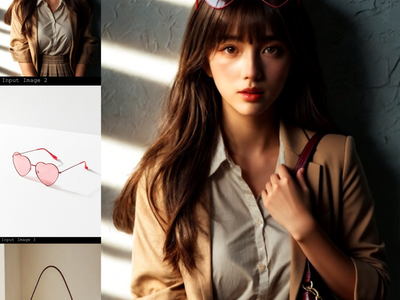
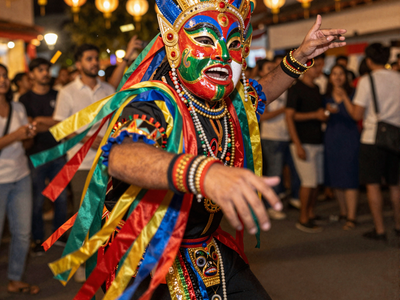
Seedream V5.0 Pro for Virtual Try-On & Image Edit
Upload a person photo and a clothing reference. Seedream V5.0 Pro swaps the outfit via API, preserving lighting, pose, and face. Supports 10 references.
bytedance
e-commerce
Image
image to image
product photography
seedream
style transfer
virtual try-on
118
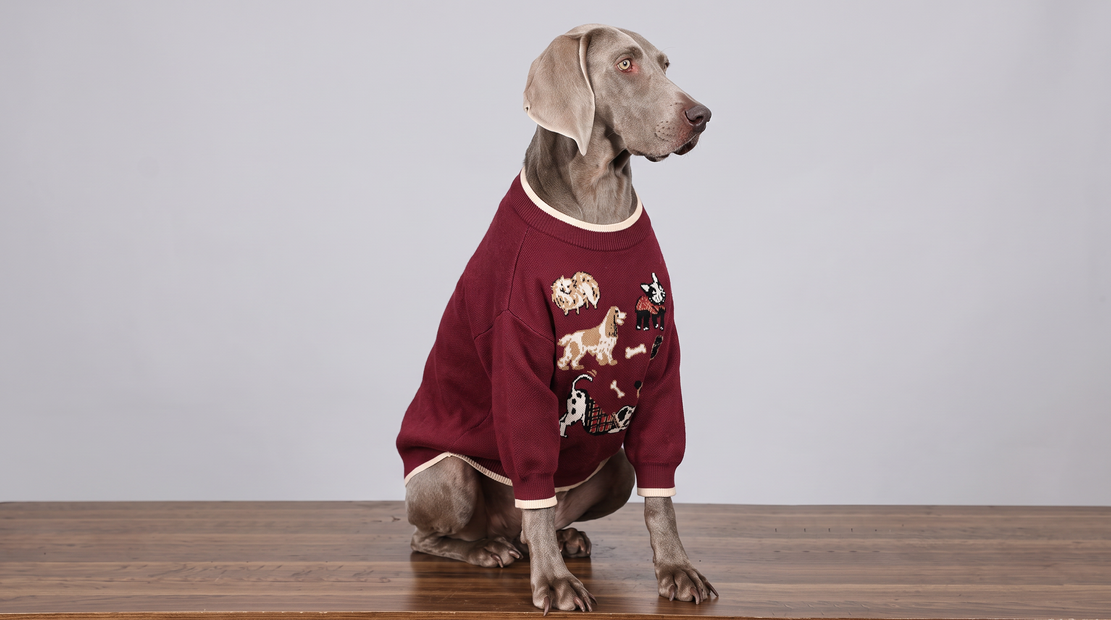
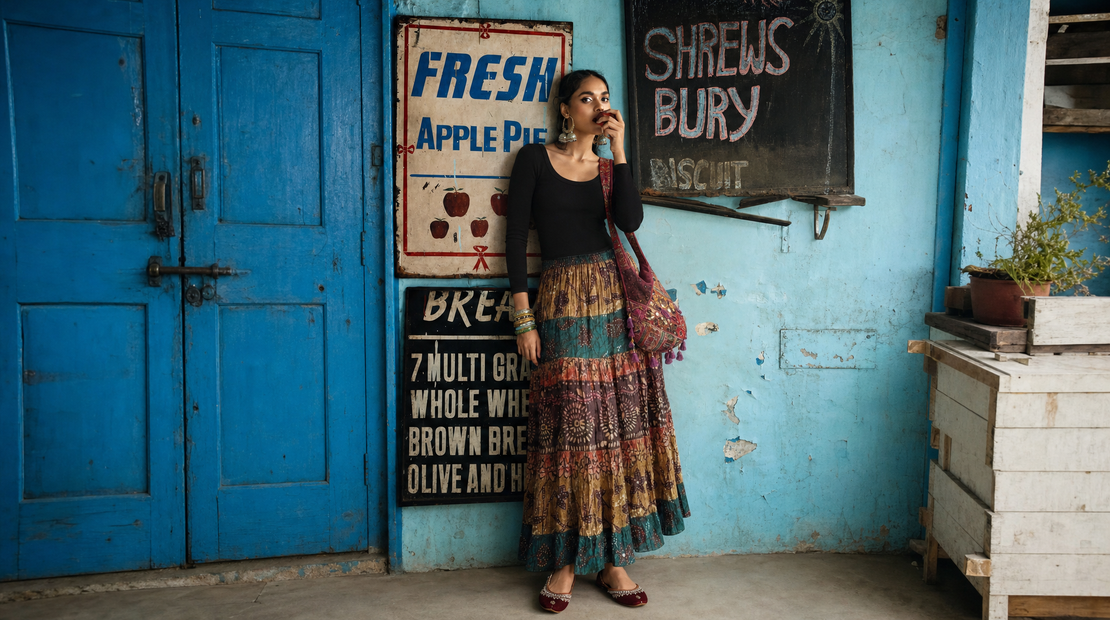
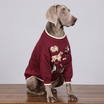

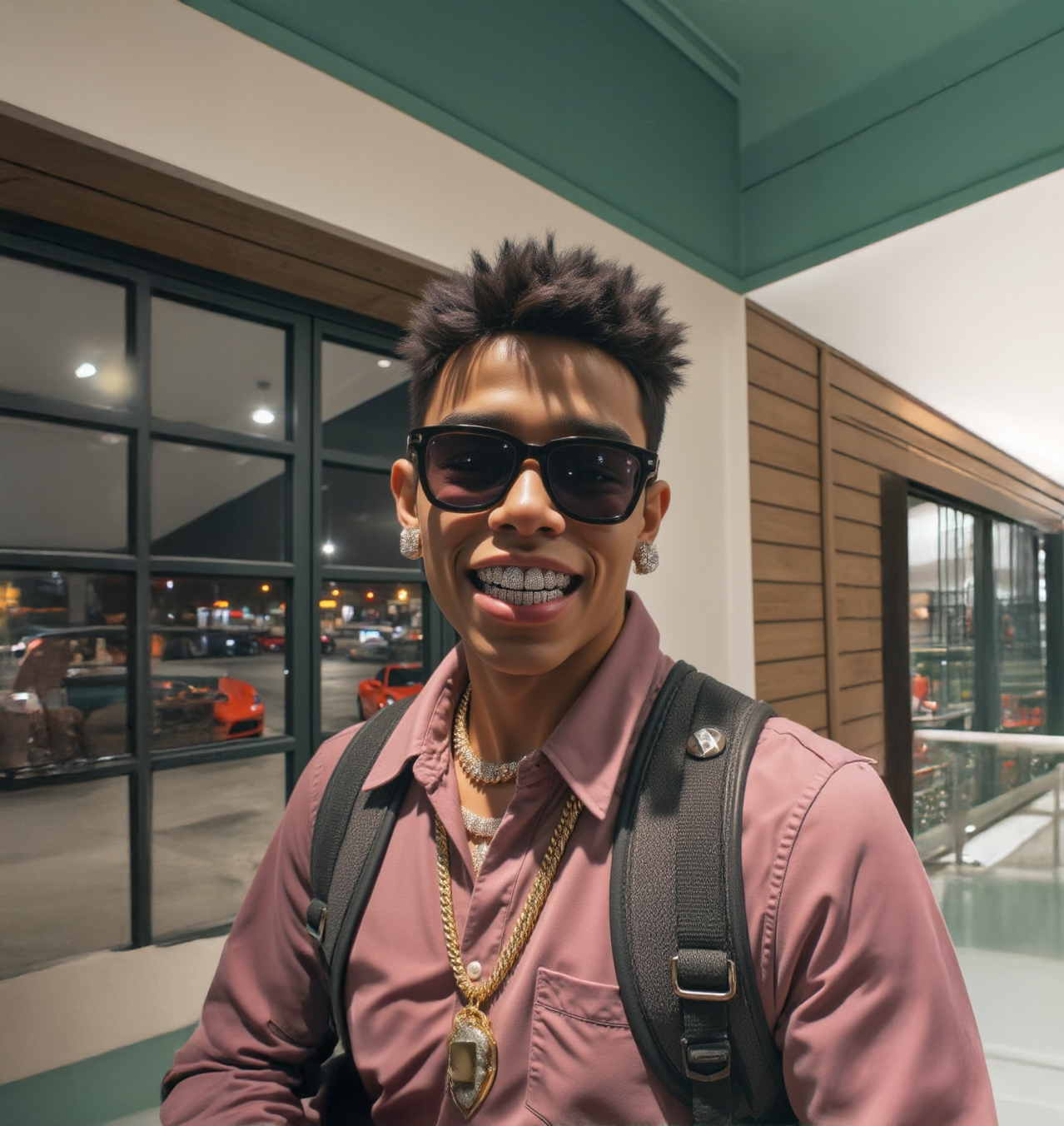
Seedream V5.0 Pro virtual try-on through a partner API with up to 10 reference image slots.
Upload a photo of a person and a photo of an outfit. The model dresses the person in the referenced clothing while preserving their face, body, pose, and background. Clothing details, colors, fit, and texture carry over from the reference. Seedream V5.0 Pro is an API model by ByteDance's Seed team, so each run costs additional credits from your API wallet. No API key needed. Floyo handles the connection.
The prompt is pre-filled. Upload two images and hit run.
How do you use Seedream V5.0 Pro for virtual try-on?
Upload a photo of the person you want to re-dress and a clear shot of the outfit. The model reads both images, keeps the person's identity and pose, and generates a new image with them wearing the referenced clothing. The prompt is already written. Change nothing on your first run.
Image 1 (Model) The person you want to re-dress. Face, pose, and background carry over to the result. A clear, well-lit photo with the full body visible works best. The workflow labels this "Model" but it works for any subject when you rewrite the prompt.
Image 2 (Clothes) The outfit you want applied. A front-facing product shot with even lighting gives the cleanest results. Busy backgrounds in the clothing image can bleed into the output. This input is optional for non-try-on edits where you only need one reference. The node supports up to 10 image inputs if you wire them up.
Prompt Pre-filled with a virtual try-on instruction. For your first run, leave it alone. If the result misses something, rewrite the prompt before touching any other setting. You can also use the prompt for non-try-on edits: describe any change you want and the model will apply it. For reference-image edits, describe only the change. The model sees your images already.
Size Preset (default: 16:9 at 1312x736) Sets the aspect ratio and resolution of the output. Match this to your input images to reduce cropping.
Output Format (default: JPEG) Choose JPEG or PNG. JPEG produces smaller files. PNG keeps full quality.
Watermark (default: off) Adds a visible watermark to the output when turned on. Leave it off for clean results.
What is Seedream V5.0 Pro good for?
Seedream V5.0 Pro is a unified image generation and editing model by ByteDance's Seed team. It preserves lighting and color from original images better than most models, renders small text and logos clearly, and supports up to 10 reference images for complex multi-source edits.
E-commerce teams can shoot a model once and swap outfits across an entire catalog without rebooking a studio. Upload the model photo, swap in each product shot, and build a full lookbook from a single session. The model's strength at preserving lighting means try-on results match the original photo's look without color shifts.
Stylists and fashion designers can test combinations before producing samples. See how a fabric reads on a body without sewing anything.
The model also works for non-clothing edits. Rewrite the prompt and it becomes a general image editor that takes reference images as context. Logo placement, compositing, background swaps, and style transfer all work through the same pipeline. With up to 10 image slots available, complex multi-reference edits are possible if you wire up additional inputs.
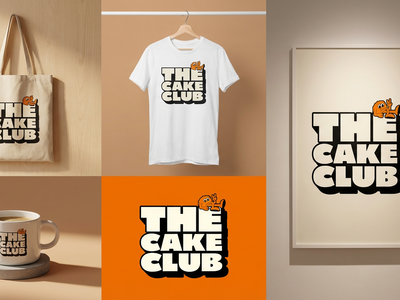
Text and logo rendering is a standout. If your edit involves placing brand names, labels, or small text on a product, Seedream V5.0 Pro handles it more cleanly than most alternatives.
This is a partner API workflow. Each run costs additional credits from your API wallet on top of your Floyo plan. Generation speed depends on server load. The model uses closed weights accessed through Floyo's partner API. No local download is available.
FAQ
What resolution does Seedream V5.0 Pro output? The default size preset is 16:9 at 1312x736. The model outputs up to 2K resolution. Choose a size preset that matches your input image to reduce cropping.
Can I use Seedream V5.0 Pro for edits besides virtual try-on? Yes. Rewrite the prompt to describe any edit: background swaps, object placement, style transfer, logo application, or compositing. The node supports up to 10 reference images, though only two are connected in this layout. The second reference is optional for single-image edits.
Does Seedream V5.0 Pro cost extra? Yes. This workflow calls an external API through Floyo's partner connection. Each run costs additional credits from your API wallet. No separate API key is needed. Floyo handles the connection.
What is Seedream V5.0 Pro good at compared to other models? It preserves the original image's lighting and color well, so edits blend naturally. It also renders small text and logos more clearly than most models, making it a strong choice for branded product edits.
How do I run Seedream V5.0 Pro virtual try-on online? You can run Seedream V5.0 Pro virtual try-on online through Floyo. No installation, no setup. Open the workflow in your browser, upload your inputs, and hit run. Free to try.
Read more