

Menampilkan219 Workflows


Flux 2 Klein 9b - Perfect Face swap
Instead of using outdated or unstable techniques, this workflow was designed to take full advantage of FLUX 2 KLEIN's editing capabilities—using a face image and a reference character image to produce clean, highly consistent results.


FLUX.2 Klein 9B · Image to Image
Edit images with consistency of the subject or things using Flux.2 Klein 9B and a LoRA

Nano Banana Pro: Generate & Edit Images
Google just released Nano Banana Pro, and honestly, it's a pretty big step up from the original Nano Banana. The main thing? It can actually put legible text in images now. Like, real text that you can read, not the garbled nonsense most AI models spit out.
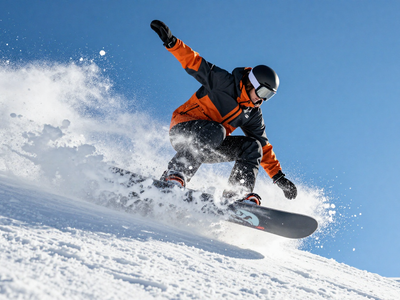
Z-Image Turbo · Text or Image to Image
Z-Image Turbo is Alibaba's open-source 6B model that turns a text prompt into photorealistic images in about 8 steps. Type a prompt, or rework an image.

Qwen Image Edit 2509: Build a LoRA Dataset
Create Character LoRA Dataset

Qwen Image Edit 2509 · Face Swap
Swap a face between two photos with Qwen Image Edit 2509. Upload a main image and a reference, paint a mask on each face, hit run. Apache 2.0 open weights.
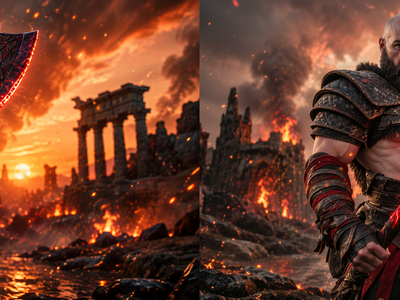
FLUX.2 Klein 9B: Realistic Photo Enhancer
Create realistic image but in an enhanced details using FLUX.2 Klein 9B and with LoRA

SeedVR2 · Image Upscaler
Upscale to Extreme Clarity

FLUX.2 Klein 9B: Image Inpainting
Inpainting image using Flux.2 Klein and LanPaint
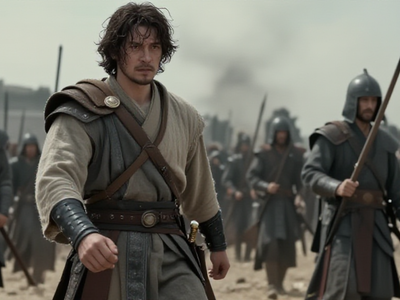
Z-Image Turbo: ControlNet Image to Image
Image to Image
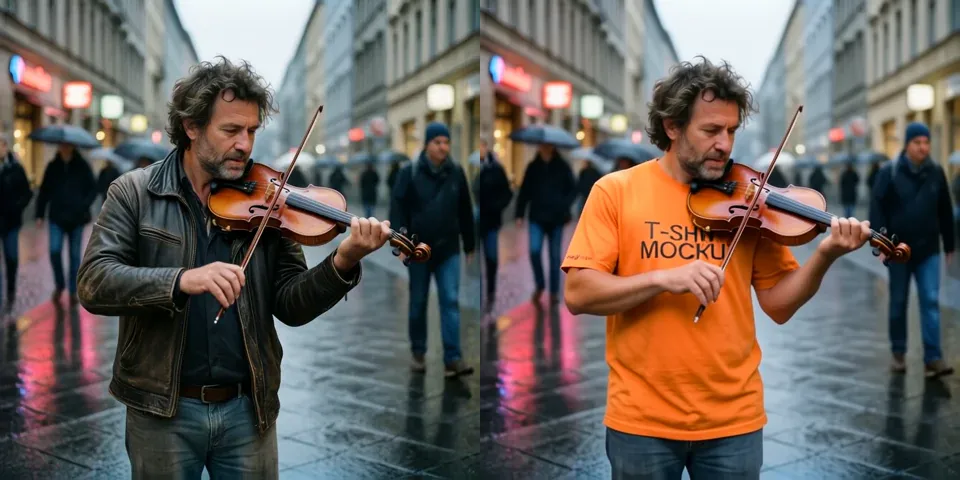
FLUX.2 Klein 4B · Swap Clothes
Swap clothes on any person using FLUX.2 Klein 4B and LanPaint. Upload a person and a garment photo, describe the swap, and hit run. Apache 2.0 open weights.

Nano Banana 2 · Image Generation & Editing
The top-ranked image model on Artificial Analysis and LM Arena. 4K output, text rendering, and subject consistency across 5 characters.
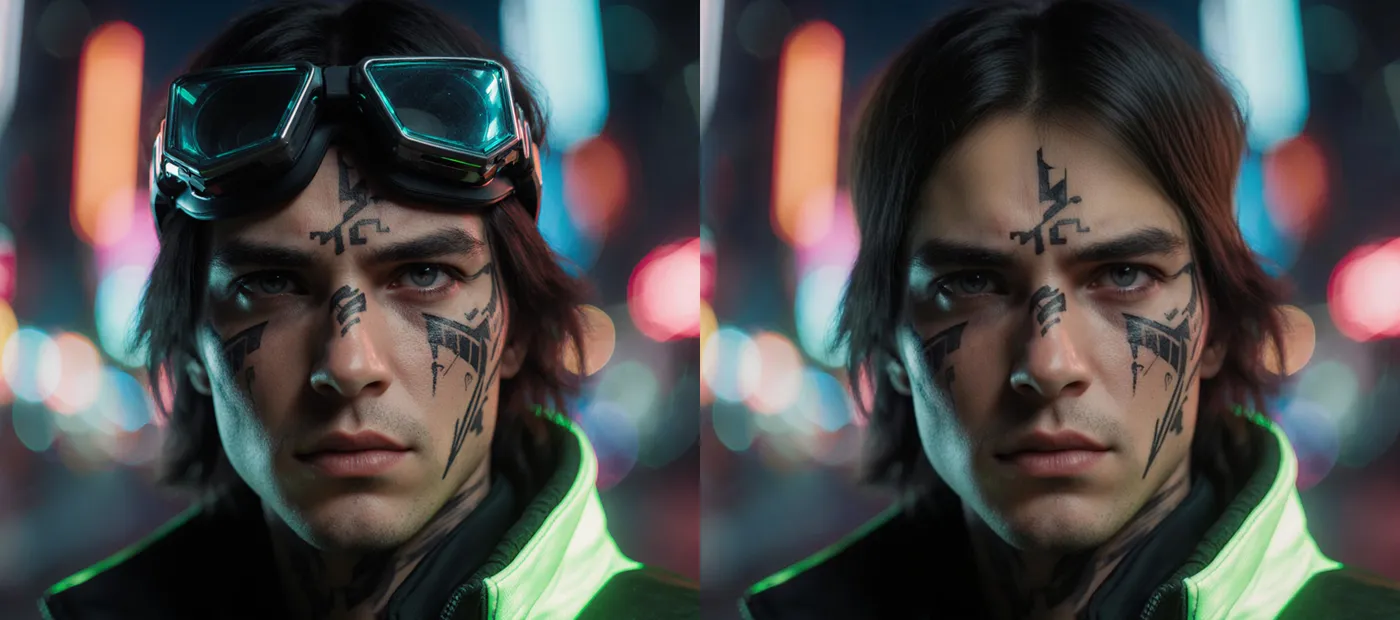
Grok Imagine: Edit Images with a Text Prompt
Edit any image with a text instruction using Grok Imagine. Upload a picture, describe the change, and get a side-by-side comparison back in under a second.
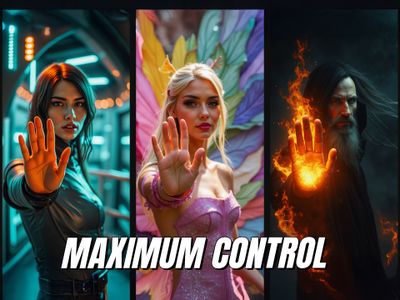
Flux ControlNet 2.0 - All-in-one
Latest and greatest Flux ControlNet workflow.
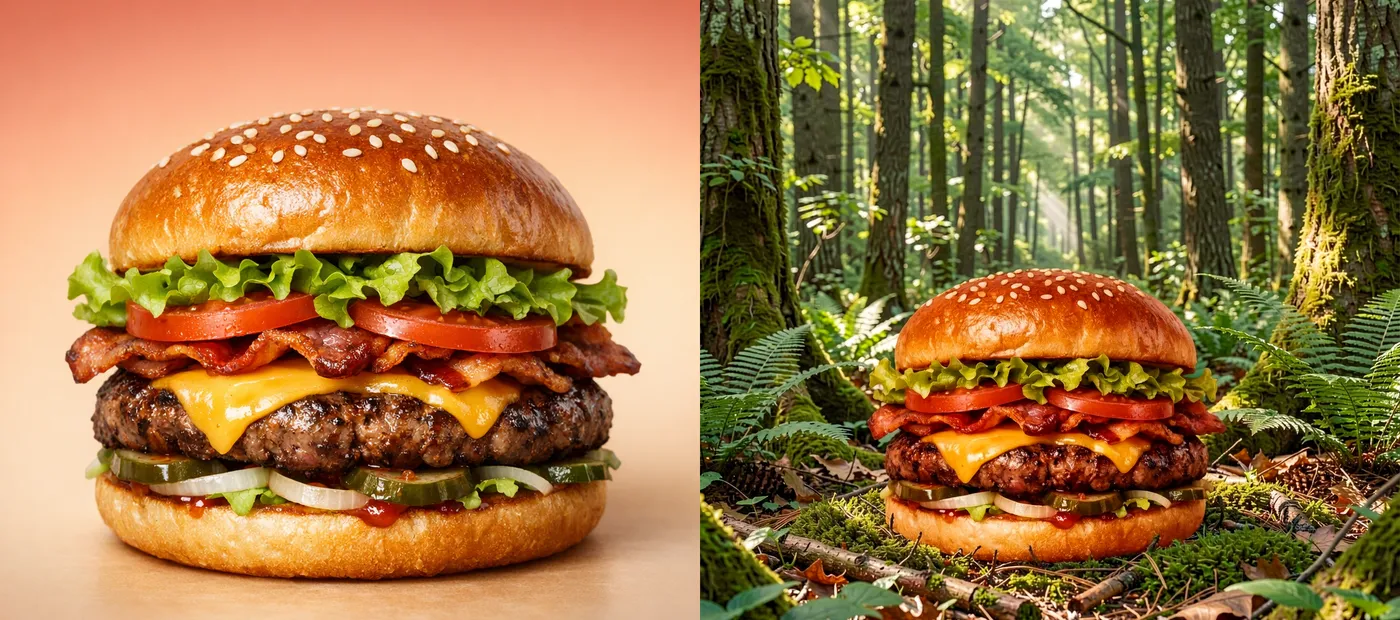
FLUX.2 Klein 9B: Edit Images by Prompt
Unified workflow: one model for text‑to‑image, image‑to‑image, and image editing
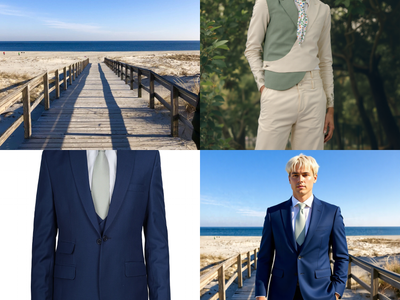

Flux Kontext Multi-Image Reference
Combine up to 3 reference images into one with Flux Kontext Key Inputs Load Image (3x): Load 3 different reference images. Prompt: Describe how to combine these images, see default value for example.
Seedream 5.0 Lite · Generate, Edit and Fuse
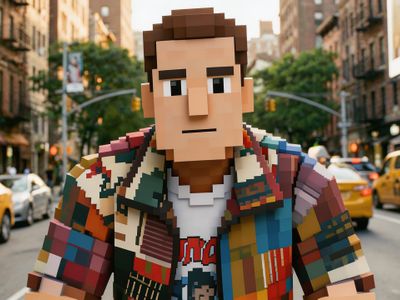
Generate, edit, or blend images with Seedream 5.0 Lite, the ByteDance model that reasons through your instruction before drawing. Prompt it and hit run.
Flux Kontext Inpainting
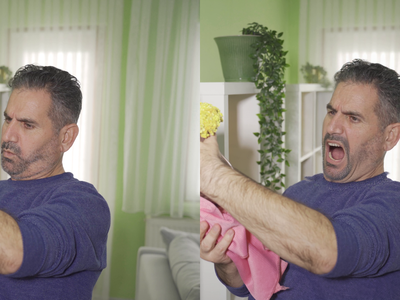
Inpaint with the power of Flux Kontext, providing additional content-awareness.
Qwen Image Edit 2509 · Change Camera Angle
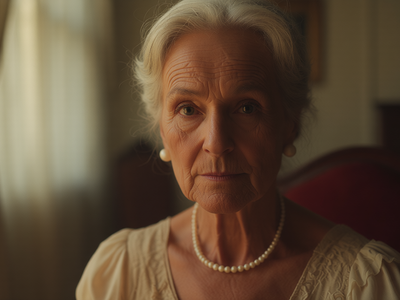
Re-render any subject from a new camera angle with Qwen Image Edit 2509 and a Multi-Angle LoRA. Upload one image, name the view, and hit run. Apache 2.0.


Seedream5 Pro_recompose_i2i
Seedream 5.0 Proを使用した構図更用のImage to Imageワークフローです。 This is an Image to Image outfit change workflow using Seedream 5.0 Pro.
Flux Kontext - Single Image to Character LoRA
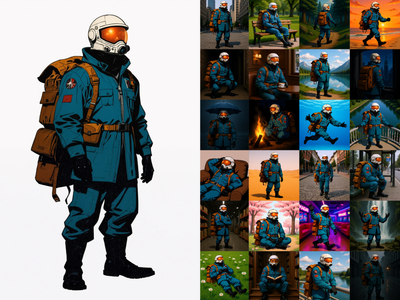
Generate a 60-Image LoRA Dataset from a Single Character Image
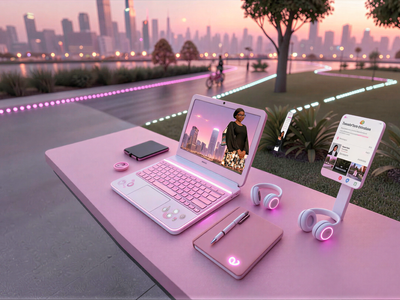
Flux.2 Klein Image Expansion / Outpaint
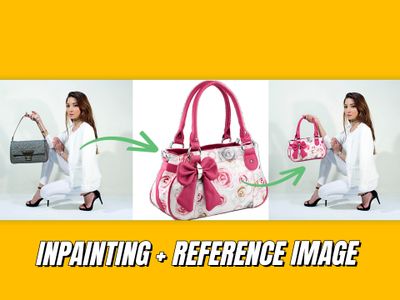
Inpainting with reference image
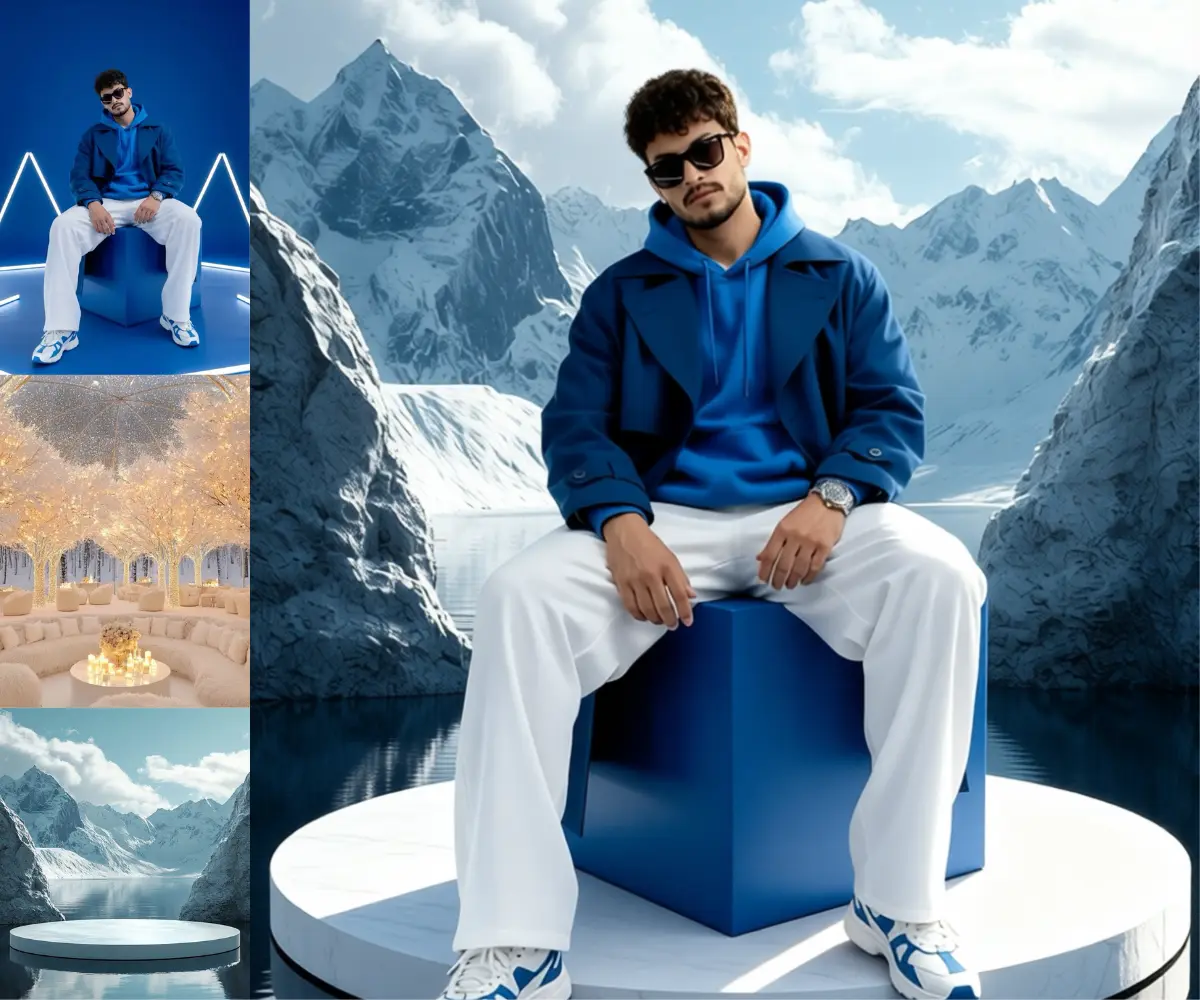
Qwen Image Edit 2511 · Composite
Place a subject into a new scene using Qwen Image Edit 2511 and the Kontext multi-reference method. Upload a subject and a background, describe the edit, run.
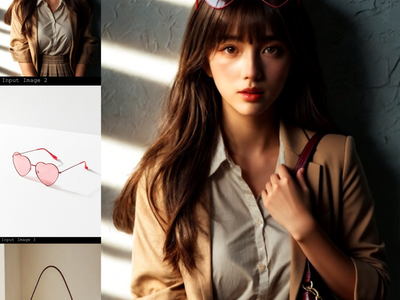
Qwen Image Edit 2509 · Combine Images
Merge up to three images into one scene with Qwen Image Edit 2509. Upload a subject, add items to place on it, describe the layout, hit run. Apache 2.0.
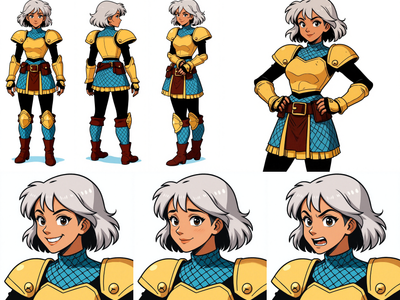
Image to Character Sheet with Kontext
Create a character sheet with multiple poses and expressions from a single image!
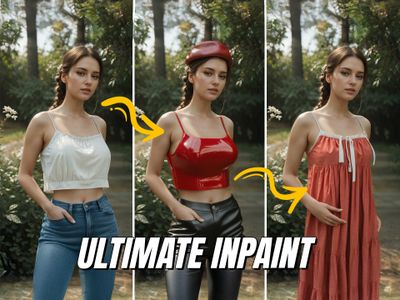
Flux Inpaint - ULTIMATE workflow.
Flux inpainting with Flux fill model and regular Flux dev model. All in one Flux inpainting workflow that easily AI retouches any image.
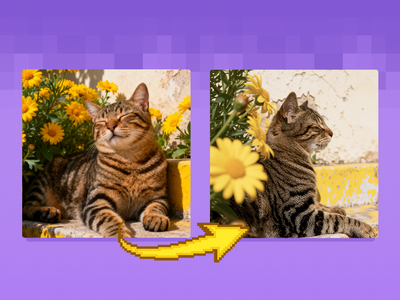
Qwen Image Edit 2509 + Multi-Angle LoRA for Camera
Re-render your subject from any camera angle with Qwen Image Edit 2509 and a Multi-Angle LoRA. Pan, tilt, rotate, wide-angle, or close-up. No trigger word.
Open
Qwen_Image_2.1_Image_to_Image
Qwen Image 2.1を使用したImage to Imageワークフローです。オープンソースモデルのためAPIウォレットを消費せず、構図維持、画像編集、スタイル変更、参照画像を使った再生成に活用できます。ネイティブ2K出力にも対応しています。 This is an Image to Image workflow using Qwen Image 2.1. It uses an open-source model.
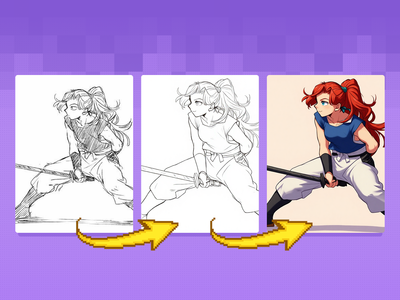
Flux Kontext Sketch to LineArt + Color Previz
Quickly convert rough sketches into polished lineart and colorized concepts. Ideal for early storyboards, character designs, scene planning, and other visual explorations.

Qwen Image Edit 2511 and VNCCS Utils - Visual Pose
Create different position of person using VNCCS custom node and Qwen Image Edit 2511
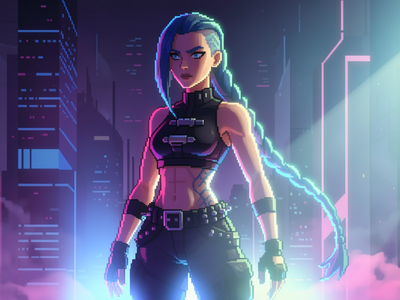
Flux. 2 Klein INPAINT Segment Edit Accurate Image
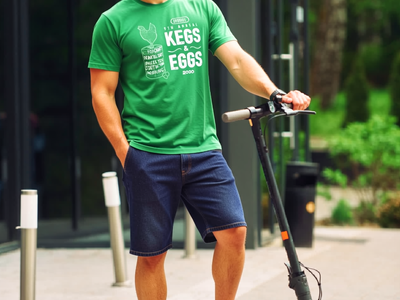
FLUX.2 Klein 9B + Virtual Tryon LoRA
Try a clothes using Flux.2 Klein 9B and tryon LoRA from
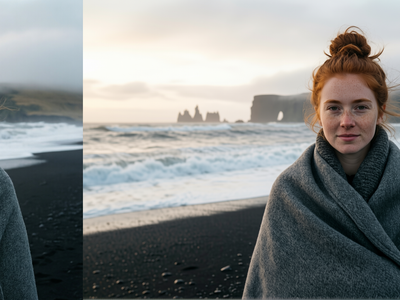
Upscaling Images to 4k using Qwen Image Edit 2511
Upscale to 2k to 4k
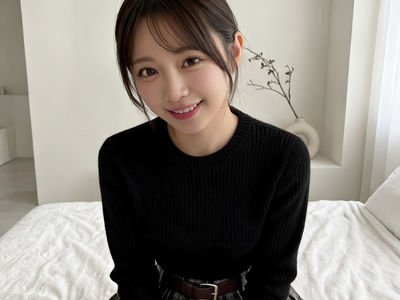
Seedream5_Outfit_Change_r2i
Seedream 5.0を使用した衣装変更用のReference to Imageワークフローです。人物画像と衣装画像をアップロードするだけで、元の人物の顔・雰囲気・ポーズを保ちながら、衣装画像を参考に服装を変更できます。 This is an Image to Image outfit change workflow using Seedream 5.0.
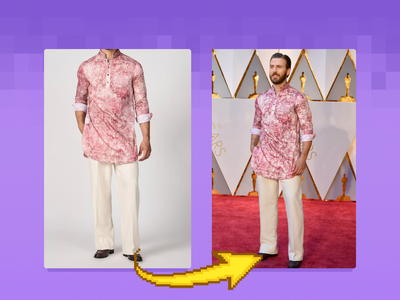
Flux Outfit Transfer
Virtual Outfit Try-On with Auto Segmentation Try virtual clothing on any subject using Flux Dev, Ace Plus, and Redux, with automatic segmentation. Great for concept previews, fashion mockups, or character styling. Key Inputs Outfit: Load the outfit image you want to apply. Make sure it's high quality — visible artifacts or distortions may carry over into the final result. Actor: Add the subject or character you want to dress. Ideally, use a clear, front-facing image. Human Parts Ultra: Choose which parts of the body the clothing should apply to. For example, for a long-sleeve shirt, select: torso, left arm, and right arm. This helps the model align the clothing properly during generation. Prompt: Default value works for most outfits, however you may try to adjust it to describe the desired outfit.

VOID · Video Object Removal
Erase any object from a video and fill the gap with coherent motion using VOID by Netflix and SAM3 by Meta. Type the object name, hit run. Apache 2.0.
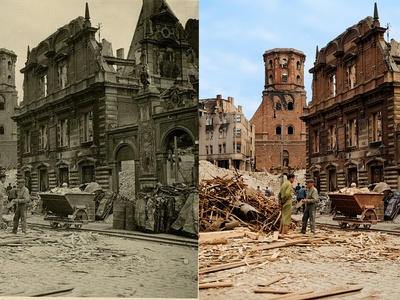
Qwen Image Edit 2511 Restore Damage Old Photograph
Restore Damage Old Photograph
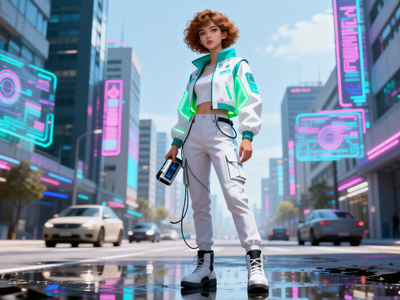
Qwen Image Edit 2511 Lightning - Multi-Image Edit

SeedVR2 and TTP Toolset 8k Image Upscale
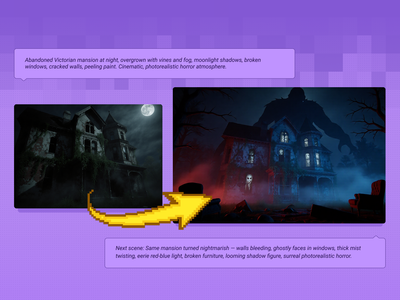
Qwen Image Edit 2509 + Flux Krea for Creating Next Scene
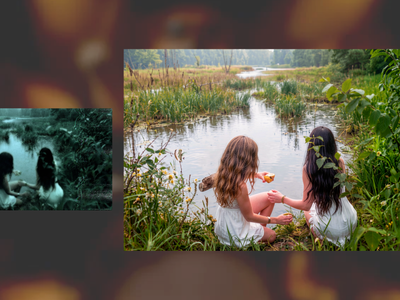
Anything2Real 2601A

FLUX.1 Dev · Text to Image With Image Input
Generate images from text with FLUX.1 Dev, the 12B open-weight model from Black Forest Labs. Enable the image input to edit from a picture. Write a prompt, run.
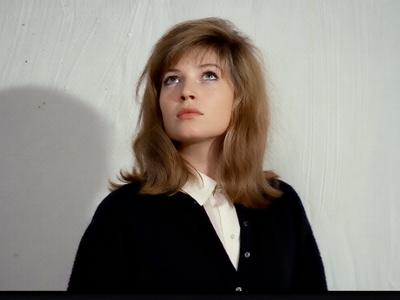
Qwen Image Edit 2509 · Relight
Remove harsh light and shadow from any photo and relight it with soft, even illumination using Qwen Image Edit 2509 and a Relight LoRA. Upload and run.
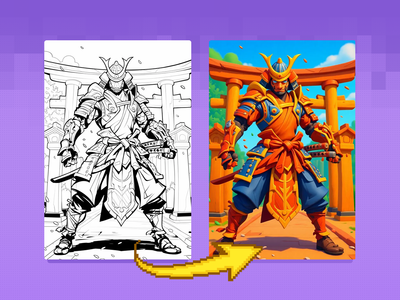
Flux Kontext - Sketch to Image
Bring your sketches to life in full color with Flux Kontext! Key Inputs Load Image – Upload the sketch you want to transform. Prompt – Describe the desired output style, such as: “Render this sketch as a realistic photo” or “Turn this sketch into a watercolor painting.”

Nano Banana Pro · Edit Any Image
Edit any image with text using Nano Banana Pro, Google's Gemini 3 Pro image model. Upload your image, describe the change, add references, and hit run.
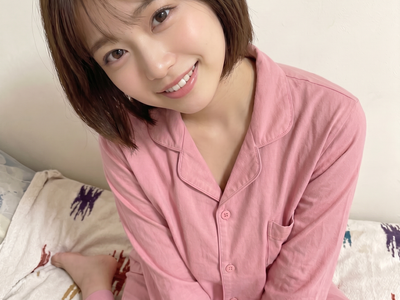
Seedream5_Outfit_Change_i2i
Seedream 5.0を使用した衣装変更用のImage to Imageワークフローです。 This is an Image to Image outfit change workflow using Seedream 5.0.

Character + Outfit → High-End Editorial Shoot