Alur kerja AI yang dibuat untuk produksi nyata
Jelajahi alur kerja ComfyUI berdasarkan model, kasus penggunaan, dan hasil. Jalankan pipeline gambar, video, audio, dan 3D di browser.
Workflows unggulan
Semua WorkflowsSemua Workflows

Z-Image Turbo · Text to Image
Fast Image Generation in Seconds
Wan 3.0 Prime · Reference to Video
Place a character into any video using Wan 3.0 Prime by Alibaba. Upload a face, a reference clip, and describe the scene. Prime fidelity, audio included.

Minimax_H3_Image_to_Video_OpenWeight
Minimax H3を使用したImage to Videoワークフローです。オープンウェイトモデルのためAPIウォレットを消費せず、Load Imageにスタートフレーム画像をアップロードし、aspect_ratio、duration、promptを設定するだけで、すぐに動画生成できます。This is an Image to Video workflow using Minimax H3. Since it uses an open-weight model, it does not consume your API wallet.
Wan 3.0 Prime · Image to Video With Audio
Animate a still into a high-fidelity clip with sound using Wan 3.0 Prime, the quality tier of Alibaba's latest video model. Upload an image, describe the shot.


Flux 2 Klein 9b - Perfect Face swap
Instead of using outdated or unstable techniques, this workflow was designed to take full advantage of FLUX 2 KLEIN's editing capabilities—using a face image and a reference character image to produce clean, highly consistent results.
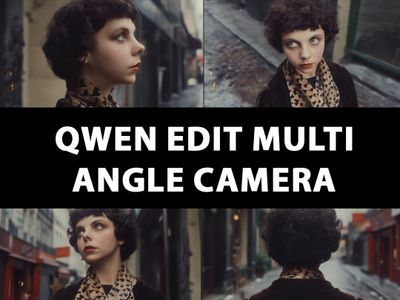

Qwen Edit 2511 Multi Angle Camera
Multi Angle Camera
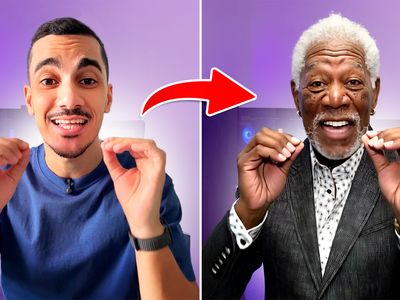

Wan 2.2 Animate Preprocess by Kijai (MDMZ Edition)

FLUX.2 Klein 9B · Image to Image
Edit images with consistency of the subject or things using Flux.2 Klein 9B and a LoRA
Kasus Penggunaan

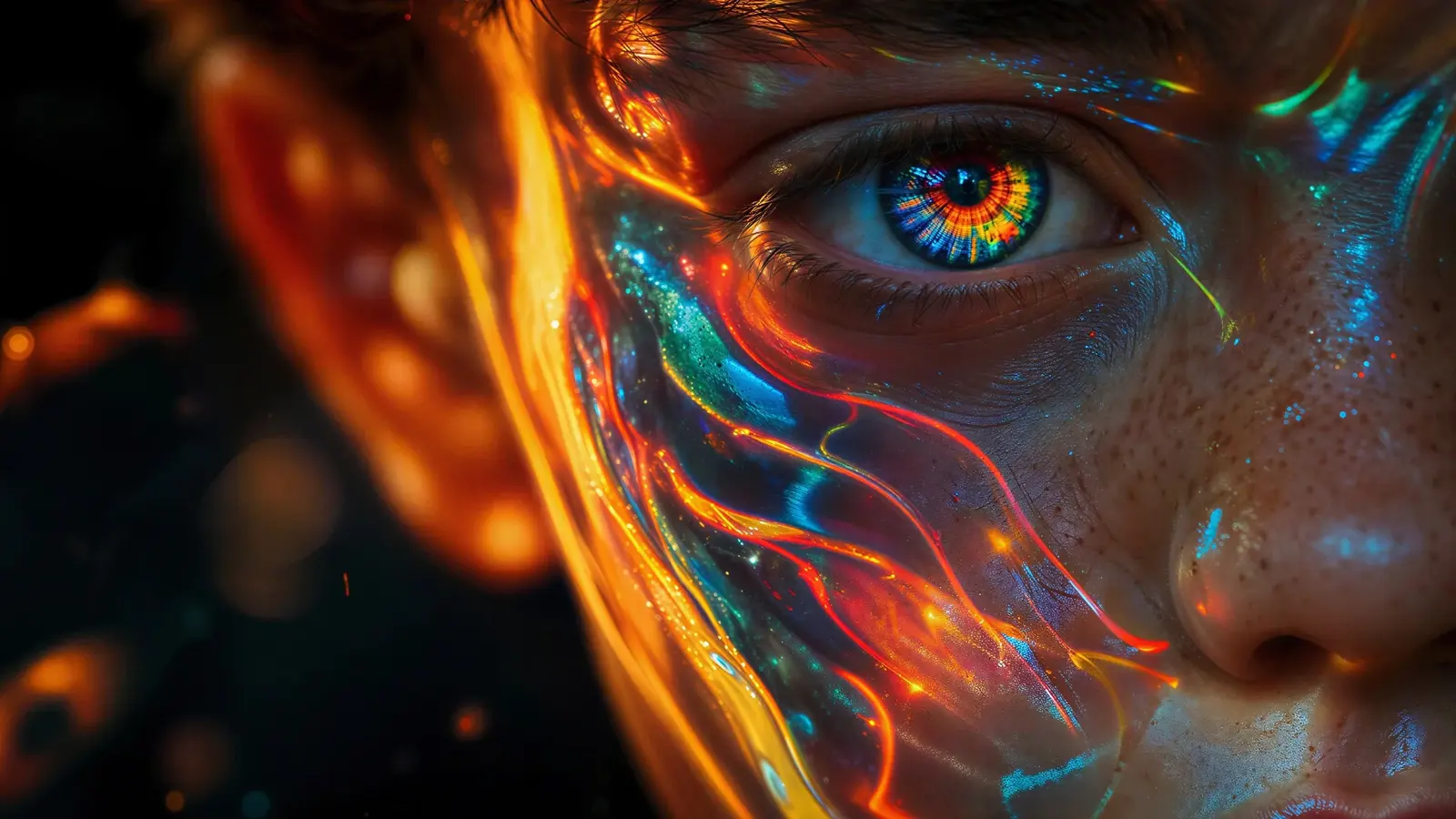

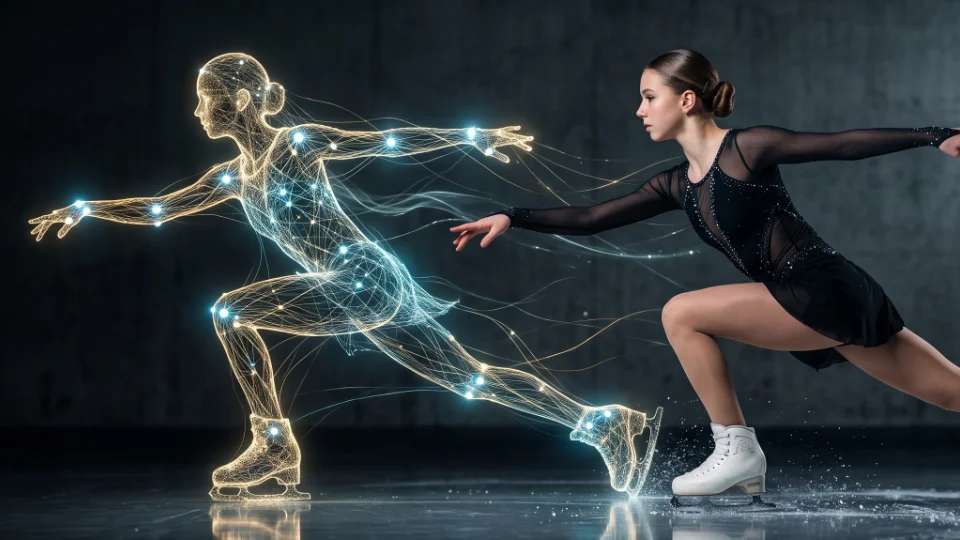
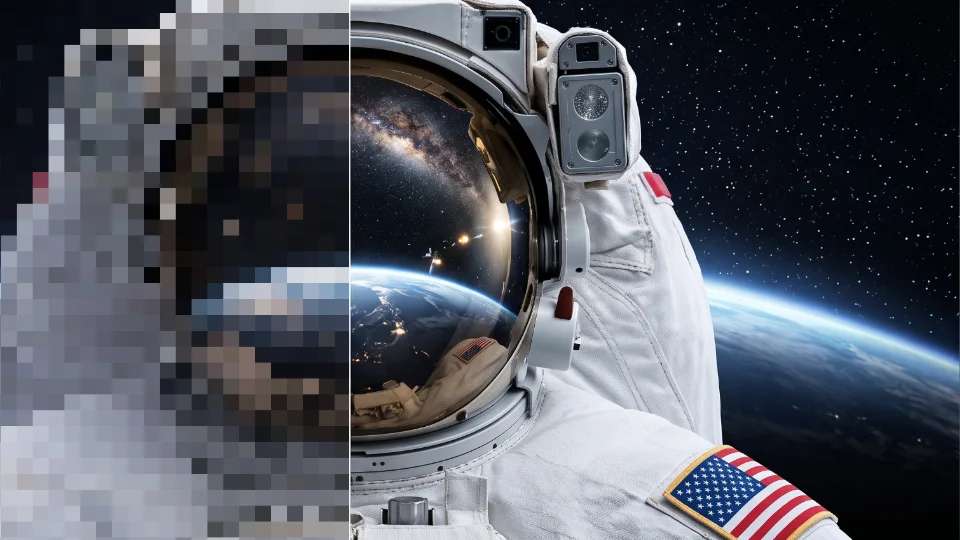
MCP + API
Jalankan alur kerja apa pun dari
agen dan aplikasi Anda sendiri
Hubungkan Floyo MCP ke Claude, ChatGPT, atau Cursor, lalu jalankan alur kerja cukup dengan meminta, dengan kendali tim yang sama seperti di aplikasi. Setiap alur kerja di Floyo juga merupakan endpoint API.
Pilih agen Anda
Hubungkan agen Anda
Tambahkan ke agen Anda sebagai konektor kustom atau server MCP, lalu masuk ke Floyo.




Kursus gratis
ComfyUI 101
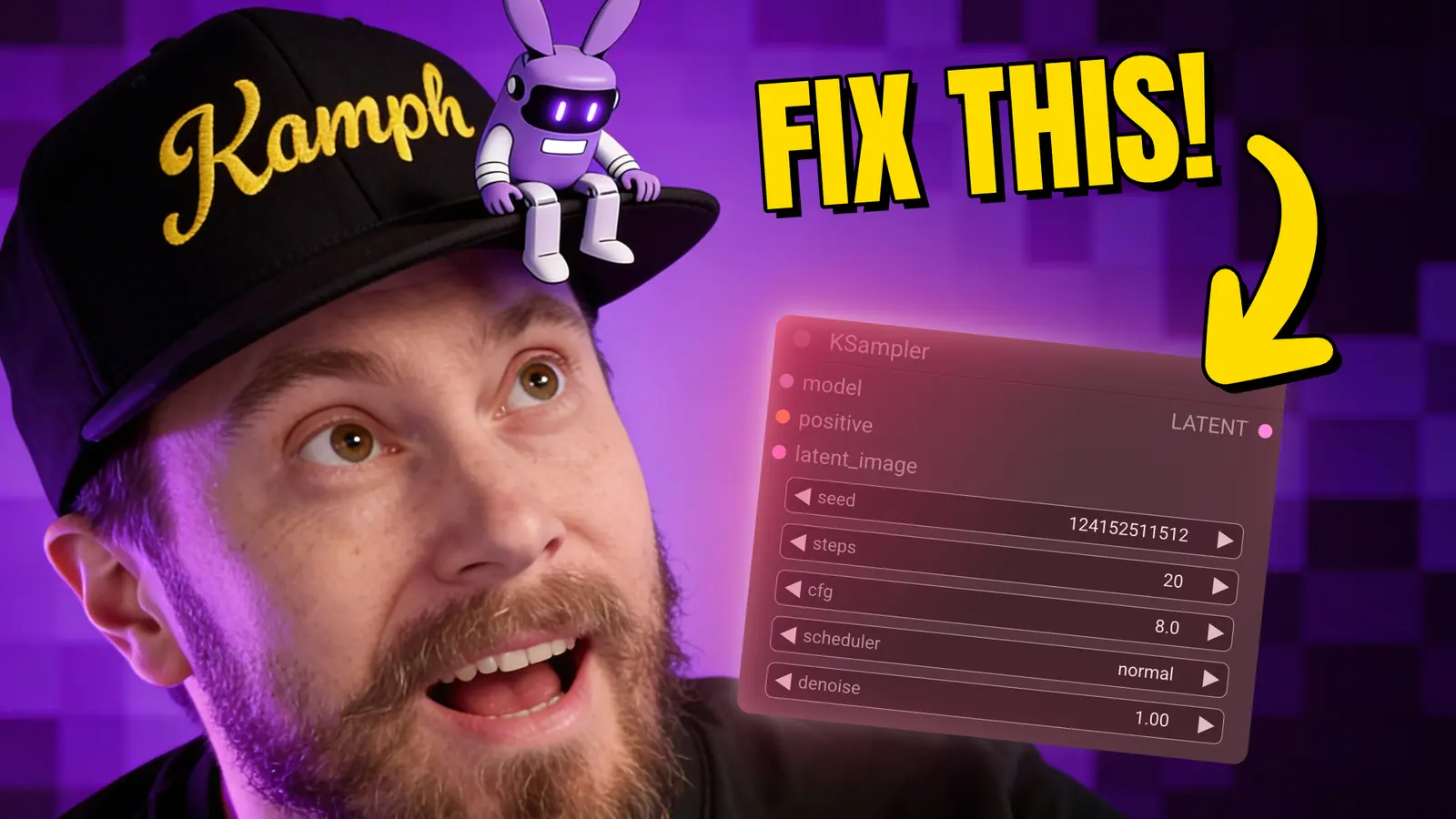
Kursus gratis dari Sebastian Kamph
Sepuluh pelajaran, dari kanvas kosong hingga ControlNet. Node, teks ke gambar, model, LoRA, upscaling, dan pengaturan KSampler. Tidak ada yang perlu diinstal. Setiap pelajaran berjalan di sini, jadi Anda selesai dengan alur kerja yang Anda bangun sendiri.