
Floyo
Floyo
Workflows
API
Precios
Floyo
Floyo
Workflows
API
Precios

Workflows

Explora 1800+ flujos de trabajo.

Solo verificados
ON
Tipos de modelo

Mostrando79 Workflows

Video a video

Multi-reference

Reference to video

Video

Video to video

Wan

Wan 3.0 Prime

Place a character into any video using Wan 3.0 Prime by Alibaba. Upload a face, a reference clip, and describe the scene. Prime fidelity, audio included.

Wan 3.0 Prime · Reference to Video

Place a character into any video using Wan 3.0 Prime by Alibaba. Upload a face, a reference clip, and describe the scene. Prime fidelity, audio included.

Wan 2.6 Reference to Video

Reference to video

VFX and post

Video

Video Production

Video to video

Wan

Wan 2.6

Wan 2.6 Reference to Video

Wan2.2 Fun and RealismBoost LoRA for V2V
Enhancer

LoRA

Video

Video to video

Wan

Wan2.2 Fun and RealismBoost LoRA for V2V

Wan2.2 Animate Character

Animate

Animation

Filmmaking

Motion transfer

Video

Video to video

Wan

Wan 2.2

Wan 2.2

Wan2.2 Animate Character

Wan 2.2

Wan2.1 and VACE for Video to Video Outpainting

Outpainting

Video

Video editing

Video to video

Wan

Wan VACE video outpainting invites you to break free from the limits of the frame and explore endless creative possibilities.

Wan2.1 and VACE for Video to Video Outpainting

Wan VACE video outpainting invites you to break free from the limits of the frame and explore endless creative possibilities.

Wan2.1 Fun Control and Flux for V2V Restyle

Controlnet

Flux

Style transfer

Video

Video to video

Wan

Wan 2.1

Create a new video by restyling an existing video with a reference image.

Wan2.1 Fun Control and Flux for V2V Restyle

Create a new video by restyling an existing video with a reference image.
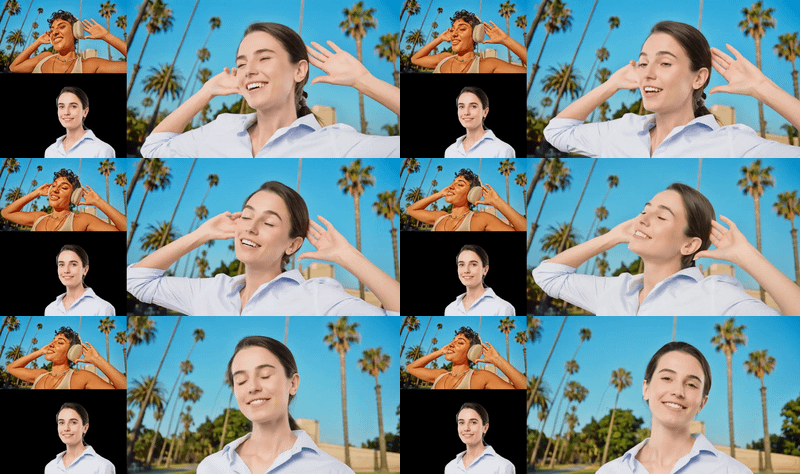
Wan2.1 + SCAIL-2 for Character Motion Transfer

Character animation

Character replacement

LoRA

Motion transfer

Video

Video to video

Wan

Wan 2.1

Transfer the motion from any video onto your own character with SCAIL 2, Z.ai's end-to-end character animation model built on Wan 2.1. Upload a video and a character photo, then hit run.
Wan2.1 + SCAIL-2 for Character Motion Transfer

Transfer the motion from any video onto your own character with SCAIL 2, Z.ai's end-to-end character animation model built on Wan 2.1. Upload a video and a character photo, then hit run.

MMAudio: Video to Synced Audio

Audio

MMaudio

Sound effects

Video

Video to video

Generate synchronized audio with a given video input. It can be combined with video models to get videos with audio.
MMAudio: Video to Synced Audio

Generate synchronized audio with a given video input. It can be combined with video models to get videos with audio.

Wan2.1 and RecamMaster for V2V Camera Control

Camera control

LoRA

Recammaster

Video

Video to video

Wan

Adjust the camera angle of an existing video, like magic.

Wan2.1 and RecamMaster for V2V Camera Control

Adjust the camera angle of an existing video, like magic.

VOID · Video Object Removal

Image

Image editing

Inpainting

Video

Video editing

Video to video

Erase any object from a video and fill the gap with coherent motion using VOID by Netflix and SAM3 by Meta. Type the object name, hit run. Apache 2.0.

VOID · Video Object Removal

Erase any object from a video and fill the gap with coherent motion using VOID by Netflix and SAM3 by Meta. Type the object name, hit run. Apache 2.0.

Seedance2.0 Full Reference-to-Video
agi

agi

2.6k

Image to video

Motion Control

Motion transfer

Reference to video

Seedance

Seedance 2.0

Video

Video to video

This is a full-reference workflow for Seedance 2.0. It supports image, video, and audio references for more flexible video generation. Seedance 2.0用のフルリファレンス対応ワークフローです。 画像、動画、音声を参照でき、柔軟な動画生成が可能です。

Seedance2.0 Full Reference-to-Video

This is a full-reference workflow for Seedance 2.0. It supports image, video, and audio references for more flexible video generation. Seedance 2.0用のフルリファレンス対応ワークフローです。 画像、動画、音声を参照でき、柔軟な動画生成が可能です。

Wan 2.1 Vid2Vid Style Transfer with Ditto

Animation

Ditto

LoRA

Style transfer

Video

Video to video

Wan

Upload any video, describe a new style, and Wan 2.1 rewrites every frame. Ditto keeps motion and structure intact across anime, Pixar, clay, and dozens more.

Wan 2.1 Vid2Vid Style Transfer with Ditto

Upload any video, describe a new style, and Wan 2.1 rewrites every frame. Ditto keeps motion and structure intact across anime, Pixar, clay, and dozens more.

Topaz Video Upscaler for Sharper Results

Topaz

Video

Video to video

Video upscaling

Upload a video, pick your enhancement model and quality level, and Topaz Video AI sharpens, denoises, and upscales it. Audio is preserved. Output is H265 MP4.
Topaz Video Upscaler for Sharper Results

Upload a video, pick your enhancement model and quality level, and Topaz Video AI sharpens, denoises, and upscales it. Audio is preserved. Output is H265 MP4.

FlashVSR for Video Upscale

FlashVSR

Upscaling

Video

Video to video

Video upscaling

Upscale your videos

FlashVSR for Video Upscale

Upscale your videos

Alibaba

Reference to video

Style transfer

Video

Video style transfer

Video to video

Wan

Wan 3.0

Re-render any video in a new visual style using Wan 3.0 by Alibaba. Upload a clip, describe the target look, and hit run. Motion preserved, audio included.
Wan 3.0 · Reference to Video

Re-render any video in a new visual style using Wan 3.0 by Alibaba. Upload a clip, describe the target look, and hit run. Motion preserved, audio included.

Wan 2.2 and Qwen for V2V Restyle

Animate

Image to video

LoRA

Qwen

Style transfer

Video

Video to video

Wan

Create a new video by restyling an existing video with a reference image.

Wan 2.2 and Qwen for V2V Restyle

Create a new video by restyling an existing video with a reference image.

SCAIL-2 bf16 Loop FullLength Motion Transfer

Character-animation

Full-length

Image to video

Motion transfer

Video

Video to video

Wan

Wan 2.1

Transfers the motion of a driving video onto a reference character image

SCAIL-2 bf16 Loop FullLength Motion Transfer

Transfers the motion of a driving video onto a reference character image
LTX 2.3 IC LoRA Union Control - Video to Video
jacob

jacob

1.8k

Controlnet

LoRA

LTX

LTX 2.3

Style transfer

Video

Video to video

Restyle video with LTX 2.3 using IC-LoRA Union Control for structure guidance

LTX 2.3 IC LoRA Union Control - Video to Video

Restyle video with LTX 2.3 using IC-LoRA Union Control for structure guidance
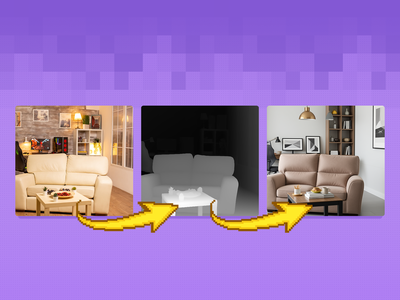
Qwen Image 2512 + Fun Controlnet Union 2602

Fun Controlnet Union 2602

Image

Image editing

Image to image

Qwen

Qwen Image 2512

Video

Video to video

Transform your mages using the Qwen Image 2512 and with Fun Controlnet Union 2602

Qwen Image 2512 + Fun Controlnet Union 2602

Transform your mages using the Qwen Image 2512 and with Fun Controlnet Union 2602
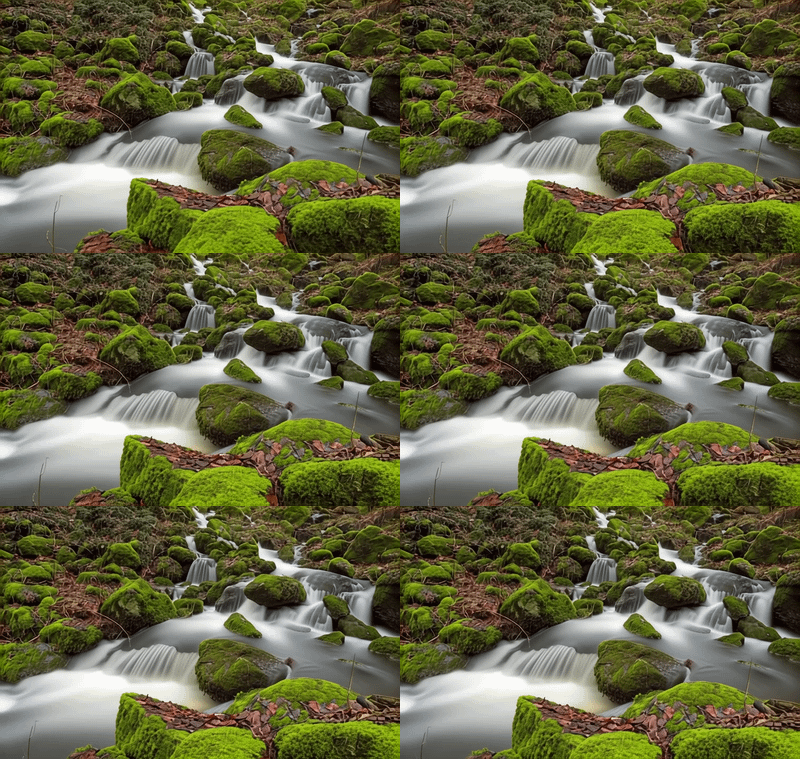
Video Detailer using LTX 2 Vid2Vid

LoRA

LTX

LTX 2

Video

Video Detailer

Video editing

Video to video

It can enhance the detail of the video

Video Detailer using LTX 2 Vid2Vid

It can enhance the detail of the video

LTX 2.3 -  Motion Transfer

Image to video

LoRA

LTX

LTX 2.3

Ltxv

Motion transfer

Video

Video to video

Copy any video's motion onto a still character photo using LTX 2.3
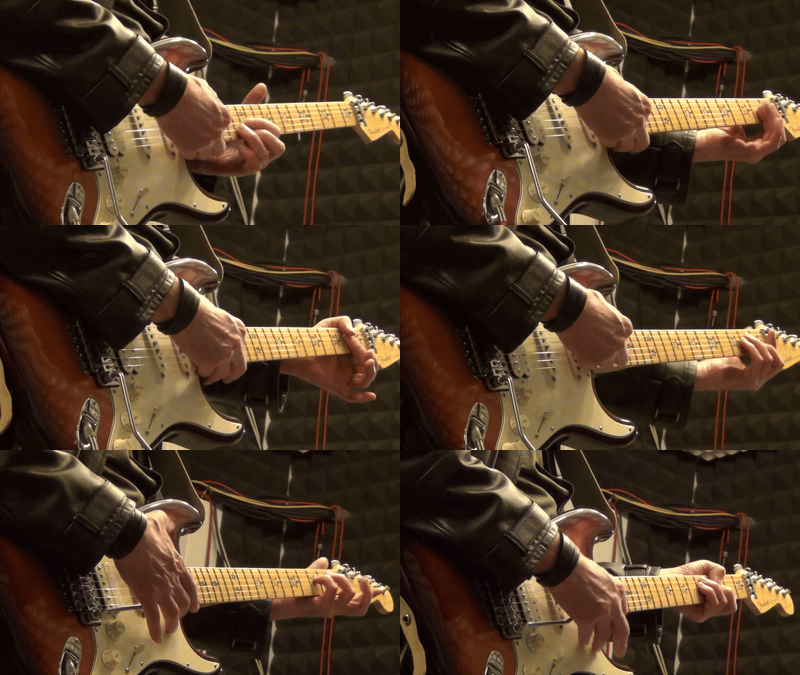
LTX 2.3 - Motion Transfer

Copy any video's motion onto a still character photo using LTX 2.3

 HunyuanVideo Foley: Create a Lifelike Sound
Audio

Hunyuan

Hunyuanvideo Foley

Sound effects

Video

Video to video

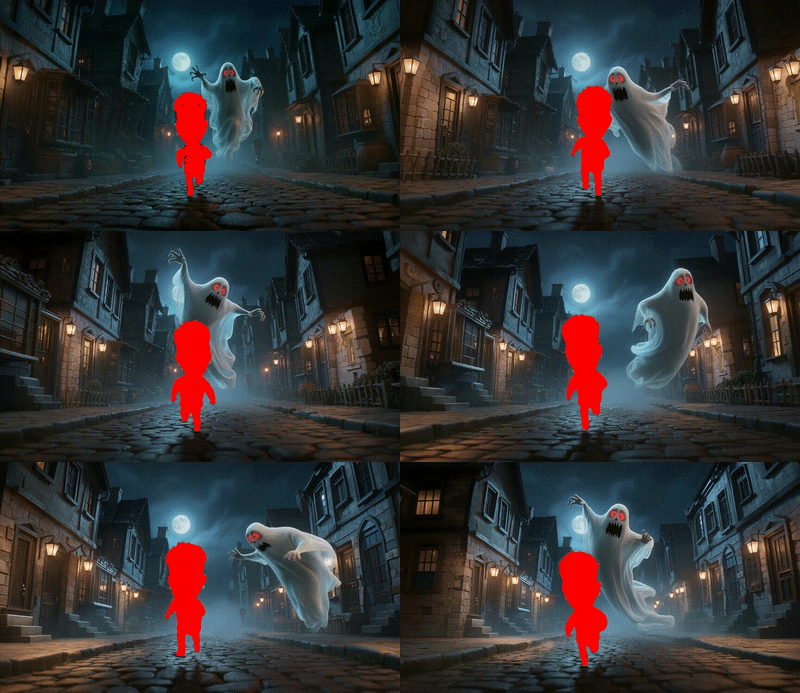
HunyuanVideo Foley: Create a Lifelike Sound

SeC Video Segmentation: Unleashing Adaptive, Semantic Object Tracking
SeC

Segmentation

Video

Video to video

SeC Video Segmentation: Unleashing Adaptive, Semantic Object Tracking

Video to Video with Control Image

AnimateDiff

Control Image

HotshotXL

LoRA

SDXL

Video

Video to video

Breathe life into a character from an image reference using motion reference from a video. Key Inputs Image reference: Use any JPG or PNG showing your subject clearly and the style of your shot Load Video: Use any Mp4 that you would like to use for motion reference
Video to Video with Control Image

Breathe life into a character from an image reference using motion reference from a video. Key Inputs Image reference: Use any JPG or PNG showing your subject clearly and the style of your shot Load Video: Use any Mp4 that you would like to use for motion reference

Video to Video with Camera Control with Wan

Camera control

LoRA

Video

Video to video

Wan

Adjust the camera angle of an existing video, like magic.

Video to Video with Camera Control with Wan

Adjust the camera angle of an existing video, like magic.
MMAudio V2: Add Sound Effects to Any Video

Audio

Audio generation

Foley

Mmaudio v2

Sound design

Sound effects

Video

Video to video

Generate synchronized sound effects for any video using MMAudio V2, the open-source video-to-audio model from Sony AI and University of Illinois. Upload a video, describe the sounds, and hit run.
MMAudio V2: Add Sound Effects to Any Video

Generate synchronized sound effects for any video using MMAudio V2, the open-source video-to-audio model from Sony AI and University of Illinois. Upload a video, describe the sounds, and hit run.

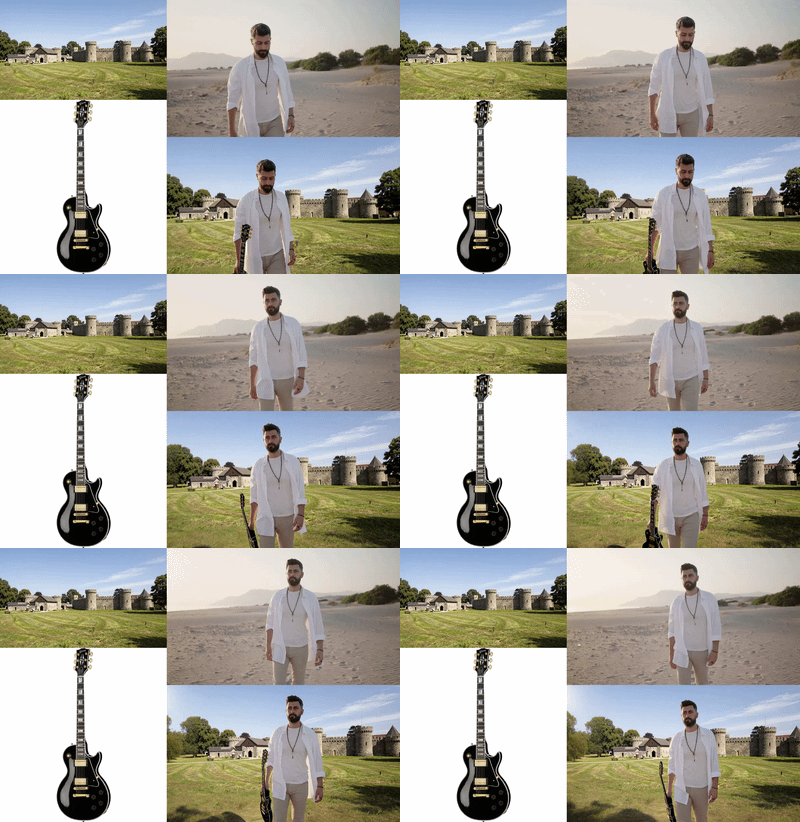
Kling Omni One Video to Video Edit
Film and animation

Kling

Kling 2.5

Omni One

Video

Video editing

Video to video

Kling Omni One Video to Video Edit

Vertical Video FX Inserter - Qwen + Wan 2.1 FunControl
Image

Image editing

Qwen

Video

Video to video

Video upscaling

Wan

Wan 21-funcontrol

Vertical Video FX Inserter - Qwen + Wan 2.1 FunControl

Segment Anything 2 for Creating Video Mask

SAM2

Segment Anything 2

Video

Video Mask

Video to video

Create a video mark frame by frame using Segment Anything 2

Segment Anything 2 for Creating Video Mask

Create a video mark frame by frame using Segment Anything 2
MatAnyone2 V2V with Auto Segmentation

Background removal

Film production

VFX and post

Video

Video generation

Video to video

Remove any subject from video with MatAnyone2. Auto-detects by text, tracks frame by frame, and outputs a green screen, matte, and side-by-side comparison.

MatAnyone2 V2V with Auto Segmentation

Remove any subject from video with MatAnyone2. Auto-detects by text, tracks frame by frame, and outputs a green screen, matte, and side-by-side comparison.

Camera Angle Creation using Image2Vid

Camera control

Image2Vid

Image to video

Qwen

Video

Video to video

Wan

Wan 2.6

Using witness cameras to recreate additional shots that were not captured by principal photography

Camera Angle Creation using Image2Vid

Using witness cameras to recreate additional shots that were not captured by principal photography

Kling O3 Video to Video — Standard Reference
Kling

Video

Video to video

Kling O3 Video to Video — Standard Reference

Vertical to Horizontal Video Reframe
ashree

ashree

997

Video

Video to video

Wan

Wan 2.1

Vertical to Horizontal Video Reframe

SAM3 for Video Masking using Points

SAM3

Video

Video Masking

Video to video

Create a video masking using SAM3 and Points only.
SAM3 for Video Masking using Points

Create a video masking using SAM3 and Points only.

Horizontal to Vertical Video Reframe
ashree

ashree

934

Video

Video to video

Wan

Wan 2.1

Horizontal to Vertical Video Reframe

Clothing & Accessories Replacement

E-commerce

Opensource

Outfit replacement

Video

Video to video

Abierto

Clothing & Accessories Replacement
Auto Subtitles with Whisper - Video to Video

Subtitling

Video

Video generation

Video to video

Upload a video and get it back with burned-in subtitles. Whisper transcribes the audio, then the text gets placed frame-by-frame with word-level timing.

Auto Subtitles with Whisper - Video to Video

Upload a video and get it back with burned-in subtitles. Whisper transcribes the audio, then the text gets placed frame-by-frame with word-level timing.

Vertical Video Light & Mood Shift
Image

Image editing

Image to image

Qwen

Video

Video to video

Wan

Wan 2.1 Funcontrol

Vertical Video Light & Mood Shift

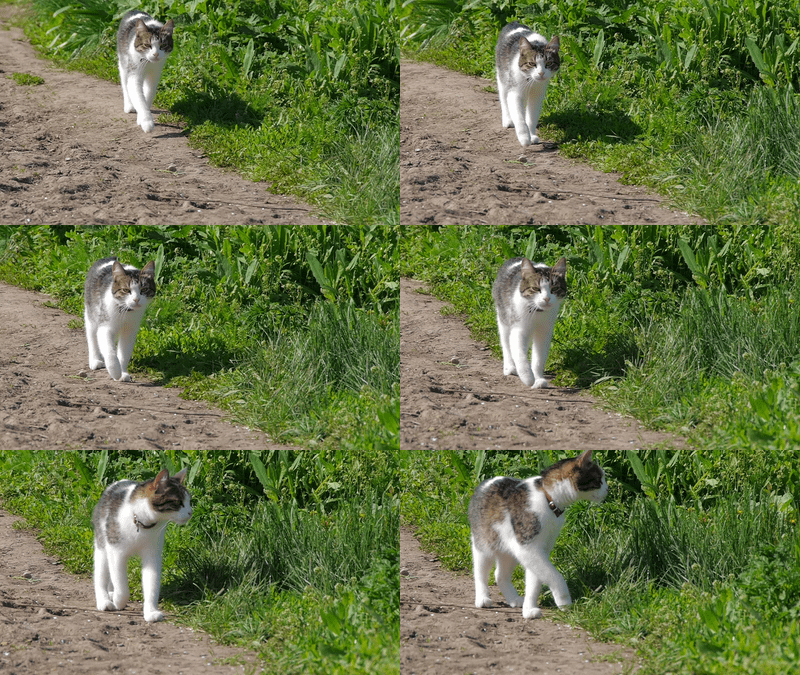
Kling O3 Video to Video — Standard Edit
Kling

Video

Video to video

Kling O3 Video to Video — Standard Edit

SAM3 for Video Masking using Text

SAM3

Video

Video Masking

Video to video

Create a video masking using SAM3 and Text only.

SAM3 for Video Masking using Text

Create a video masking using SAM3 and Text only.

Character Swap

MiniMax

MiniMax H3

Video

Video to video

Replace a person in a video clip with a character from a single image using MiniMax H3 and the Character Swap LoRA. Upload a clip, upload a character, describe the swap, and hit run.

Minimax H3 for Video to Video Character Swap

Replace a person in a video clip with a character from a single image using MiniMax H3 and the Character Swap LoRA. Upload a clip, upload a character, describe the swap, and hit run.

Wan2 Video to Video

LoRA

Style transfer

Video

Video to video

Wan

Upload a video and the edited first frame
Wan2 Video to Video

Upload a video and the edited first frame

Krea Wan 14B Video to Video

Floyo

Krea

Krean

VFX and post

Video

Videography

Video to video

Wan

Krea Wan 14B Video to Video

Kling O3 Pro - Video to Video Edit

Kling

Video

Video editing

Video generation

Video to video

Kling O3 Pro - Video to Video Edit

LTX 2.3 - Retake Video

Image to video

LTX

LTX 2

Retake

Video

Video generation

Video to video

Re-generate a specific segment of an existing video with LTX 2.3.
LTX 2.3 - Retake Video

Re-generate a specific segment of an existing video with LTX 2.3.

Kling O3 Pro - Video to Video Reference

Kling

Video

Video editing

Video to video

Edit your video with Kling O3 Pro. Upload a clip, describe what to change, set duration and aspect ratio. Audio is preserved by default.
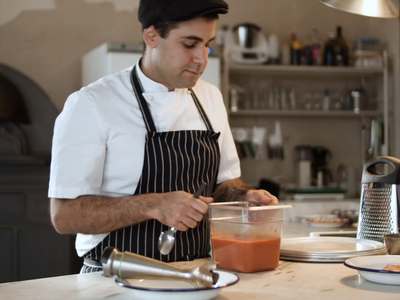
Kling O3 Pro - Video to Video Reference

Edit your video with Kling O3 Pro. Upload a clip, describe what to change, set duration and aspect ratio. Audio is preserved by default.

Wan 2.1 InfiniteTalk

Animation

Image to video

Lip-sync

Video

Video generation

Video to video

Wan

Wan 2.1 InfiniteTalk talking video from audio and a reference clip

Wan 2.1 InfiniteTalk

Wan 2.1 InfiniteTalk talking video from audio and a reference clip

Clay render

Hailuo 3

MiniMax

MiniMax H3

Video

Video to video

Render a grey Blender clay pass into a finished, textured, lit clip with sound using MiniMax H3. Load your clay video, describe the look, and hit run.

MiniMax H3 · Clay Render to Final Render V2V

Render a grey Blender clay pass into a finished, textured, lit clip with sound using MiniMax H3. Load your clay video, describe the look, and hit run.