

Seedance2.0 Full Reference-to-Video
This is a full-reference workflow for Seedance 2.0. It supports image, video, and audio references for more flexible video generation. Seedance 2.0用のフルリファレンス対応ワークフローです。 画像、動画、音声を参照でき、柔軟な動画生成が可能です。
API
Image to Video
Motion Control
Reference
Seedance
Seedance2.0
Video
Video to Video
2.3k


_1776089973118.gif)
1. Overview|概要
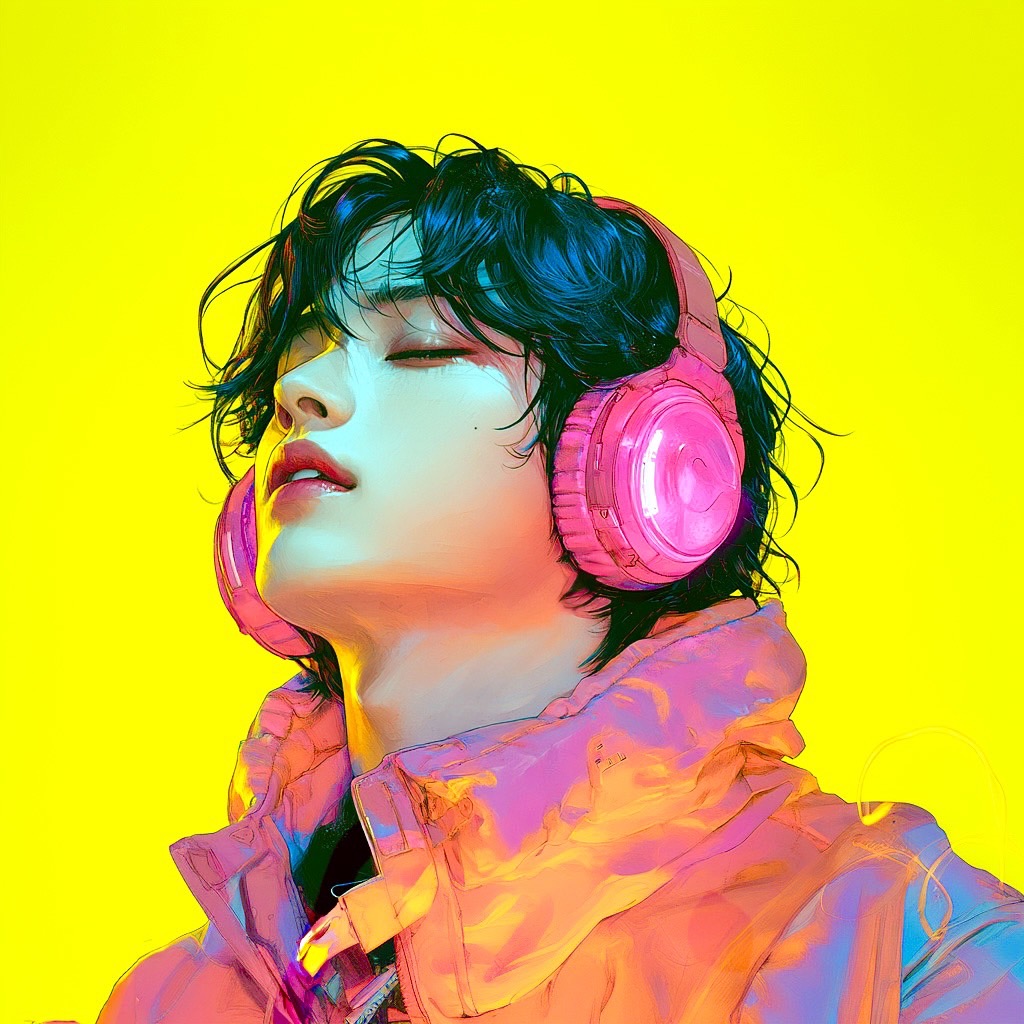
This workflow lets you recreate the motion of a reference video using the person in a reference image as the main subject.
このワークフローは、参照画像の人物を主体にして、参照動画の動きを再現できるワークフローです。
2. How It Works|使い方
The process is simple. Just upload an image and a video, then click “Run workflow.”
使い方はシンプルです。画像と動画をアップロードして、〝Run workflow〟をクリックするだけです。
That’s all it takes to generate a video where the character from the reference image traces the motion of the reference video.
それだけで、参照画像のキャラクターが参照動画の動きをトレースした映像が生成されます。
3. Prompt Control|プロンプトによる調整
If you add instructions in the prompt field, you can achieve more detailed control over the scene content, the movement of each element, camera work, lighting, and more.
プロンプト欄に指示を追加すれば、シーンの内容や各要素の動き、カメラワーク、ライティングなど、より細かいコントロールも可能です。
4. Supported Reference Types|対応する参照素材
The supported reference types are characters, environments, and objects.
参照として使えるのは、キャラクター、環境、オブジェクトの3種類です。
5. Duration|尺
The default duration is 4 seconds.
尺はデフォルトで4秒です。
It is long enough to clearly show camera movement or subject motion, while still keeping generation speed efficient.
カメラワークや被写体の動きをしっかり見せられる長さでありつつ、生成速度も保ちやすい設定です。
It is recommended to start with 4 seconds first, then extend the duration if the motion and composition look good.
まずは4秒で試して、動きや構図が良ければ、そこから延長するのがおすすめです。
6. Resolution|解像度
The resolution is set to 480p.
解像度は480pに設定しています。
This is ideal for previewing and iteration.
プレビューや試行錯誤に最適な解像度です。
Before committing to longer or higher-quality renders, checking composition, motion, and timing at this resolution helps you move efficiently without unnecessary rework.
本番で長尺・高画質にする前に、この解像度で構図、動き、タイミングを確認してから仕上げに進むと、手戻りなく効率的に進められます。
Read more







