
LTX 2 Pro API for Image to Video
Image to Video using LTX 2 Pro API
Animation
Filmmaking
Image2Video
LTX 2 Pro
Video Editing
10
1.4k
_1776927727959.webp?width=1400&height=620&quality=80&resize=cover)
_1776927727959.webp?width=1400&height=620&quality=80&resize=cover)
_1776927727959.webp?width=1400&height=620&quality=80&resize=cover)
_1776927727959.webp?width=1400&height=620&quality=80&resize=cover)
%20(1)_1776927727959.webp?width=1400&height=620&quality=80&resize=cover)
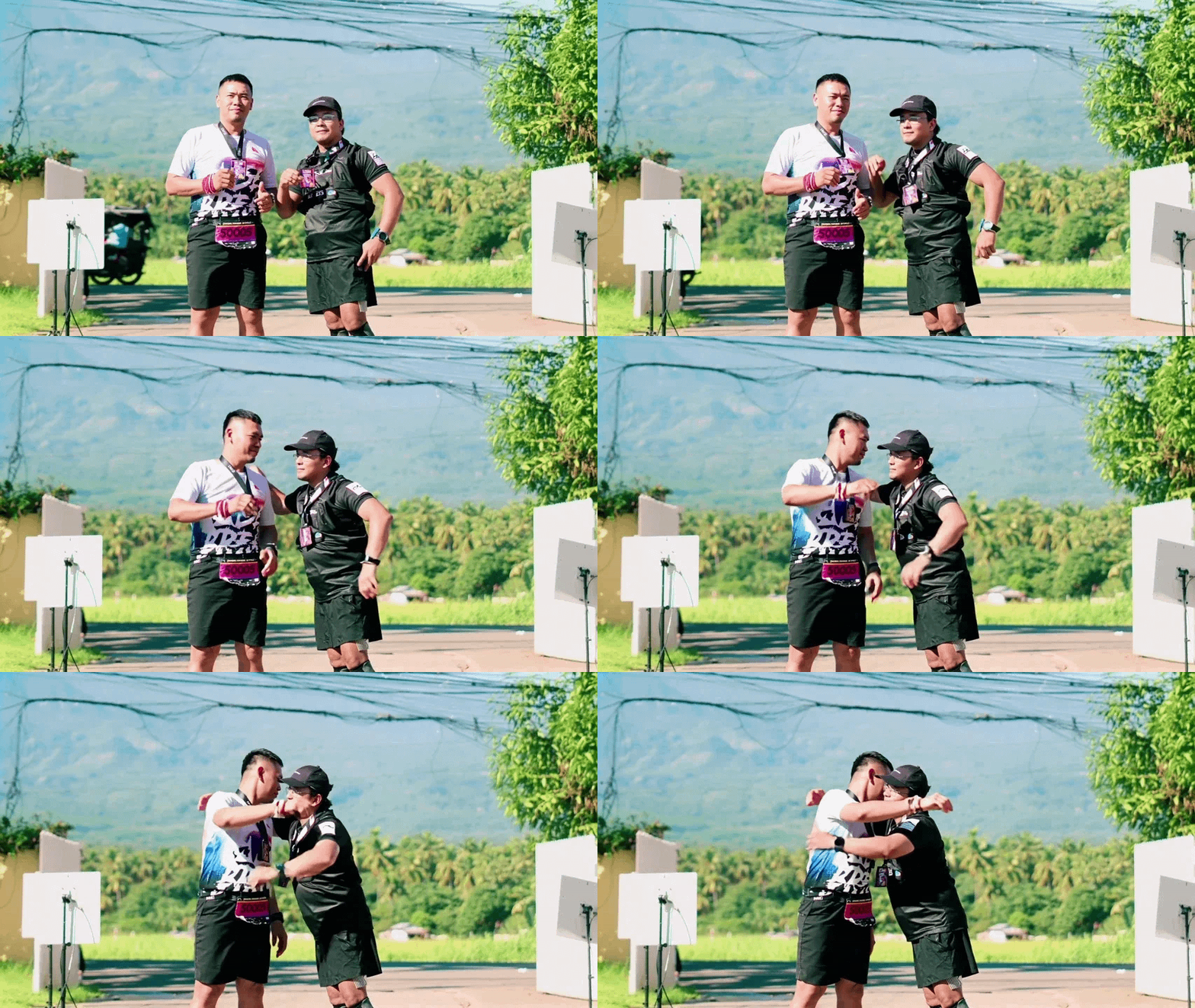
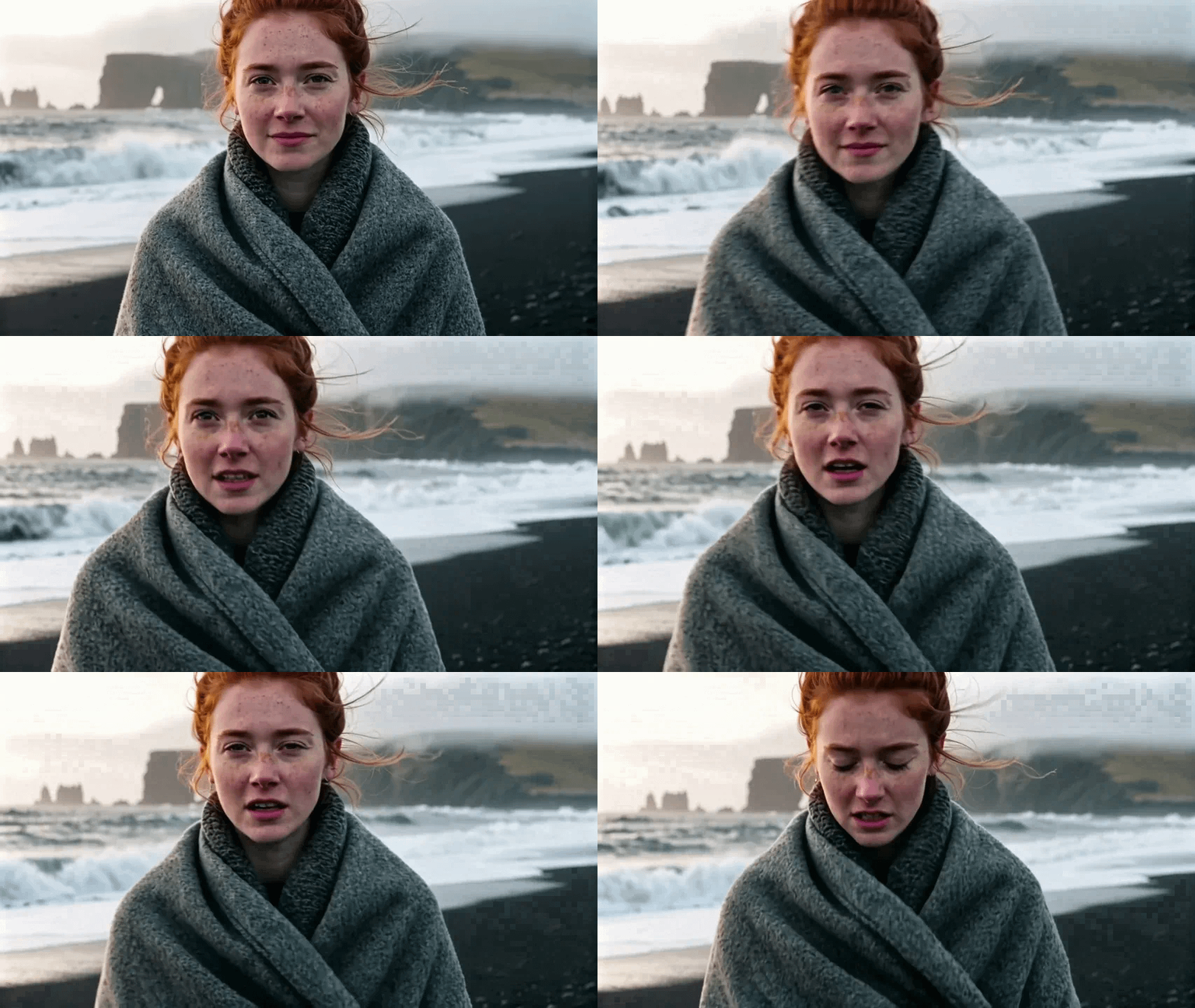
_1776927863805.webp?width=1400&height=620&quality=80&resize=cover)
_1776927727959.webp?width=104&height=104&quality=80&resize=cover)
_1776927727959.webp?width=104&height=104&quality=80&resize=cover)
_1776927727959.webp?width=104&height=104&quality=80&resize=cover)
_1776927727959.webp?width=104&height=104&quality=80&resize=cover)
%20(1)_1776927727959.webp?width=104&height=104&quality=80&resize=cover)


_1776927863805.webp?width=104&height=104&quality=80&resize=cover)

Nodes & Models
LTX2ProImageToVideo_floyo
VideoToFrames
WorkflowGraphics
LoadImage
VHS_VideoCombine
VHS_VideoCombine
VHS_VideoCombine
LTX-2 Pro image-to-video generation. Upload a still image, describe the motion, get a cinematic video clip.
This is a cloud API workflow. Upload your image, write a prompt describing the camera move and subject animation, and the model generates a 6 to 10 second video. Resolution goes up to 4K at 50fps. Audio generation is available in the same pass, producing ambient sound and effects that match the scene without a separate audio pipeline.
How do you use LTX-2 Pro for image-to-video generation?
Upload a still image, write a prompt describing the motion and mood, set your duration and resolution, and run. LTX-2 Pro animates the scene from your image guided by the prompt. Camera moves, subject animation, and audio are all prompt-controlled. No local model or VRAM required.
Image Upload a JPG, PNG, or WebP. For best results, use an image that's already close to 16:9 ratio and has clean detail. The model preserves the visual structure of your source throughout the animation.
Prompt Describes the motion, atmosphere, and visual feel of the video. Cover three things in your prompt: the camera move, subject or environmental motion, and the overall mood.
Camera moves: "slow push-in," "orbit left," "pan across the scene," "crane shot rising above the treeline." Subject motion: "subtle breathing," "hair moving in the wind," "clouds drifting," "water rippling." Mood and style: "cinematic," "dreamy," "product ad," "documentary."
Start with a short prompt and build up. Add one element at a time and check the result before layering more.
Duration (default: 6 seconds) Choose from 6, 8, or 10 seconds. 6 seconds is right for social clips, product promos, and short intros. 8 or 10 seconds works better when you have a more complex motion arc to develop.
Resolution (default: 1080p) Output resolution. 1080p is the default and handles most social and web use cases. 1440p and 4K (2160p) are available for broadcast, large-format display, or when you plan to crop into the video in post.
FPS (default: 25) 25fps for standard cinematic output. Switch to 50fps for smoother motion, slow-motion sections, or content where motion fluidity is a priority.
Generate audio Produces a synchronized audio track in the same generation pass: ambience, light sound effects, and simple music matched to the visual pacing. Turn it on when you need a ready-to-use clip without a separate audio step.
What is LTX-2 Pro image-to-video good for?
LTX-2 Pro is strongest for turning product images, character stills, and key art into short cinematic clips with camera motion and atmospheric detail. 6 to 10 seconds at up to 4K with built-in audio makes it a fast path to broadcast-ready promos and social content from a single image.
Product and key art animation. Take a product shot or hero image and animate it with a gentle camera push and environmental motion. Useful for e-commerce listings, social ads, and promo content where you want motion without a full production shoot. The model preserves the product's appearance and adds motion that fits the brief.
Character stills for intros and outros. Bring a character illustration or portrait into motion for video intro sequences, social clips, or outro cards. Describe subtle animation: breathing, hair movement, atmospheric particles. The source image's identity stays consistent throughout.
Concept and pre-visualization. Generate a moving version of a concept frame to show clients or collaborators how a scene should feel. Faster than a full text-to-video pipeline when you already have the visual defined and need motion to communicate the idea.
B-roll from reference images. Slot generated clips into a larger edit as b-roll. The 16:9 output ratio, broadcast-grade resolution, and built-in audio make the clips drop-in ready for most editing workflows.
Honest notes: outputs are optimized for 6 to 10 second clips. For longer sequences or complex motion with multiple subjects, a full text-to-video pipeline gives more control. For the cleanest results, use source images that already have good lighting and clear subject separation.
How does LTX-2 Pro compare to LTX 2.3 Pro for image-to-video?
LTX-2 Pro and LTX 2.3 Pro both animate still images via cloud API, but LTX 2.3 Pro adds end-frame keyframe support for controlled transitions, a more detailed default prompt, and stronger motion coherence with the 2-step upscaling workflow. LTX-2 Pro has a simpler node with fewer settings, making it faster to set up for straightforward clips.
LTX 2.3 Pro is the better choice when you need to control both the start and end frame of the video, want the refiner/upscale workflow for higher motion quality, or are working on content where temporal consistency is critical.
LTX-2 Pro works well when your goal is a clean cinematic clip from a single image with minimal setup. Fewer settings means less tuning required for standard use cases.
FAQ
What image formats does LTX-2 Pro image-to-video accept?
JPG, PNG, and WebP. For best results, use a 16:9 aspect ratio image with clean detail and good lighting. The model preserves the visual structure of your source throughout the animation, so image quality directly affects output quality.
What resolution and FPS does LTX-2 Pro image-to-video output?
Up to 4K (2160p) at 50fps. Resolution options are 1080p, 1440p, and 2160p. FPS options are 25 and 50. Default is 1080p at 25fps, which covers most social and web use cases.
How do I write a good motion prompt for LTX-2 Pro?
Cover three elements: the camera move ("slow push-in," "orbit left"), subject or environmental motion ("hair moving in the wind," "water rippling"), and overall mood ("cinematic," "dreamy," "product ad"). Start short and add detail one layer at a time.
Does LTX-2 Pro generate audio with the video?
Yes, when the generate audio option is enabled. It produces synchronized ambient sound, light effects, and simple music matched to the scene in the same generation pass. No separate audio pipeline needed.
How do I run LTX-2 Pro image-to-video online?
You can run LTX-2 Pro online through Floyo. No installation, no setup. Open the workflow in your browser, upload your image, and hit run. Free to try.
Read more