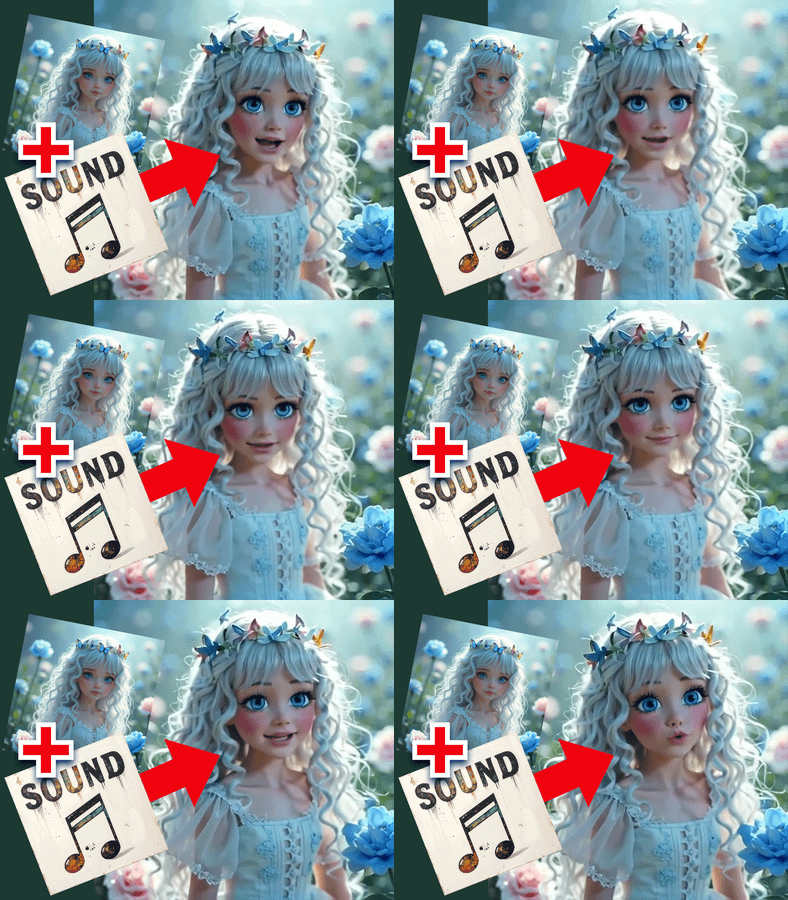
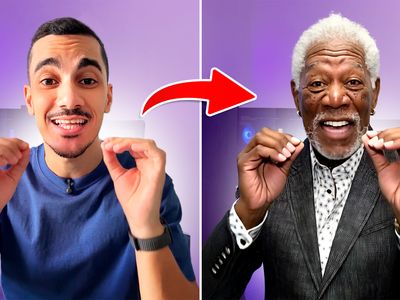
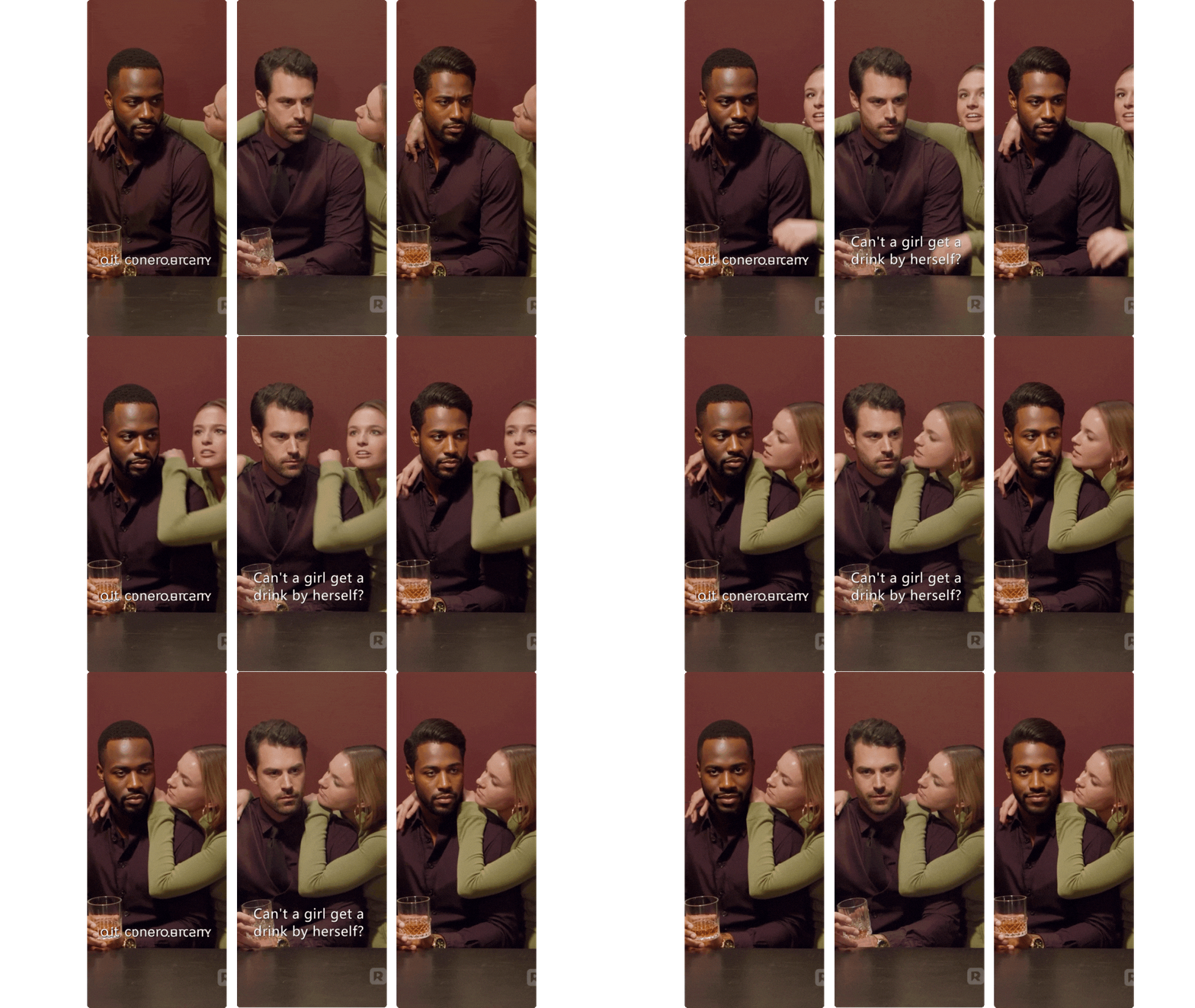
Vertical Video Character Face & Actor Swap (Wan 2.2 Animate)
character replacement
character swap
image to video
LoRAs
masking
Points Editor
vertical video
Video
Wan2.2 Animate
WanAnimateToVideo
1.9k

Nodes & Models
PrimitiveInt
CLIPLoader
umt5_xxl_fp8_e4m3fn_scaled.safetensors
CLIPVisionLoader
clip_vision_h.safetensors
MarkdownNote
Note
VAELoader
wan_2.1_vae.safetensors
LoadImage
UNETLoader
Wan2_2-Animate-14B_fp8_e4m3fn_scaled_KJ.safetensors
CLIPTextEncode
CLIPVisionEncode
ModelSamplingSD3
GrowMask
PreviewImage
WanAnimateToVideo
KSamplerAdvanced
VAEDecode
CreateVideo
SaveVideo
DownloadAndLoadSAM2Model
sam2_hiera_base_plus.safetensors
Sam2Segmentation
DownloadAndLoadSAM2Model
sam2_hiera_base_plus.safetensors
Sam2Segmentation
LoRA Stacker
wan2.2_i2v_lightx2v_4steps_lora_v1_high_noise.safetensors
WanAnimate_relight_lora_fp16.safetensors
LoRA Stacker
wan2.2_i2v_lightx2v_4steps_lora_v1_high_noise.safetensors
WanAnimate_relight_lora_fp16.safetensors
LoRA Stacker
wan2.2_i2v_lightx2v_4steps_lora_v1_high_noise.safetensors
WanAnimate_relight_lora_fp16.safetensors
VHS_LoadVideo
easy loraStackApply
PointsEditor
BlockifyMask
DrawMaskOnImage
PixelPerfectResolution
DWPreprocessor
PixelPerfectResolution
PixelPerfectResolution
DWPreprocessor
DWPreprocessor
DrawMaskOnImage
MaskPreview+
What this workflow does
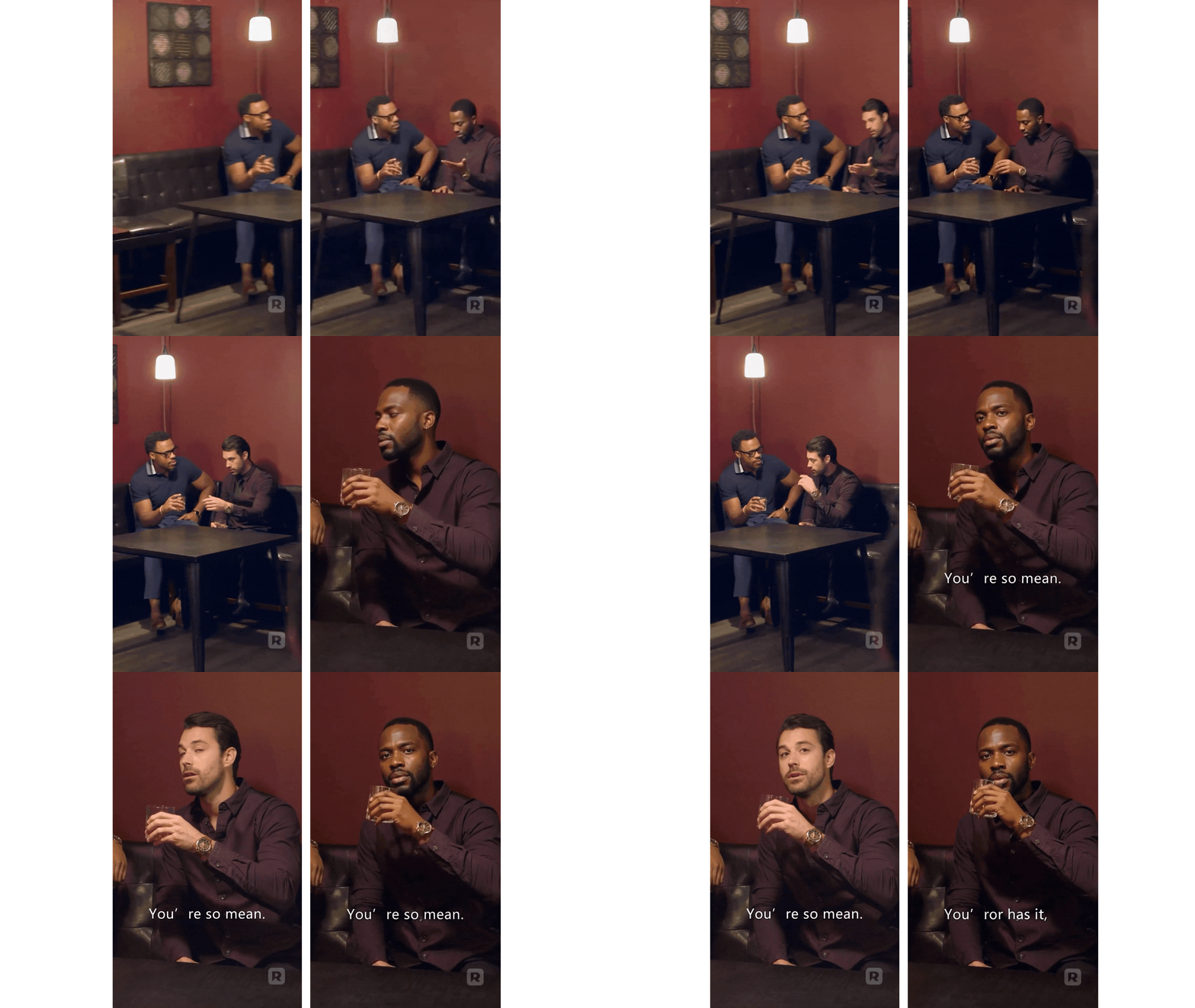
Turn a talking character in your vertical video (9:16) into a new person using just one reference image. The background, camera move and lighting stay the same — only the actor’s face/character changes. Perfect for Reels/Shorts/TikTok style shots.
Basic inputs
Reference Image – Clear front-facing image of the new character/actor.
Source Video – Vertical clip (9:16) where the main person is clearly visible.
Masking – Use the green points to mark the face/character you want to replace. Keep masks tight to the head/face so the body and scene stay consistent.
How it behaves
Keeps original camera motion, timing and background.
Swaps only the character’s face/identity to match your reference image.
Designed for short social clips so you can preview quickly and iterate.
Recommended settings (safe starting point)
Resolution: Vertical 9:16 (for example 1080×1920), values in multiples of 16.
Clip length: Short social-friendly shots (a few seconds) give faster, cleaner results.
Read more
0
Reply
%20(1)_1777105835912.webp?width=400&height=300&quality=80&resize=contain&format=origin)