

_1775549080070.png?width=1400&height=450&quality=80&resize=cover)
LIP SYNC
Make any face talk. Upload a portrait or video clip, add audio, and get a synced talking head video in minutes.
Overview
A quick read before you jump in. Helps you know what to expect and where to go.
These workflows take audio and sync it to a face. Some work on existing video footage and reanimate the mouth in the clip to match a new audio track. Others generate the video entirely from scratch, animating a still portrait image to produce a full talking-head clip.
You do not need to know anything about facial rigging or animation. Drop in the face, drop in the audio, and the workflow handles everything in between. The result is always a video file ready to drop into an edit or upload as-is.
No video needed. Upload a portrait and your audio file. InfiniteTalk generates the full talking video from scratch
You have a video clip and a new audio track. LTX 2.3 drives mouth movement and facial expression from the audio and gives the best overall quality on footage.
Pick a workflow and run it
All doing lipsync in slightly different ways. Read the descriptions to find the one that fits your input.

nikhil07
504
animation
Audio
image to video
ltx 2
vfx
Video
video generation
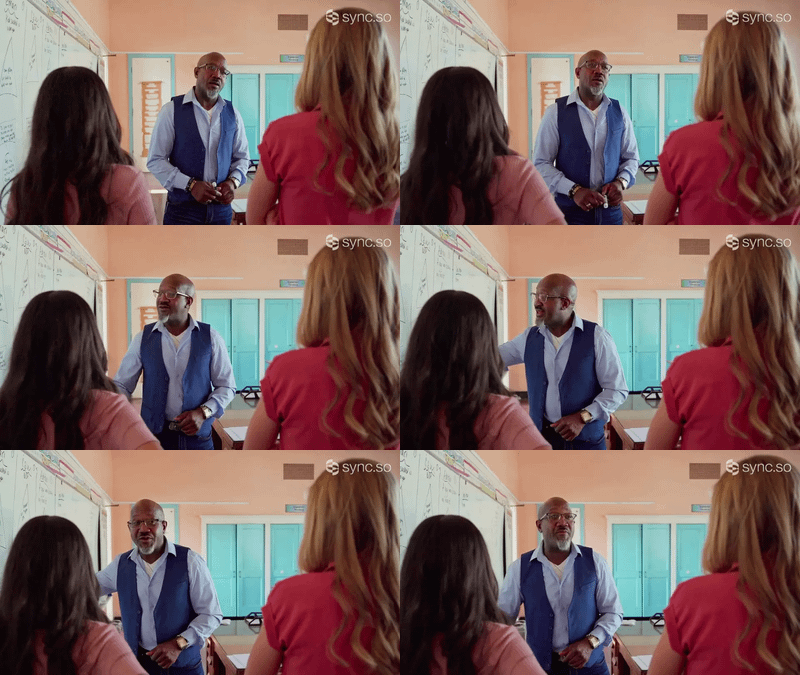
Sync any audio track to a video face with Sync Lipsync.
Sync Lipsync - Audio Driven Lip Sync for Video
Sync any audio track to a video face with Sync Lipsync.

nikhil07
501
animation
Audio
image to video
lipsync
ltx 2
Video
video generation
Generate video from an audio track and a reference image with LTX 2.3
LTX 2.3 - Audio to Video
Generate video from an audio track and a reference image with LTX 2.3


InfiniteTalk | Image to Video: Unlimited Talking Avatar with Lip-sync
nikhil07
545
animation
Audio
image to video
lipsync
vid2vid
Video
video generation
wan
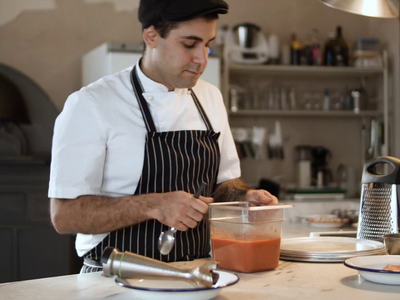
Wan 2.1 InfiniteTalk talking video from audio and a reference clip
Wan 2.1 InfiniteTalk
Wan 2.1 InfiniteTalk talking video from audio and a reference clip
nikhil07
876
animation
Audio
image to video
LatentSync
Lipsync
vfx
Video
video generation
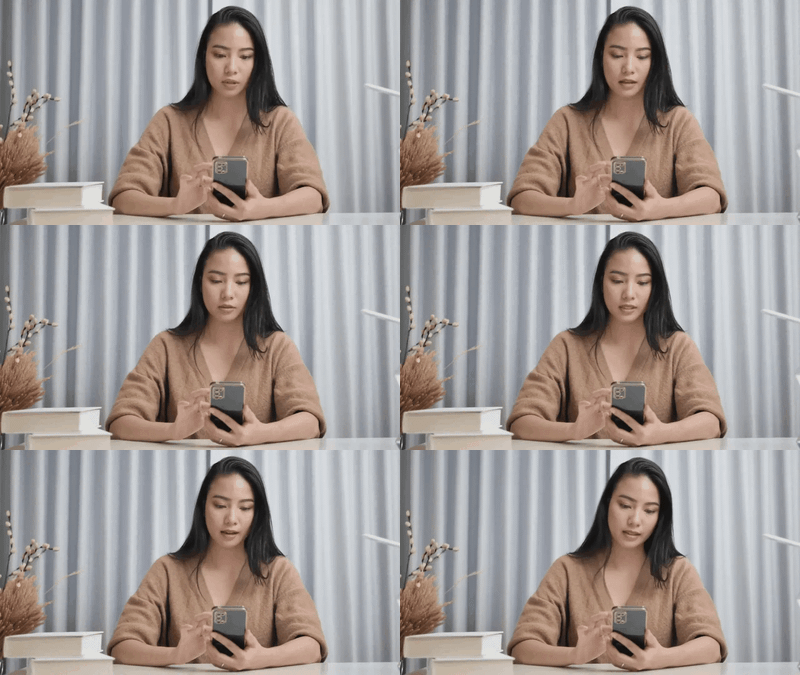
Make anyone in a video match your audio with LatentSync
LatentSync - Lip Sync Video from Audio
Make anyone in a video match your audio with LatentSync

nikhil07
562
animation
Audio
character design
image to video
kling
Lipsync
Video
video generation
Turn a photo into a talking video with Kling Avatar V2 Pro.
Kling AI Avatar V2 Pro - Photo to Talking Video
Turn a photo into a talking video with Kling Avatar V2 Pro.
💡 Tips for getting a good result
🖼️ Face image or footage
One clear face, front-facing or near-front. Good lighting, nothing covering the mouth. For video inputs, a stable head position gives the cleanest sync. Avoid heavy side angles or faces that move around a lot in frame.
🎙️ Audio quality
Clear audio with minimal background noise gives the best sync. The model reads phonemes from the sound, so a muffled or noisy recording causes mouth shapes to drift. A clean single-speaker recording is ideal.
Which one should you pick?
Tested on real outputs. Plain language. No jargon.
InfiniteTalk
The most capable open source option when you only have a portrait image. No length cap means you can feed it a 2-hour audio file and it will process the whole thing. Mouth sync is tight and it handles a wide variety of face types.
Open source · portrait image
LTX 2.3
When you have video footage and need it to sync to new audio, LTX 2.3 gives the best overall result. It drives the full face from the audio, not just the mouth. The expression and head movement feel natural, not pasted on.
Closed source · video clip · full face animation
conclusion
InfiniteTalk and LTX 2.3. Start here, stay here.
Both outperform the rest on the things that actually matter: how tightly the mouth matches the audio and how natural the overall result looks. InfiniteTalk is open source and free to run on Floyo. LTX 2.3 is closed source but delivers the best quality on video footage. Pick the one that matches your input.
LatentSync and Sync Lipsync are both usable but they only reanimate the mouth region. Everything else in the face stays static, which can look unnatural. Fine for quick jobs, not ideal if quality matters.
FAQ
Quick answers so you know exactly what to expect before you hit run.
🤔 What is AI lip-sync and how does it work?
AI lip-sync analyzes the phonemes (mouth shapes for each sound) in an audio track and generates matching mouth movement on a face. Some workflows reanimate an existing video clip to match new audio. Others generate a full talking-head video from a single portrait image and an audio file. The output is a video file ready to use in an edit or upload directly.
🖼️ Do I need video footage to create a lip-sync, or can I start with a photo?
Either works. If you only have a portrait image, use InfiniteTalk. It generates the full talking video from scratch, including head movement and facial expression. If you already have video footage and want to sync it to a different audio track, use LTX 2.3. It reanimates the mouth in your existing clip.
🔀 What is the difference between InfiniteTalk and LTX 2.3 for lip-sync?
InfiniteTalk takes a still portrait image and generates a talking video from scratch. It is open source, has no length cap, and works well across a wide range of face types. LTX 2.3 takes existing video footage and syncs it to new audio. It drives the full face (expression and head movement, not just the mouth) and produces the most natural-looking results on video input. Pick based on what you have: photo only use InfiniteTalk, video footage use LTX 2.3.
⏱️ Is there a maximum length for lip-sync audio?
InfiniteTalk has no length cap. You can feed it a 2-hour audio file and it will process the entire thing. Other workflows may have practical limits depending on VRAM and processing time. For very long audio (over 10 minutes), expect longer processing times.
Inputs
🖼️ What kind of face image works best for AI lip-sync?
One clear face, front-facing or near-front. Good, even lighting with nothing covering the mouth. Avoid heavy side angles, sunglasses, hands near the face, or masks. The model needs to see the full mouth area clearly to generate accurate phoneme shapes. Higher resolution images produce better results.
🎙️ What audio format and quality do I need for lip-sync?
Clean audio with minimal background noise. The model reads phonemes from the waveform, so muffled recordings, heavy reverb, or background music cause mouth shapes to drift or miss. A single-speaker recording with clear enunciation is ideal. Most workflows accept WAV and MP3. If your audio has background noise, run it through a noise reduction tool first.
🌍 Can I use AI lip-sync for languages other than English?
Yes. The model reads mouth shapes from the sound waveform, not from text transcription. It works with any language because it is mapping audio frequencies to visual phonemes. Results are generally strongest with languages that have clear consonant-vowel distinctions. Tonal languages (Mandarin, Thai) and languages with unusual phonemes may require more experimentation.
Troubleshooting
🔇 Why does the mouth movement look out of sync with the audio?
The most common cause is noisy or low-quality audio. Background music, reverb, or overlapping speakers confuse the phoneme detection. Try cleaning your audio first. The second cause is a face angle that is too far from front-facing. The model handles slight angles but struggles with strong profiles. If the sync drifts partway through a long clip, try splitting the audio into shorter segments and processing each separately.
😐 Why does the face look frozen or unnatural between words?
This happens when the model only animates the mouth and not the surrounding facial muscles. LTX 2.3 handles this better because it drives the full face (eyebrows, cheeks, jaw) from the audio, not just the lips. If you are using a workflow that only targets the mouth, the stillness of the rest of the face creates an uncanny effect. Switch to LTX 2.3 for video input or InfiniteTalk for image input.
✂️ Can I fix lip-sync issues on specific parts of the video without re-running the whole thing?
Not directly with these workflows. Lip-sync generates the full video in one pass. If a specific section looks off, your best option is to re-run with adjusted audio (cleaner recording for that section) or trim the audio to process only the problem segment, then stitch the clips together in your video editor.
Use cases and licensing
💼 What are the most common professional use cases for AI lip-sync?
Dubbing and localization (sync a face to a translated audio track without reshooting), talking-head content creation (turn a headshot into a spokesperson video), podcast and audiobook visualization (create video from audio-only content), e-learning and training videos (generate instructor videos from a photo and script recording), and social media content scaling (produce multiple language versions from one face and multiple audio tracks).
⚖️ Can I use AI lip-sync for commercial projects?
InfiniteTalk is open source and can be used commercially. LTX 2.3 is closed source. Check the specific model license for commercial use terms. The output video is yours, but the underlying model license may have restrictions depending on the use case. For enterprise or broadcast use, verify licensing before publishing.