



COMMUNITY PAGE
Compare - Meshy v6 vs Hyper3D Rodin vs Tripo 3D
Floyo / Pages / AI 3D model comparison
MODEL COMPARISON
Meshy 7 vs Hyper3D Rodin vs Hunyuan3D 2.0 vs Hi3D V3
Four image-to-3D generators, four different bets on what matters most. One prioritizes geometry alignment. Another pushes polygon counts past ten million. A third runs the entire pipeline on your own GPU as open-source. The fourth claims the highest voxel resolution commercially available.
All four run as nodes inside ComfyUI workflows on Floyo. Same pipeline: upload an image, hit Run, preview the 3D model in your browser, download the GLB. Two are closed-source API nodes, one runs open-source on Floyo GPUs, and one is a new API entrant.
Here is how they compare on geometry, textures, speed, fine detail, and what each one is actually good at.
Best geometry alignment
Meshy 7
New foundation model built around matching the input image. 81% overall proportion score. Deepest post-generation editing pipeline with rigging, animation, and 8K textures.
Tradeoff: closed-source API. Slower iteration than lighter tools.
Best fidelity
Hyper3D Rodin
10M+ polygon generation with 3D-native texturing. 12K texture beta. Strongest hard-surface geometry and PBR material quality of the four.
Tradeoff: highest per-model cost. Limited in-platform editing.
Best open-source pipeline
Hunyuan3D 2.0
Fully open-source by Tencent. Two-stage pipeline: shape generation (2.6B param DiT) then texture painting (1.3B param). Runs on Floyo H100 GPUs with full workflow control.
Tradeoff: most complex workflow. Longer generation time. Uses GPU credits not API credits.
Best voxel resolution
Hi3D V3
First commercially available 2048³ voxel resolution model. 8K textures with proprietary UV completion. Strong on fine engraving, thin walls, and surface relief.
Tradeoff: newer entrant. Smaller community. PBR is optional toggle.
· Specifications
The technical details, side by side
Three run as closed-source API nodes. One runs open-source on Floyo's H100 GPUs. Published specifications, not opinion.
| Specification | Meshy 7 | Hyper3D Rodin | Hunyuan3D 2.0 | Hi3D V3 |
|---|---|---|---|---|
| Developer | Meshy Inc. | Deemos Technology | Tencent | Math Magic (Hi3D) |
| License | Closed-source API | Closed-source API | Open-source (Apache 2.0) | Closed-source API |
| Input types | Text, Image, Multi-view (up to 4) | Text, Image, Multi-view (up to 5) | Text, Image | Image |
| Max polygon count | ~600K faces | 10M+ faces (raw mode) | 100K faces (configurable) | 2M faces (configurable) |
| PBR textures | Yes (metallic, roughness, normal) | Yes (3D-native, 12K beta) | Yes (baked from multiview) | Yes (optional toggle) |
| Max texture resolution | 8K | 12K (beta) | 2K (with Flux upscale to 2048px) | 8K |
| Export formats | GLB, FBX, OBJ, USDZ, STL | GLB, FBX, OBJ, USDZ, STL | GLB, OBJ | GLB |
| Floyo credits | API Wallet | API Wallet | FloTime GPU credits | API Wallet |
Three of these models (Meshy 7, Hyper3D Rodin, Hi3D V3) run as API nodes — generation costs come from your API Wallet. Hunyuan3D 2.0 runs open-source on Floyo's H100 GPUs and uses FloTime GPU credits instead. Floyo gives $1 in free API credits on signup.
01 · Workflow configuration
How they run on Floyo
All four workflows start with a LoadImage node and end with a Preview3D node. The three API workflows are simple node chains. The Hunyuan3D workflow is a full GPU pipeline with 30+ nodes handling background removal, mesh generation, multiview baking, texture painting, and Flux-based texture upscaling.
| Setting | Meshy 7 | Hyper3D Rodin | Hunyuan3D 2.0 | Hi3D V3 |
|---|---|---|---|---|
| Input | Single image | Single image (supports up to 2) | Single image (auto bg removal) | Single image |
| Topology setting | Triangle, 30,000 faces | 500K Triangle | 100K faces (reduce_faces) | 2M faces, 2048 resolution |
| Text prompt support | Optional (texture_prompt) | Supported alongside image | Used for Flux texture upscale | Not used |
| Texture upscale | Via Meshy platform (up to 8K) | HD post-processing option | Built into workflow (Flux Dev fp8 at 2048px) | N/A (native 8K) |
| Output | GLB + PNG thumbnail | GLB (with PBR materials) | GLB (base mesh + textured mesh) | GLB + WebP thumbnail |
All four workflows include a Preview3D node for in-browser 3D model inspection before download. The Hunyuan3D workflow outputs two GLB files: a base mesh and a separately textured mesh with the Flux-upscaled texture applied.
02 · Strengths
Where each model wins
What each generator does better than the other three, based on published capabilities and workflow analysis.
| Meshy 7 | Hyper3D Rodin | Hunyuan3D 2.0 | Hi3D V3 | |
|---|---|---|---|---|
| Geometry alignment | Best (81% proportion benchmark) | Good (creative interpretation) | Good (condition-aligned DiT) | Good (2048³ precision) |
| Hard-surface assets | Strong edges | Strongest in category | Good for organic | Strong (thin walls, sharp edges) |
| Organic / Characters | Good topology for rigging | Sculpt-level detail | Good general quality | Best (fine relief, structural reasoning, 2048³ detail) |
| Post-gen editing | Deep (retexture, remesh, rig, animate) | 3D Nano Banana editing | Manual (workflow-level control) | Best (AI texturing, model splitting, multicolor 3D print) |
| Fine detail preservation | Good (surface detail lead) | Good (micro detail mode) | Good (delight step) | Best (2048³ voxel, no merging) |
03 · What we measured
Benchmark criteria
Eight things we looked at across every output. These are the questions you ask when reviewing a generated 3D asset.
Geometry accuracy
Does the mesh shape match the input image? Proportions, silhouette, spatial layout.
Back-face reconstruction
How well does the model infer the sides and back you never showed it?
Surface detail
Do fine features survive? Engraving, fabric folds, mechanical junctions, small text.
Texture quality
Is the texture sharp, correctly UV-mapped, and free of seams or blurring?
Texture coverage
Does the texture wrap 360° without blank patches, distortion, or back-face smearing?
Mesh artifacts
Are there floaters, degenerate faces, self-intersections, or holes in the mesh?
Topology cleanliness
Can you rig, animate, or subdivide the mesh without major cleanup?
Production readiness
Would you actually use this asset in a real project without manual rework?
04 · Benchmark tests
Same images, all four models
Same input images across all four generators. No per-model tuning. What you see is what each model did with the exact same reference.
Benchmark 1 · Hard-surface object
Mechanical part with sharp edges + fine detail
What to look for
Are the edges sharp or rounded off? Do small parts like bolts and screws come through? Does the shape look right from every angle?
Meshy 7
Hyper3D Rodin
Hunyuan3D 2.0
Hi3D V3
Benchmark 2 · Organic character
Full-body character with clothing and accessories
What to look for
Does the face look right? Are the hands usable or blobby? Do clothes and hair look like separate layers? How does the back of the character look?
Meshy 7
Hyper3D Rodin
Hunyuan3D 2.0
Hi3D V3
Benchmark 3 · Fine detail object
Intricate object with engraving, thin features, or relief
What to look for
Can you still read the text or pattern? Do thin parts hold their shape or collapse? Do small features stay separate or melt together when you zoom in?
Meshy 7
Hyper3D Rodin
Hunyuan3D 2.0
Hi3D V3
Benchmark 4 · Product / prop
Everyday object for e-commerce or game environment
What to look for
Does metal look like metal? Are labels readable? Is the texture clean all the way around, or does the back look smeared? Could you drop this into a scene?
Meshy 7
Hyper3D Rodin
Hunyuan3D 2.0
Hi3D V3
05 · Results
Output quality
How each model performed across all four benchmark tests. Assessed on the same input images with default workflow settings.
| Meshy 7 | Hyper3D Rodin | Hunyuan3D 2.0 | Hi3D V3 | |
|---|---|---|---|---|
| Geometry accuracy | Best overall | Strong, creative fills | Good, some simplification | Good, precise voxels |
| Back-face reconstruction | Good | Good | Good (6-view bake helps) | Best (structural reasoning) |
| Surface detail | Good | Best (micro detail mode) | Some loss at 100K faces | Best (2048³ preserves fine features) |
| Texture quality | Sharp (8K available) | Good (3D-native) | Good (multiview bake + Flux upscale) | Best (8K, UV completion) |
| Texture coverage | Good | Good (360° native) | Good (inpainting fills gaps) | Best (UV completion algo) |
| Topology cleanliness | Best (rigging-ready) | Good (quad option) | Needs manual cleanup | Triangle-only |
06 · Speed & pricing
Generation speed
Observed on Floyo. API models depend on provider queue. Hunyuan3D runs on NVIDIA H100 GPUs and is platform-specific.
| Model | Default quality | High quality | Pricing per run |
|---|---|---|---|
| Meshy 7 | ~2-4 min | ~5-7 min (Ultra mode) | $1.20 |
| Hyper3D Rodin | ~2-4 min | ~5-8 min (high quality tier) | $0.40 |
| Hunyuan3D 2.0 | ~6-8 min | ~12-18 min (with Flux texture upscale) | No API cost — uses FloTime GPU credits |
| Hi3D V3 | ~7-9 min | ~10-14 min (2048 resolution + PBR) | $2.10 |
Hyper3D Rodin is the best value at $0.40 per run with the fastest generation time. Meshy 7 costs $1.20 per run and Hi3D V3 is the most expensive API model at $2.10 per run. Hunyuan3D 2.0 has no API cost — it runs on Floyo's H100 GPUs and uses FloTime GPU credits instead, making it the cheapest option if you already have GPU time. Floyo gives $1 in free API credits on signup.
07 · Recommendations
Which generator should you use?
| Job | Pick | Why |
|---|---|---|
| Game-ready characters | Meshy 7 | Best geometry alignment, built-in rigging, 92+ animations, quad topology |
| Hero assets / close-ups | Hyper3D Rodin | 10M+ polygon detail holds under zoom. 12K texture beta |
| Custom pipeline / R&D | Hunyuan3D 2.0 | Open-source. Every node visible and modifiable. Flux texture upscale built in |
| Fine engraving / surface relief | Hi3D V3 | 2048³ voxel resolution preserves detail others merge away |
| Hard-surface / mechanical | Hyper3D Rodin | Sharpest edges, cleanest silhouettes, native 3D diffusion |
| 3D printing | Hi3D V3 or Meshy 7 | Hi3D: model splitting + multicolor. Meshy: 3MF + Bambu integration |
| Product visualization | Hyper3D Rodin | Strongest PBR textures, 360° coverage, no back-face distortion |
| Matching a specific image | Meshy 7 | Built around geometry alignment. 81% proportion benchmark |
| Texture experimentation | Hunyuan3D 2.0 | Separate texture pipeline you can swap, rewire, or upscale with Flux |
| Jewelry / intricate objects | Hi3D V3 | Thin walls, unsupported overhangs, and fine patterns survive intact |
08 · Model by model
The four generators
What each one is like to use on Floyo, and when to pick it.
The new foundation model built around one standard: the 3D result should match the image you brought.
Meshy 7 released on August 10, 2026 and is built around geometry alignment — how closely the generated shape matches the input image. Official benchmarks report 81.0% on overall proportion, 79.7% on spatial distribution, and 59.8% on surface details, leading the closest competitor by 5.3 points on surface detail. The model uses a multi-scale image encoder with higher-resolution input and training data rebuilt so every sample precisely corresponds to its target geometry.
On Floyo, the Meshy7ImageTo3d node runs in standard mode with 30,000 triangle faces, auto remesh enabled, PBR textures on, and a safety checker. The workflow exposes 16 configurable parameters including topology mode (triangle/quad), target polycount, symmetry mode, art style, pose mode, rigging with height calibration, and animation with 92+ preset actions. It is the most feature-rich single node of the four.
Reach for it when
You need the 3D model to match a specific reference image. Game-ready characters that need rigging and animation. Projects where post-generation editing matters more than raw polygon count.
Skip it when
You need sculpt-level polygon counts (Rodin goes 16x higher) or full pipeline transparency (Hunyuan3D gives you every node).
The highest geometric detail and strongest PBR textures of the four. Native 3D generation, not a 2D-to-3D lift.
Rodin Gen-2.5 is the fidelity leader. Built on the CLAY architecture that earned a SIGGRAPH Best Paper Honorable Mention, it is a native 3D diffusion model — not a 2D-to-3D lift. Raw outputs exceed 10 million polygons with sculpt-level micro detail down to skin pore structure. 3D-native texturing produces 360-degree coverage without back-face distortion, with 12K resolution available in beta.
On Floyo, the Hyper3dRodin node is configured at 500K Triangle quality with all PBR materials enabled. It accepts up to two input images plus an optional text prompt for guidance. You can adjust mesh quality from 2K to 500K triangles, switch between quad and triangle topology, toggle T-pose generation for riggable characters, and choose between Faithful and Creative modes. The tradeoff: highest per-model cost and limited in-platform editing — you will likely finish in Blender or ZBrush.
Reach for it when
Hero assets, cinematic close-ups, product visualization, high-fidelity sculpt block-outs, anything where polygon count and PBR accuracy are the priority.
Skip it when
You need a complete in-platform pipeline with rigging and animation (Meshy handles that). Also skip when budget is tight or you want open-source transparency.
The only fully open-source option. You see and control every step of the pipeline. Runs on Floyo H100 GPUs.
Hunyuan3D 2.0 is fundamentally different from the other three. It is fully open-source (Apache 2.0) by Tencent, with published weights, code, and architecture. The two-stage pipeline separates shape generation (Hunyuan3D-DiT, 2.6B parameters) from texture synthesis (Hunyuan3D-Paint, 1.3B parameters), and every step runs as visible ComfyUI nodes on Floyo's H100 GPUs.
The Floyo workflow is the most complex of the four at 30+ nodes. It chains background removal, image preprocessing, a delight step that removes baked lighting, mesh generation at 100 steps, VAE decoding to triangle mesh, postprocessing (remove floaters, reduce to 100K faces), UV wrapping, multi-view rendering from 6 camera angles, texture baking, vertex inpainting, and optionally a Flux Dev fp8 texture upscale at 2048px. Two GLB files are saved: a base mesh and a textured mesh.
Reach for it when
You need full pipeline control and transparency. Custom texture upscaling pipelines. R&D and experimentation. Projects where you want to modify the generation process itself.
Skip it when
You want a one-click solution. The API workflows (Meshy, Rodin, Hi3D) are dramatically simpler. Also skip when you need built-in rigging or animation.
The first commercially available 2048³ voxel resolution model. Fine detail that other tools merge or smooth away.
Hi3D V3.0 launched on August 19, 2026 as the first commercially available model at 2048³ voxel resolution — 2.37x the total voxel count of the previous 1536³ standard. The higher resolution preserves intricate structures that lower-resolution models merge or smooth: layered feathers and scales, lettering and logo edges, mechanical junctions, shallow engraving, and surface relief all come through without manual repair. Textures go up to 8K with a proprietary UV completion algorithm.
On Floyo, the Hi3dV3ImageTo3d node is configured at 2048 resolution quality with textures and PBR both enabled, a 2M face count, GLB export, and 0.5 shading. The workflow is as simple as the other API nodes: LoadImage → Hi3dV3ImageTo3d → ShowText → Preview3D. Hi3D's platform also offers model splitting for 3D printing and multicolor print support.
Reach for it when
Fine detail preservation is critical: engraved text, surface relief, jewelry, mechanical parts. 3D printing projects. Models that need to hold up under extreme zoom without cleanup.
Skip it when
You need rigging, animation, or deep post-gen editing (Meshy handles that pipeline). Also skip when speed matters — Hi3D takes longer than the other API models.
Final takeaway
There is no single best 3D generator. Meshy 7 is the alignment and workflow choice: the newest foundation model, the most complete post-generation pipeline, and the only one with built-in rigging and animation. Hyper3D Rodin Gen-2.5 is the fidelity choice: highest polygon counts, best PBR textures, and the sharpest hard-surface geometry from native 3D diffusion. Hunyuan3D 2.0 is the open-source and control choice: fully transparent pipeline running on Floyo GPUs with a built-in Flux texture upscale step. Hi3D V3 is the precision choice: the highest voxel resolution commercially available, preserving fine detail that lower-resolution models destroy.
The right tool depends on whether your priority is image alignment, peak geometric fidelity, pipeline transparency, or fine detail preservation.
All four run inside ComfyUI workflows on Floyo. Upload an image, hit Run, preview the 3D model in your browser, download the GLB. Try them on your own images.
Frequently asked questions
Which AI 3D generator should I start with?
Start with Meshy 7 if you need the closest match to your input image and want built-in rigging and animation. Start with Hyper3D Rodin if you need the highest polygon count and PBR texture fidelity for hero assets. Start with Hunyuan3D 2.0 if you want full open-source pipeline control. Start with Hi3D V3 if fine detail preservation — engraving, thin walls, surface relief — is the priority.
Can I run all four on Floyo right now?
Yes. All four are available as ComfyUI workflows on Floyo. Open a workflow in your browser, upload your image, and click Run. Meshy 7, Hyper3D Rodin, and Hi3D V3 run as API nodes. Hunyuan3D 2.0 runs open-source on Floyo's H100 GPUs. All four return a downloadable GLB file with an in-browser 3D preview. No local install and no API key required.
Are these free to use on Floyo?
Meshy 7, Hyper3D Rodin, and Hi3D V3 run as API nodes, so generation costs come from your API Wallet. Hunyuan3D 2.0 runs on Floyo's H100 GPUs and uses FloTime GPU credits instead. Floyo gives $1 in free API credits on signup. Each model has different per-generation pricing.
Can I use the generated 3D models commercially?
Meshy's free tier uses a CC BY 4.0 license requiring attribution; paid plans remove that requirement. Hyper3D Rodin and Hi3D V3 allow commercial use on their paid plans. Hunyuan3D 2.0 is released under Apache 2.0 and is free for commercial use with no attribution required. Check each platform's current terms for specific licensing conditions.
Which generator produces the best mesh for game engines?
Meshy 7 has the most direct path to game-ready assets with quad topology, built-in rigging, 92+ animation presets, and Unity and Unreal integrations. Hyper3D Rodin delivers the highest-fidelity starting geometry but requires more post-processing in Blender or ZBrush. Hi3D V3 outputs clean triangle meshes suited for environments and props. Hunyuan3D 2.0 gives you full workflow control but needs manual topology cleanup for rigging.
How fast is each generator?
Meshy 7 and Hyper3D Rodin are the fastest at around 2–4 minutes for default quality. Hi3D V3 takes around 7–9 minutes due to its 2048³ voxel resolution processing. Hunyuan3D 2.0 runs 6–8 minutes for the base pipeline, and adding the Flux texture upscale step roughly doubles the total time to 12–18 minutes. API model speeds also depend on provider queue load.
Do these generators support rigging and animation?
Meshy 7 has the deepest support with AI-powered character rigging, height calibration, and 92+ preset animation actions built into the workflow node. Hyper3D Rodin supports T-pose generation for manual rigging in external DCC tools. Hi3D V3 and Hunyuan3D 2.0 do not include built-in rigging — you would rig those outputs manually in Blender, Mixamo, or similar tools.
Which model is best for 3D printing?
Hi3D V3 is strongest for 3D printing with its 2048³ voxel resolution that preserves thin walls and fine surface detail, plus model splitting and multicolor print support. Meshy 7 also works well with 3MF export and Bambu Lab integration. Hyper3D Rodin's high polygon counts hold up for detailed prints but need more manual prep. Hunyuan3D 2.0 at 100K faces may need subdivision before printing.
What is the difference between API credits and GPU credits on Floyo?
Meshy 7, Hyper3D Rodin, and Hi3D V3 run as API nodes — generation costs come from your API Wallet balance. Hunyuan3D 2.0 runs open-source on Floyo's H100 GPUs and uses FloTime GPU credits instead, which are billed by compute time. The two credit types are separate balances in your Floyo account.
Can I combine these with other AI models in the same workflow?
Yes. Because these run as ComfyUI nodes on Floyo, you can chain them with other nodes in the same workflow. For example, generate an image with Flux and pipe it into any of the four 3D generators. The Hunyuan3D 2.0 workflow already includes a Flux Dev texture upscale step. You can also use Chord for PBR material generation and apply materials to the output mesh.
Explore More On Floyo
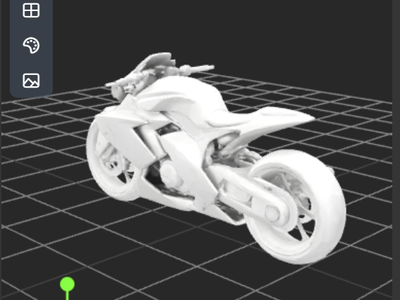
Meshy v6 Text to 3D Model
Create a 3D using Meshy v6 text to model

floyoofficial
2.0k
3D
3D Model
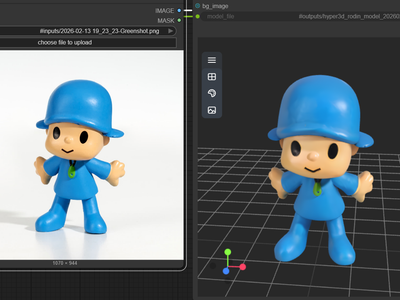
Hyper3D Rodin v2
Image to 3D
Rodin v2
Turn your images into 3D using Hyper3D Rodin v2
Hyper3D Rodin V2 for Image to 3D
Turn your images into 3D using Hyper3D Rodin v2

floyoofficial
1.7k
3D
Animation
Architecture
Flux
Game Development
Hunyuan 3D
Image to 3D
Upscaling
Create a 3D model from a reference image with Flux Dev texture upscaling.
Image to 3D with Hunyuan3D w/ Texture Upscale
Create a 3D model from a reference image with Flux Dev texture upscaling.

floyoofficial
1.5k
3D
3D View
Animation
Architecture
Filmmaking
Game Development
Hunyuan 3D
Hunyuan3D
Image to 3D
A simple workflow to create a detailed & textured 3D model from a reference image.
Image to 3D with Hunyuan3D
A simple workflow to create a detailed & textured 3D model from a reference image.
floyoofficial
1.1k
3D
Chord
Game Design
Image
PBR Material
Text to 3D
Ubisoft
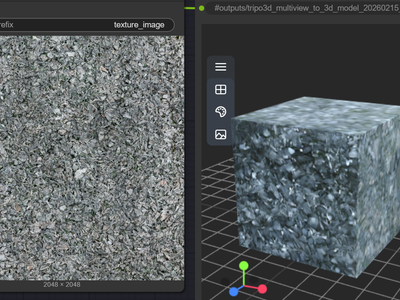
Create a 3D Game Material Asset using Chord Model from Ubisoft
Chord for PBR Material Generation using Text to 3D
Create a 3D Game Material Asset using Chord Model from Ubisoft
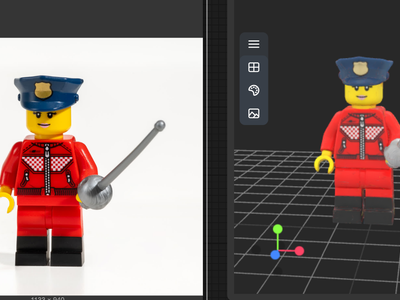
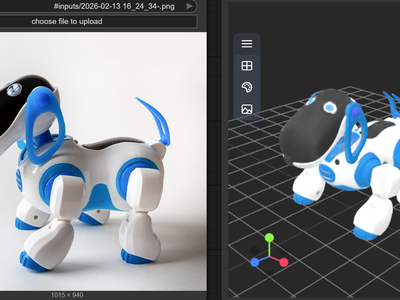
Meshy v6 for Image to 3D Model
Create a 3D model from Image using Meshy v6
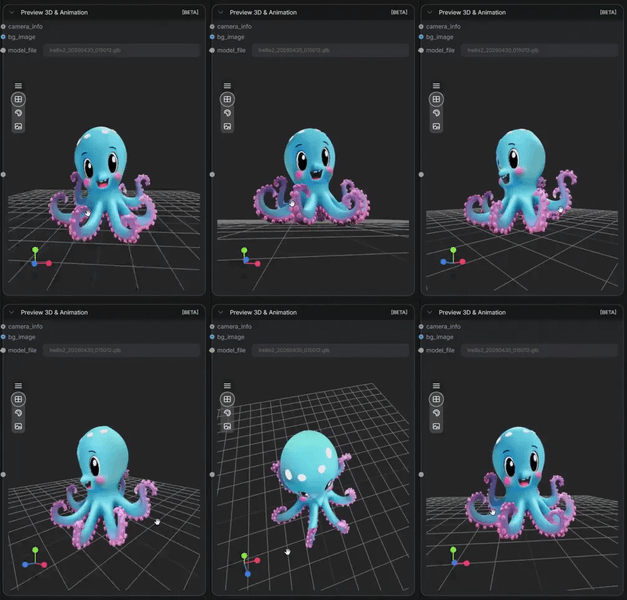
Tripo3D for Image to 3D
Create 3D model using Tripo3D with v2.5
3D
3d generation
glb export
image to 3d
pbr materials
textured mesh
trellis 2
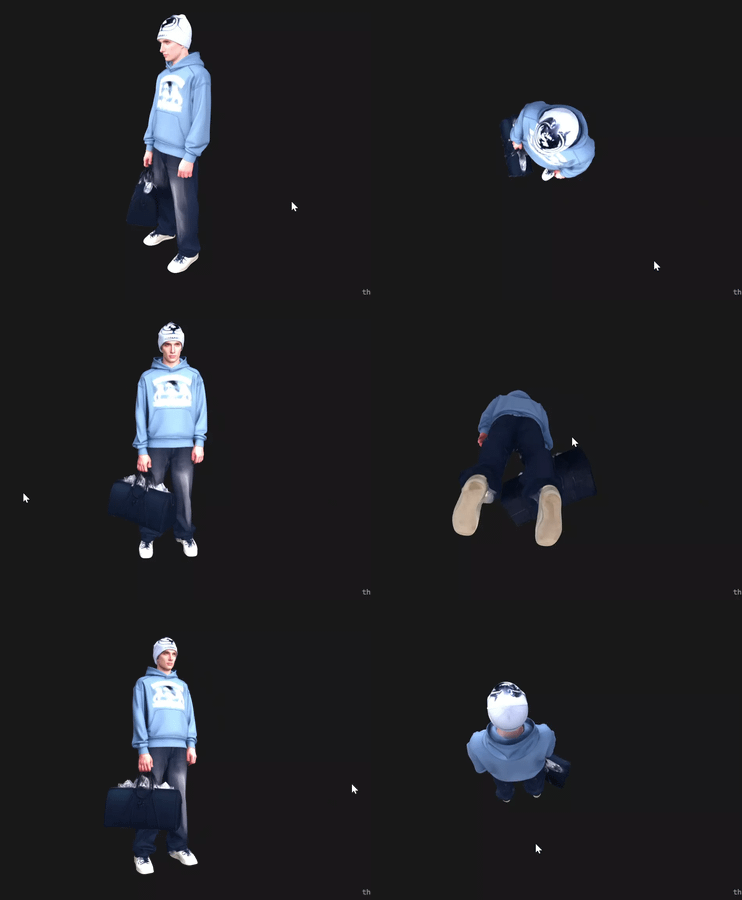
Upload an image and Trellis 2 builds a textured 3D mesh with PBR materials. Outputs GLB ready for Blender, Unity, or Unreal in about a minute on an H100.
Trellis 2 Image to 3D
Upload an image and Trellis 2 builds a textured 3D mesh with PBR materials. Outputs GLB ready for Blender, Unity, or Unreal in about a minute on an H100.
3D
Api
Hunyuan
Image
Image to 3D
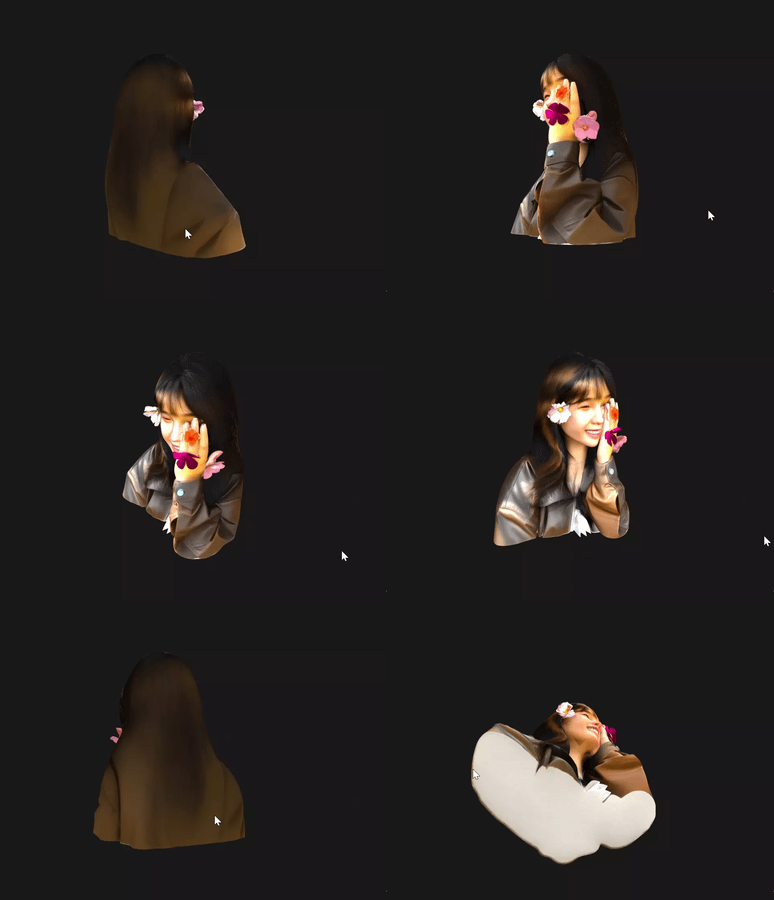
Turn any photo into a production-ready 3D model with Hunyuan 3D Pro. Get a GLB file, a thumbnail render, and an interactive turntable preview in under 60 seconds.
Hunyuan 3D Pro - Image to 3D Model
Turn any photo into a production-ready 3D model with Hunyuan 3D Pro. Get a GLB file, a thumbnail render, and an interactive turntable preview in under 60 seconds.
3D
API
Hunyuan
Image
Text to 3D
Generate a textured 3D model from a text prompt with Hunyuan 3D Pro. Describe an object, hit Run, and get a GLB file plus interactive 3D viewer in under 60 seconds.
Hunyuan 3D Pro - Text to 3D Model
Generate a textured 3D model from a text prompt with Hunyuan 3D Pro. Describe an object, hit Run, and get a GLB file plus interactive 3D viewer in under 60 seconds.
Ready to test them yourself?
The best model for your workflow depends on your own images, prompts and production requirements.
Start creating on Floyo >