Chord for PBR Material Generation using Text to 3D
Create a 3D Game Material Asset using Chord Model from Ubisoft
3D
Chord
Game Design
Image
PBR Material
Text to 3D
Ubisoft
1.0k

Nodes & Models
Tripo3dMultiviewTo3d_floyo
VAELoader
ae.safetensors
EmptySD3LatentImage
WorkflowGraphics
CLIPLoader
qwen_3_4b.safetensors
UNETLoader
z_image_turbo_bf16.safetensors
CLIPTextEncode
ModelSamplingAuraFlow
ConditioningZeroOut
KSampler
VAEDecode
SaveImage
ResizeAndPadImage
Preview3D
ChordLoadModel
chord_v1.safetensors
ChordMaterialEstimation
ChordNormalToHeight
ShowText|pysssss
ShowText|pysssss
A practical production flow looks like:
Text → 2D texture:
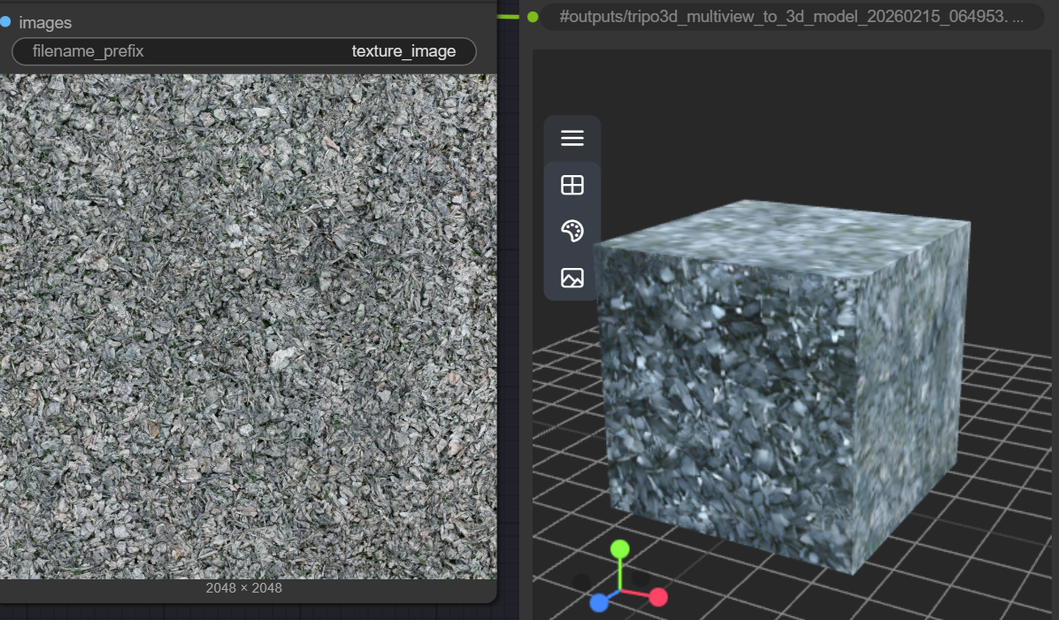
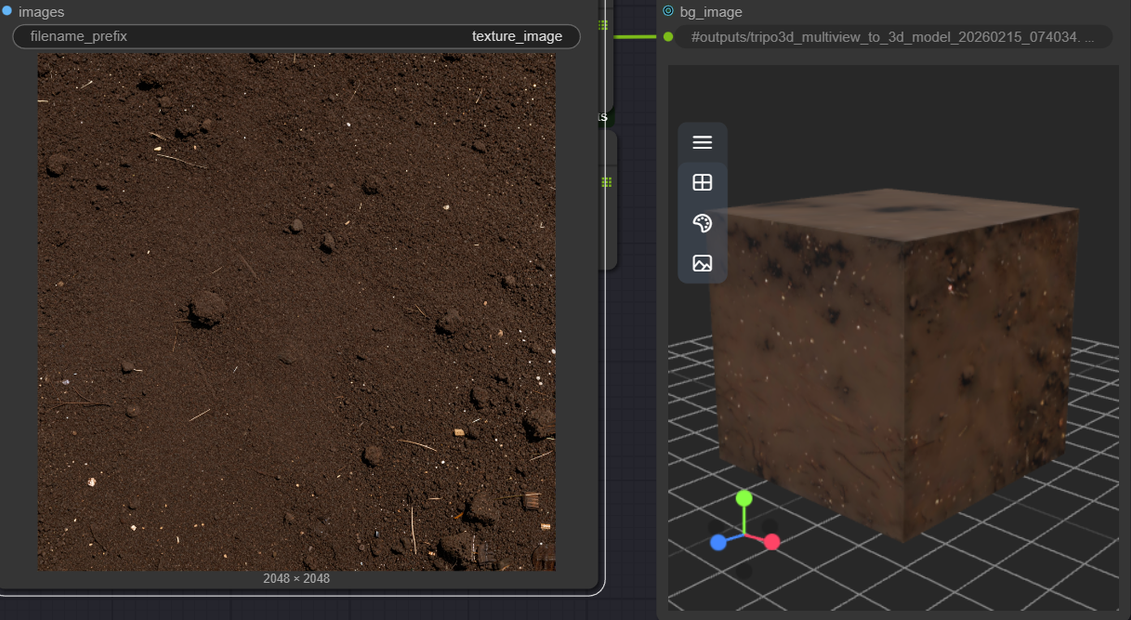
Use SDXL or another texture‑generation model in ComfyUI to create a tileable surface (e.g., “mossy stone wall,” “brushed metal,” “sci‑fi panel”).
Texture → PBR via CHORD:
Feed that texture into CHORD’s image‑to‑material node to get Base Color, Normal, Height, Roughness, Metalness at 1K, then upscale to 2K/4K if needed.
Text/Image → 3D geometry (Tripo3D, Hyper3D, Meshy v6, etc.):
Use Tripo3D / Meshy / Rodin to generate the actual mesh (prop, environment piece, etc.) from text or concept image.
Apply CHORD material to 3D:
In your DCC (Blender, C4D, Unreal, Unity), plug CHORD’s PBR maps into a standard PBR shader and assign to the generated mesh.
Use cases that fit this combo:
Text‑driven base materials for 3D generators: Quickly generate physically grounded tiling materials from prompts, then skin Meshy/Tripo3D geometry with them.
Game environment production: Use Meshy/Tripo3D for fast block‑out meshes and CHORD for consistent, svBRDF‑compliant materials that drop straight into engines.
Rapid lookdev for props: Iterate on surface feel (wood vs metal vs worn paint) via CHORD, keeping the same generated mesh from your 3D modeler.
Read more