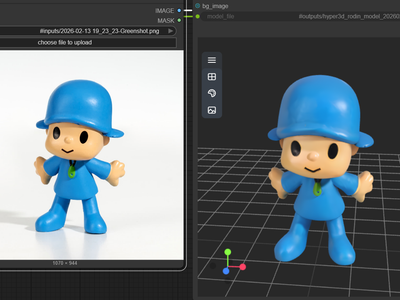
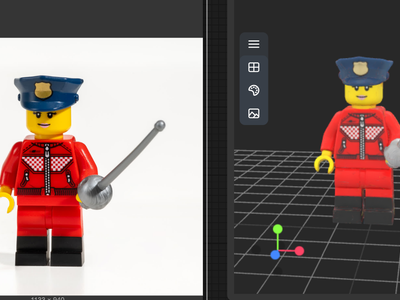
Tripo3D for Image to 3D
Create 3D model using Tripo3D with v2.5
3D
3D Model
Image to 3D
Tripo3D
Tripo v2.5
748

Nodes & Models
Tripo3dImageTo3d_floyo
WorkflowGraphics
LoadImage
Preview3D
PreviewImage
ShowText|pysssss
ShowText|pysssss
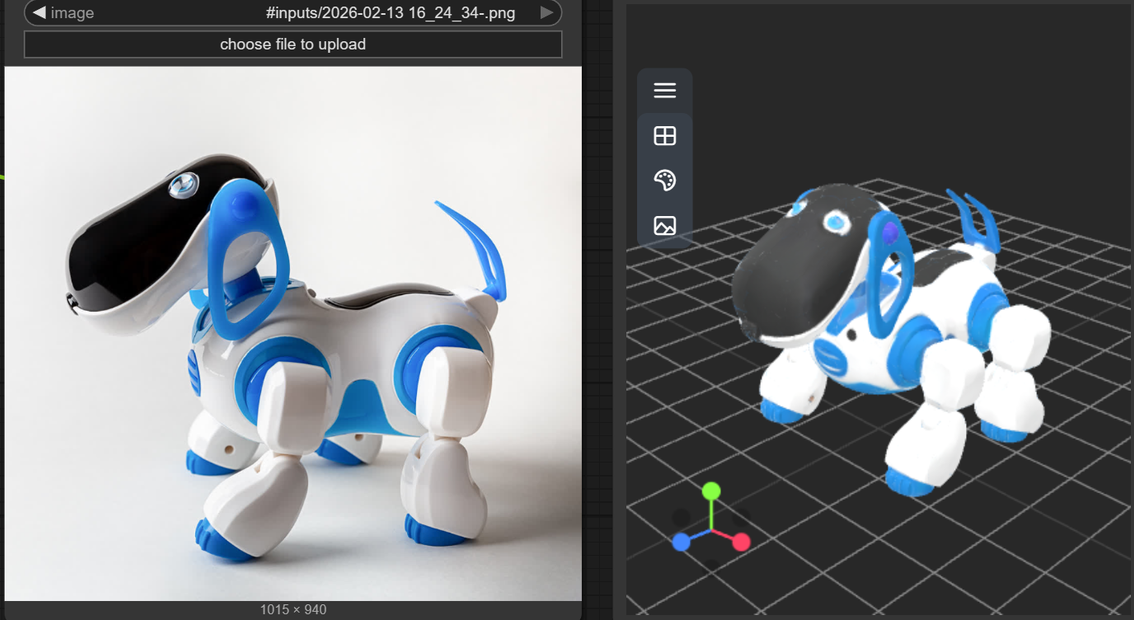
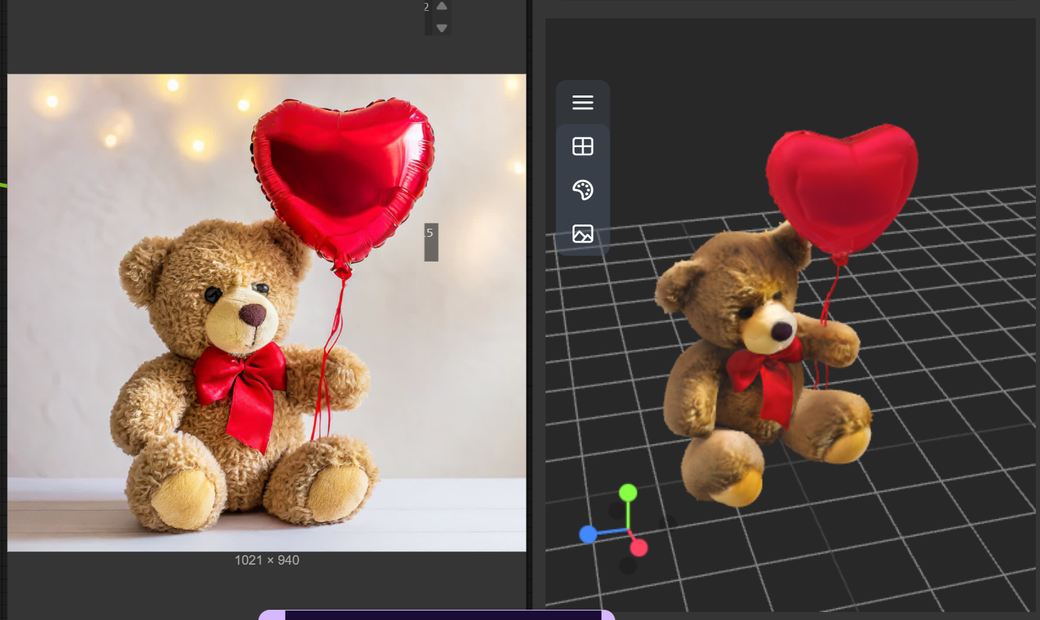
Tripo3D v2.5 Image to 3D converts a single image into a detailed, PBR‑ready 3D model with controllable mesh density and export formats suitable for real production.
What Tripo3D v2.5 Image‑to‑3D is
An AI model that reconstructs 3D geometry from one (or a few) 2D images, producing ready‑to‑use assets in seconds to minutes.
Part of the Tripo platform, focused on higher geometric precision and realistic materials compared to earlier 2.x versions.
Key features
Enhanced geometry: Sharper shapes, better proportion, and more accurate reconstruction of curves and fine details.
Upgraded PBR materials: Generates realistic PBR textures so models react correctly to lighting in modern engines.
Quad‑mesh generation: Can output quad‑dominant meshes, making rigging, animation, and subdivision smoother.
Face/poly limit control: Lets you adjust polygon count to target mobile, AR, or high‑end rendering.
Fast pipeline: Upload image → AI parses structure and depth → 3D model generated in seconds/minutes.
Flexible export: STL, OBJ, FBX and others, so you can move into Blender, game engines, or 3D printing.
Best‑fit use cases
E‑commerce & product visualization: Turn packshots into 3D for 360‑viewers, AR previews, and interactive product demos.
Game & realtime assets: Quickly convert concept art or reference images into models, then optimize using face‑limit controls.
VFX / animation previz: Rapidly prototype props or background elements without full manual modeling.
3D printing: Generate printable models from object photos and export as STL for prototyping or merch.
AR/VR & mobile: Use lower‑poly settings to get performant assets for interactive AR/VR scenes.
If you tell me whether you’re targeting games, product mockups, or 3D printing, I can outline prompt/image prep tips and an ideal v2.5 workflow for that use.
Read more