Meshy v6 for Image to 3D Model
Create a 3D model from Image using Meshy v6
3D
3D Model
Image to 3D
Meshy v6
974

Nodes & Models
Meshy6ImageTo3d_floyo
LoadImage
WorkflowGraphics
Preview3D
PreviewImage
ShowText|pysssss
ShowText|pysssss
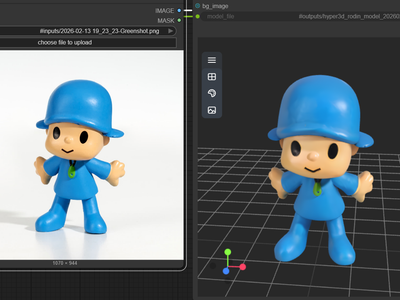
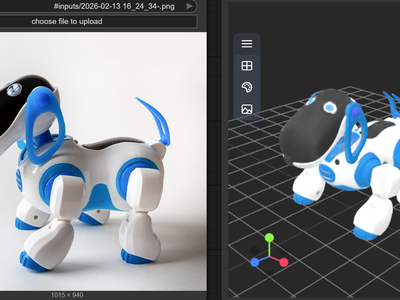
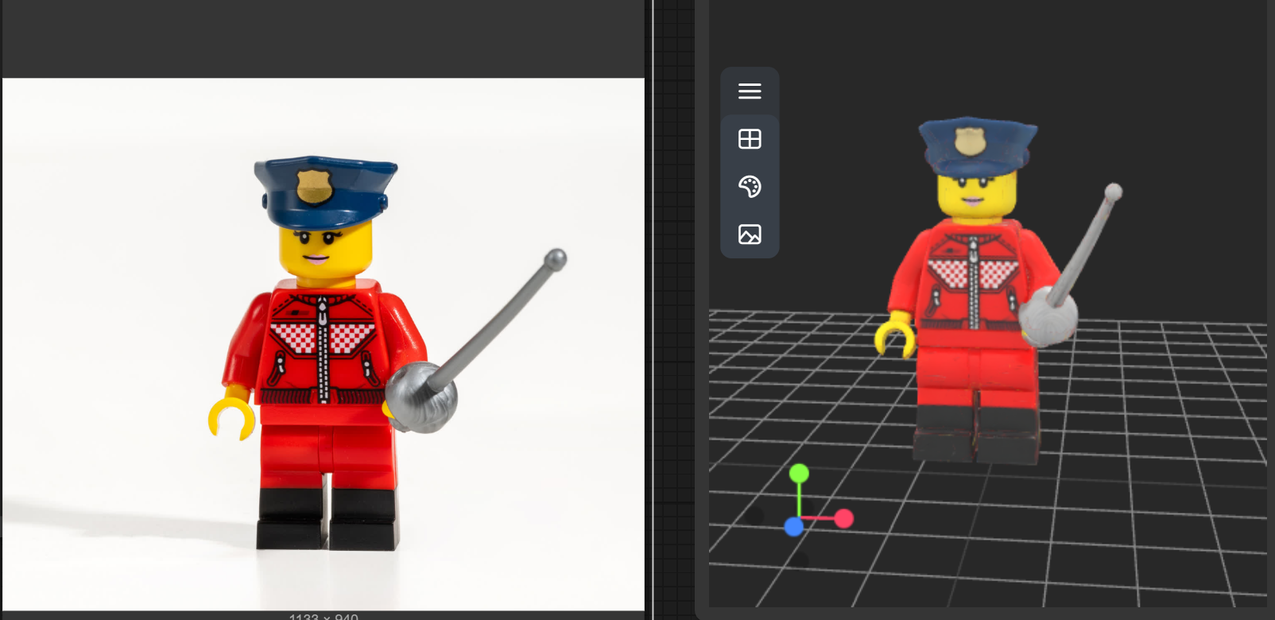
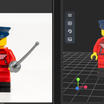
Meshy v6 Image to 3D converts single or multi‑view images into high‑quality, production‑ready 3D models with accurate geometry and strong textures.
What Meshy v6 Image to 3D is
An AI pipeline that reconstructs full 3D objects from one or more input images (photos, concept art, renders) in about a minute.
The v6 generation focuses on more accurate geometry, better topology, and higher‑fidelity textures than earlier Meshy versions.
Key features
Accurate geometry reconstruction: Captures proportions, surface curvature, and fine details, including plausible backsides not visible in the source image.
High‑fidelity textures & PBR maps: Generates detailed color textures with optional metallic, roughness, and normal maps for game‑ready rendering.
Single‑ and multi‑view input: Use one image, or enable multi‑view and upload several angles for higher accuracy.
Model modes: “Standard” for high‑poly detail and “Low Poly” for game/real‑time workflows with intelligent topology.
Clean background handling: Built‑in background removal and guidance for plain backgrounds to improve reconstruction.
Flexible export: Outputs GLB, FBX, OBJ, and USDZ compatible with engines and DCC tools.
Best‑fit use cases
Product and asset visualization: Turn product photos or UI mockups into 3D assets for web viewers, AR try‑ons, or marketing shots.
Game and XR assets: Generate props, characters, or environment pieces from key art, then export with PBR maps into Unity/Unreal.
3D printing & collectibles: Convert concept images into printable models, then refine mesh and export to print workflows.
Style‑consistent asset packs: Use the same illustration style as input to build coherent 3D sets for games or experiences.
If you tell me your target (game assets, products, or prints), I can lay out concrete image‑prep tips and setting choices for Meshy v6 Image to 3D.
Read more