Light Restoration LoRA + Qwen Image Edit 2509 Image to Image
Image2Image
Light Restoration
Qwen
Qwen Image Edit 2509
3
1.2k

Nodes & Models
LoadImage
UNETLoader
qwen_image_edit_2509_fp8_e4m3fn.safetensors
CLIPLoader
qwen_2.5_vl_7b_fp8_scaled.safetensors
VAELoader
qwen_image_vae.safetensors
ImageScaleToTotalPixels
LoraLoaderModelOnly
Qwen-Edit-Relight.safetensors
Qwen-Image-Lightning-8steps-V1.0.safetensors
TextEncodeQwenImageEditPlus
VAEEncode
ModelSamplingAuraFlow
CFGNorm
KSampler
VAEDecode
SaveImage
easy imageSize
Overview
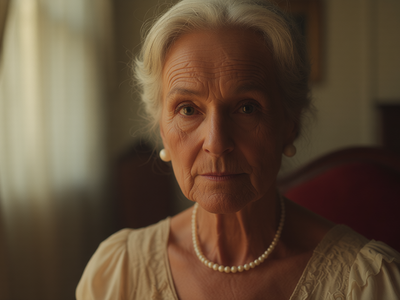
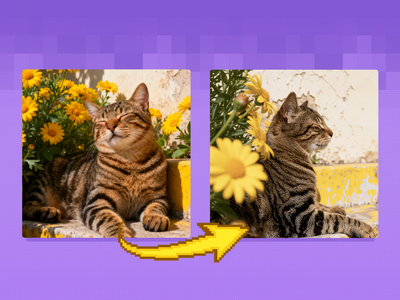
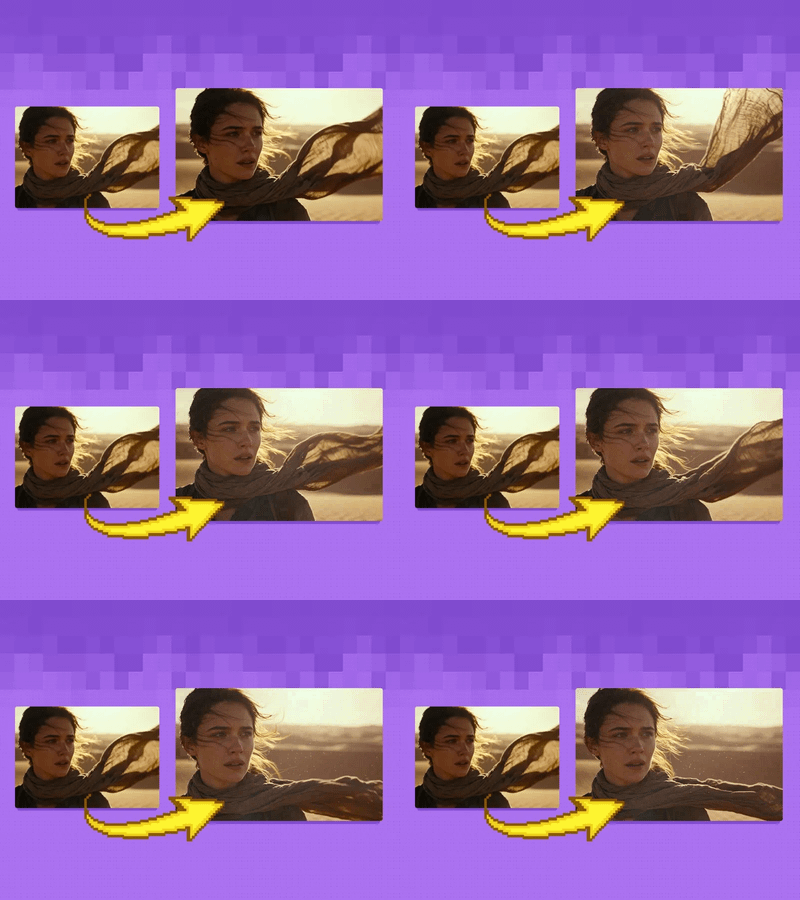
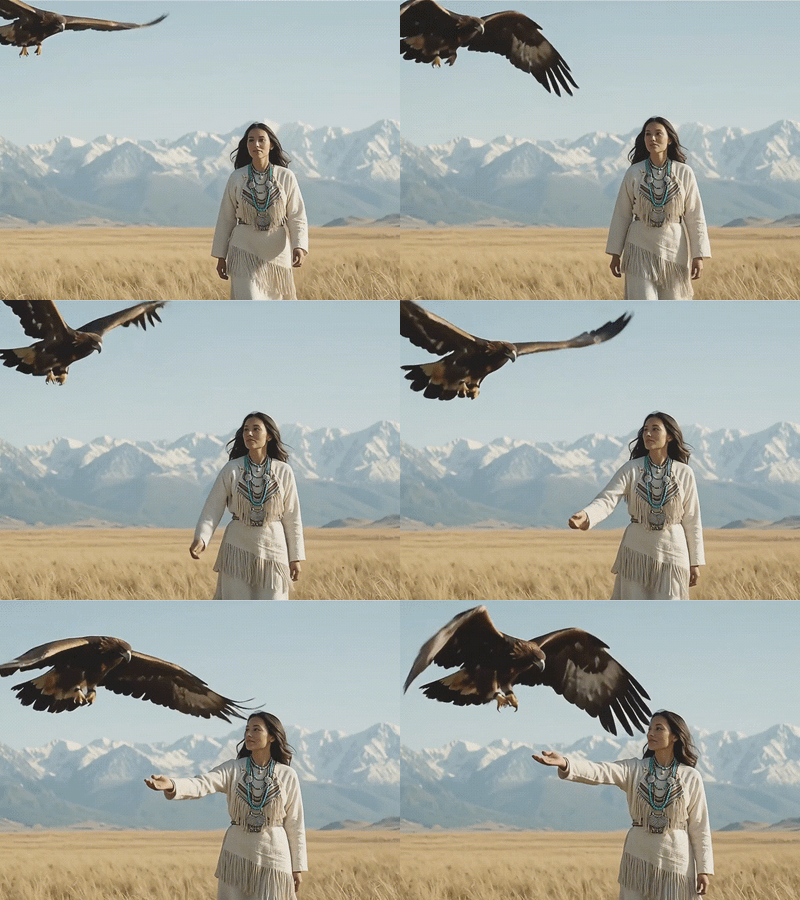
The Qwen-Image-Edit-2509-Light_restoration LoRA is trained to remove strong highlights, hard shadows, and directional light, then re‑illuminate the scene with gentle, natural-looking light across the frame. The author provides fixed prompt phrases (in Chinese) that you can paste directly, so you do not need to engineer your own instruction text to get good results. It is meant to be used on top of the base Qwen-Image-Edit-2509 model, often together with Qwen-Image-Lightning or other LoRA adapters for speed and consistency.
Who can use it
This Light Restoration LoRA is useful for:
Portrait and product photographers who need to neutralize bad on-camera flash, patchy window light, or mixed lighting before grading.
AI artists and ComfyUI users who get over‑dramatic or messy lighting from generative models and want a flat, professional base to build on.
E‑commerce and product shooters who require consistent, soft studio lighting across many items for catalogs and marketplaces.
Anyone building lighting datasets or training relight LoRAs, where you first remove existing light to create clean source images.
Use case
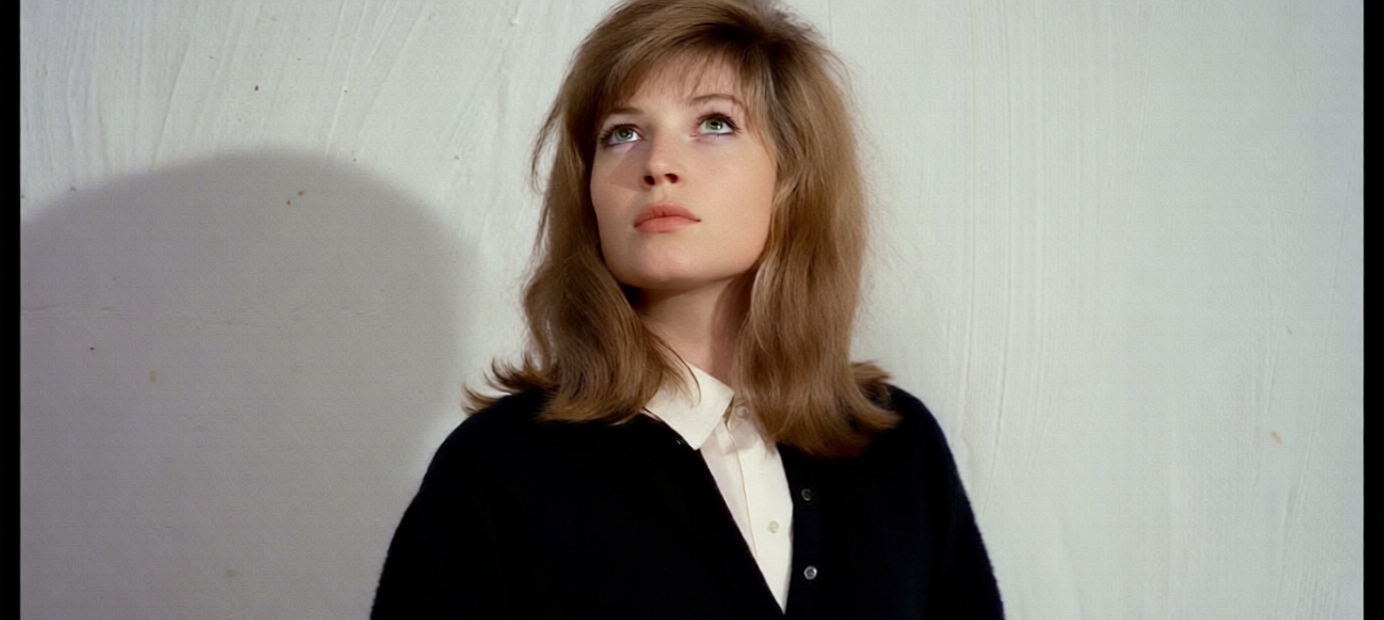
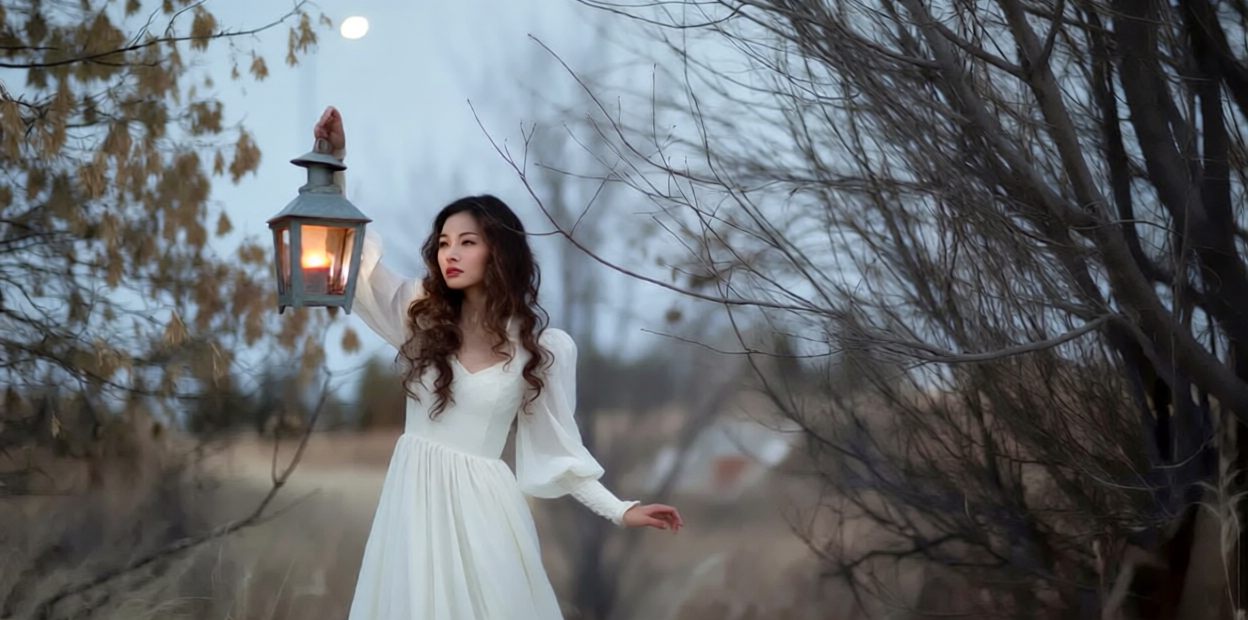
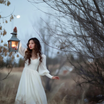
A common use case is loading a portrait with strong specular highlights and deep shadows, running it through Qwen Image Edit 2509 with the Light_restoration LoRA active and the provided “remove lighting, use soft light to relight the image” prompt, and getting a more evenly lit, natural version that still looks like the same person. Another is processing AI-generated scenes or product shots in batch: first use Light Restoration to flatten and clean the lighting, then apply a separate Relight LoRA or manual grading to add the specific mood (window light, golden hour, soft box, etc.) you want for your final images.
Read more