



Affichage de116 Workflows

Minimax_H3_Image_to_Video_OpenWeight
Minimax H3を使用したImage to Videoワークフローです。オープンウェイトモデルのためAPIウォレットを消費せず、Load Imageにスタートフレーム画像をアップロードし、aspect_ratio、duration、promptを設定するだけで、すぐに動画生成できます。This is an Image to Video workflow using Minimax H3. Since it uses an open-weight model, it does not consume your API wallet.

Wan 2.5: Image to Video with Audio
Grok Imagine: Image to Video with Audio
Turn images into excellent video using the Grok Imagine
Wan 2.2 14B: Image to Video + End Frame
Generate high quality video from a start frame, as well as an optional end frame with this Wan2.2 14b Image to Video workflow!

LTX-2 19B · Text to Video With Audio
Generate 1080p video with synced sound from a text prompt using LTX-2, Lightricks' open-weight 19B model. Write the scene, hit run. Apache 2.0 open weights.

Wan 2.1 FusionX · Image to Video
Animate a still into a cinematic clip with Wan 2.1 FusionX, a community fine-tune of Alibaba's 14B video model. Upload your image, describe the shot, hit run.


LTX 2.3 Text to video - Advanced Series 01
- Generates advanced text to video with LTX 2.3 with high quality and prompt adherence. - Related to the ComfyUI Advanced Video generation series on youtube channel : https://www.youtube.com/@AITold
Seedance 2.0 · Text to Video
Generate a video clip from a text prompt with Seedance 2.0 by ByteDance. Describe the scene, the action, and the camera. Pick a shape and length, hit run.

LTX 2.3 Image to video - Advanced Series 02
Generates advanced image to video with LTX 2.3 with high quality and prompt adherence. - Related to the ComfyUI Advanced Video generation series on youtube channel : https://www.youtube.com/@AITold
Ouvert
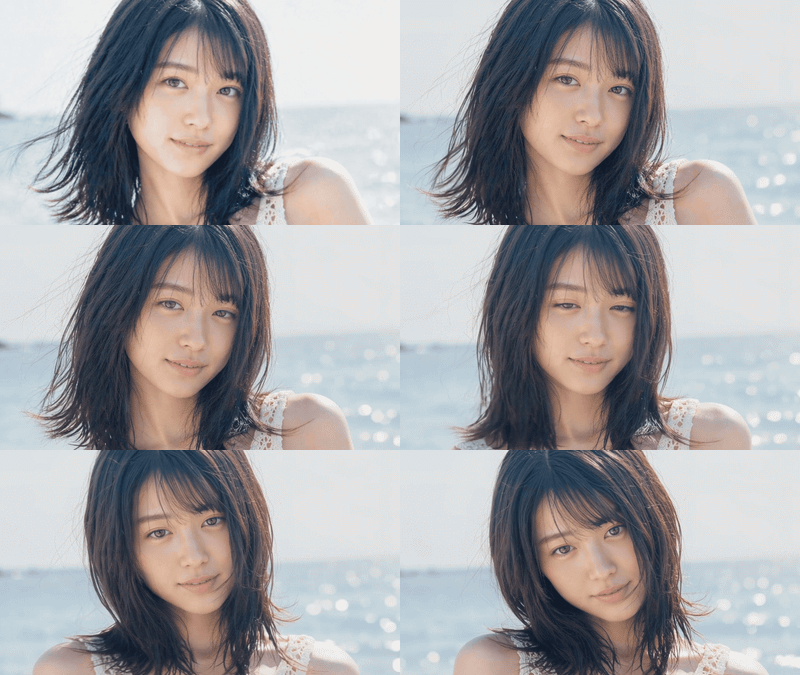
LTX2.3_Start_End_Frame_opensauce
LTX2.3のStart Frame / End Frame対応Image to Videoワークフローです。オープンソースモデルのためAPIウォレットを消費せず、画像から動画生成を試せます。 This is an Image to Video workflow for LTX2.3 with Start Frame and End Frame support. Since it uses an open-source model, you can generate videos without spend
MiniMax H3 Open Weights · Image & Text to Video
Generate 2K video with stereo sound from a start image and a prompt using MiniMax H3 (Hailuo 3.0), the open-weights model. Mute the image to go text-only.
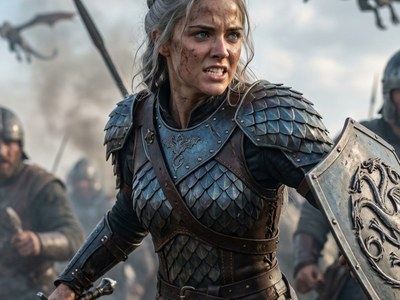

LTX 2.3 Image-to-Video and Text-to-Video (Combo)
Create both from Image-to-Video and Text-to-Video using LTX 2.3
Wan2.1 Start & End Frame Image to Video
Used for image to video generation, defined by the first frame and end frame images.
Wan 2.7 · Image to Video With Audio
Generate 1080p video with sound using Wan 2.7, Alibaba's flagship video model with a thinking mode. Upload a start image, describe the action, hit run.

LTX 2.3 - Extend Video
Add seconds to an existing video with LTX 2.3. Upload a clip, set the duration and mode
Happy Horse 1.0 Reference to Video
Turn up to 9 reference images plus a prompt into a 5-second video with Happy Horse 1.0. Keep characters, products, and style consistent across the shot.

Seedance Text to Video: Create Stunning video

Ouvert
LTX2.3 Text to Video Open Source Ver.
LTX2.3のText to Videoワークフローです。オープンソースモデルを使用しているため、APIウォレットを消費せず動画生成を試せます。 Text to Video workflow using LTX2.3. Generate videos without spending your API wallet.
MiniMax H3 · Reference to Video
Bring a photo to life with MiniMax H3 (Hailuo 3.0). Upload an image, describe the motion, add optional references to guide the look, and hit run for a 2K clip.
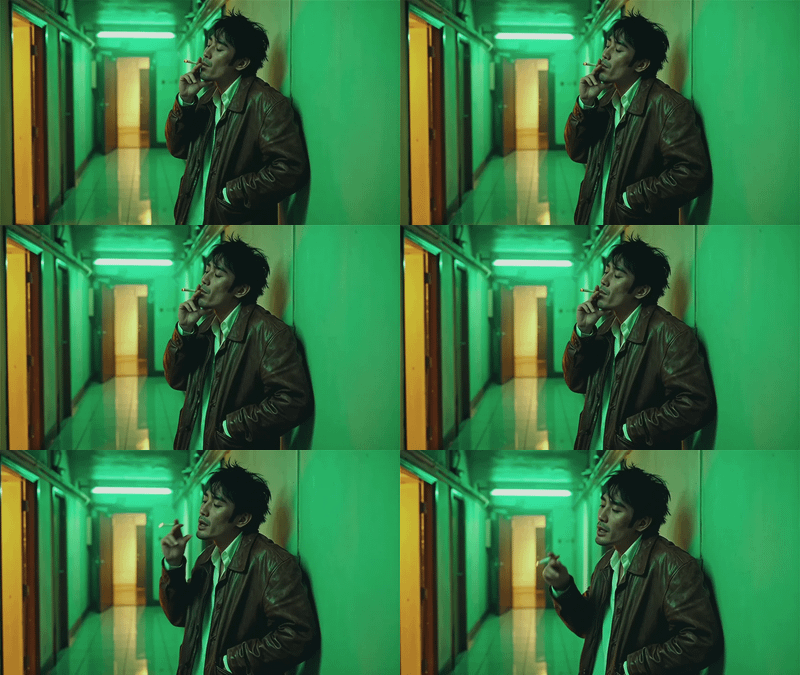
Wan2.6 Text to Video

Wan Alpha Create Transparent Videos

VEO3 Future of Video Creation

LTX 2.3 Text to Video and Image to Video
Generate video and audio together with LTX 2.3 22B. Switch between text-to-video and image-to-video with one toggle. Separate multimodal guidance keeps video and audio quality tuned independently.
Corridor Key Green Screen Keying for Video
Upload green screen footage and get a clean alpha matte plus composite preview. Corridor Key's neural network handles hair, motion blur, and transparency.
LTX 2.3 for Text to 360 VR Video Panorama
Describe a scene and LTX-2.3 by Lightricks generates a 360 video with synchronized sound that you can look around inside. Type a prompt and hit run.

Seedance 2.0 · Image to Video
Animate any still into a video clip with Seedance 2.0 by ByteDance. Upload a start image, add an optional end frame, describe the motion, and hit run.

Grok Imagine for Text to Video
Create excellent videos using Grok Imagine for T2V
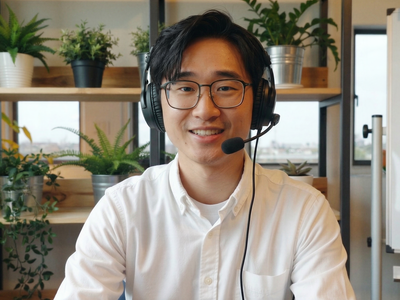
LTX 2.3 Lip sync I2V - Advanced Series 02
- Generates advanced lip sync image to video with LTX 2.3 with high quality and prompt adherence. - Related to the ComfyUI Advanced Video generation series on youtube channel : https://www.youtube.com/@AITold
MiniMax H3 · Text to Video
Type a prompt and get back a native 2K video clip with synchronized sound from MiniMax H3 (Hailuo 3.0). Describe the scene, pick a length, and hit run.

Text to Video and Wan with optional LoRA
Generate a high-quality video from a text prompt and add in a LoRA for extra control over character or style consistency. Key Inputs Prompt: as descriptive a prompt as possible Load LoRA: Load your reference model here Width & height: Optimal resolution settings are noted File Format: H.264 and more
Image to Video with Seedance Pro API
Animate a still into a 1080p clip with Seedance Pro by ByteDance. Upload a start and end image, describe the motion, and hit run. Smooth cinematic motion.
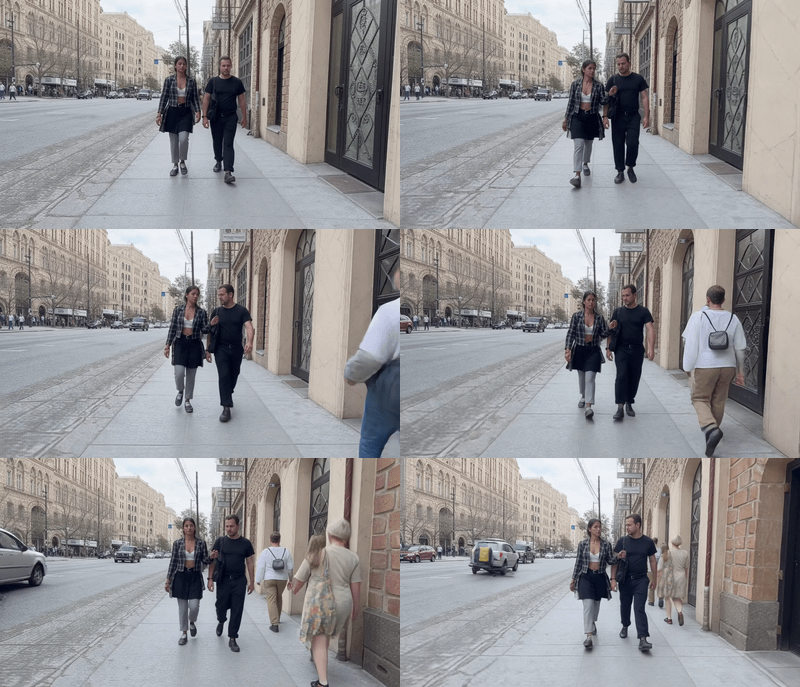
Sulphur 2 - Text to Video
Generate video with synced audio from a text prompt using Sulphur 2, a stylized cinematic finetune built on Lightricks' LTX 2.3 video model.

Wan 2.7 - Text to Video
Generate video from a text prompt using Alibaba's Wan 2.7 model. Set your resolution, aspect ratio, and duration, then hit Run. Audio input supported.

LatentSync - Lip Sync Video from Audio
Make anyone in a video match your audio with LatentSync
Image to Video with Multiframe Control
Used for image to video generation, including first frame, end frame, or other multiple key frames. Key Inputs Load Image (Start Frame): Use any JPG or PNG showing your subject clearly to start your video Load Image (End Frame): Use any JPG or PNG showing your subject clearly to act as the last part of your video. Make sure it's the same resolution as the load image. Width & height: Optimal resolution settings are noted. LTX maximum resolution is 768x512 Prompt: as descriptive a prompt as possible


Add Products to AI Influencers + Viral UGC Videos
Create realistic AI influencer videos from product and character reference images using Qwen Image Edit 2511, Flux Kontext Multi-Reference, and LTX-2 Video in ComfyUI. Generate influencer-style images, maintain character consistency, and convert them into smooth cinematic videos
Text to Video + Hunyuan LoRA
Integrate a custom model with your text prompt to create a video with a consistent character, style or element. Key Inputs Prompt: as descriptive a prompt as possible. Make sure to include the trigger word from your LoRA below Load LoRA: Load your reference model here Width & height: resolution settings are noted in pixels Guidance strength (CFG): Higher numbers adhere more to the prompt Flow Shift: For temporal consistency, adjust to tweak video smoothness.
Wan 2.2 T2V Workflow with UnifiedReward Flex LoRA
Wan 2.2 T2V Workflow with UnifiedReward Flex LoRA

MiniMax Text-to-Video Creative Concepts to Life
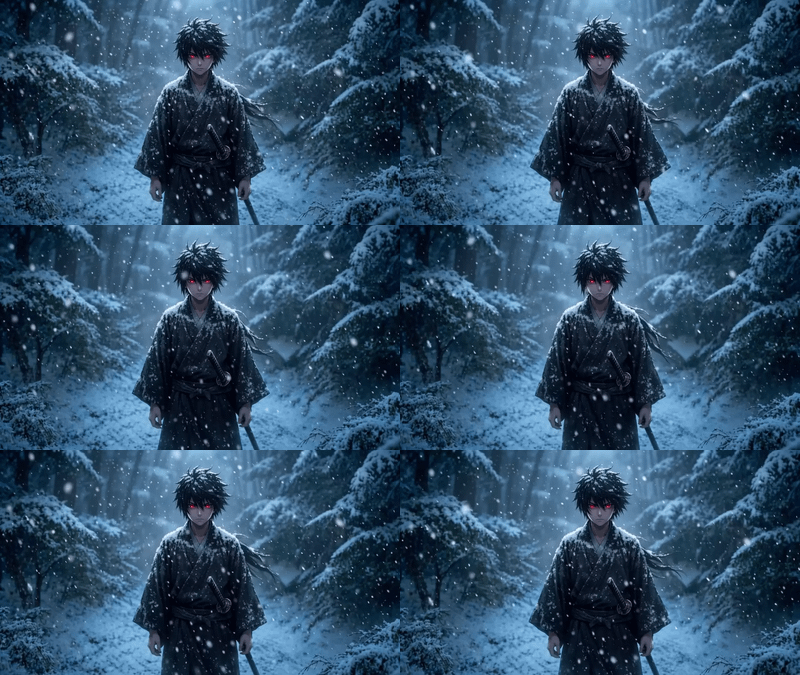

Seedance 2.0 Reference-to-Video with LLM Prompt
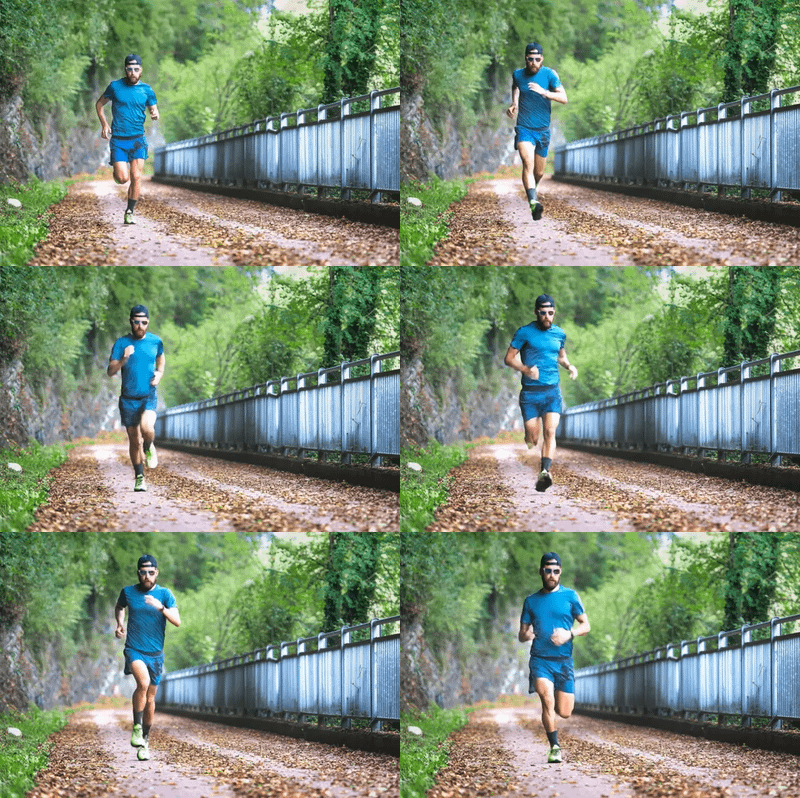
MatAnyone2 V2V with Auto Segmentation
Remove any subject from video with MatAnyone2. Auto-detects by text, tracks frame by frame, and outputs a green screen, matte, and side-by-side comparison.
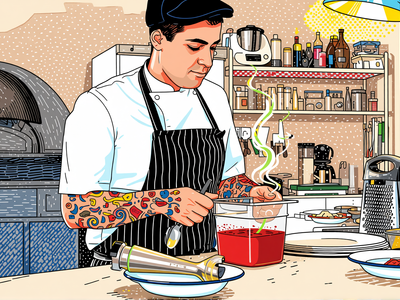
Kling 3.0 Pro Motion Control
Apply motion from a reference video to a still image with Kling 3.0 Pro.

Seedance 2.0 Fast - Image to Video with Audio
Animate any image into video with ByteDance's Seedance 2.0 Fast. Built-in audio generation, start and end frame control, and multiple aspect ratios. No setup needed.

Wan 2.7 Multi-Reference Image to Video
Wan 2.7 Multi-Reference Image to Video
Auto Subtitles with Whisper - Video to Video
Upload a video and get it back with burned-in subtitles. Whisper transcribes the audio, then the text gets placed frame-by-frame with word-level timing.
MiniMax H3 · Character Motion Transfer
Upload a character image and a driving video. MiniMax H3 maps the motion onto the character and returns a new video with AI-generated stereo audio.
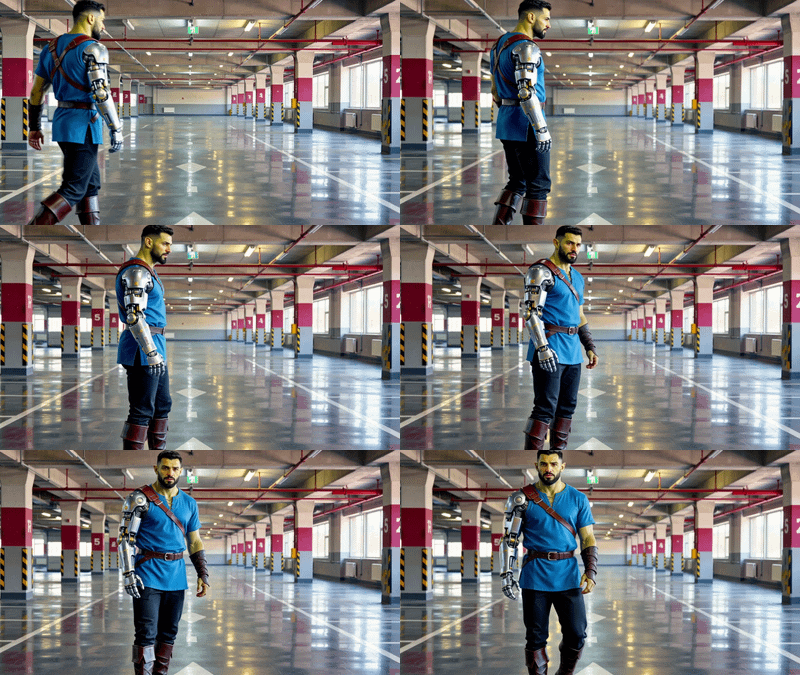
Wan 2.2 14b - Text to Video w/ LoRA
Run Wan 2.2 14b with a custom LoRA
LTX 2.3 Pro Text to Video