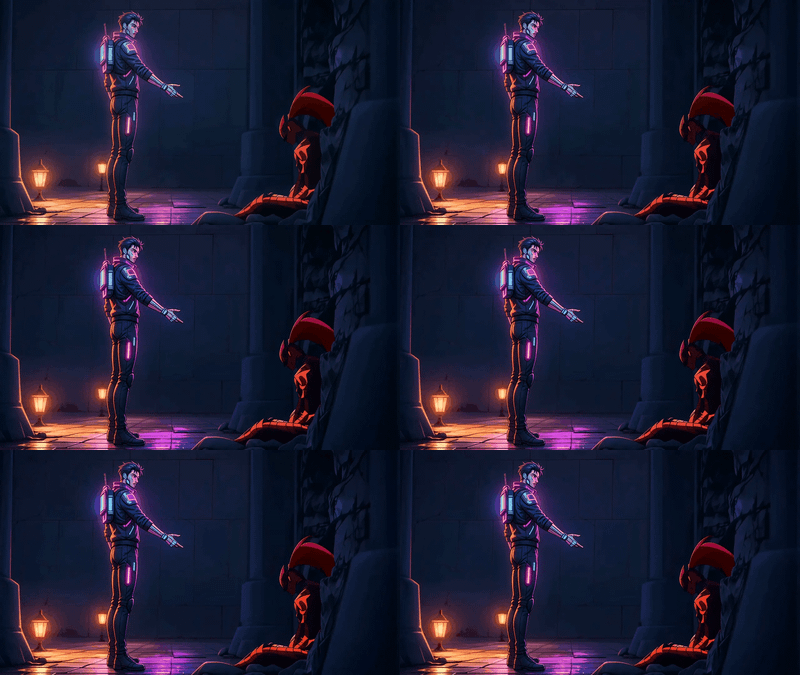
Happy Horse 1.0 Reference to Video
Turn up to 9 reference images plus a prompt into a 5-second video with Happy Horse 1.0. Keep characters, products, and style consistent across the shot.
character design
consistency
happy horse
image to video
reference to video
Video
video generation
2.1k




Nodes & Models
HappyHorse10ReferenceToVideo_floyo
VideoToFrames
WorkflowGraphics
LoadImage
CreateVideo
SaveVideo
Happy Horse 1.0 video generation guided by up to 9 reference images.
Upload your references, write a prompt, and Happy Horse builds a short video that pulls character look, product details, or scene style from your inputs. The model generates picture and sound together in a single pass.
Defaults to 720p at 16:9 for 5 seconds. Pick your settings, write what you want, hit run.
How do you use reference images with Happy Horse 1.0?
Upload between 1 and 9 reference images, write a prompt describing the scene and the motion, then Happy Horse 1.0 uses those references to lock character identity, product details, or visual style across the shot. The more references you give, the tighter the consistency. Pick resolution, aspect ratio, duration, and run.
Reference images (1 to 9) The first slot is required. The other eight are optional. Want one character locked across the shot? One clean reference is enough. Want a character plus an outfit plus a product? Stack them and let the model pull from each. More references means more anchor points and less drift.
Prompt Describe the scene, the motion, and the style. Name physical action (walks toward camera, turns slowly, leans in), camera language (slow dolly, static wide, handheld), and tone. Avoid stacking heavy mood words like "cinematic, moody, dramatic." The model amplifies those and they take over the output.
Resolution 720P is the default and runs the fastest. Bump to 1080P when the clip is heading to a polished deliverable or a screen bigger than a phone. The tradeoff: 1080P takes longer.
Ratio 16:9 for landscape, ads, and YouTube. 9:16 for TikTok, Reels, and Shorts. 1:1 for square feed posts. 4:3 and 21:9 are there when you need them.
Duration 5 seconds is the default and the sweet spot. Go shorter for hook clips and product flashes. Go longer when the motion needs room to breathe.
Watermark On by default. Toggle it off once you have the rights sorted and the run is going to a real deliverable.
Seed Randomize until you land a take you like, then lock the seed and tweak the prompt around it. Same prompt and same seed gets you the same video every time, which makes A/B comparison easy.
What is Happy Horse 1.0 reference-to-video good for?
Happy Horse 1.0's reference-to-video mode is built for shots where characters, products, or visual style need to stay locked. Multi-image conditioning lets you pull a face from one reference, an outfit from another, and a backdrop from a third, then combine them into one consistent short clip.
Use it for character continuity in short narrative scenes where the same person needs to appear across multiple takes. Product videos where the SKU has to look identical to the reference photo. Concept testing before committing to a full shoot, where you want to see the idea move before greenlighting it. Style transfer where you have a strong style reference plus a separate subject and you want both in one frame.
When to skip it: doing a quick text-only video idea? Happy Horse text-to-video is a tighter fit. Need clips longer than 8 seconds? This is the wrong tool. Working from one input image as the first frame? Use image-to-video instead.
FAQ
How many reference images should you upload to Happy Horse 1.0? Start with 1 to 3. One reference is enough when you only need to lock one thing (a face, a product, an environment). Three covers most production work. Use all 9 slots when you're combining multiple subjects, outfits, props, and a backdrop into a single shot.
Does Happy Horse 1.0 generate audio with the video? Yes. Happy Horse 1.0 generates picture and sound together in one forward pass using a unified Transformer. Native lip-sync works across English, Mandarin, Cantonese, Japanese, Korean, German, and French. You don't need a separate audio step.
What's the difference between reference-to-video and image-to-video on Happy Horse 1.0? Image-to-video animates one input image, which becomes the first frame the model moves from. Reference-to-video uses your images as guidance only. The output isn't tied to any single frame. Use R2V when you want consistency across a freshly composed shot, not a continuation of an existing image.
Why does Happy Horse 1.0 rank #1 on the Artificial Analysis video leaderboard? The model wins blind preference votes for motion quality, prompt adherence, and audio-video sync. Real users compare two unlabeled clips and pick the one they prefer. Happy Horse keeps coming out on top across both text-to-video and image-to-video categories.
How do you run Happy Horse 1.0 online? You can run Happy Horse 1.0 online through Floyo. No installation, no setup. Open the workflow in your browser, upload your reference images, write a prompt, and hit run. Free to try.
Read more