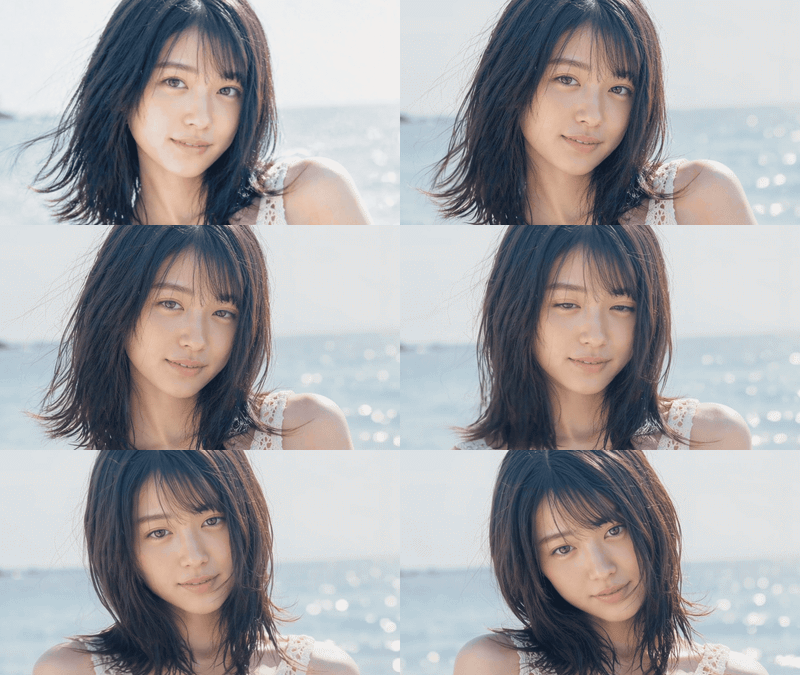
LTX2.3 Text to Video Open Source Ver.
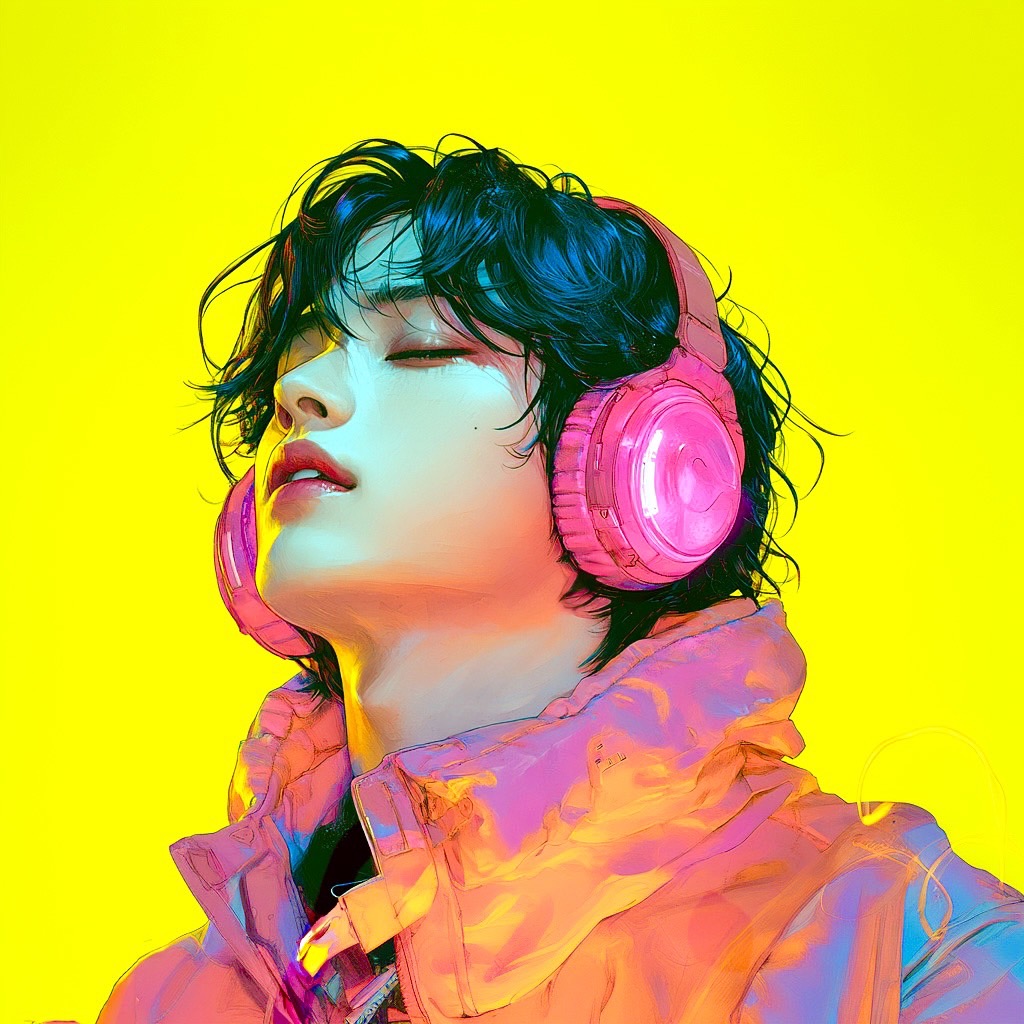
LTX2.3のText to Videoワークフローです。オープンソースモデルを使用しているため、APIウォレットを消費せず動画生成を試せます。 Text to Video workflow using LTX2.3. Generate videos without spending your API wallet.
Audio
LoRAs
LTX2.3
Open Source
T2V
Text to Video
Video
1.9k
_1779268518134.gif)
_1779268522940.gif)
Nodes & Models
PrimitiveInt
RandomNoise
LTXAVTextEncoderLoader
gemma_3_12B_it_fp4_mixed.safetensors
ltx-2.3/ltx-2.3-22b-dev.safetensors
LatentUpscaleModelLoader
ltx-2.3-spatial-upscaler-x2-1.0.safetensors
LTXVAudioVAELoader
ltx-2.3/ltx-2.3-22b-dev.safetensors
ManualSigmas
Note
KSamplerSelect
CheckpointLoaderSimple
ltx-2.3/ltx-2.3-22b-dev.safetensors
ComfyMathExpression
CLIPTextEncode
LTX2LoraLoaderAdvanced
ltxv-098-ic-lora-detailer-comfyui.safetensors
Reroute
LTXVEmptyLatentAudio
LTXVConditioning
EmptyLTXVLatentVideo
LoraLoaderModelOnly
ltx-2.3-22b-distilled-lora-384.safetensors
LTXVConcatAVLatent
LTX2_NAG
CFGGuider
SamplerCustomAdvanced
LTXVSeparateAVLatent
LTXVCropGuides
LatentUpscaleBy
LTXVLatentUpsampler
LatentInterpolate
LTXVTiledVAEDecode
LTXVAudioVAEDecode
CreateVideo
SaveVideo
ClownOptions_SDE_Beta
ClownSampler_Beta
1. Overview|概要
This workflow is a Text to Video workflow using LTX2.3.
このワークフローは、LTX2.3を使用したText to Video用のワークフローです。
Since it uses an open-source model, you can generate videos without spending your API wallet.
オープンソースモデルを使用しているため、APIウォレットを消費せずに動画生成ができます。
LTX2.3 is excellent for fast iteration, prompt testing, and creating dynamic videos from text.
LTX2.3は、素早い検証、プロンプトテスト、テキストから動きのある動画を作る用途に優れています。
It is especially useful for learning AI video generation, testing ideas, and creating short-form video prototypes.
AI動画生成の学習、アイデア検証、ショート動画の試作に特に向いています。
2. How It Works|使い方
To use this workflow, simply edit only the green groups.
このワークフローは、緑色のグループだけを編集すればすぐに使えます。
The green groups contain the main settings you need to adjust for generation.
緑色のグループには、生成時に調整すべき主要な設定がまとまっています。
You do not need to edit the other parts unless you want to customize the workflow in more detail.
細かくカスタマイズしたい場合を除き、その他の部分を編集する必要はありません。
Enter your prompt, adjust the length if needed, and run the workflow.
プロンプトを入力し、必要に応じて秒数を調整して、ワークフローを実行してください。
3. Prompt Control|プロンプトによる調整
In the prompt, describe what you want LTX2.3 to generate as clearly as possible.
プロンプトには、LTX2.3で生成したい映像内容をできるだけ明確に書いてください。
Describe the subject, action, location, camera movement, lighting, mood, and visual style.
被写体、動き、場所、カメラワーク、ライティング、雰囲気、映像スタイルを記載してください。
LTX2.3 works better when the prompt includes both visual details and motion details.
LTX2.3は、見た目の情報だけでなく、動きの情報まで入れると効果的です。
For example, include what the subject is doing, how the camera moves, and how the scene changes over time.
たとえば、被写体が何をしているか、カメラがどう動くか、シーンがどう変化するかを書くと良いです。
Short prompts can work, but detailed prompts usually give you more controllable results.
短いプロンプトでも生成できますが、詳細に書くほど結果をコントロールしやすくなります。
4. Settings|設定
The video length can be adjusted using the Length value.
動画の秒数は、Lengthの数値で調整できます。
Length 241 equals approximately 10 seconds.
Length 241は、およそ10秒の動画になります。
Use 241 as the base value and change the number to adjust the video length.
241を基準に数字を変更することで、生成する動画の長さを調整できます。
For example, 482 equals approximately 20 seconds.
たとえば、482はおよそ20秒です。
20 seconds is the maximum length.
20秒が最大の長さです。
For example, 120 equals approximately 5 seconds.
たとえば、120はおよそ5秒です。
Read more