Nano Banana 2 for Jewelry Environment Creator
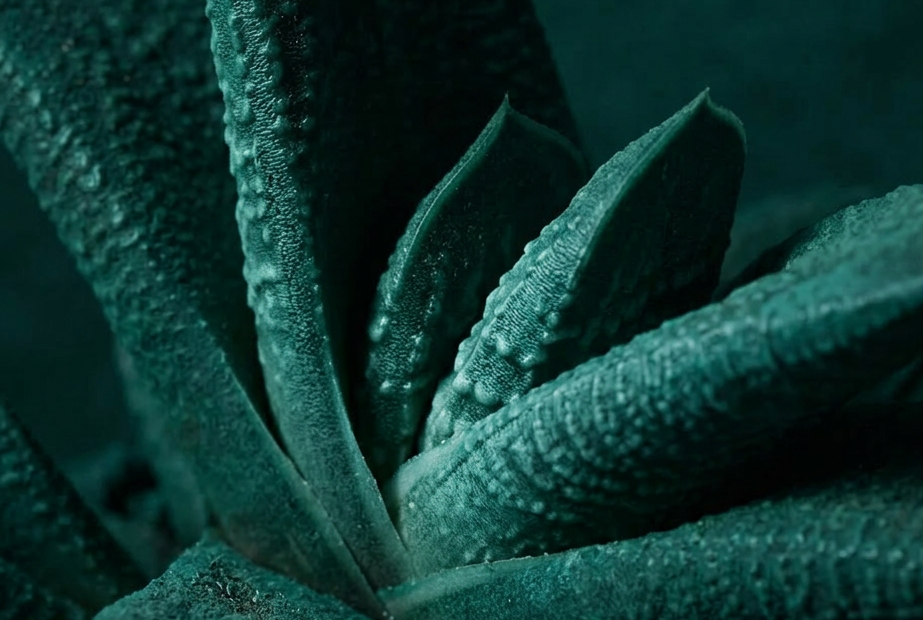
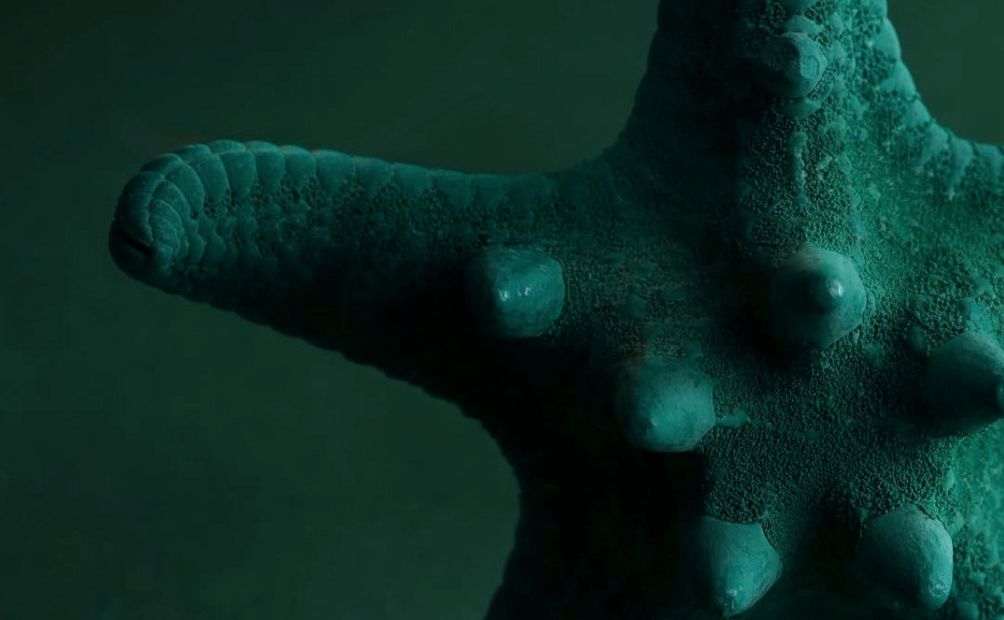
Upload three reference images and Nano Banana 2 generates a new jewelry environment that matches their color, lighting, and visual style. Mood board to scene.
concept art
e-commerce
image to image
nano banana 2
product photography
style transfer
1
72
_1778243880760.png?width=1400&height=620&quality=80&resize=cover)
_1778243880760.png?width=104&height=104&quality=80&resize=cover)

Nodes & Models
NanoBanana2Unified_floyo
LoadImage
SaveImage
PreviewImage
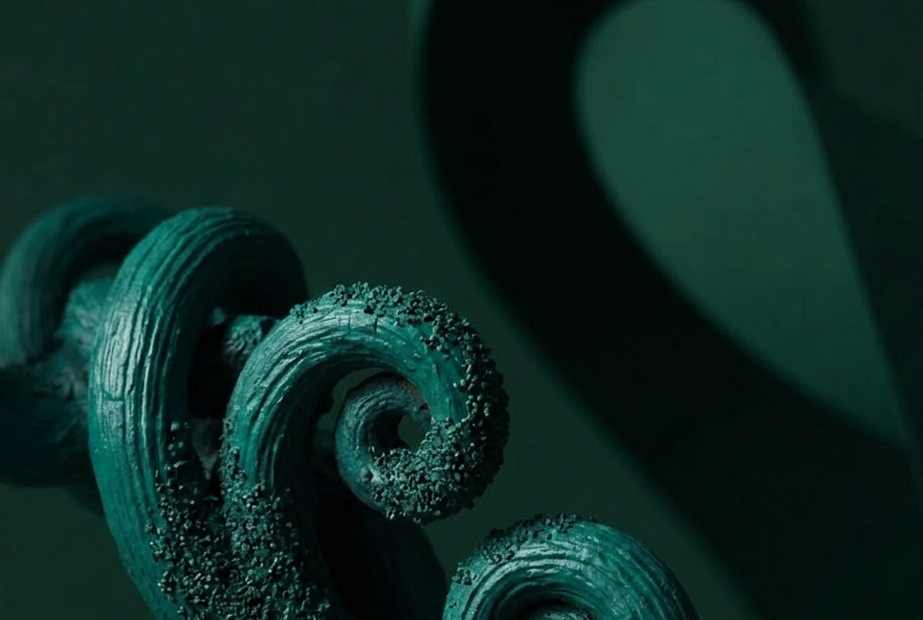
Generate a new jewelry environment from a mood board of three inspiration images.
Upload three reference photos. Nano Banana 2 reads the color palette, lighting, and visual style across all three, then creates a fresh scene that blends those cues. The output is a new environment, not a copy of any input.
Useful when you have a vibe in mind but no single reference that nails it.
How do you create jewelry environments with Nano Banana 2?
Upload three reference images that capture the look you want. Nano Banana 2 analyzes the color, lighting, and styling across all three, then generates a new image that combines those visual cues. Adjust the prompt to steer toward specific materials or moods. Run it and get a fresh scene.
Reference images Pick three that share a vibe but show different angles, framings, or details. Want a warm marble look? Use three warm marble shots with different lighting setups. The model averages across them, so consistent inputs give consistent outputs.
Prompt The default tells Nano Banana 2 to match color, lighting, and visual style from all three inputs. Want to push toward a specific placement? Add it: "place a gold ring on a velvet pedestal" stays inside the established mood. Want to keep it abstract? Leave the prompt as is.
Aspect ratio Set to auto by default, which lets the model pick. Need a specific format for an e-commerce listing or social post? Pick the ratio before running. Square for grid posts, vertical for stories, horizontal for hero shots.
Resolution 1K is the default and fast. Need print quality? Bump it up. The catch: higher resolution takes longer per generation.
Number of images One image per run by default. Set this higher when you want to compare a few options from the same mood board in one go.
Seed Randomized so each run gives a new variation. Lock the seed when you want to iterate on the same composition.
What is a jewelry environment generator good for?
Building visual references for jewelry product photography, e-commerce shoots, and brand mood boards. Best when you have a stack of inspiration images but need a single fresh scene that matches their feel without copying any one of them. Useful for art direction, pre-production planning, and concept work.
Use this to generate background plates for product compositing. Pull three references that match your brand's aesthetic, run the workflow, and you get a clean environment to drop a ring or necklace into. Faster than scouting a real set or building one in 3D.
It also works for pitching looks to a client. Show them three references, then show them the synthesized scene. They see the direction without you committing to a full shoot.
Doing a one-off shot with no reference stack? A regular text-to-image workflow gets you there faster. This one shines when you want consistency across a campaign or collection.
FAQ
What does Nano Banana 2 do with three reference images? It analyzes the shared color palette, lighting direction, and visual style across all three inputs, then generates a new image that blends those qualities. The output is a synthesis, not a copy. The more your three references share a consistent feel, the more focused the result.
Can I use this Nano Banana 2 workflow for products other than jewelry? Yes. The workflow is built around environment style transfer, so it works for any product photography setup. Watches, perfume, skincare, fashion accessories. Swap the references to match your product category and adjust the prompt to steer toward your scene.
How is this different from a regular Nano Banana 2 image-to-image? Regular image-to-image uses one reference. This one pulls from three at once, which gives the model a stronger signal about the look you want. You get less drift toward generic results and more fidelity to your mood board.
What aspect ratio should I use for jewelry product shots? Square for catalog grids and Instagram. Vertical (3:4 or 4:5) for editorial and product detail pages. Horizontal for banners and hero images. Set the aspect ratio before running so the composition is built for that format.
How to run Nano Banana 2 online? You can run Nano Banana 2 online through Floyo. No installation, no setup. Open the workflow in your browser, upload your three references, and hit run. Free to try.
Read more

_1775699601810.png?width=400&height=300&quality=80&resize=cover)